
Tonis Tiganik
Software engineer and builder of ClawTab. Focused on developer tooling, AI agent automation, and making macOS a better platform for running multi-provider coding agents.
Articles
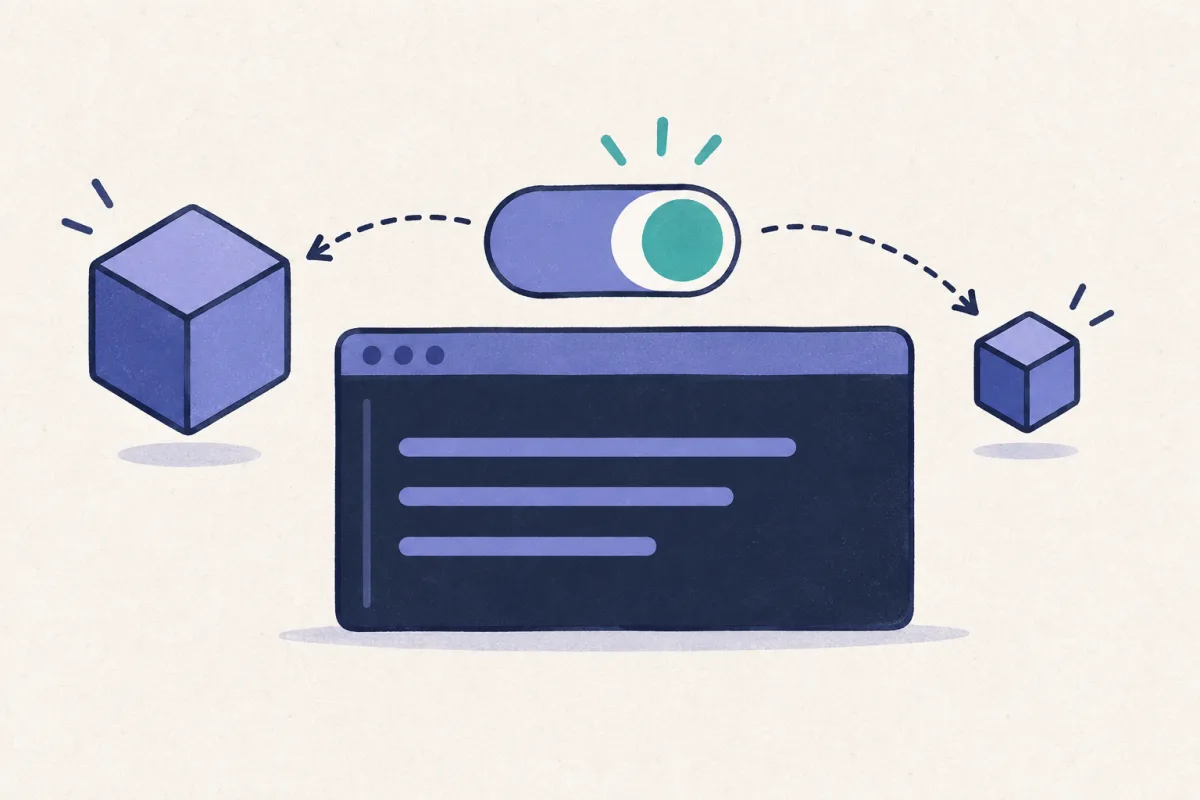
Switch Codex Models Without Losing Your Draft
Use ClawTab to change a running Codex session's model and reasoning effort while keeping an unfinished prompt. Includes an Option-L workflow and CLI examples.
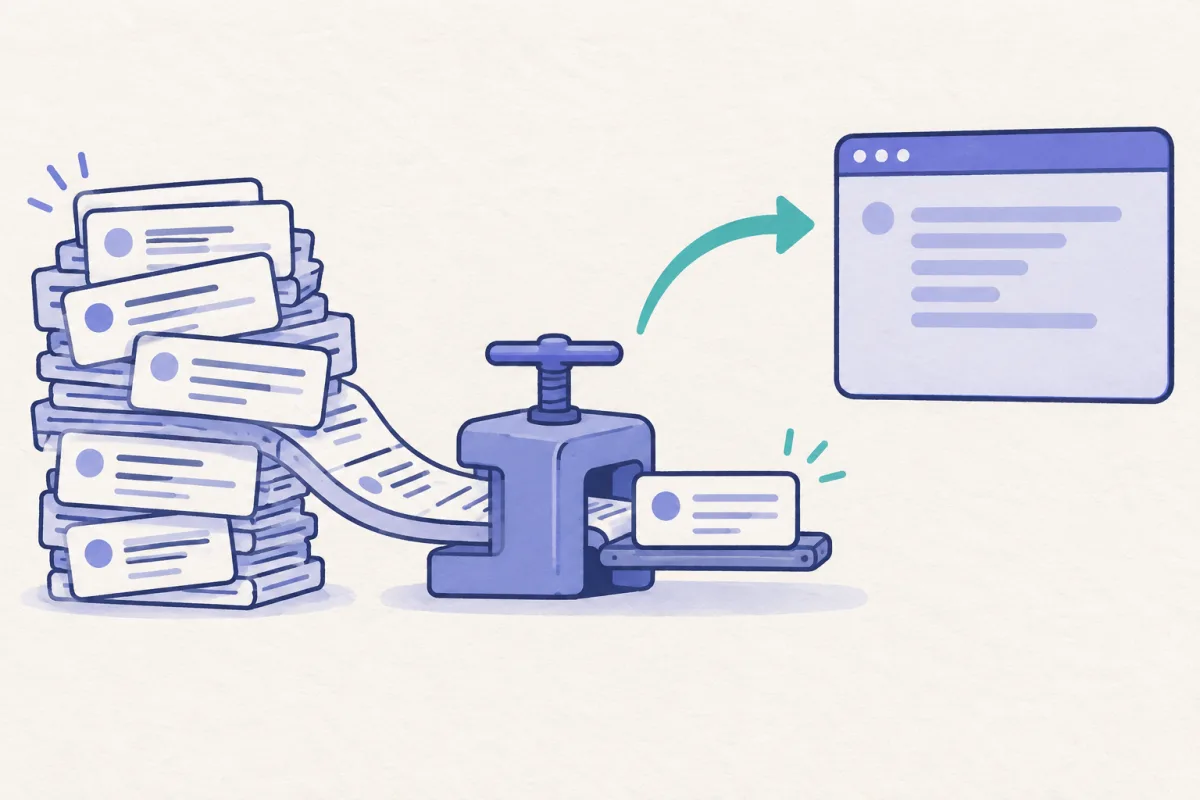
Cheap Compact: Change Models for Codex Compaction, Then Switch Back
A practical ClawTab guide to temporarily selecting a compaction model, running /compact, and restoring your working model and unfinished draft.
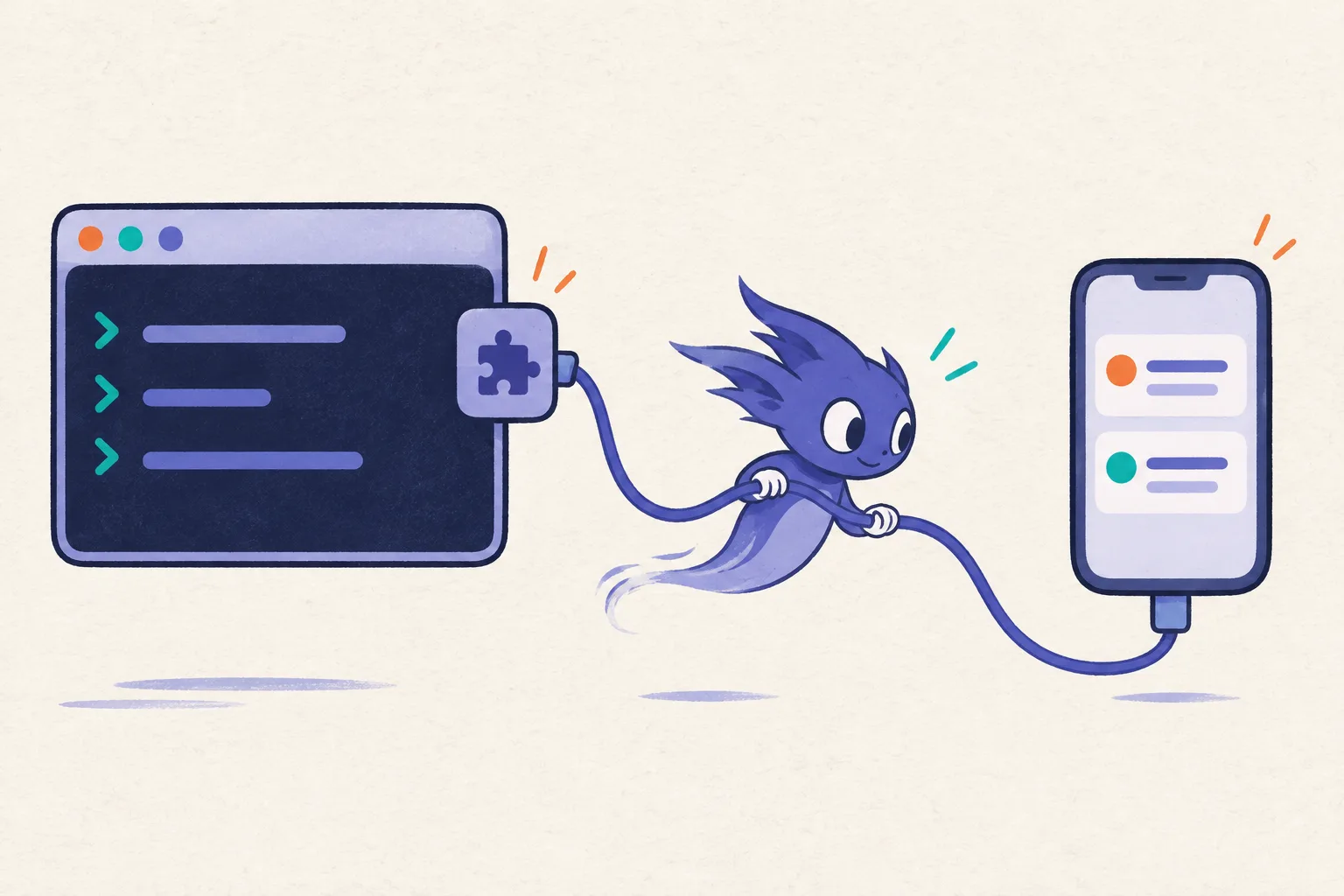
ClawTab September Update: Agent Plugins, Model Controls, and Mobile Fixes
Since 0.5.9: local agent plugins, draft-aware Codex model switching, weekly usage pace, and fixes for mobile notifications and terminals.
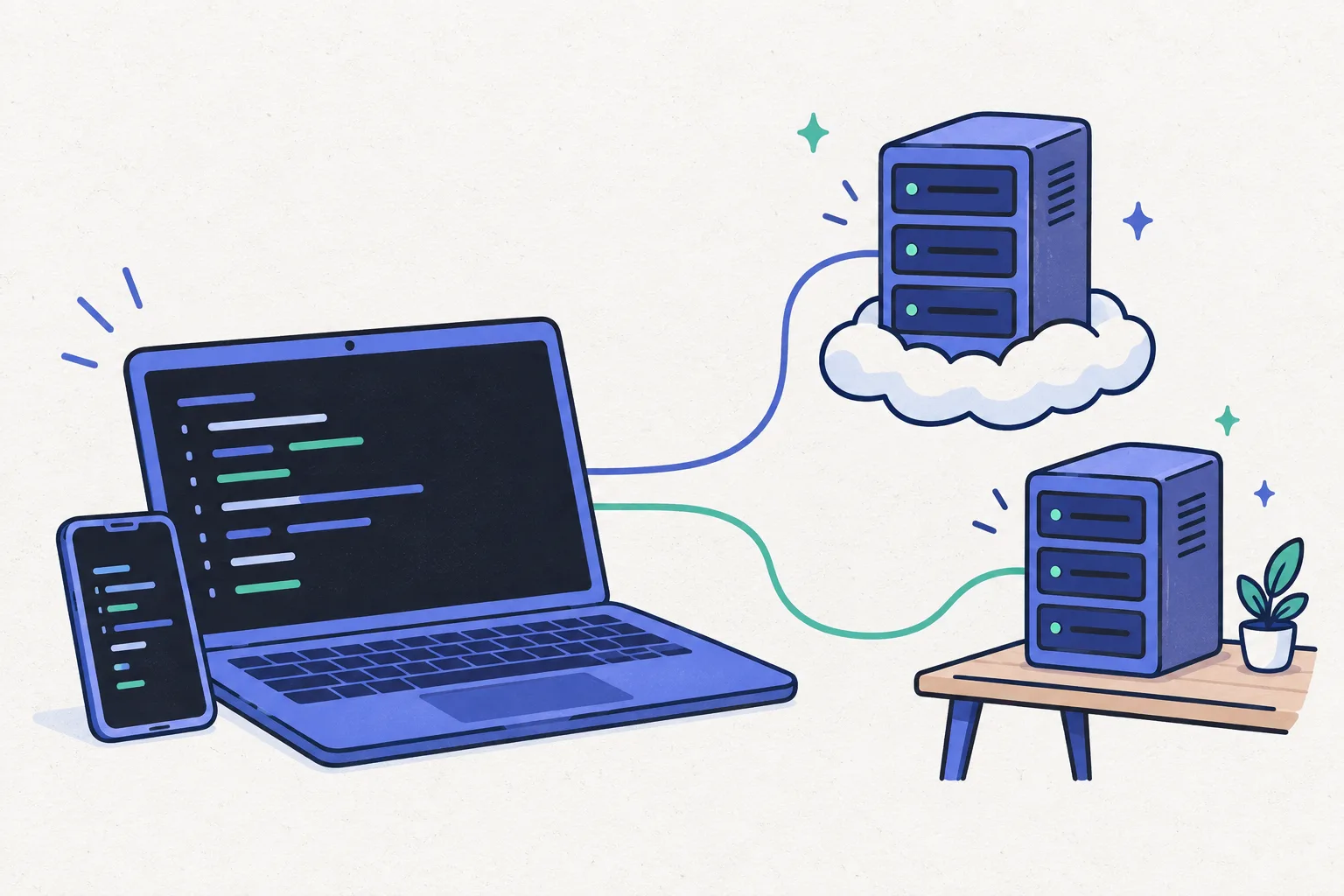
ClawTab Machines: Linux Hosts Today, Rented Boxes Next
Manage Linux agent hosts alongside your Mac with clearer pairing, status, and terminal controls. Preview upcoming preconfigured Hetzner boxes in the same workflow.
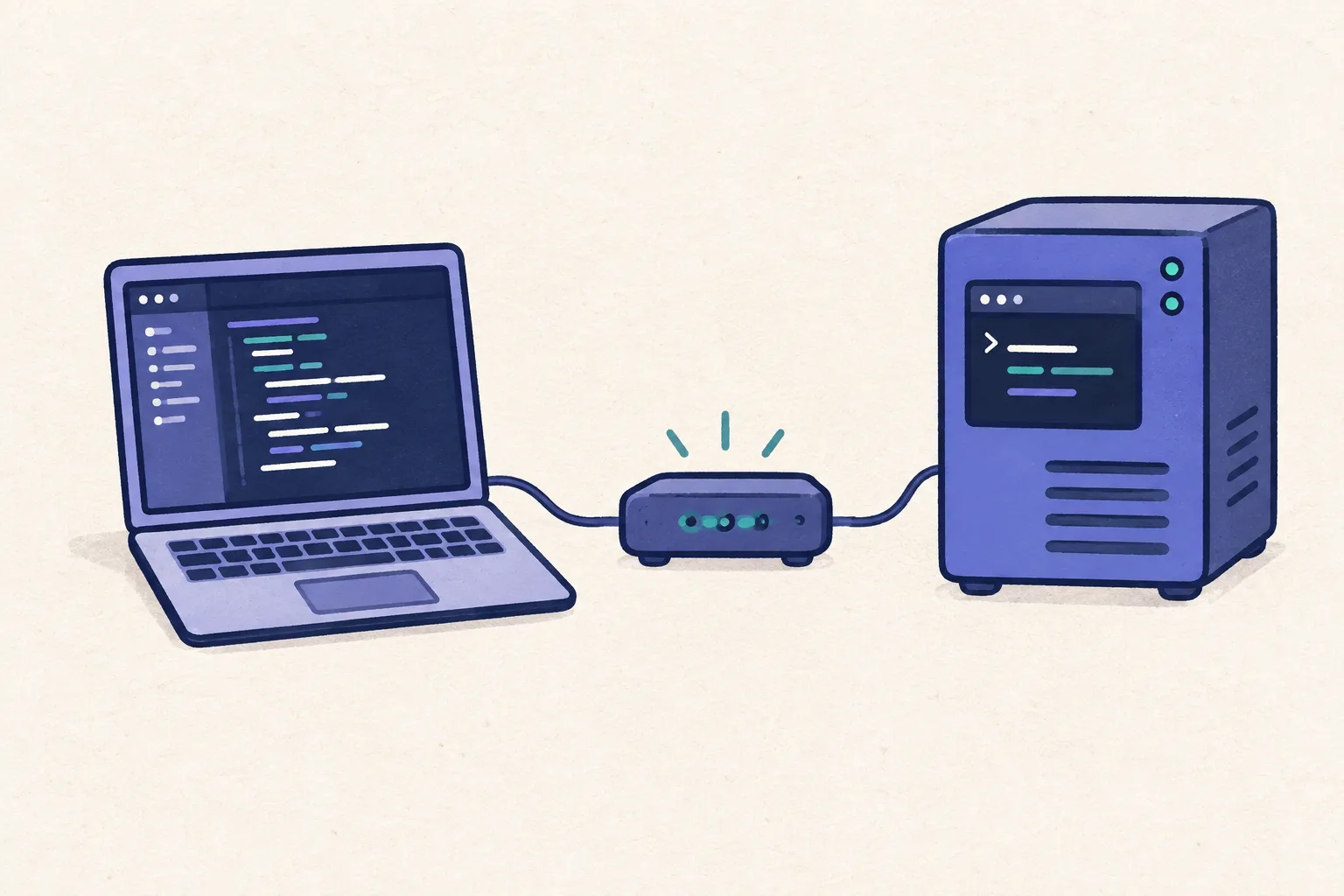
Set Up a Linux Machine for ClawTab Agents
Install one ClawTab daemon on Linux, pair it, and run agents from desktop or mobile. Includes systemd, Kubernetes, credentials, and file transfers.
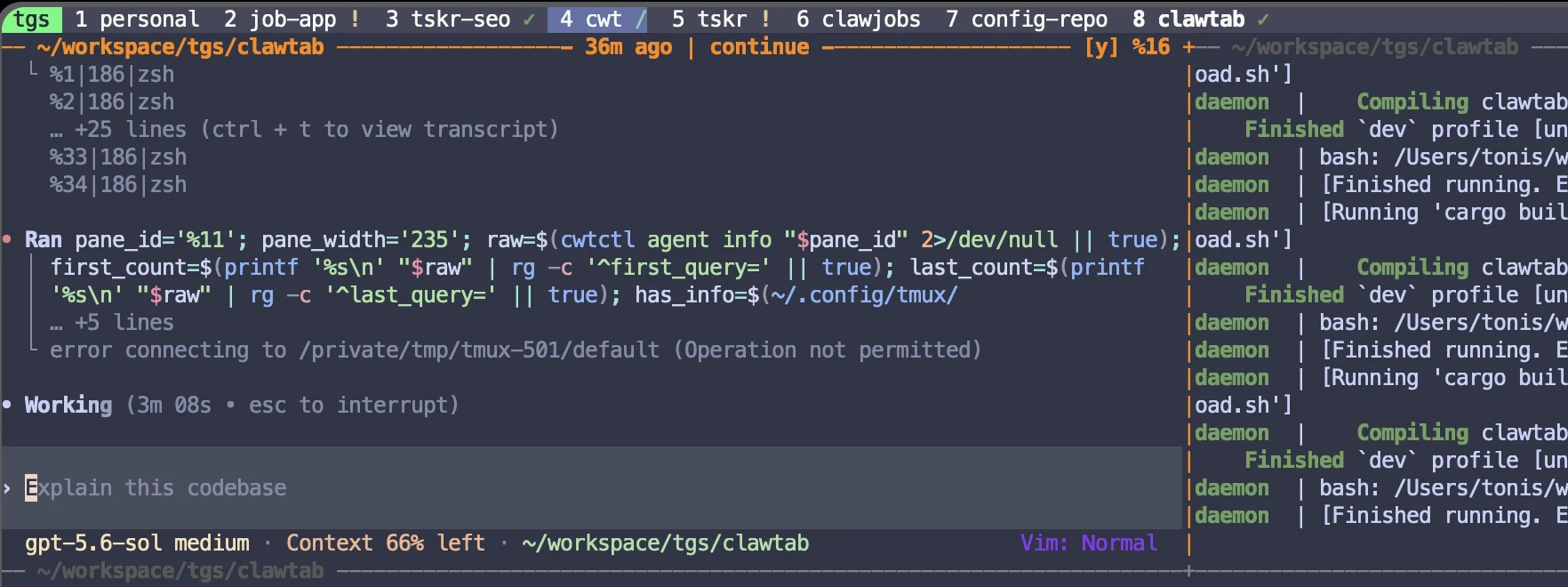
tmux AI Agent Status Bar vs Sidebar: Working, Waiting, and Idle
Compare a tmux agent status bar with a sidebar. Show working, waiting, and idle state for Claude Code, Codex, and OpenCode without replacing your tmux layout.
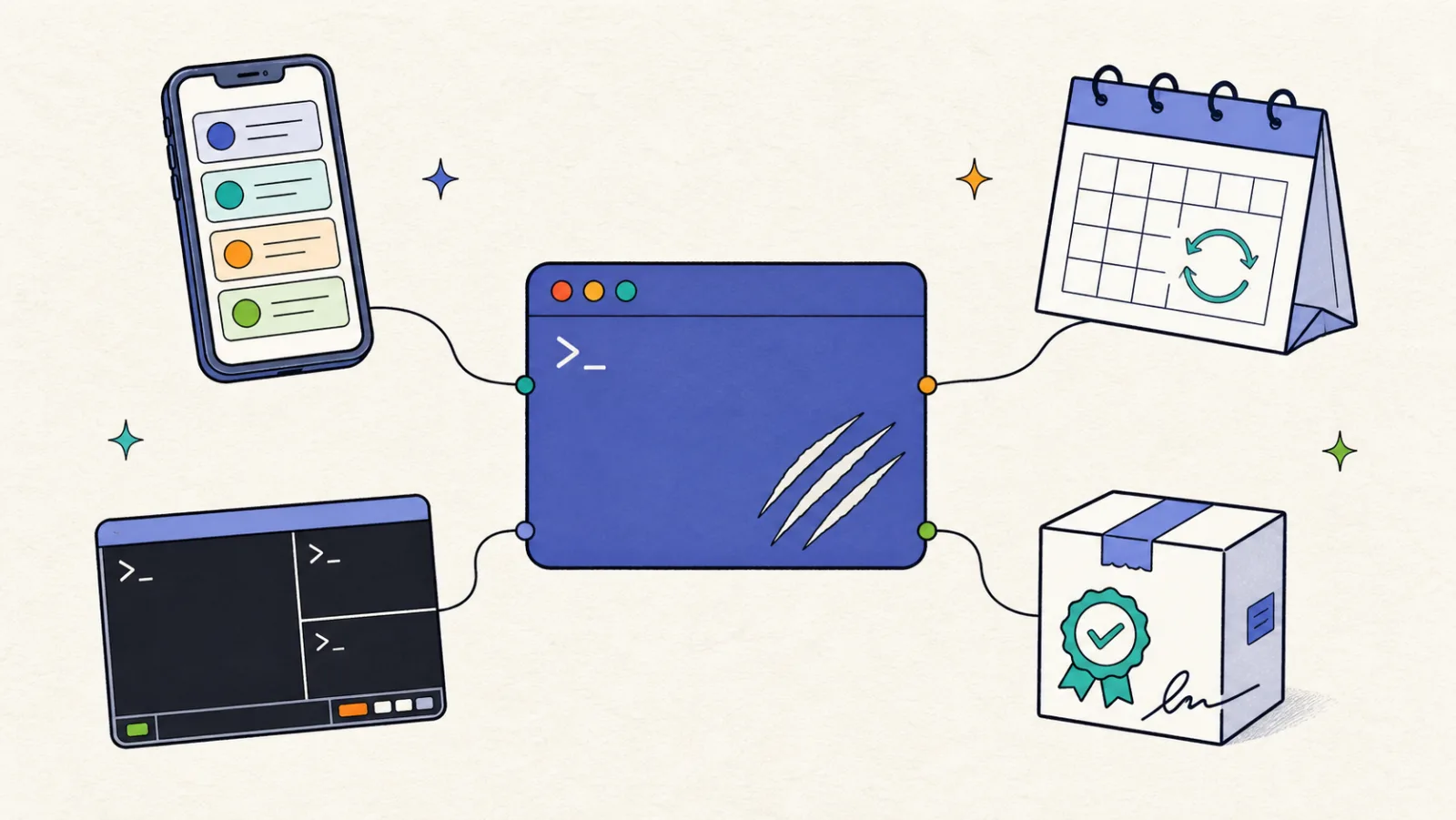
ClawTab 0.5.9: Remote Agents, Recurring Schedules, and Better tmux Control
ClawTab 0.5.0 through 0.5.9 adds live remote agent activity, calendar recurrence, a stronger tmux control surface, richer agent context, and more reliable macOS builds.
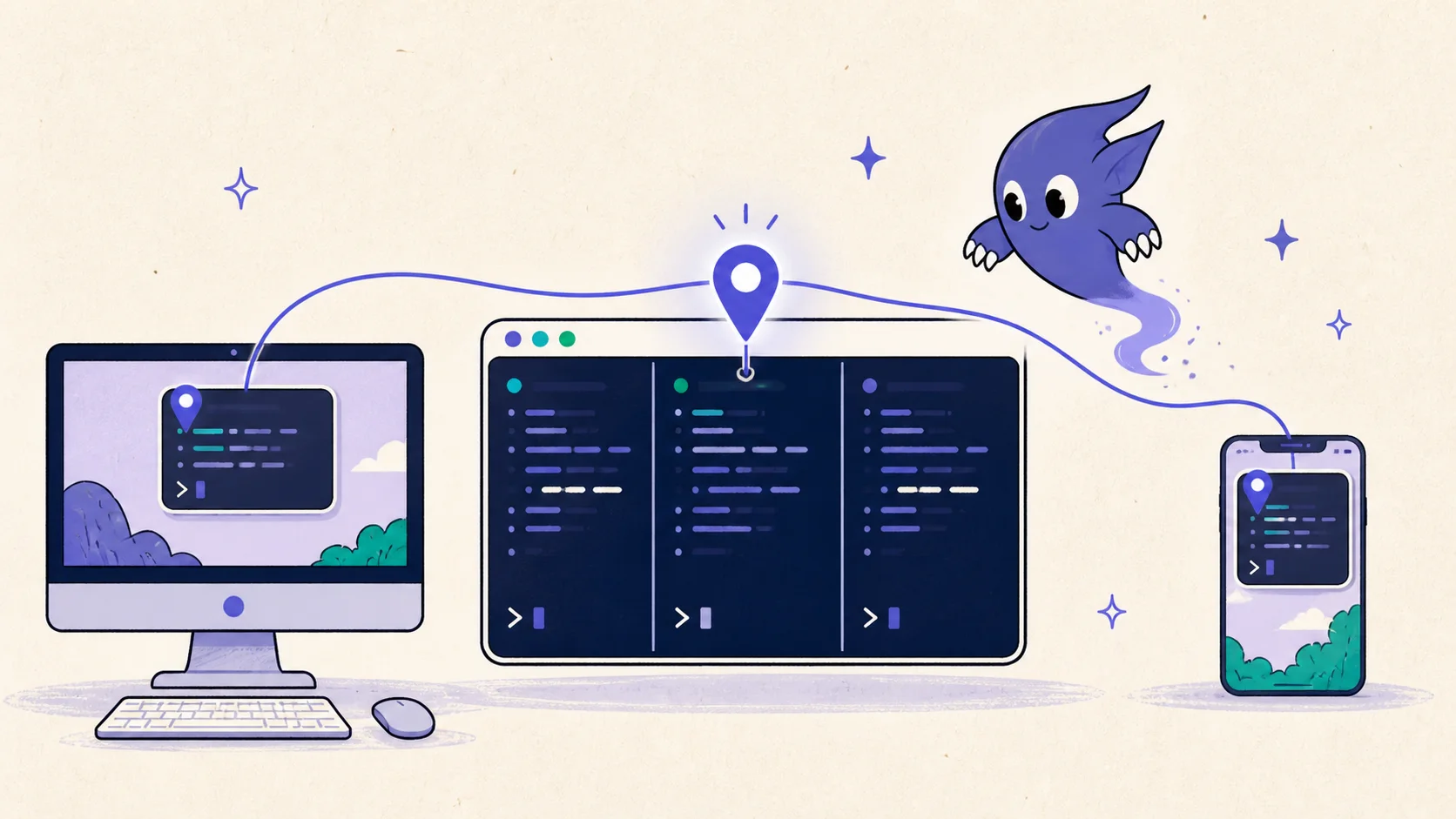
Continue AI Agent Workflows Across tmux, Desktop, Web, and Mobile
Pin a Claude Code, Codex, OpenCode, or shell pane once and keep it prioritized across cwtctl, ClawTab desktop, web, and mobile without moving or restarting the agent.
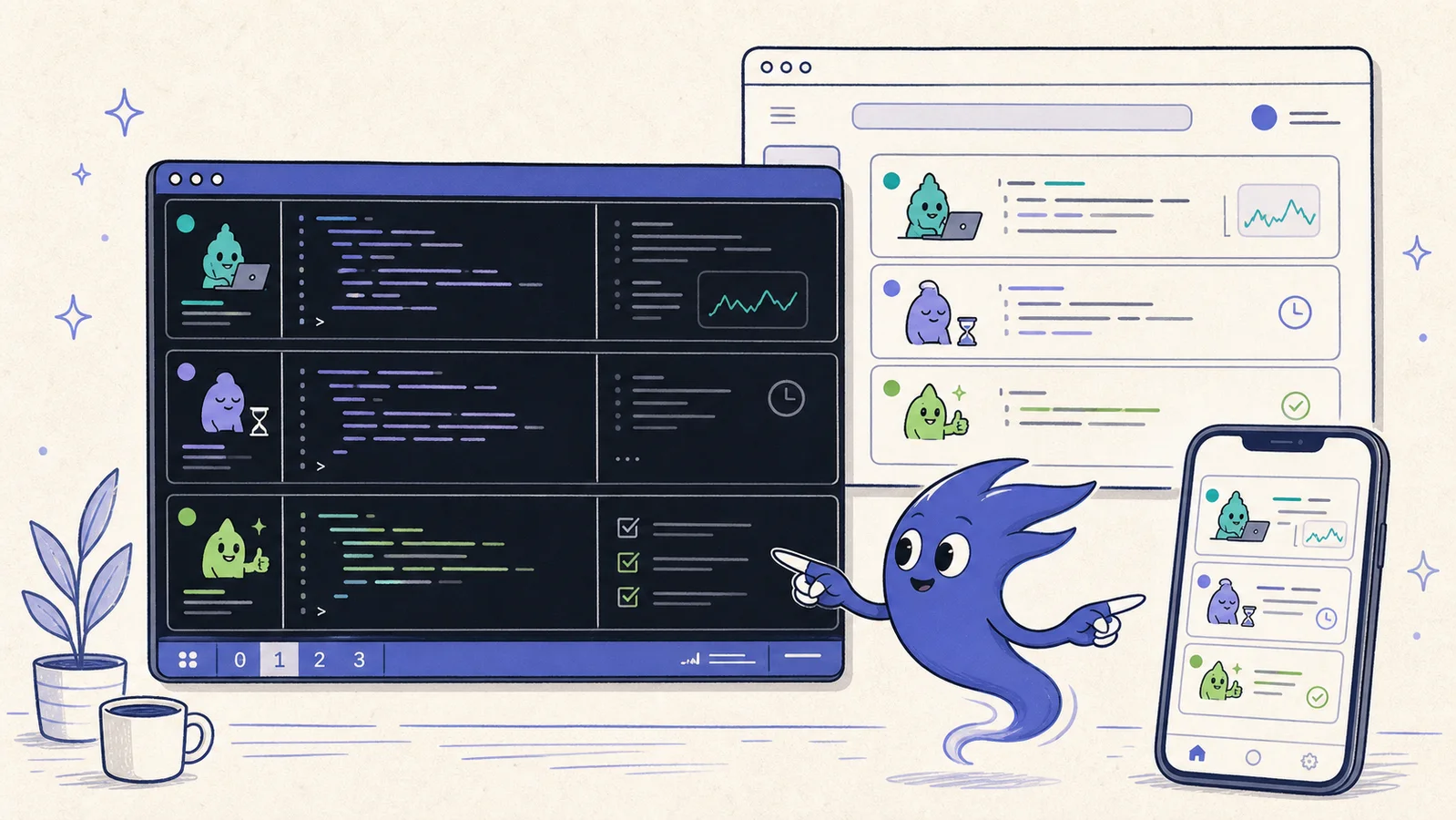
AI Coding Agent Dashboards Compared: tmux, Worktrees, and Mobile Control
Compare ClawTab, dmux, workmux, webmux, AgentDock, and Agent of Empires for tmux sessions, Git worktrees, agent status, notifications, mobile control, and recovery.
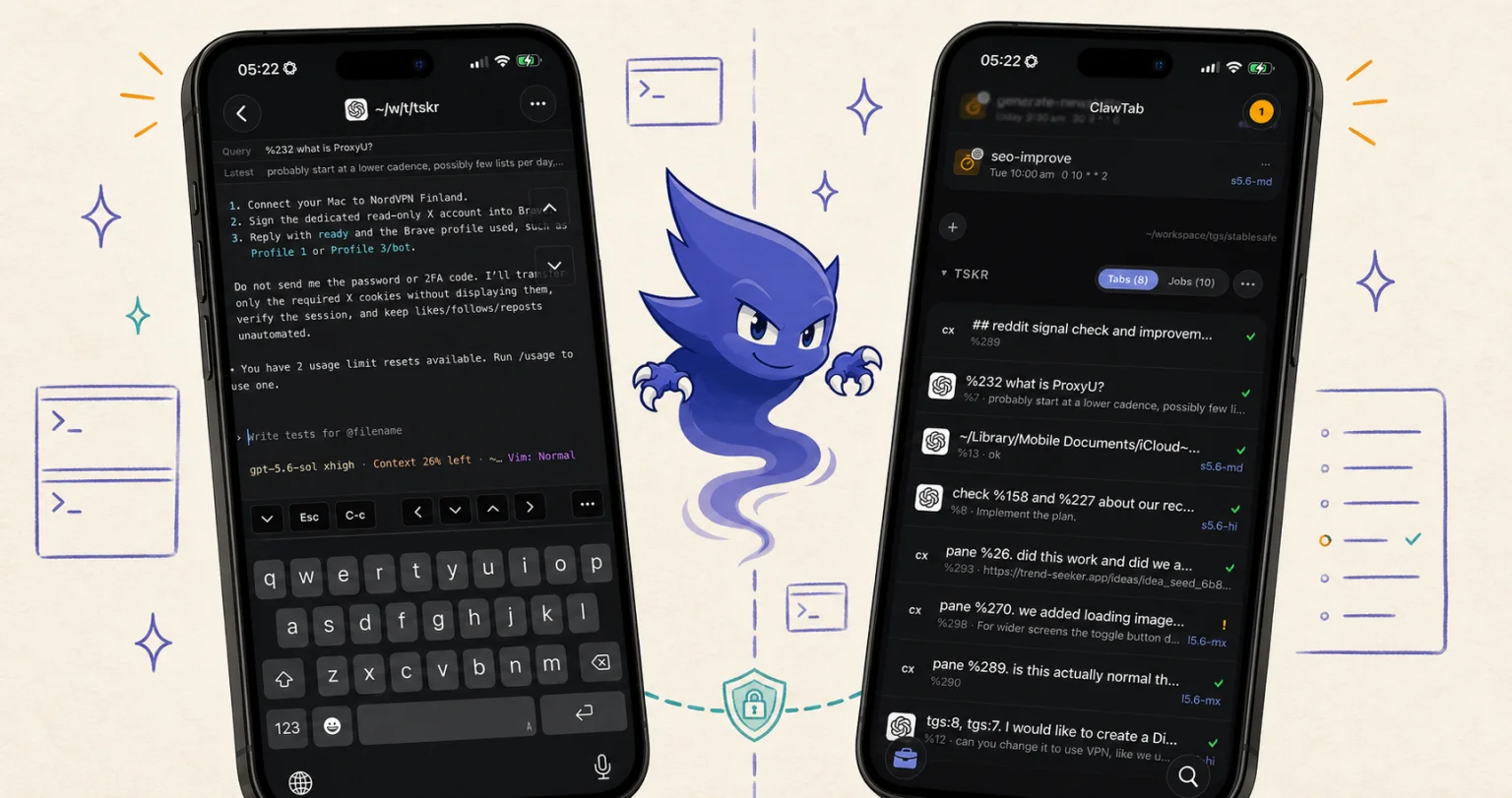
Codex CLI Remote Control: Phone, SSH, and tmux Setup
Control Codex from a phone with ChatGPT desktop pairing or experimental Codex CLI pairing. See the commands, SSH option, and how to reach an existing tmux pane.
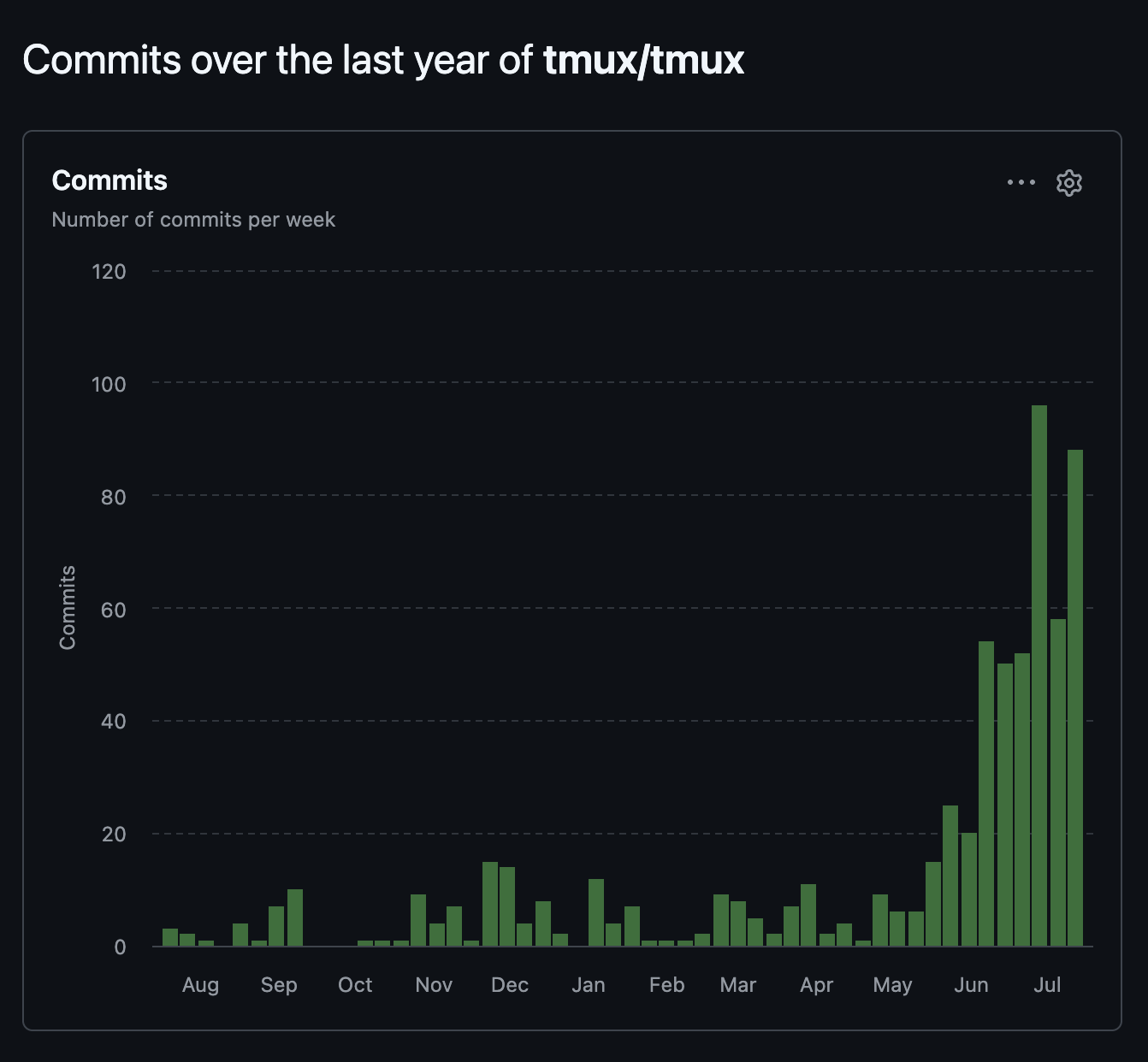
Why tmux Is a Good AI Agent Manager
tmux gives coding agents durable terminals, scriptable pane creation, stable pane IDs, and a way to send commands or restart services without replacing the tools developers already use.
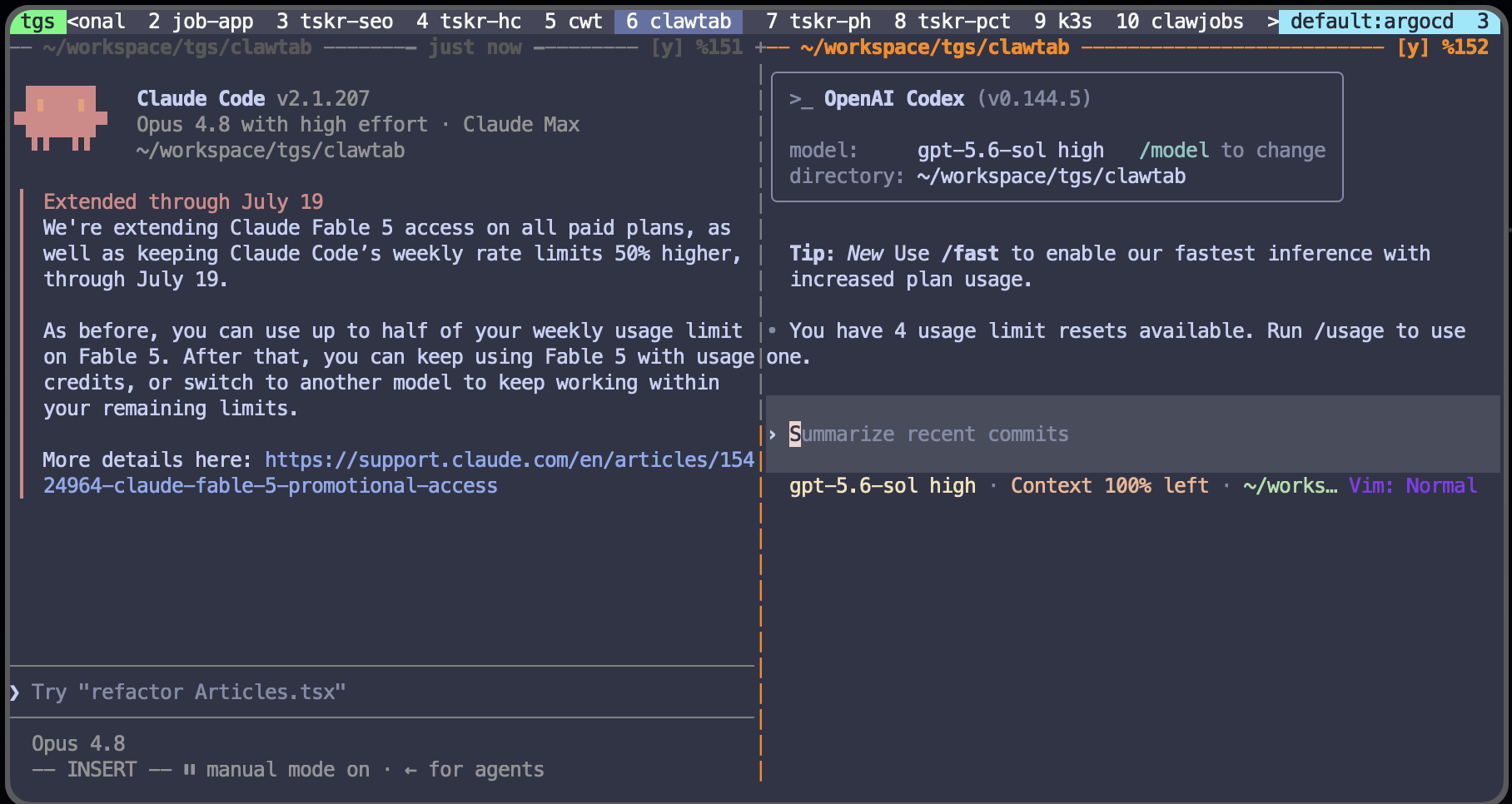
Run Claude Code and Codex CLI in tmux Without File Conflicts
Run Codex CLI and Claude Code in tmux with one writer per Git worktree. Prevent file conflicts and build a safe parallel-agent review workflow.
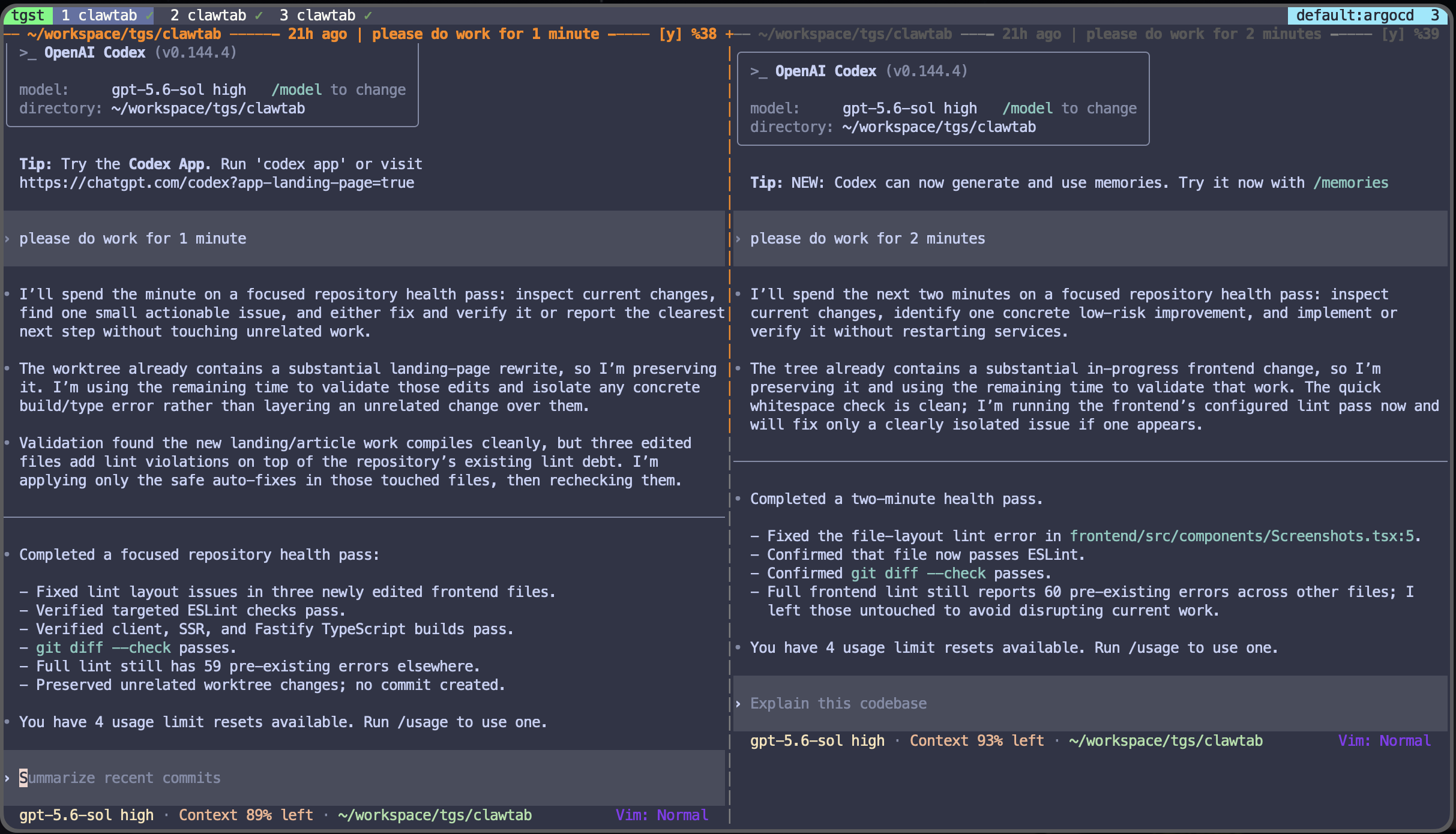
Two Weeks Rebuilding ClawTab Around a Daemon and tmux
How ClawTab made tmux the durable workspace for Claude Code, Codex, and OpenCode: a headless daemon, coherent PTY views, live agent state, useful pane titles, and control from terminal, phone, or GUI.
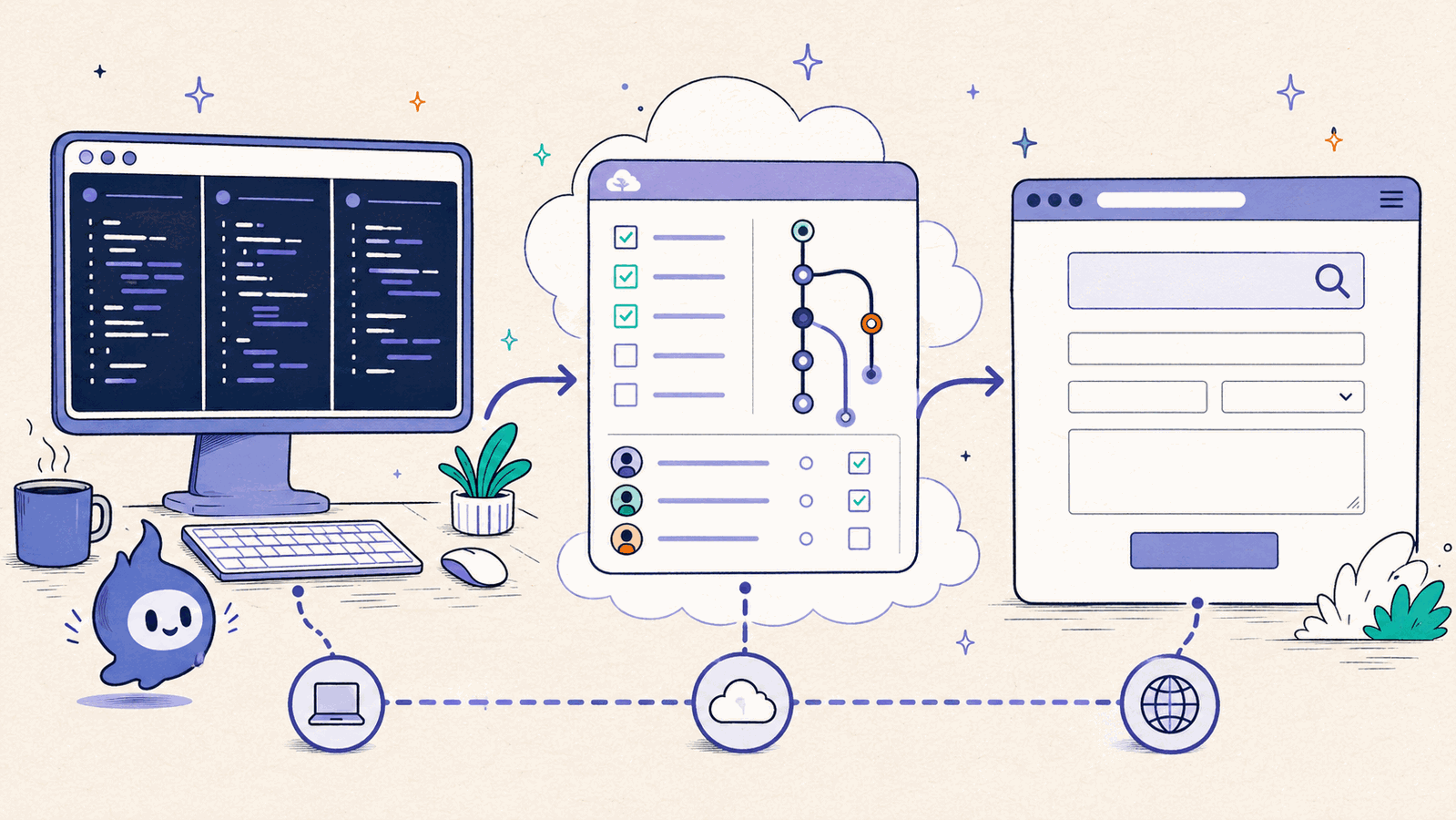
Local vs Cloud AI Coding Agents: Claude Code, Codex, GitHub
Updated comparison of local terminals, remote-controlled sessions, desktop worktrees, cloud tasks, GitHub agents, browser runtimes, and hybrid coding workflows.
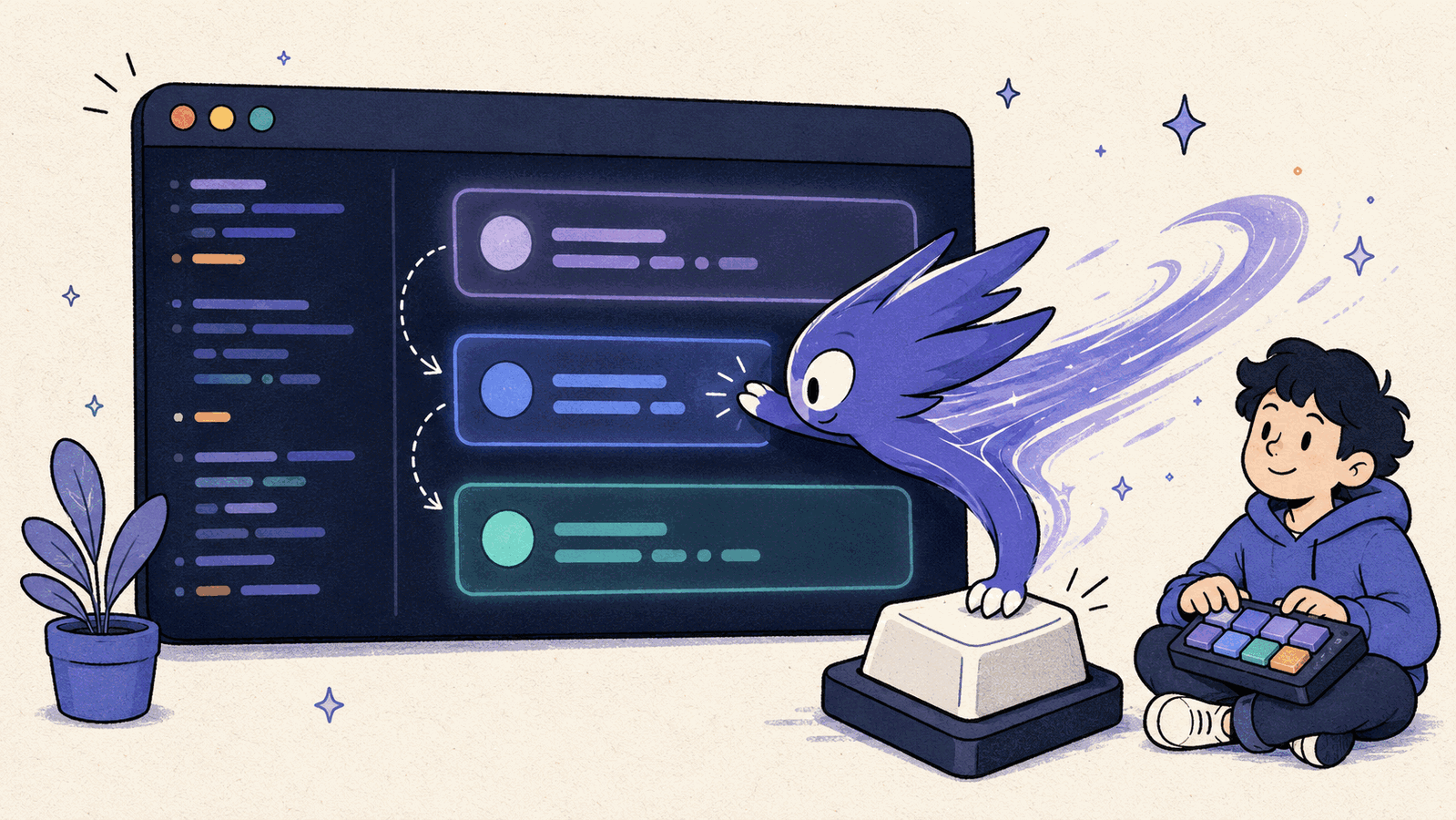
Quickly Switch Codex Models With Hammerspoon (Claude Code, Too)
Use one Hammerspoon shortcut to open Codex's /model picker, choose Terra or Luna, and set reasoning effort. The same keystroke macro pattern works with Claude Code, too.
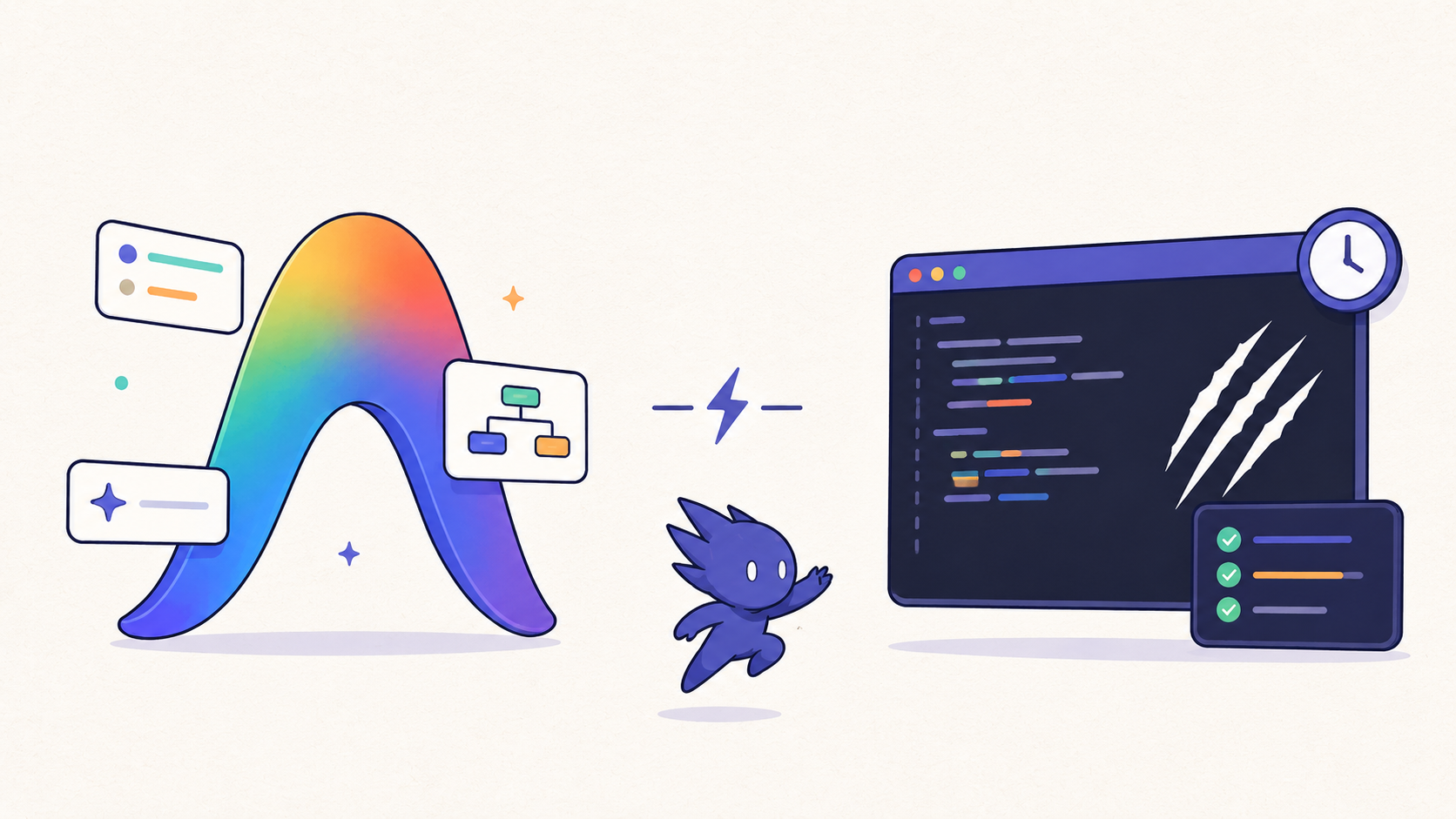
Google Antigravity vs ClawTab: Agent Manager View or Local tmux Control Center?
Compare Google Antigravity's agent-first Manager view with ClawTab's local tmux control center for Claude Code, Codex, OpenCode, session restore, mobile approvals, and scheduled agents.
Restore Claude Code, Codex, and OpenCode Sessions in tmux
How to restore exact Claude Code, Codex, and OpenCode conversations after a tmux restart. Use tmux-resurrect for panes, then ClawTab session ids for claude -r, codex resume, and opencode -s.
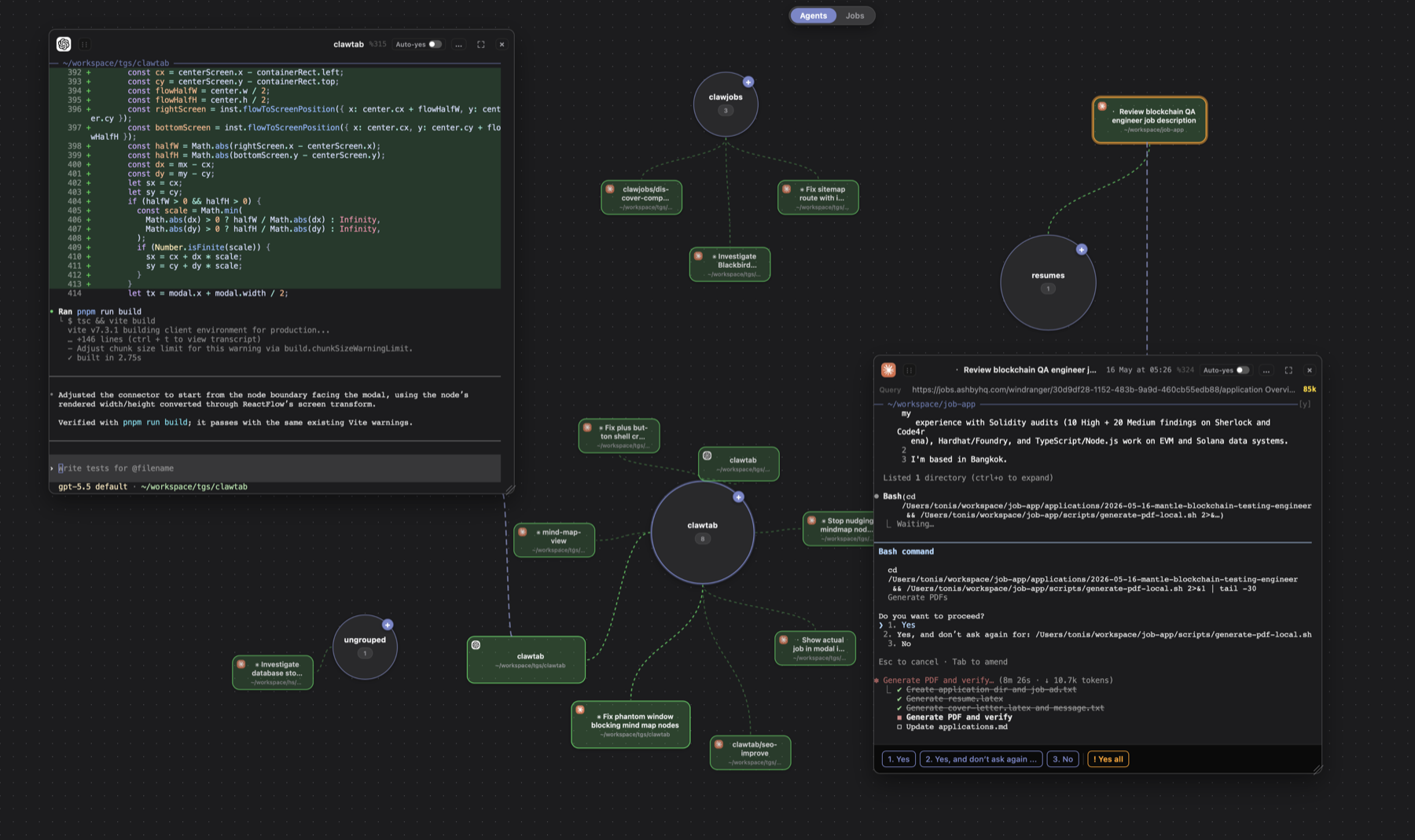
AI Agent Dashboard for Claude Code, Codex, OpenCode, and tmux Jobs
Use ClawTab's Mind Map as an AI coding agent dashboard for Claude Code, Codex, OpenCode, and scheduled tmux jobs. See active agents, permission prompts, recency, live terminals, and job status on one canvas.
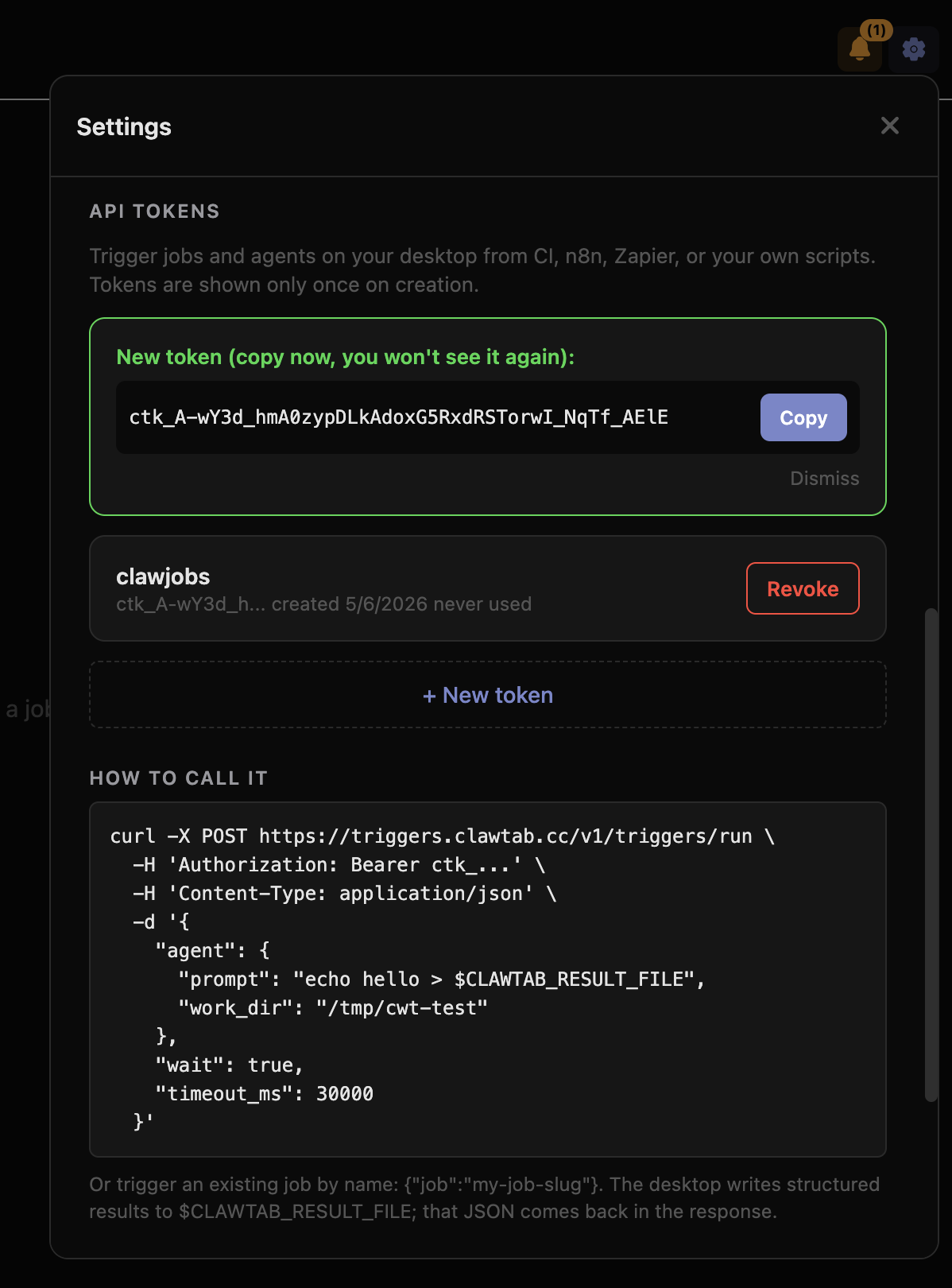
Trigger Your Local Browser From Anywhere: API-Driven Web Scraping With Real Cookies
Run web scraping and browser automation jobs on your Mac via a simple REST API. ClawTab triggers execute your local Chrome with its real cookies and session - bypassing bot detection on LinkedIn, Twitter, and other gated sites that block server-side scrapers.
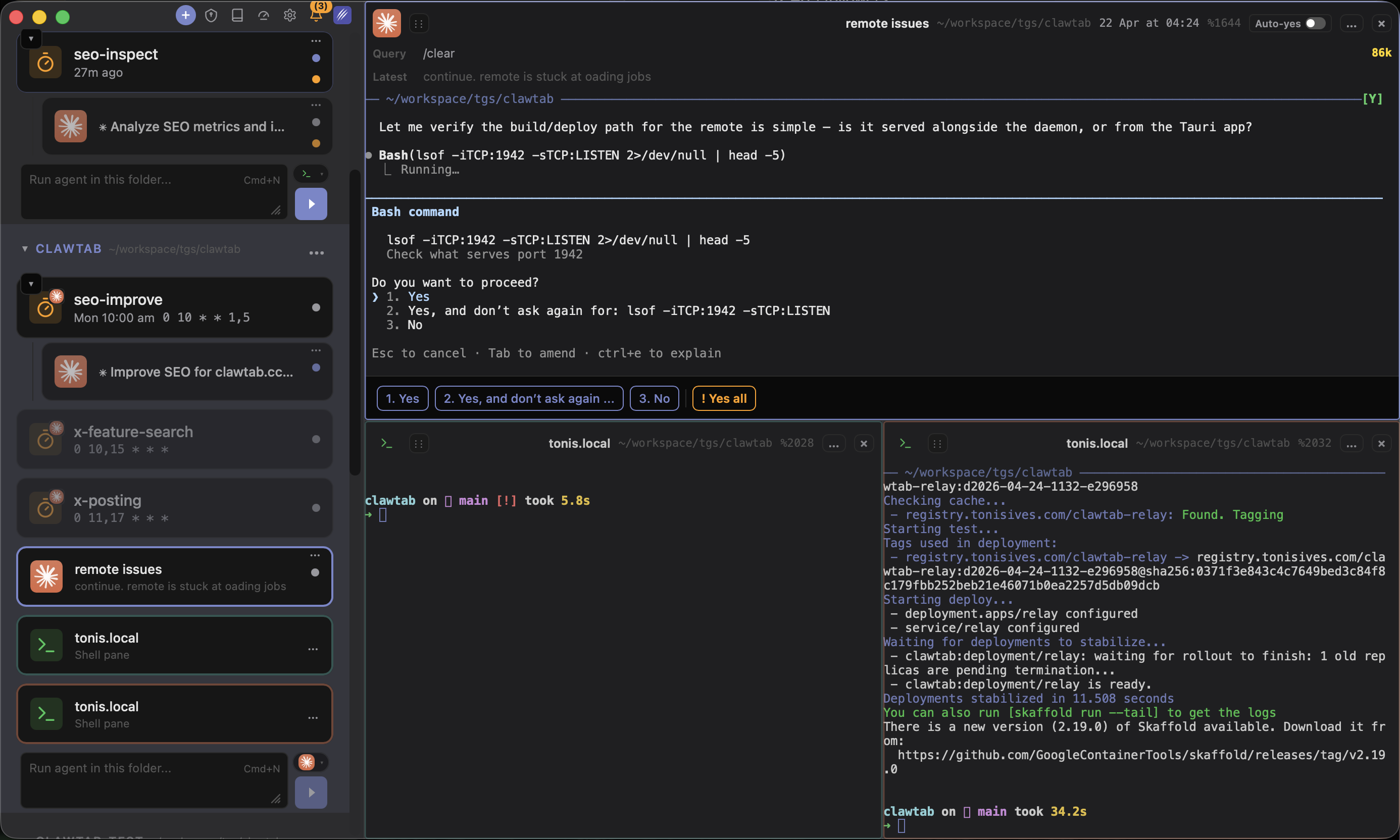
ClawTab Workspaces: One Split Layout Per Group, Zero Context Switching
Every sidebar group in ClawTab is now its own independent workspace with its own split tree, focused pane, and layout. Switch between seo-inspect, a client repo, and your relay debugging session with a single click - no lost panes, no remounted terminals, no broken tmux sessions.
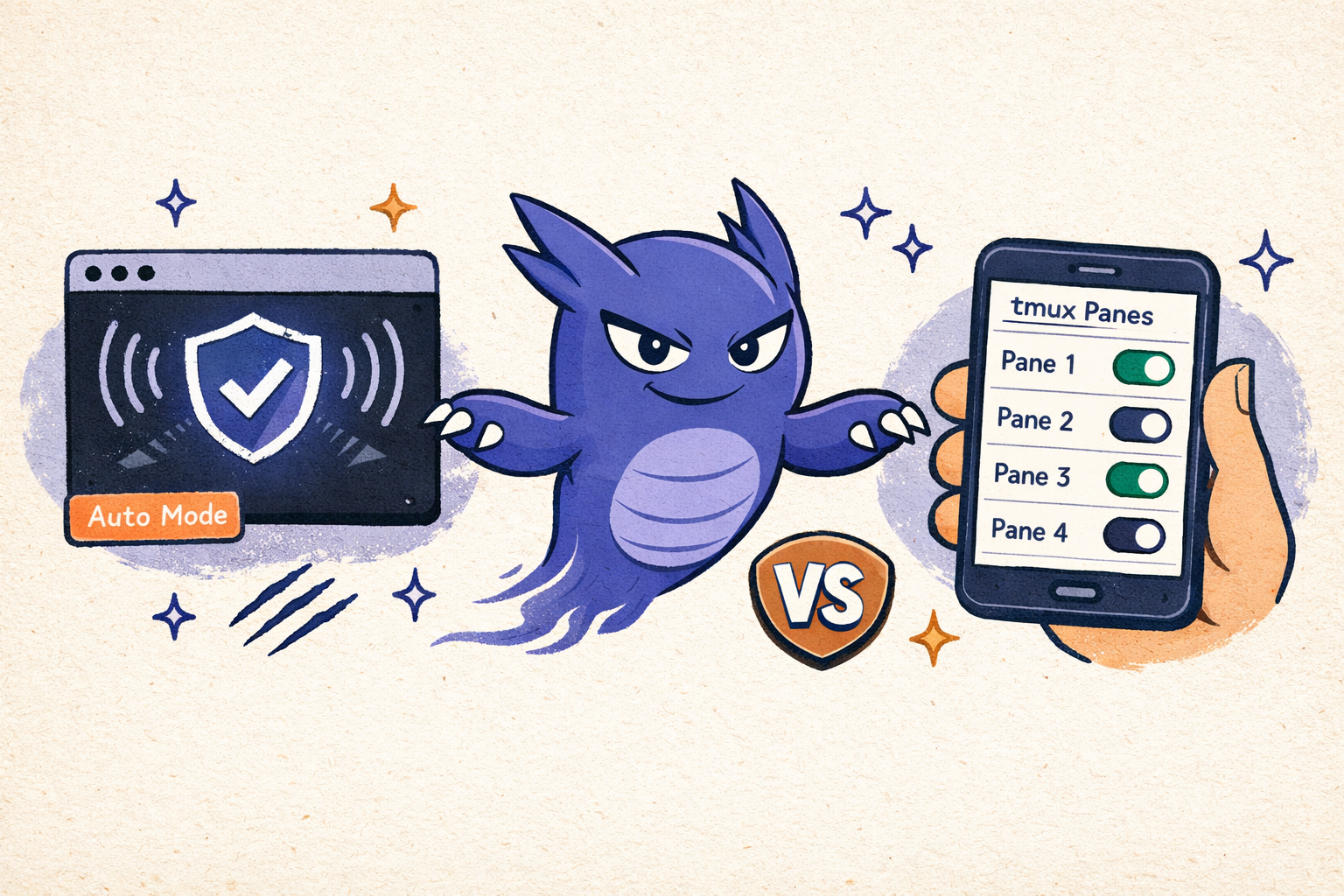
Claude Code Auto Mode vs Auto-Yes: Which Permission System Should You Use?
Claude Code auto mode (Team plan, AI safety classifier) vs ClawTab auto-yes (free, per-pane, phone-controlled). Both let AI agents run unattended — but they work differently. Here's when to use each and how to combine them.
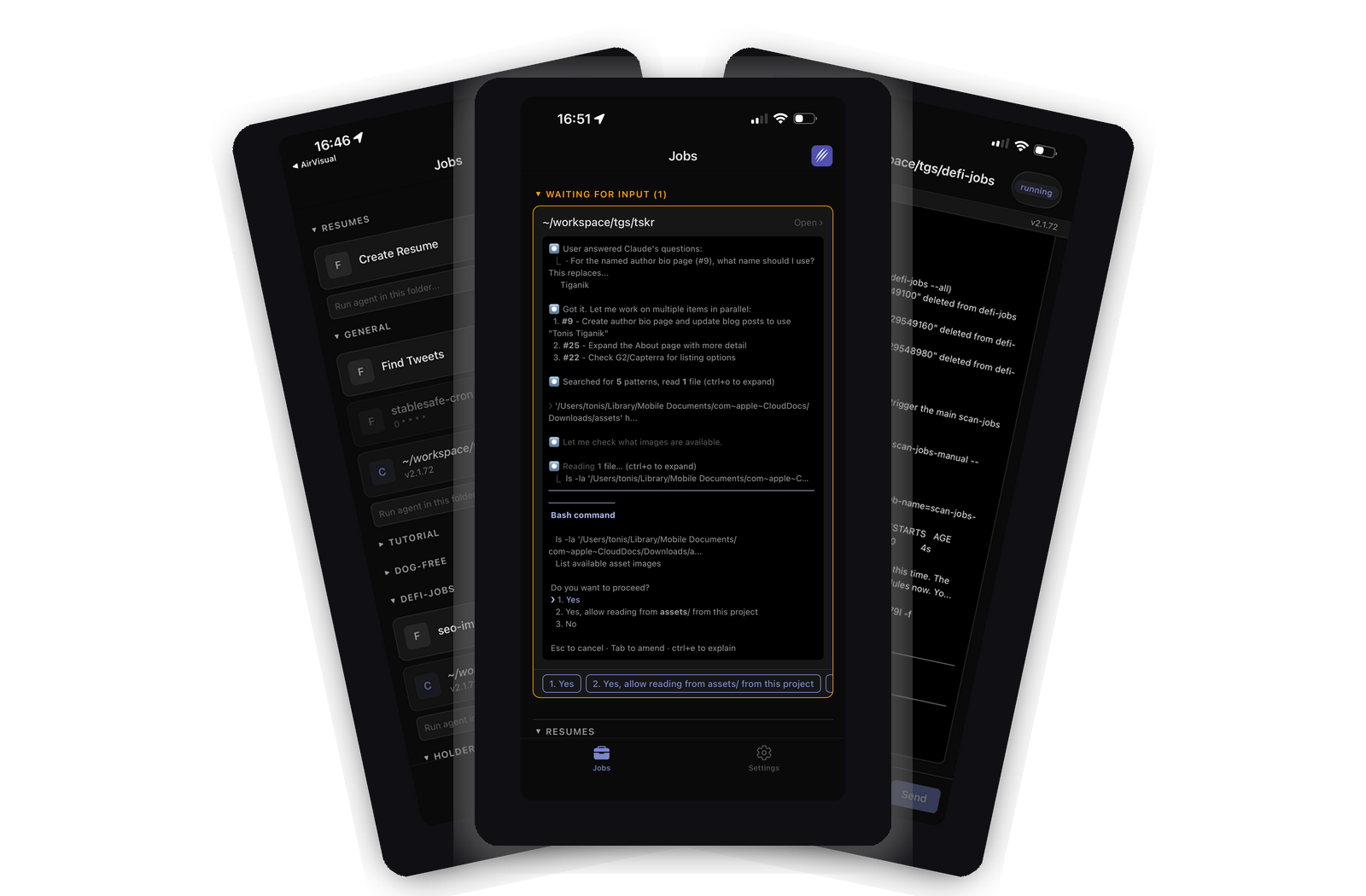
ClawTab Is Now on the App Store
The ClawTab mobile companion app is now available on the iOS App Store. Monitor your Claude Code agents, answer permission prompts, enable auto-yes, and get push notifications - all from your iPhone.
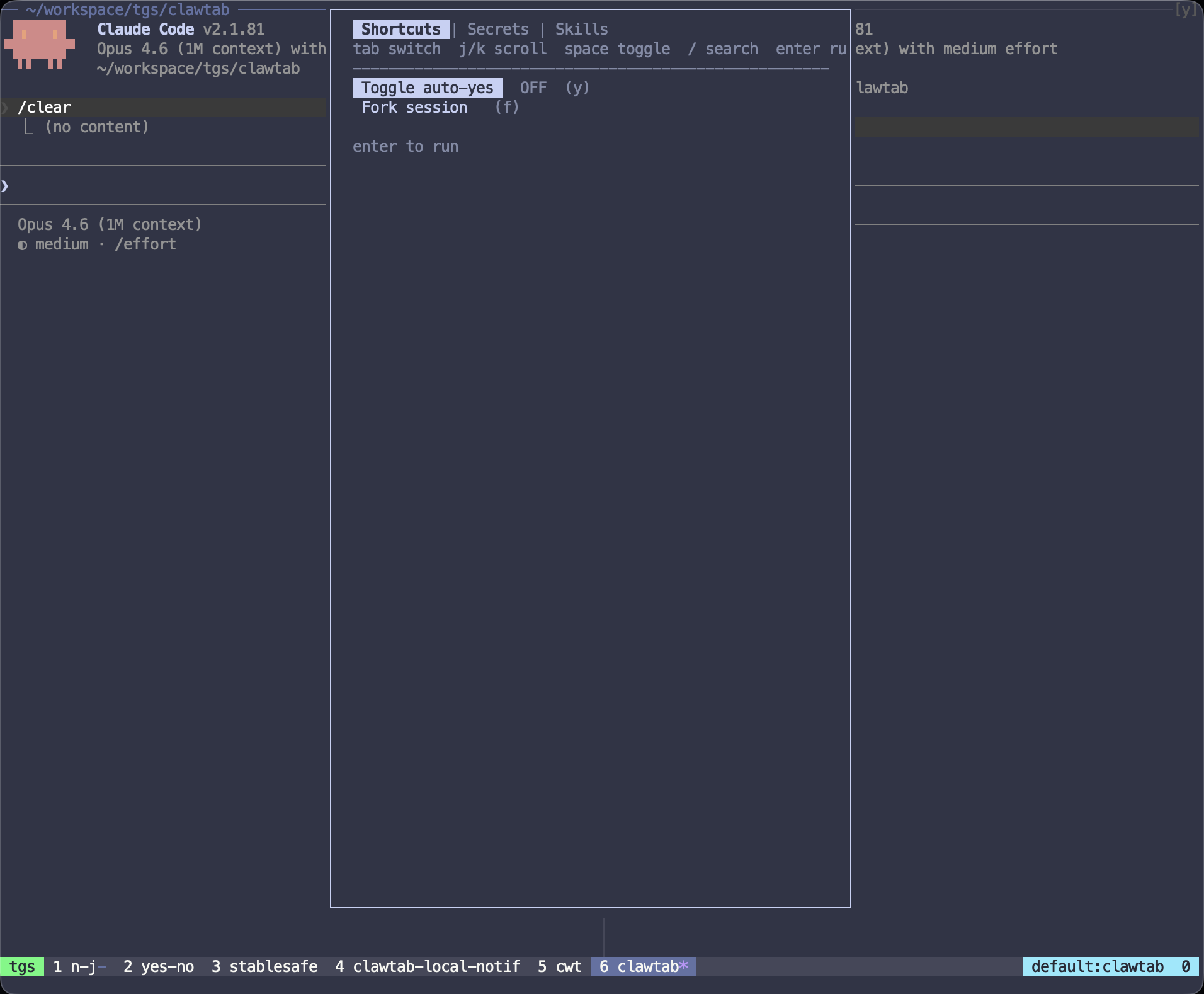
Claude Code tmux Plugin: Auto-Yes, Forking, and Secrets
Install the ClawTab Claude Code tmux plugin to toggle auto-yes, fork sessions, inject secrets, and search skills without leaving the terminal.
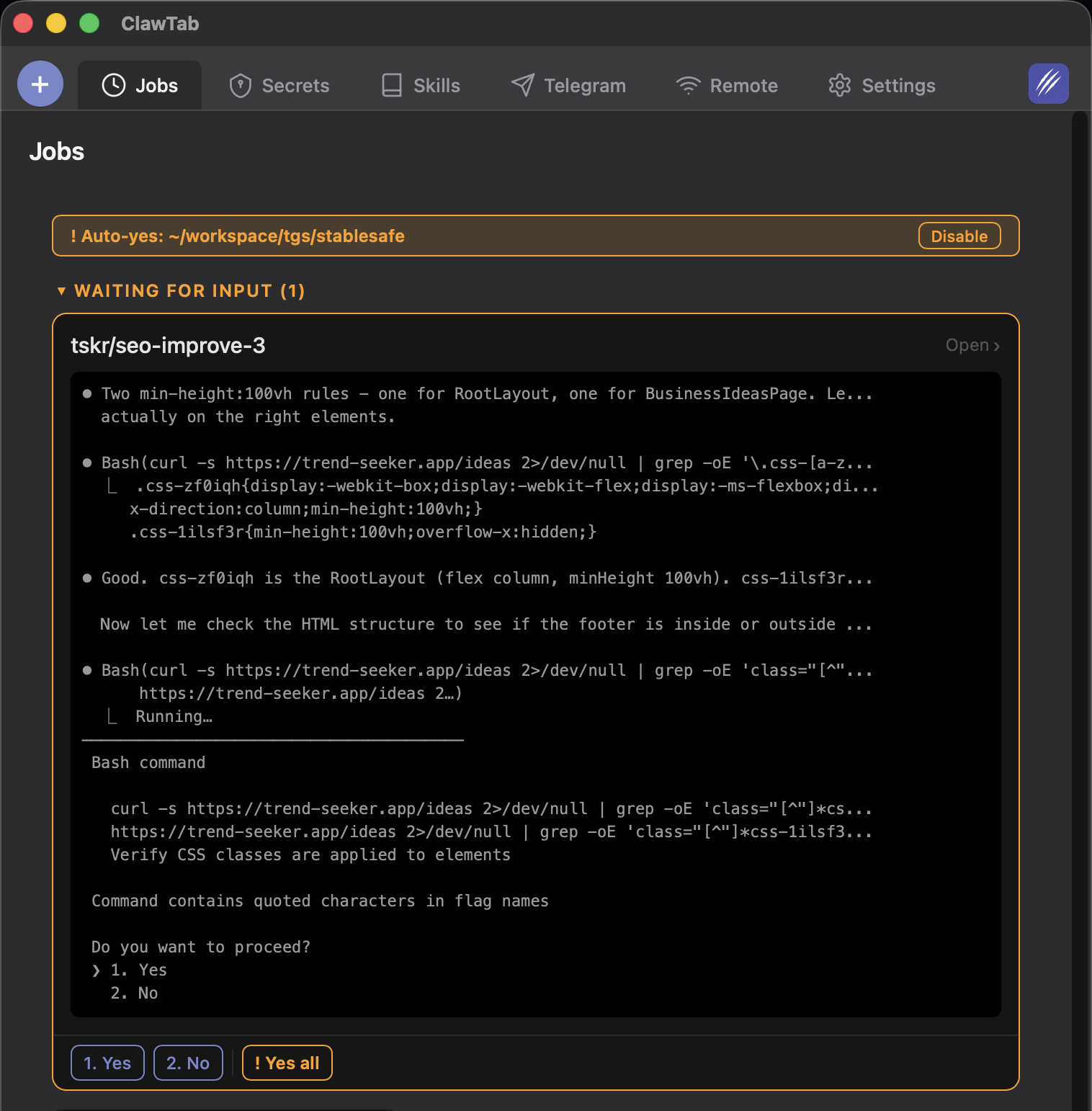
OpenCode Auto Mode and Auto-Yes for Claude Code & Codex
Enable OpenCode auto mode with --auto, or auto-approve OpenCode, Claude Code, and Codex prompts per tmux pane from your phone, desktop, or CLI.
Share Claude Code Sessions With Your Team: Read/Write Access, No Terminal Required
Give teammates live read or write access to running Claude Code agents. Answer permission prompts, toggle auto-yes, stream logs from any phone or browser - the simplest way to pair on a Claude Code session without screen-sharing or shared terminals.
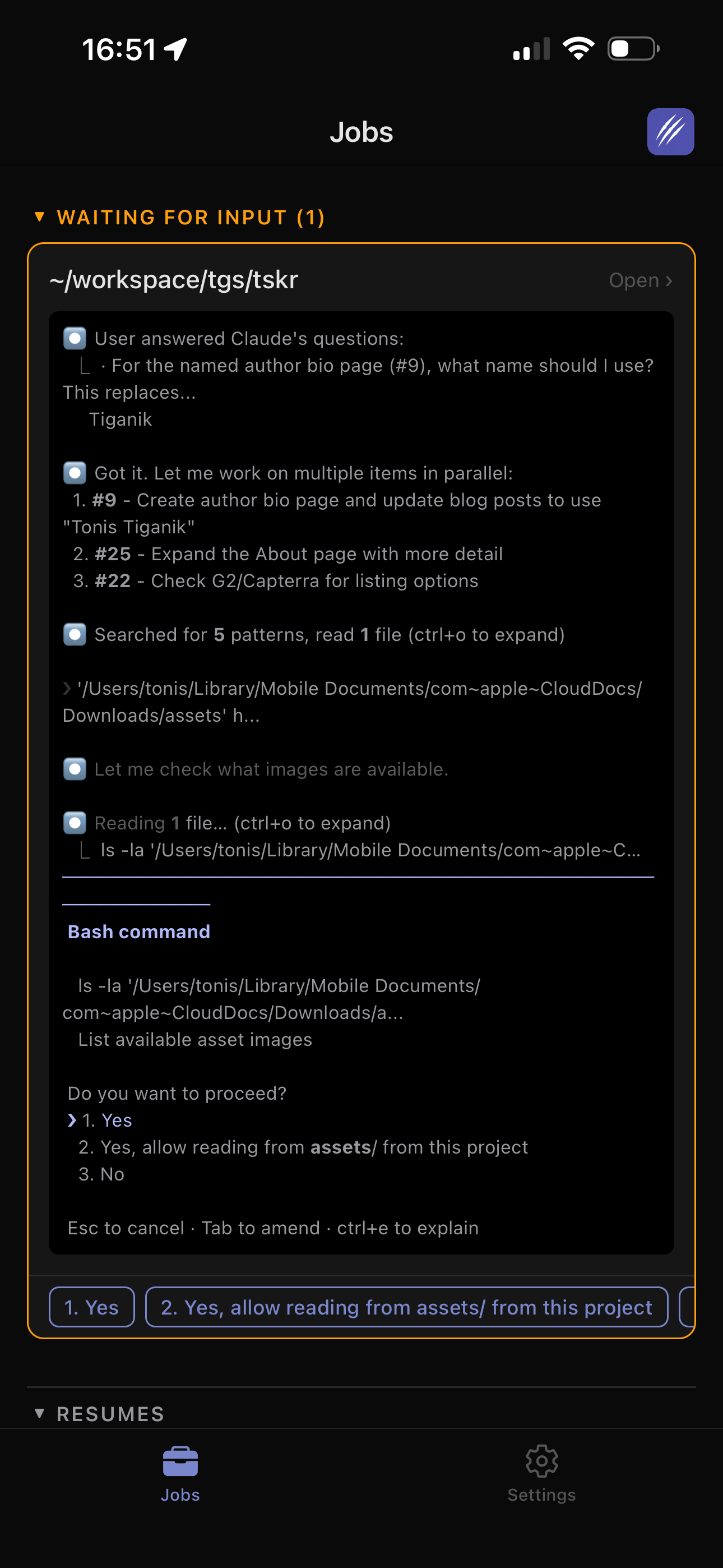
Claude Code on Your Phone: Remote Control AI Agents From iOS, Android, or Browser
Run Claude Code on your Mac and answer agent questions from your phone. Live log streaming, push notifications, permission prompt detection, and multi-viewer support - works with iOS, Android, and any browser via ClawTab Remote. A practical alternative to Claude Code's built-in Remote Control.
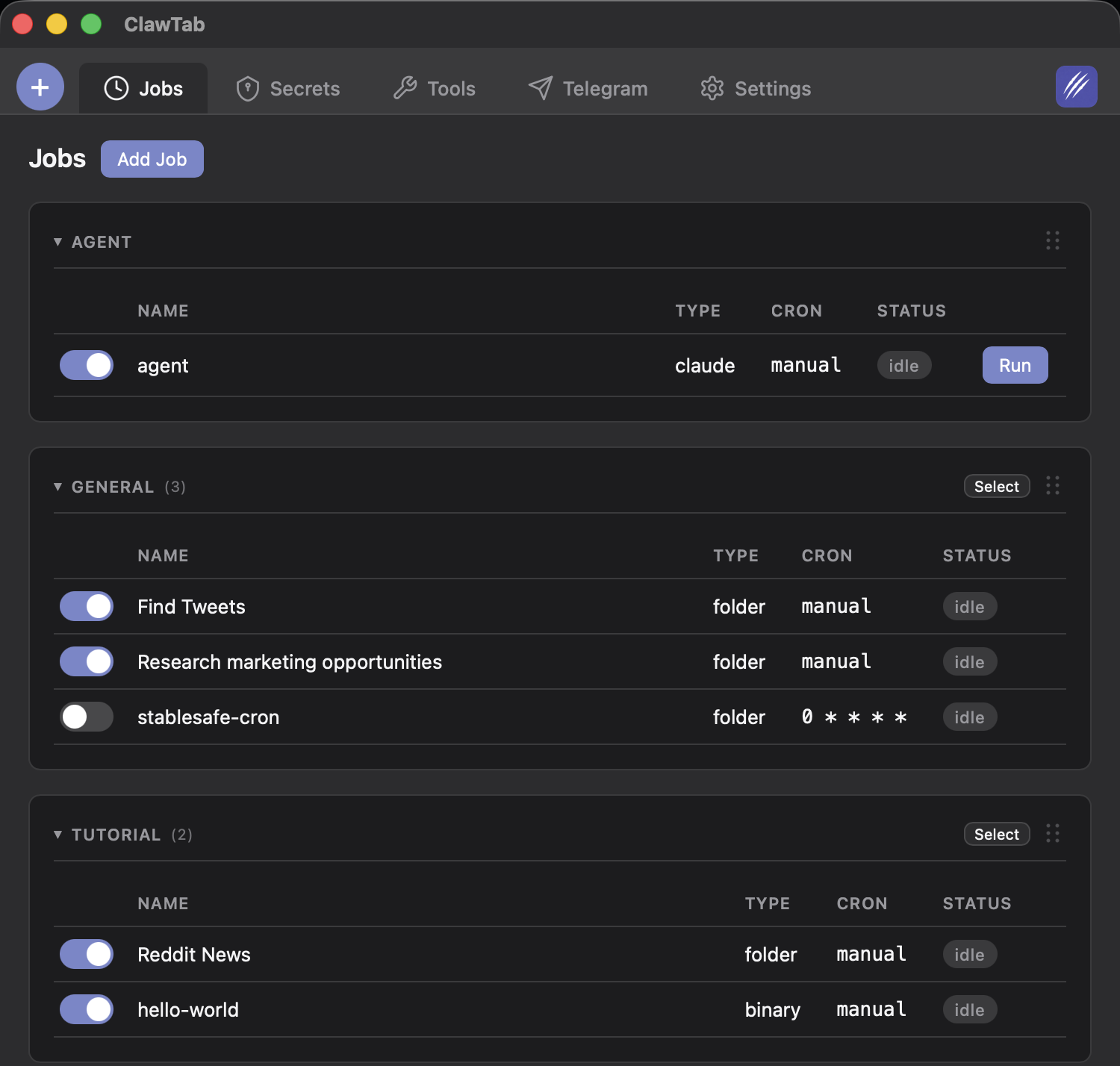
Claude Code Cron Jobs: Schedule Persistent AI Agents That Survive Reboots
Set up Claude Code agents on a cron schedule that keeps running even after a reboot. ClawTab injects Keychain secrets, auto-approves permission prompts, and pushes alerts to your phone — compare with Claude Code /schedule and /loop.
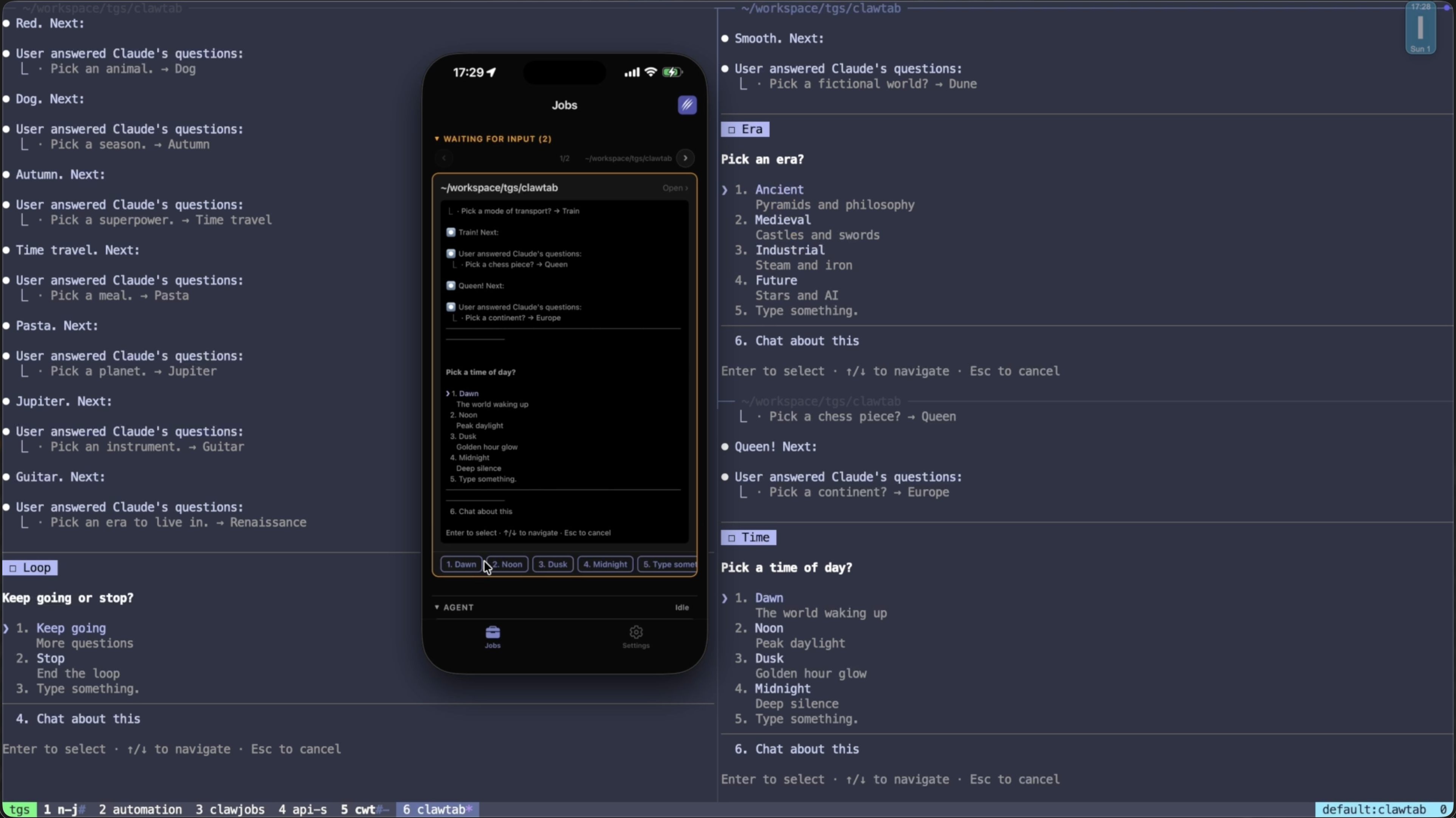
Claude Code Multi-Agent Swarm in tmux: Run 10+ Parallel Agents With ClawTab
Run 10+ Claude Code agents in parallel tmux panes - each with its own prompt, auto-yes policy, secrets, and remote phone monitoring. How ClawTab multi-agent orchestration compares to Claude Code Agent Teams for background automation and scheduled swarms.
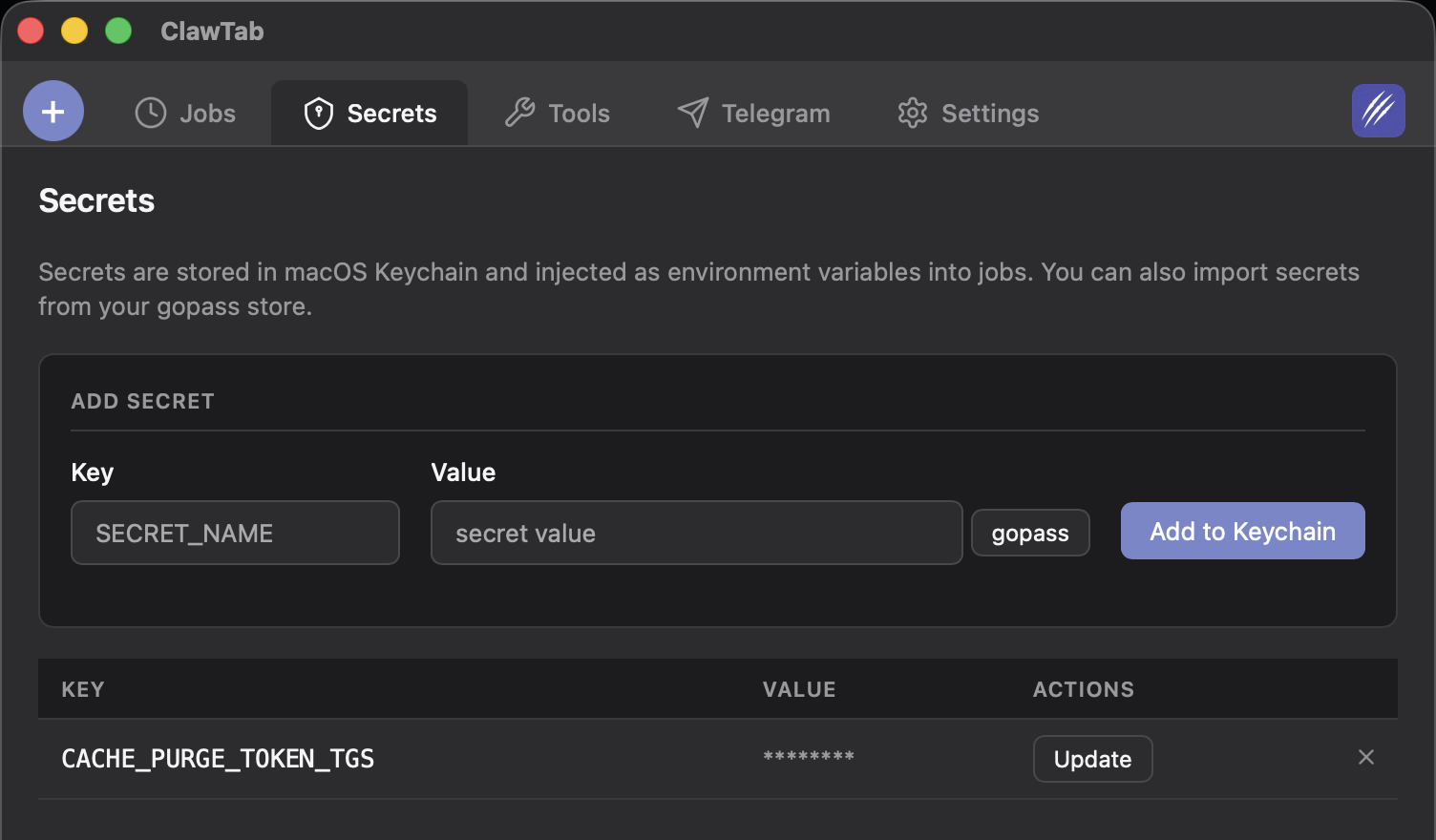
Securely Inject API Keys into Claude Code Agents: Keychain and gopass
Inject API keys, tokens, and secrets from macOS Keychain or gopass into Claude Code agents as environment variables. No plaintext credentials in prompts, .env files, or shell history. Secure secrets for scheduled and background agents.
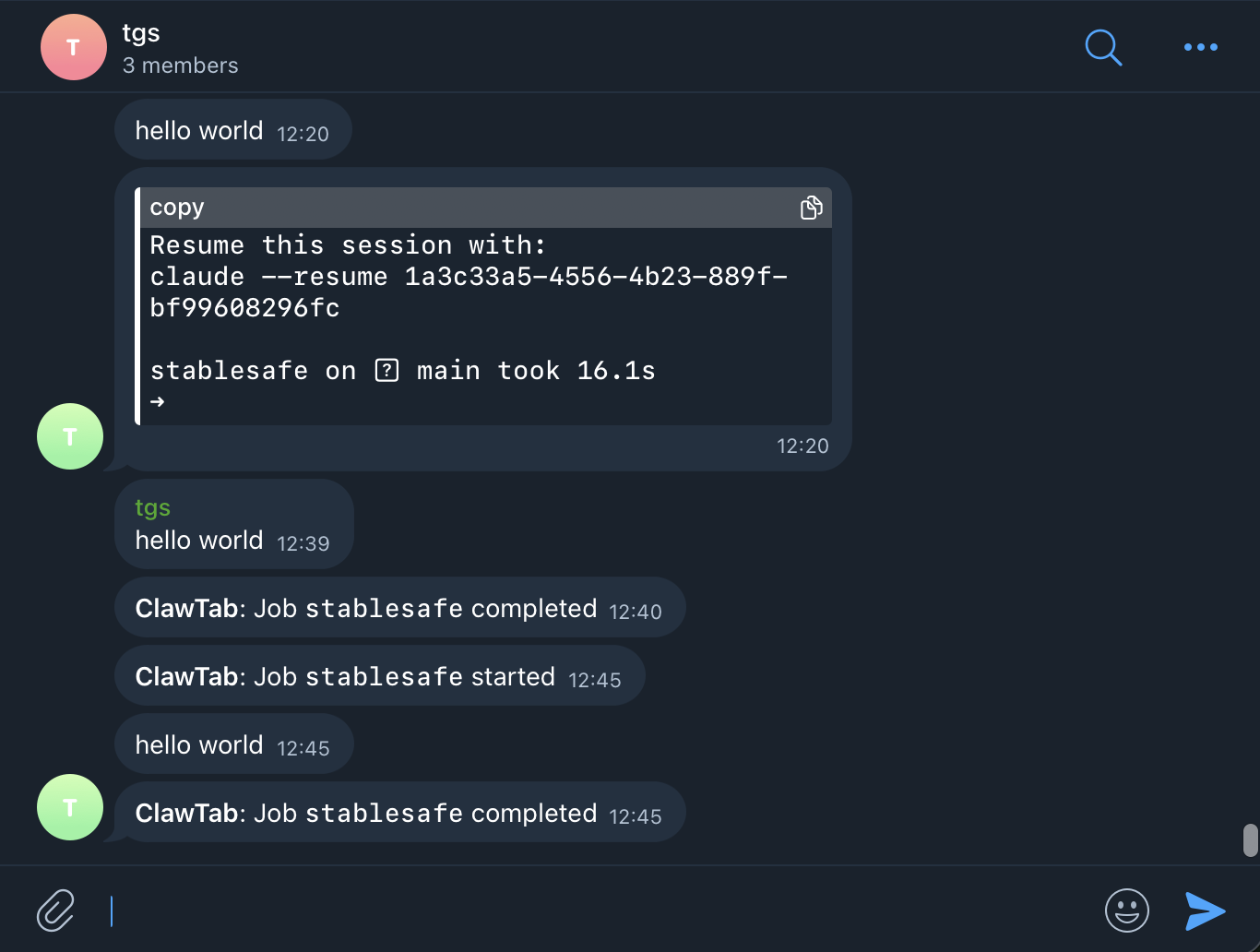
Claude Code Telegram Bot: Get Agent Notifications and Control Jobs Remotely
Connect Claude Code agents to Telegram for real-time output streaming, completion alerts, error notifications, and remote job control via bot commands. Set up in under five minutes with ClawTab.
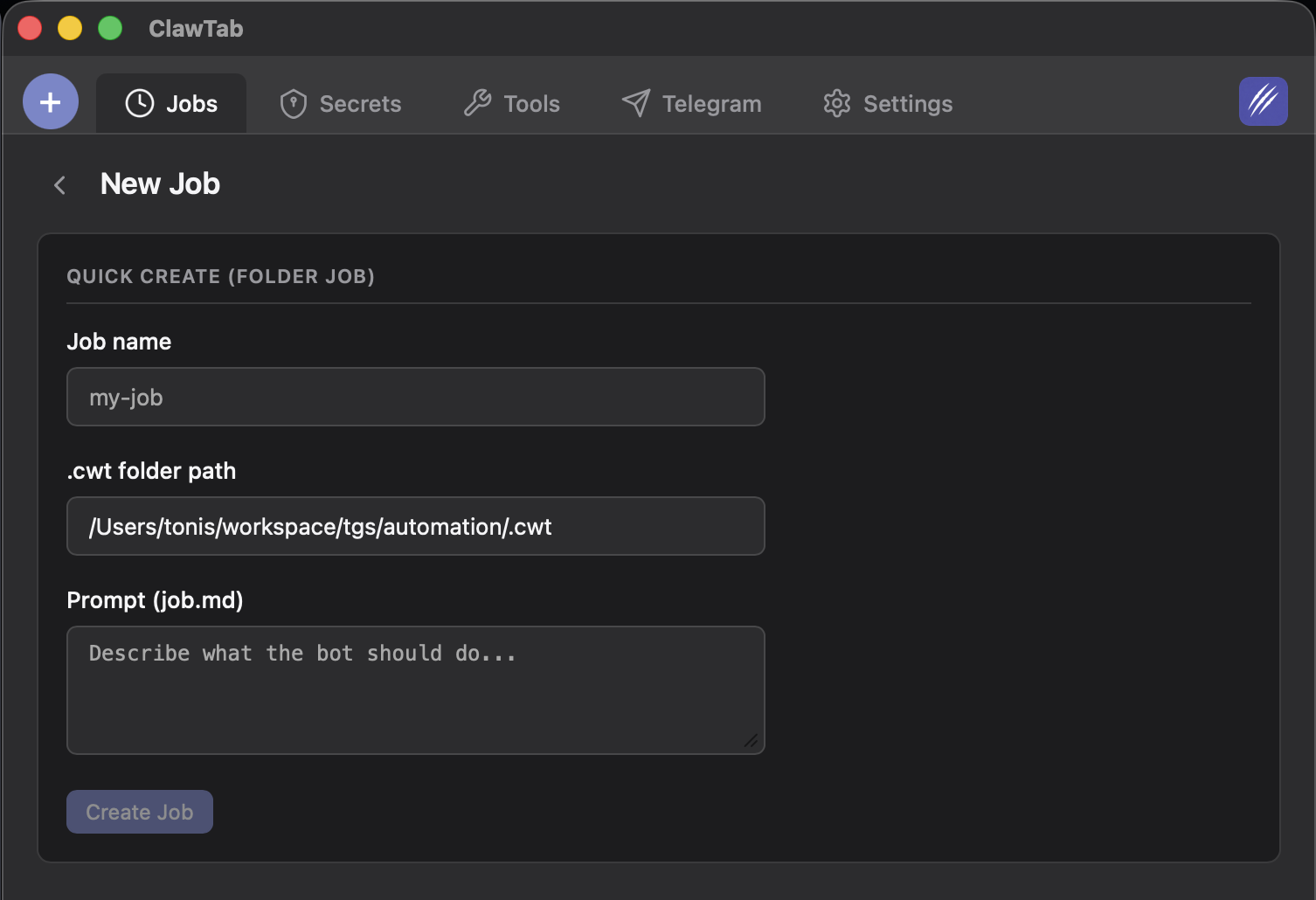
Claude Code Workflows: Centralized Job Storage and Project Context
ClawTab stores everything centrally at ~/.config/clawtab/jobs/ - job configs, prompts, shared project context, and auto-generated agent context. Here's how the system works.
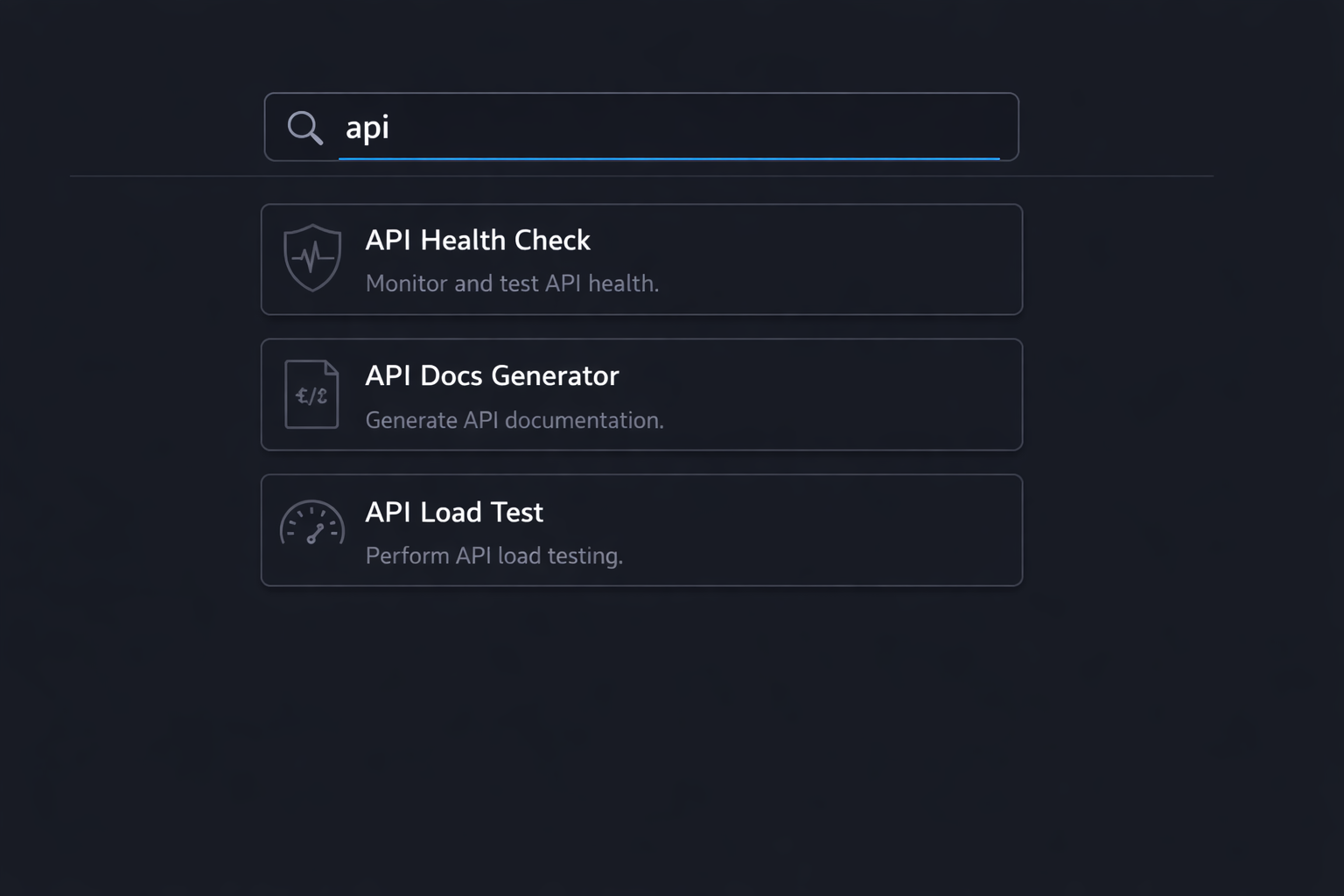
Search, Filter, and Sort Your Claude Code Jobs in ClawTab
Find any running Claude Code agent instantly. Real-time filtering by job name or group, keyboard shortcuts, and three sort modes across all your ClawTab jobs.
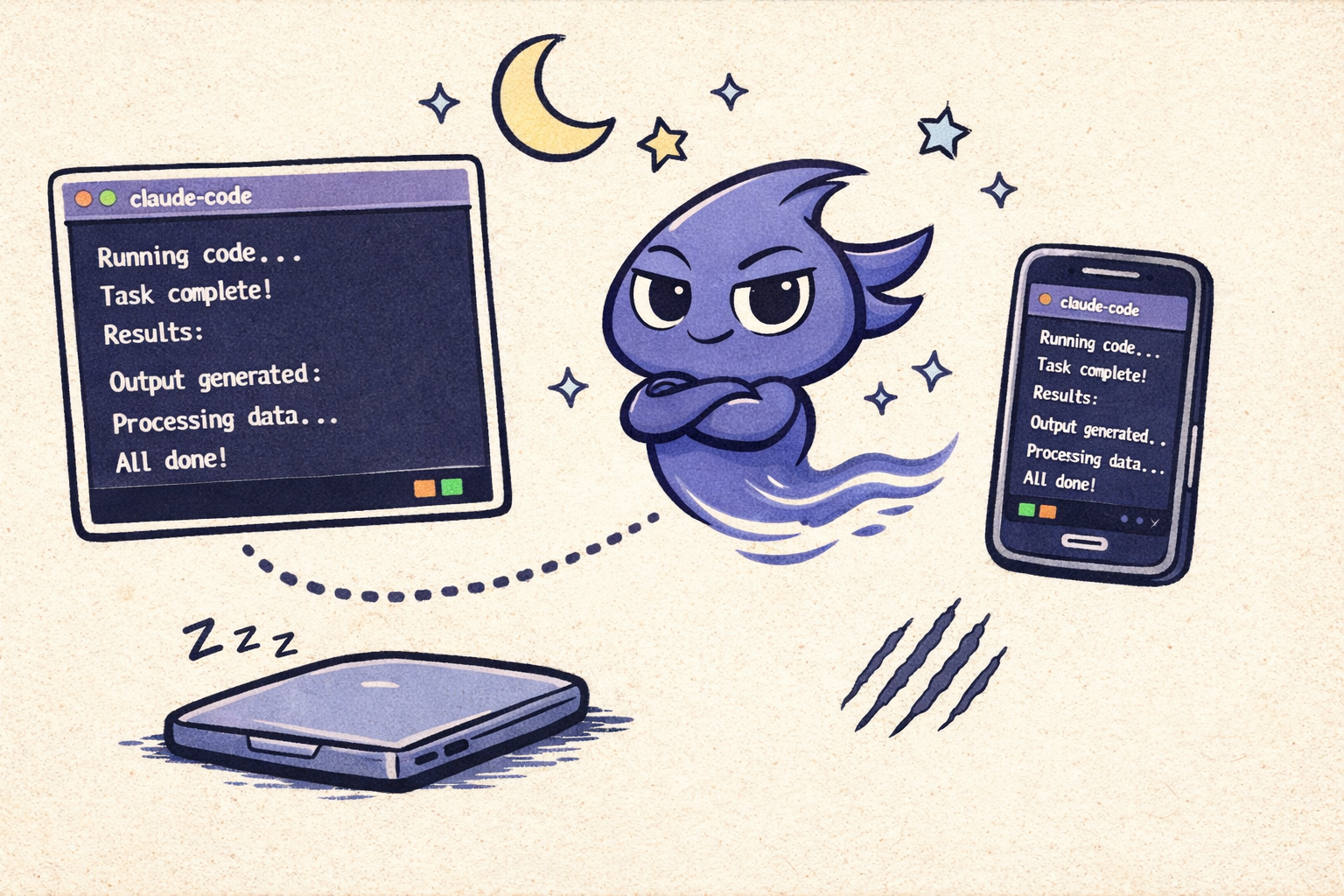
How to Run Claude Code in the Background Without a Terminal
Claude Code is interactive by default and dies when you close the terminal. Here are four ways to run it headless - from manual tmux to auto mode to fully managed background agents with ClawTab.
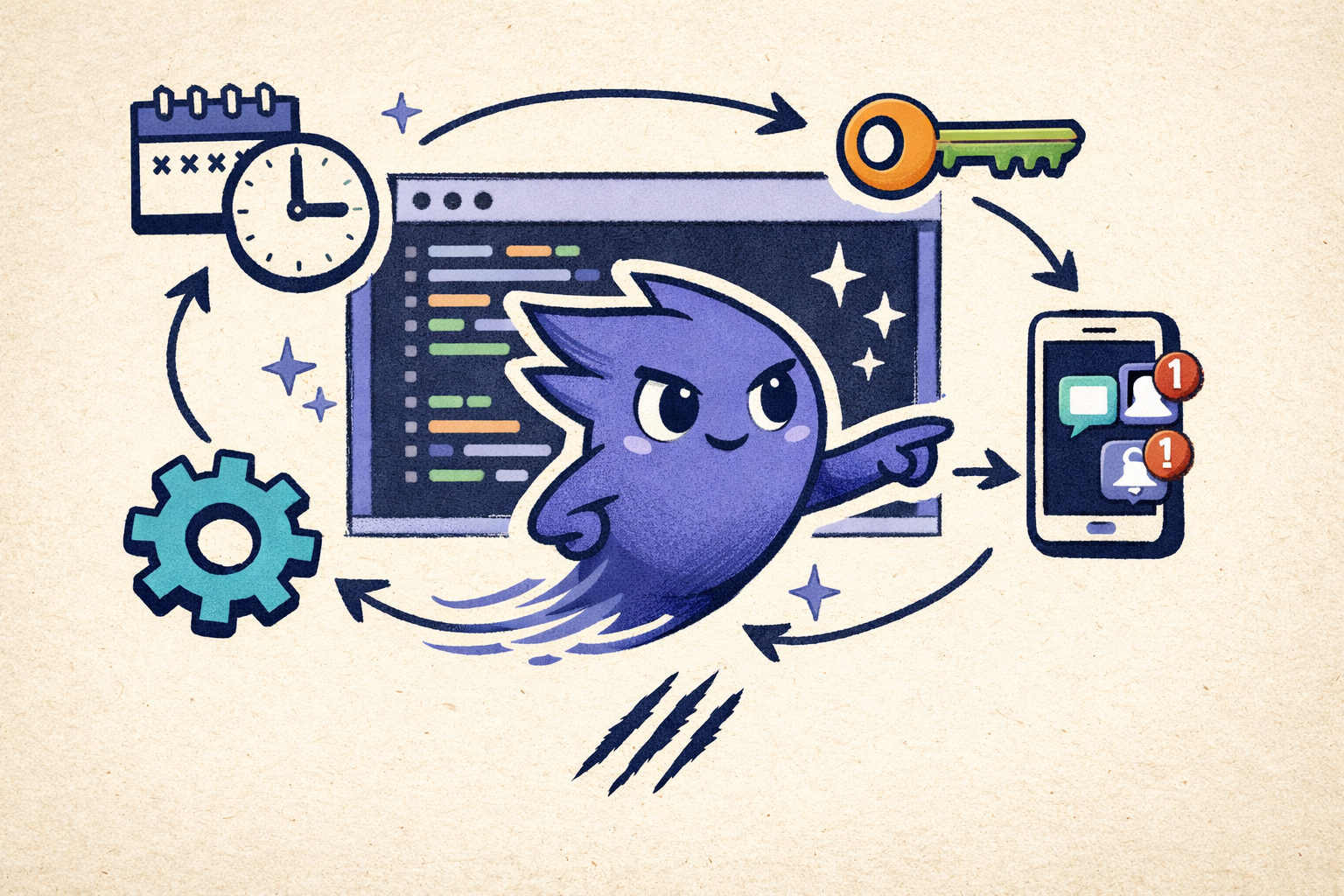
Claude Code Automation: From First Job to Fully Unattended Agents
A step-by-step guide to automating Claude Code with ClawTab. Install, create your first cron job, enable auto-yes, inject secrets, and monitor everything from your phone.
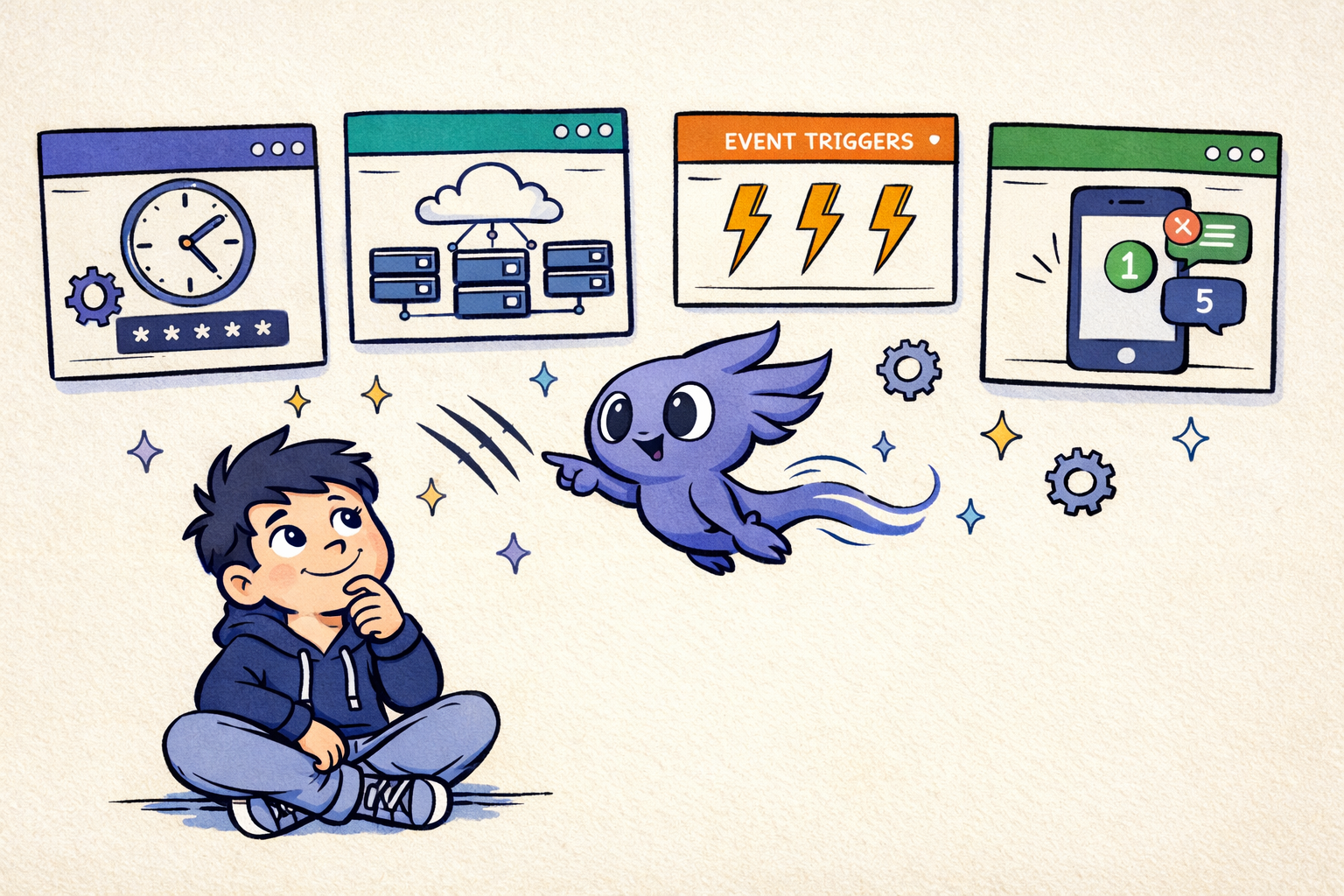
Background Coding Agents Compared: Claude Code, Cursor, Codex
Compare background coding agents for Claude Code, Cursor, Codex, Copilot, OpenClaw, Aider, Devin, and ClawTab across scheduling, tmux, PRs, mobile approvals, and auto-yes.
Best AI Coding Agents and Managers Compared in 2026
Compare Cursor, Claude Code, Codex, OpenCode, and ClawTab by local or cloud execution, parallel agents, worktrees, dashboards, and remote control.
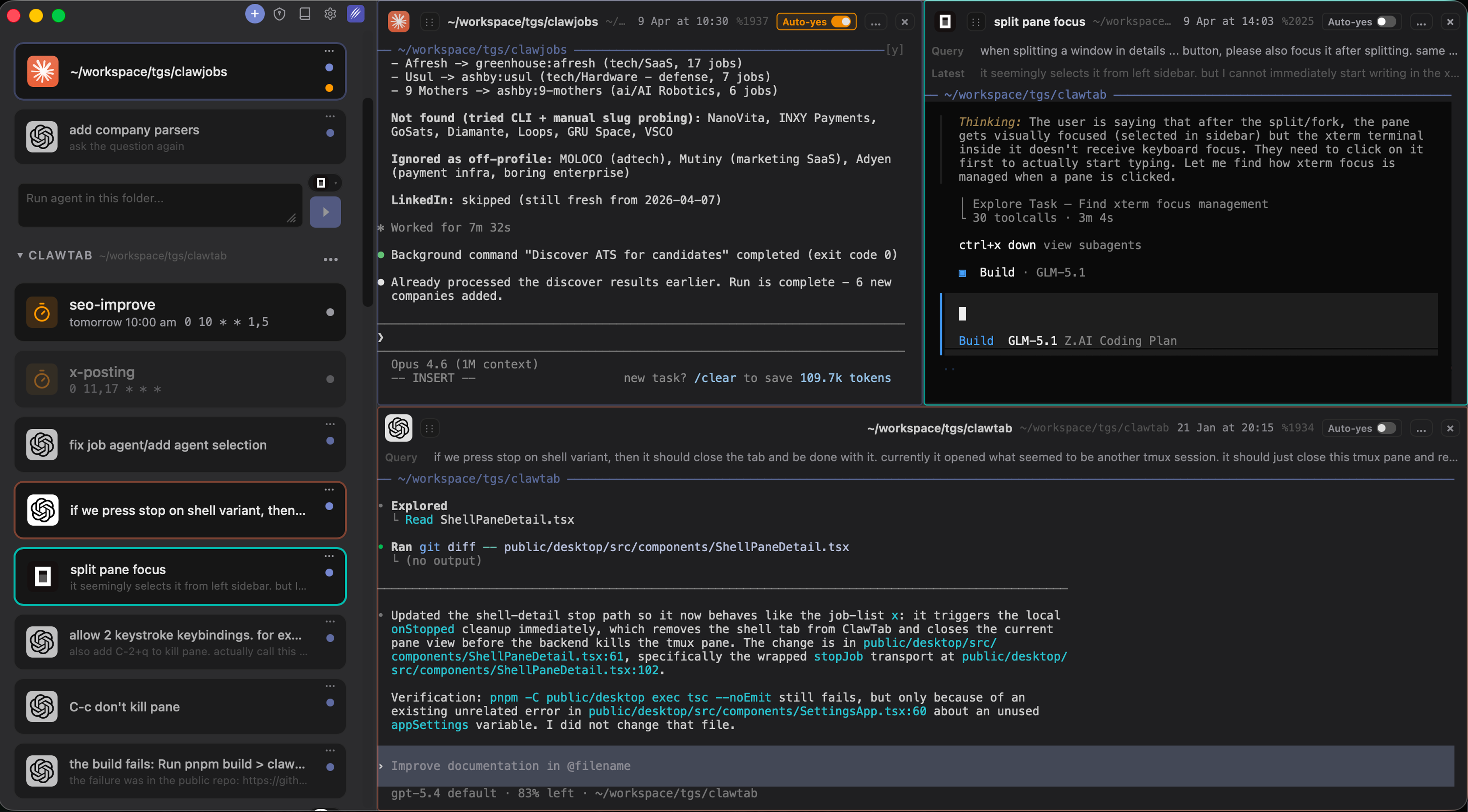
ClawTab v0.3: Split Panes, Multi-Agent Support, and Claude Code + Codex + OpenCode
ClawTab v0.3 adds split pane terminals, side-by-side agent views, native support for Codex and OpenCode alongside Claude Code, drag-and-drop pane management, and built-in forking and secrets injection.
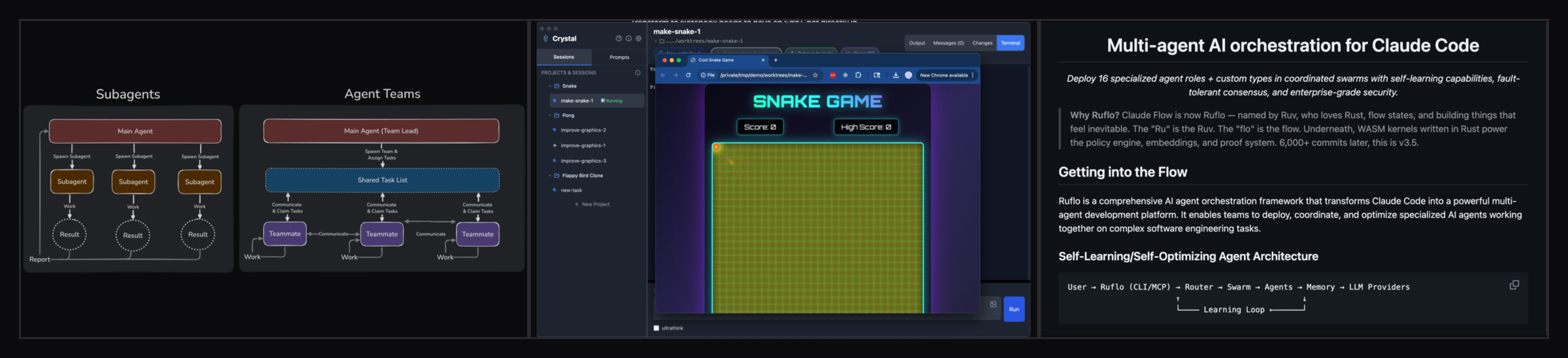
Claude Code Agent Teams Alternative: Run Unattended Multi-Agent Swarms With ClawTab
Claude Code Agent Teams is an experimental team-lead pattern for a single interactive session. It doesn't cover scheduled, unattended, or phone-monitored runs. Here's how ClawTab's flat-tmux model complements Agent Teams - with side-by-side screenshots comparing Nimbalyst (Crystal), Claude Flow (Ruflo), Overstory, ccswarm, and oh-my-claudecode.
Claude Code Parallel Agents in tmux: Run 8+ Sessions Side by Side
Run 8+ Claude Code parallel agents in tmux panes with git worktrees per session. How worktrees, tmux panes, and Agent Teams compare in 2026, when 5x parallelism is worth 5x tokens, and two copy-paste swarm configs you can run today.
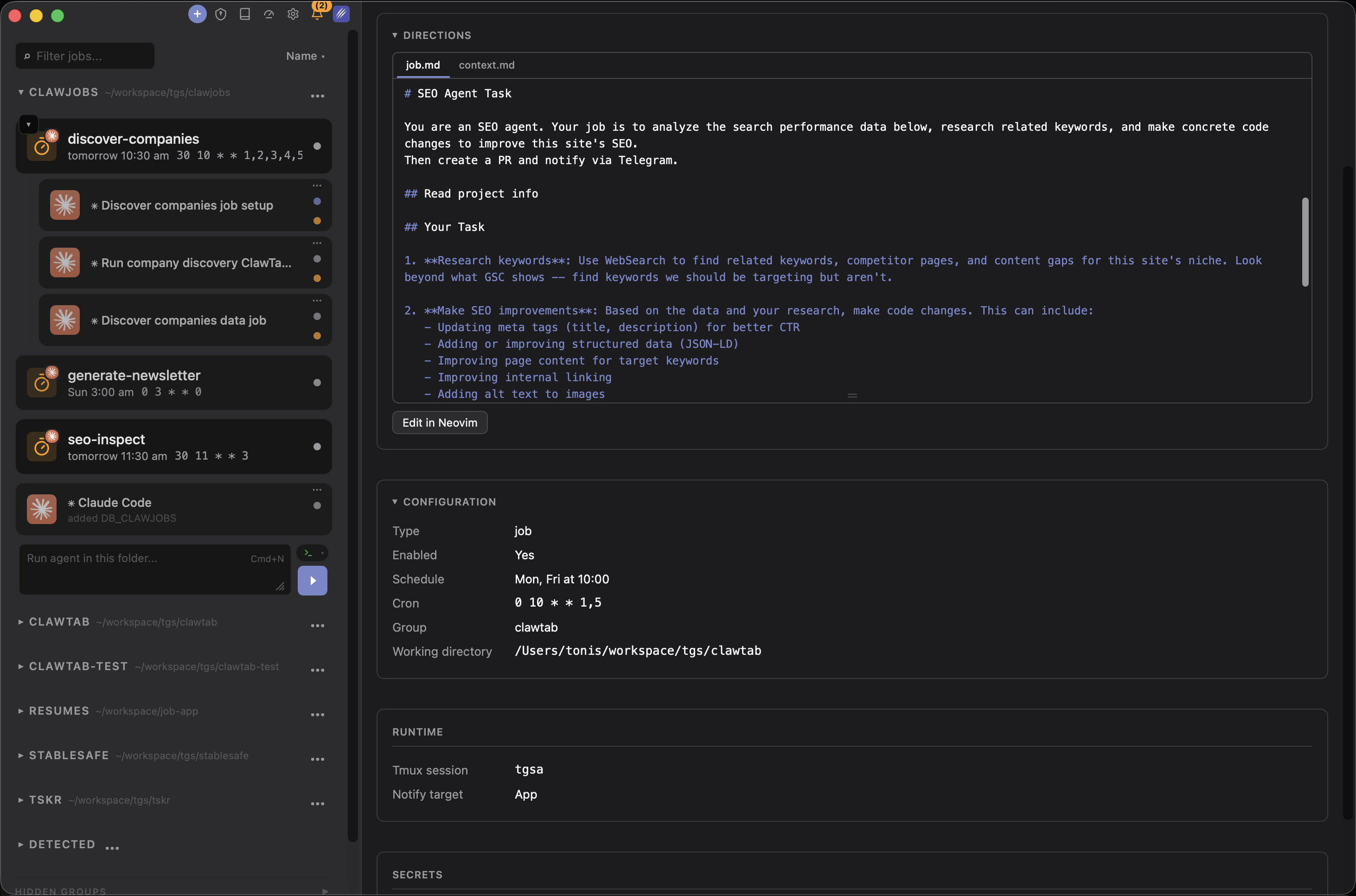
Claude Code Routines vs ClawTab: Cloud Tasks or Local Cron?
Claude Code Routines run scheduled tasks in Anthropic's cloud - no laptop needed, but fresh-clone per run and Anthropic-only. ClawTab runs persistent local cron on your Mac with Keychain secrets, per-pane auto-yes, iOS remote, and multi-provider support. Here's when to use each.