All articles
Tonis Tiganik--10 min read

Best LLM Agent IDEs in 2026: Cursor, Windsurf, Claude Code, and ClawTab Compared

Cursor, Windsurf, VS Code Copilot, Claude Code, Codex, and OpenCode all promise agentic workflows. But which tool is actually best for running, monitoring, and managing AI agents — especially across multiple providers? Here's the full comparison.

Best LLM Agent IDEs in 2026: Cursor, Windsurf, Claude Code, and ClawTab Compared

Introduction

AI coding tools have split into two camps: IDE-based assistants (Cursor, Windsurf, VS Code Copilot) that embed agents inside a familiar editor, and CLI-based agents (Claude Code, Codex, OpenCode) that run autonomously in the terminal. Both camps have strong options in 2026. Neither covers the full picture on its own.

This comparison focuses on what matters for serious agent workflows: how well each tool handles running multiple agents in parallel, switching between providers, monitoring from your phone, and staying out of your way when agents are running unattended. We'll also look at where ClawTab fits — a provider-agnostic interface designed specifically for that last layer.

The Two Categories

Before diving into individual tools, it helps to understand the split:

IDE-based tools give you a full editor with AI baked in. You write code in a familiar interface, and the agent has deep context about your project structure. The agent is always "in the room." The tradeoff: you're tied to the IDE, agents are session-scoped, and running many of them in parallel gets unwieldy fast.

CLI-based agents run as independent processes in your terminal. They can be started in tmux, scheduled via cron, run on remote machines, and managed like any other process. The tradeoff: less visual polish, no built-in diff viewer, and monitoring multiple agents at once requires extra tooling.

ClawTab sits above both: it's a desktop app that manages CLI-based agent sessions (Claude Code, Codex, OpenCode) across panes, handles scheduling, and gives you remote access from your phone. Think of it as the control plane that CLI tools are missing.

Cursor

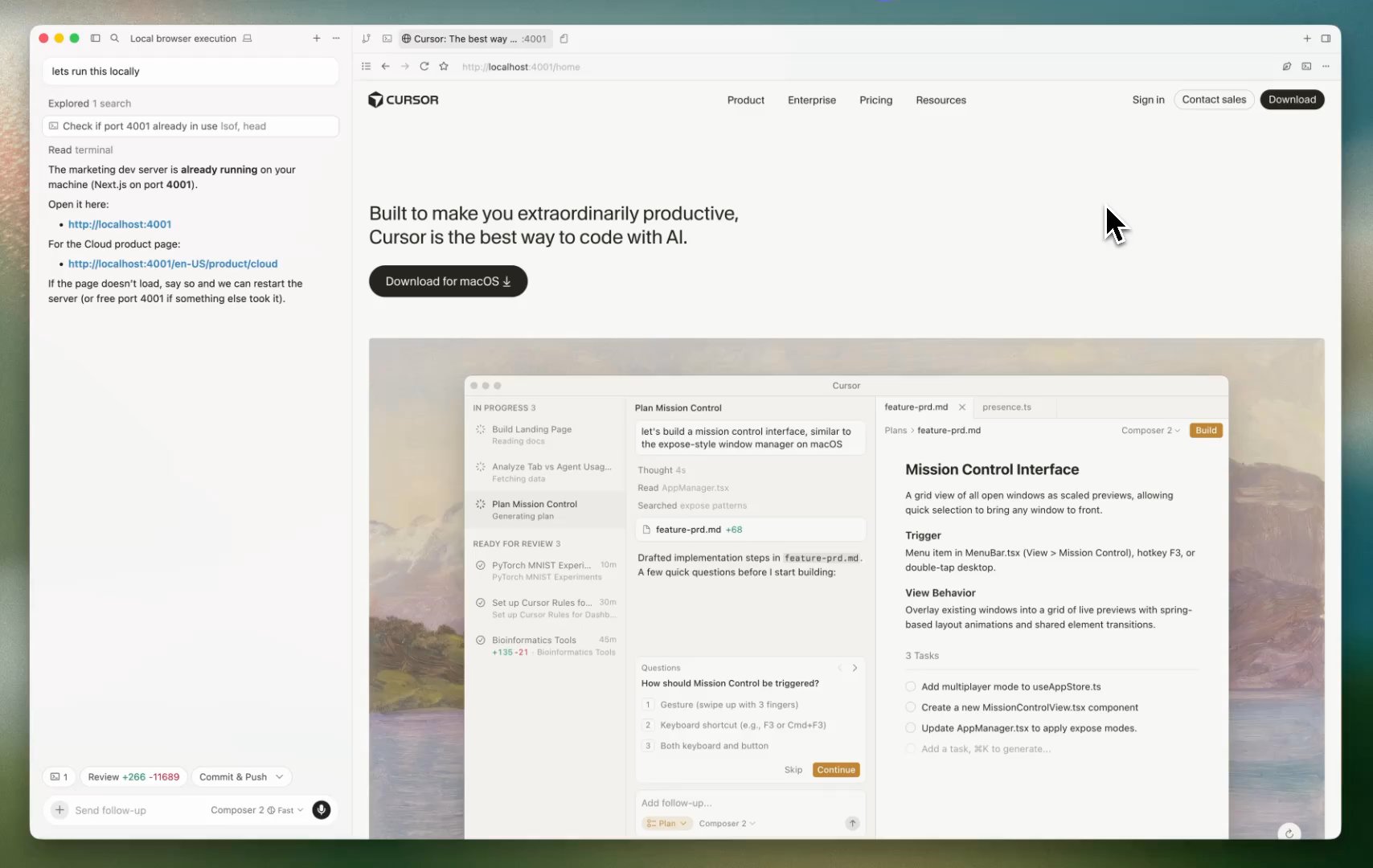
Cursor is the dominant IDE-based AI coding tool in 2026. It started as a VS Code fork and has steadily moved toward autonomous agent workflows. Its Composer mode supports up to 8 parallel agents and has among the deepest codebase indexing of any tool — useful when an agent needs to understand how dozens of files connect.

Cursor's agent mode can edit files and run commands autonomously. Multi-model support (Claude 4, GPT-5, Gemini 2.5) means you're not locked to one provider. Auto mode handles completions without interrupting your flow.

Where it excels: Interactive sessions where you're at the keyboard, working inside a single codebase, with a predictable set of tasks. The IDE integration is hard to beat for code review and diff inspection.

Where it falls short: Agents are session-scoped and IDE-bound. You can't schedule them to run at 2am, monitor them from your phone, or run the same task across several providers to compare results. Background agents require the Cursor app to stay running on your machine, and there's no mobile monitoring. Pricing moved to a credit model in 2025, which gets opaque for heavy multi-agent use at $20-$60/month.

FeatureCursor
Parallel agentsUp to 8 (Composer)
Mobile monitoringNo
Cron schedulingNo (background agents are event-driven via GitHub/Linear)
Provider flexibilityClaude, GPT, Gemini
CLI alternativeNo
Pricing$20-$60/month (credit-based)
Cursor IDE showing Background Agents panel with PR diff and Composer 2 agent task list
Cursor's Background Agents panel — cloud VM isolation, PR diffs, and parallel agent tasks

Windsurf

Windsurf (by Codeium) takes the most agentic approach of the IDE tools. Its Cascade feature handles multi-step tasks, multi-file edits, command execution, and terminal context awareness. Codeium's SWE-1.5 model achieves near-frontier quality at faster inference speeds than competitors — which matters when you're running long agent sequences.

Windsurf introduced app previews and direct Netlify deployment in 2025, making it particularly useful for frontend work where you want to see results immediately.

Where it excels: Long autonomous task sequences where you want the agent to handle everything from code to deployment. The free tier (25 credits/month) is the most generous among paid tools.

Where it falls short: Users have reported latency and crashing during very long agent sequences. Like Cursor, it's IDE-bound with no mobile monitoring or cron scheduling. Pricing increased to match Cursor ($20/month) in March 2026, with a new $200/month Max tier for heavy users.

FeatureWindsurf
Agent autonomyHigh (Cascade)
Mobile monitoringNo
Cron schedulingNo
Provider flexibilitySWE-1.5, limited third-party
Free tier25 credits/month
Pricing$20/month Pro, $200/month Max

VS Code + GitHub Copilot

GitHub Copilot added agent mode in February 2025 and it reached general availability across VS Code, JetBrains, and other editors. The key differentiator is MCP support: you can extend agents with external tools, databases, and APIs using the Model Context Protocol. Supported models include Claude 3.5/3.7 Sonnet, Gemini 2.0 Flash, and GPT-4o.

For teams already on GitHub's ecosystem, Copilot's agent mode is a natural fit. The tool approval workflow is explicit and auditable — each action requires a defined permission grant before it runs.

Where it excels: Teams standardized on GitHub workflows who want agents with deep repo context and extensible tool access via MCP. Multi-model support gives some provider flexibility.

Where it falls short: Agent capabilities are newer and less mature than Cursor or Windsurf. No mobile monitoring, no scheduling. The MCP extensibility is powerful but requires significant setup to use beyond basic tasks.

Claude Code

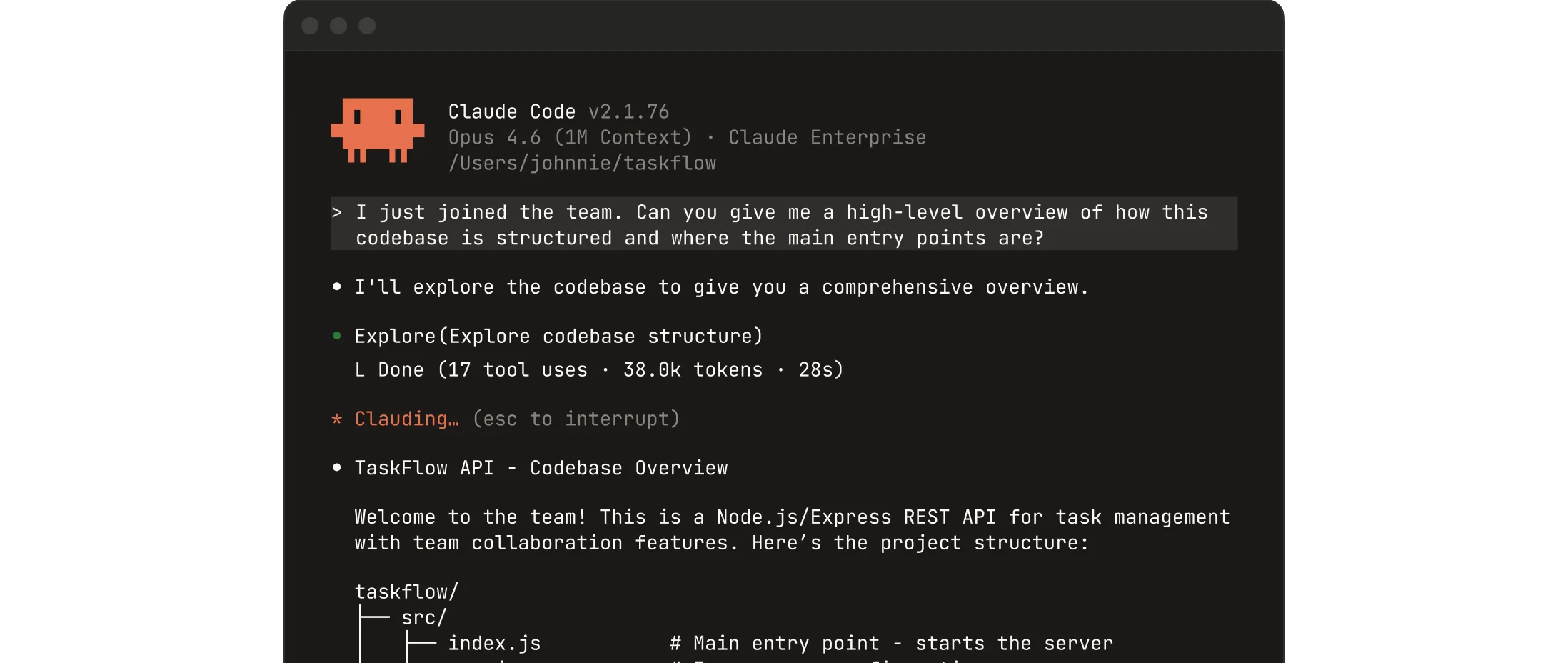
Claude Code is Anthropic's terminal-native agent. It runs in your shell with direct filesystem and command-line access, making it fundamentally different from IDE-based tools. It's not trying to replace your editor — it's the worker you delegate tasks to while you work in your editor of choice.

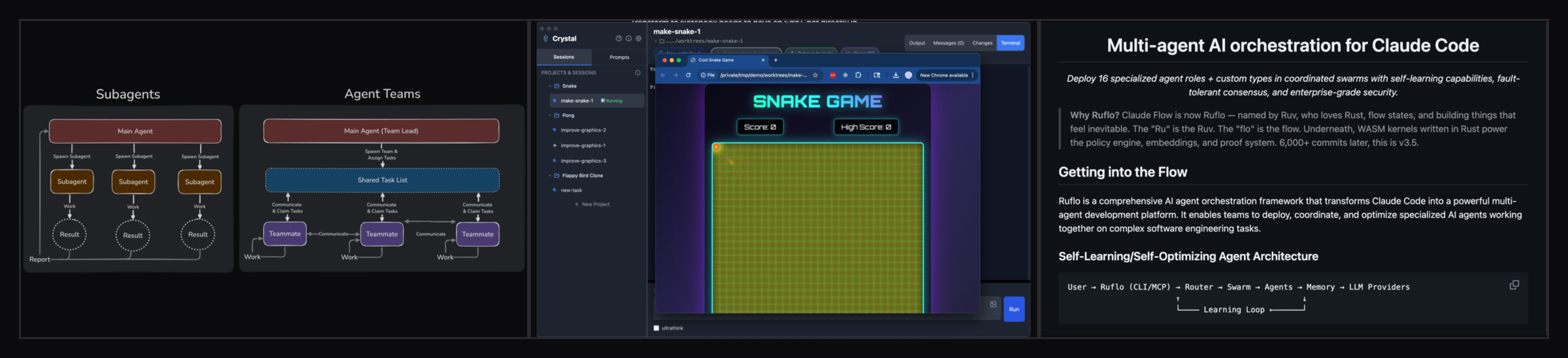
The CLI-first design means Claude Code works everywhere a terminal works: remote VMs, containers, WSL, SSH sessions. It pairs well with any editor (VS Code extension for diff viewing) but isn't dependent on one. Agent Teams (February 2026) added the ability to spawn sub-agents with dependency tracking and parallel worktrees — proper multi-agent orchestration from within Claude Code itself.

The Remote Control feature allows monitoring and responding to agents from a phone or tablet, though this is browser-based rather than a native app. 17 lifecycle hooks let you intercept and customize agent behavior at each step.

Where it excels: Developers who live in the terminal and want maximum flexibility. Claude Code runs on any machine without installing an IDE, handles remote and containerized environments naturally, and the hooks system is unmatched for custom automation.

Where it falls short: Single-provider lock-in (Anthropic). No built-in cron scheduling. Managing many parallel sessions requires external tooling. The Remote Control feature works but is less polished than a dedicated mobile app. Plans start at $20/month for Pro, up to $200/month for Max 20x usage.

Claude Code terminal agent showing codebase exploration and tool calls in action
Claude Code in the terminal: direct filesystem access and command execution without an IDE

Codex CLI

OpenAI's Codex launched as a terminal agent in May 2025 and hit GA in October 2025. It's available as a CLI, VS Code/Cursor extension, and macOS desktop app. The cloud-based execution model means tasks run on OpenAI's infrastructure — useful when you want to delegate something and close your laptop.

Codex benchmarks well on terminal-heavy tasks (Terminal-Bench 2.0) and is notably token-efficient — roughly 3x fewer tokens than Claude Code for equivalent tasks, which matters for cost at scale. Built-in web search and MCP integration round out the feature set. Subagent workflows allow parallelizing larger tasks.

Where it excels: Async delegation to cloud infrastructure. Token efficiency for cost-sensitive workflows. Teams already using OpenAI's ecosystem who want a terminal agent to complement ChatGPT.

Where it falls short: Cloud execution means less immediate feedback and some latency. Single-provider (OpenAI) lock-in. The unsupervised autonomy defaults require careful configuration if you want approval gates. Pricing: Go ($8/month), Plus ($20/month), Pro ($200/month).

OpenCode

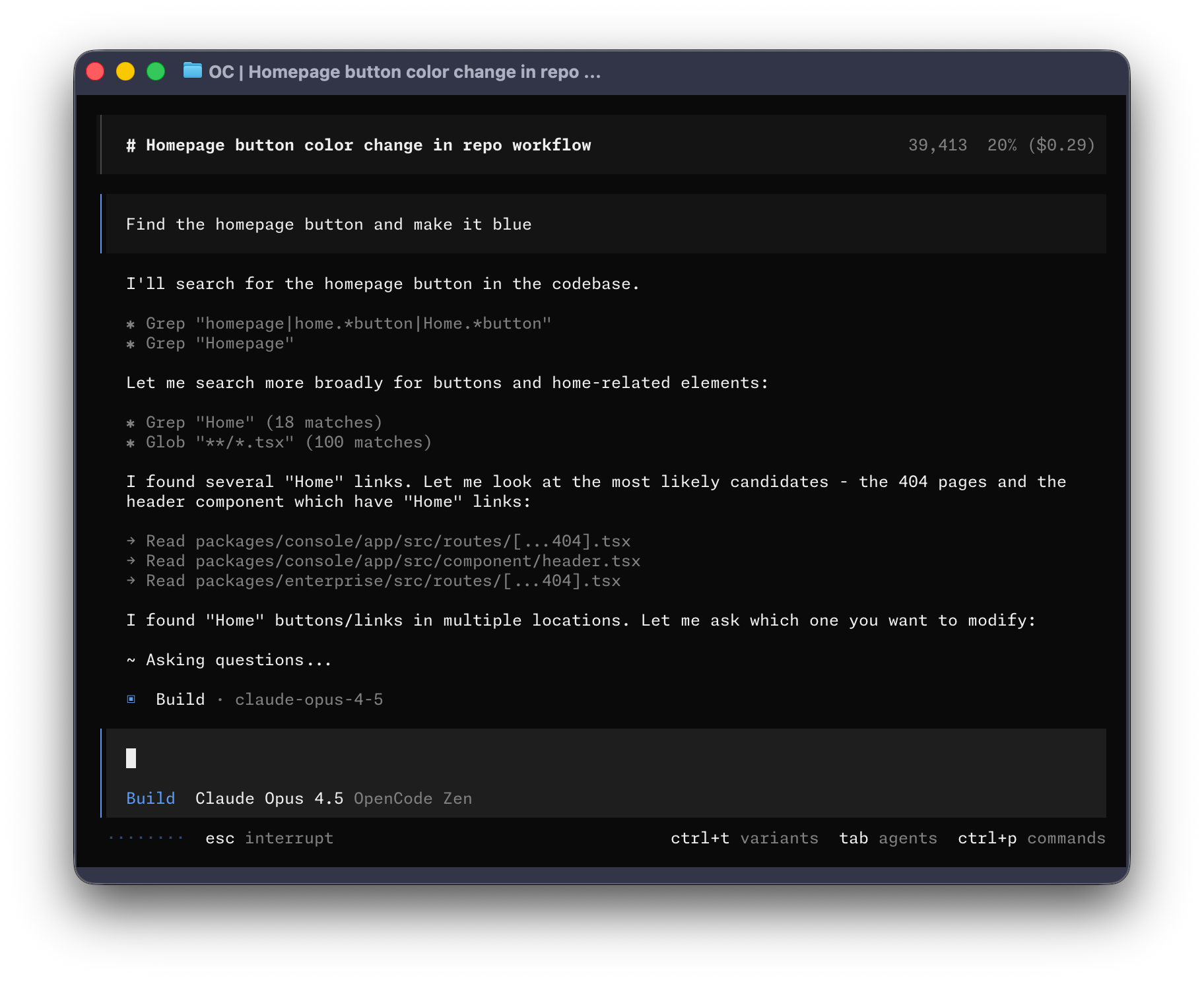
OpenCode is the open-source alternative to both Cursor and Claude Code. It's a terminal UI (TUI) agent with 75+ LLM provider integrations — OpenAI, Anthropic, Google, AWS Bedrock, Ollama for local models, and more. If provider lock-in is a concern, OpenCode is the answer.

Multi-session support means you can run parallel agents on the same project from multiple terminal windows. Sessions survive SSH drops and machine sleeps via a persistent background server. Two built-in agent personas ("build" for full file access, "plan" for read-only analysis) cover the most common workflow splits.

OpenCode is free and open source. It's less polished than commercial tools and requires more configuration, but for developers who want full control over model selection and don't want to pay per-seat, it's a serious option.

Where it excels: Maximum provider flexibility. Local model support via Ollama for privacy-sensitive work. No per-seat cost. Strong for developers who want to mix models (e.g. cheap models for simple tasks, frontier models for complex ones).

Where it falls short: UX is rougher than commercial tools. Community-driven support. No built-in scheduling or mobile monitoring.

OpenCode TUI showing an agent session with multi-provider model selection
OpenCode's terminal UI — 75+ provider integrations, persistent sessions, no per-seat cost

Full Comparison Table

Here's how the major tools stack up across the dimensions that matter most for multi-agent workflows:

ToolTypeMulti-agentMobile monitoringSchedulingProvider flexibilityFree tier
CursorIDEUp to 8 (Composer)NoEvent-driven onlyClaude, GPT, GeminiLimited
WindsurfIDEYes (Cascade)NoNoSWE-1.5 focused25 credits/month
VS Code CopilotIDE extensionLimitedNoNoClaude, GPT, GeminiLimited
Claude CodeCLIAgent TeamsBasic (browser)NoAnthropic onlyNo
CodexCLI + cloudSubagentsNoNoOpenAI onlyNo
OpenCodeCLI (TUI)Multi-sessionNoNo75+ providersYes (OSS)
ClawTabAgent managerUnlimited panesYes (iOS + web)Yes (cron)Claude Code, Codex, OpenCodeYes (OSS)

The pattern is clear: every tool has gaps in scheduling, mobile monitoring, or provider flexibility. ClawTab is designed to fill exactly those gaps — not by replacing any of these tools, but by adding the management layer they all lack.

Where ClawTab Fits

ClawTab is not an IDE and not an agent. It's the control plane for CLI-based agents running on your Mac. The v0.3 release focuses specifically on the workflow that none of the tools above handle well: running multiple agents from different providers simultaneously and staying in control of all of them.

Here's what that looks like in practice:

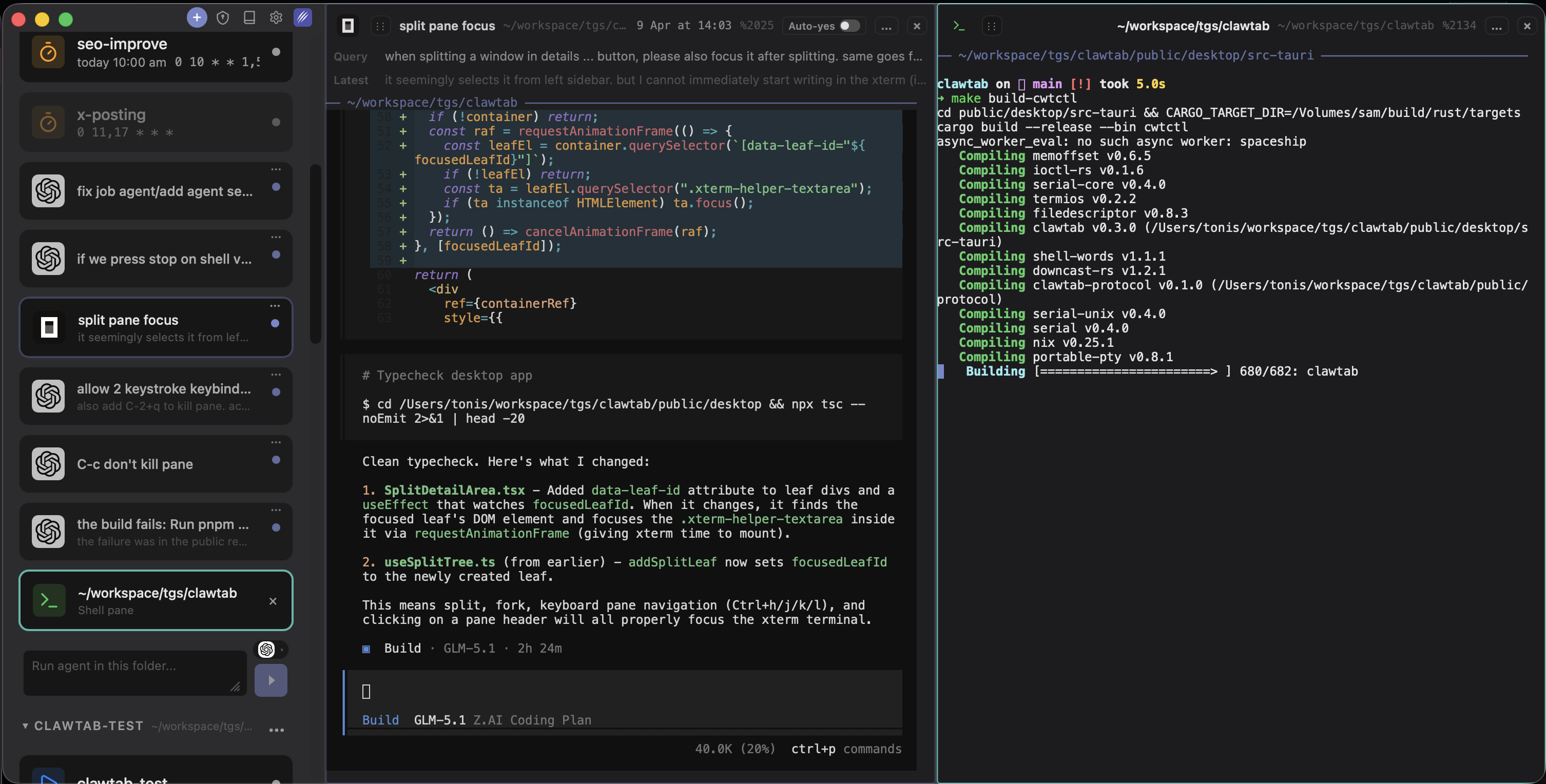
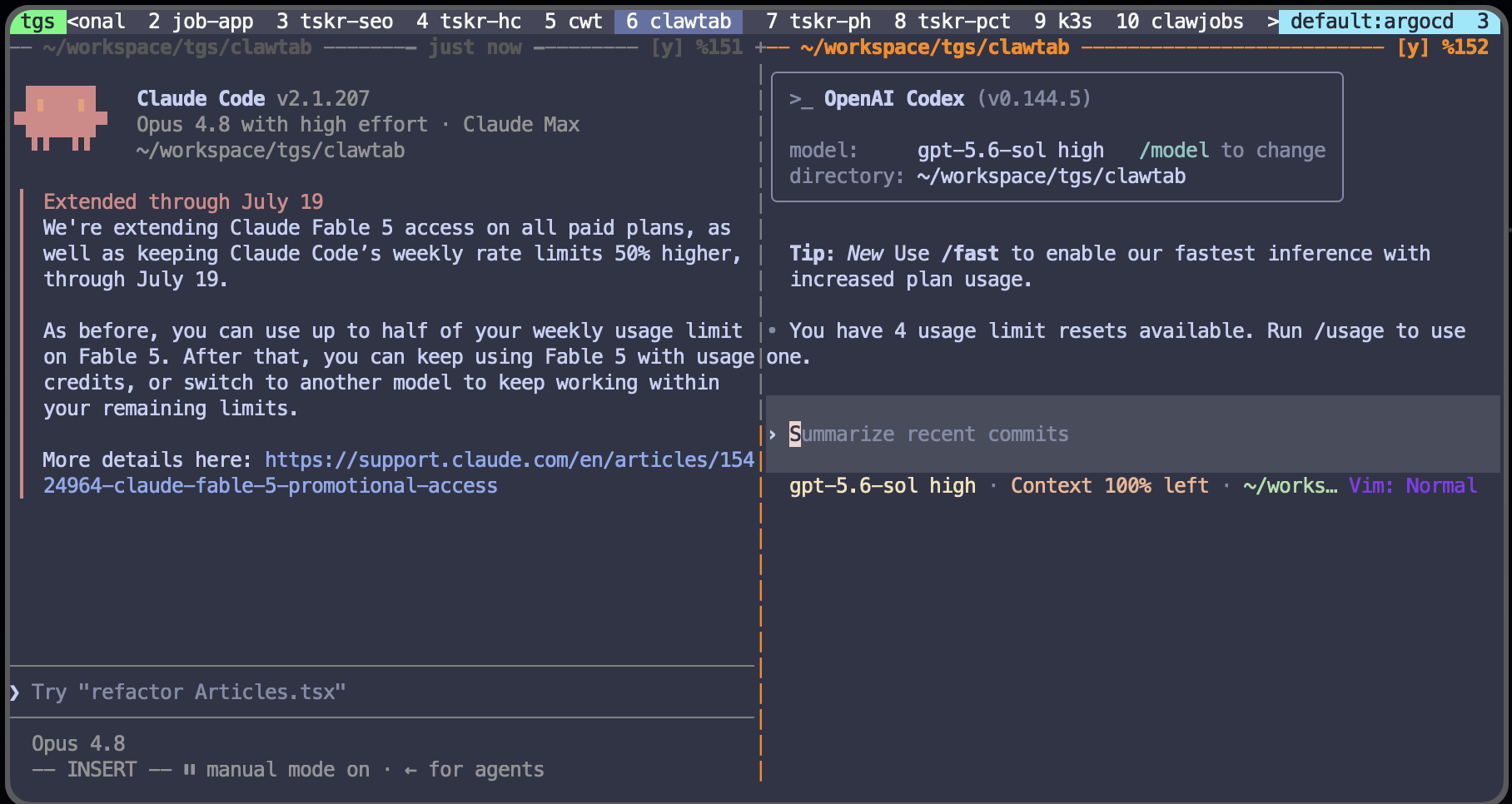
  • Split panes. Open Claude Code, Codex, and OpenCode in separate panes side by side. Watch all three work on the same problem and compare approaches. Drag and drop panes to reorganize. Start or stop any agent without leaving the ClawTab interface.
  • Provider agnostic. v0.3 adds native support for Claude Code, Codex, and OpenCode. You're not locked to Anthropic's pricing or availability. Switch providers when one is rate-limiting or when a different model is better suited to the task.
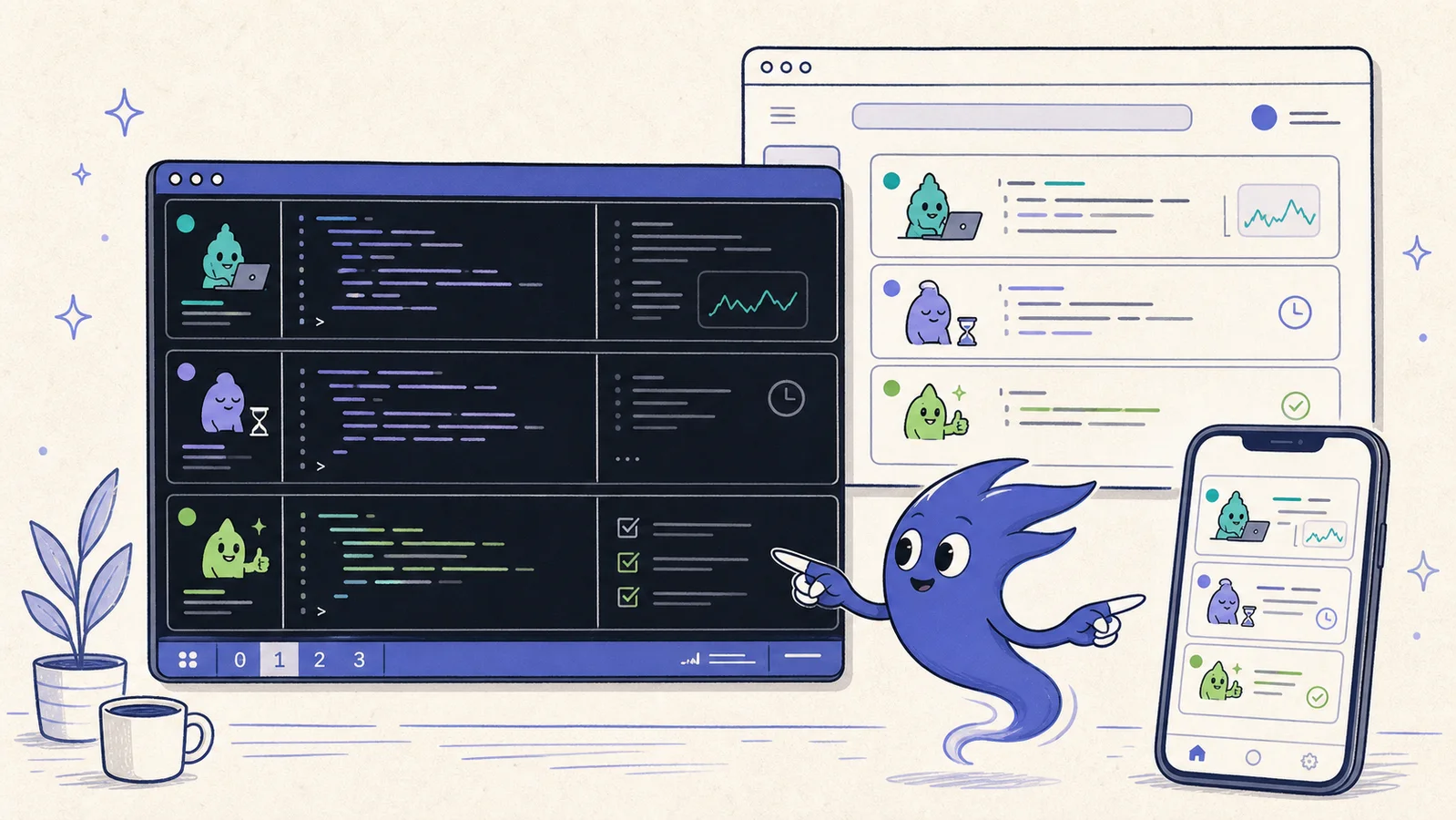
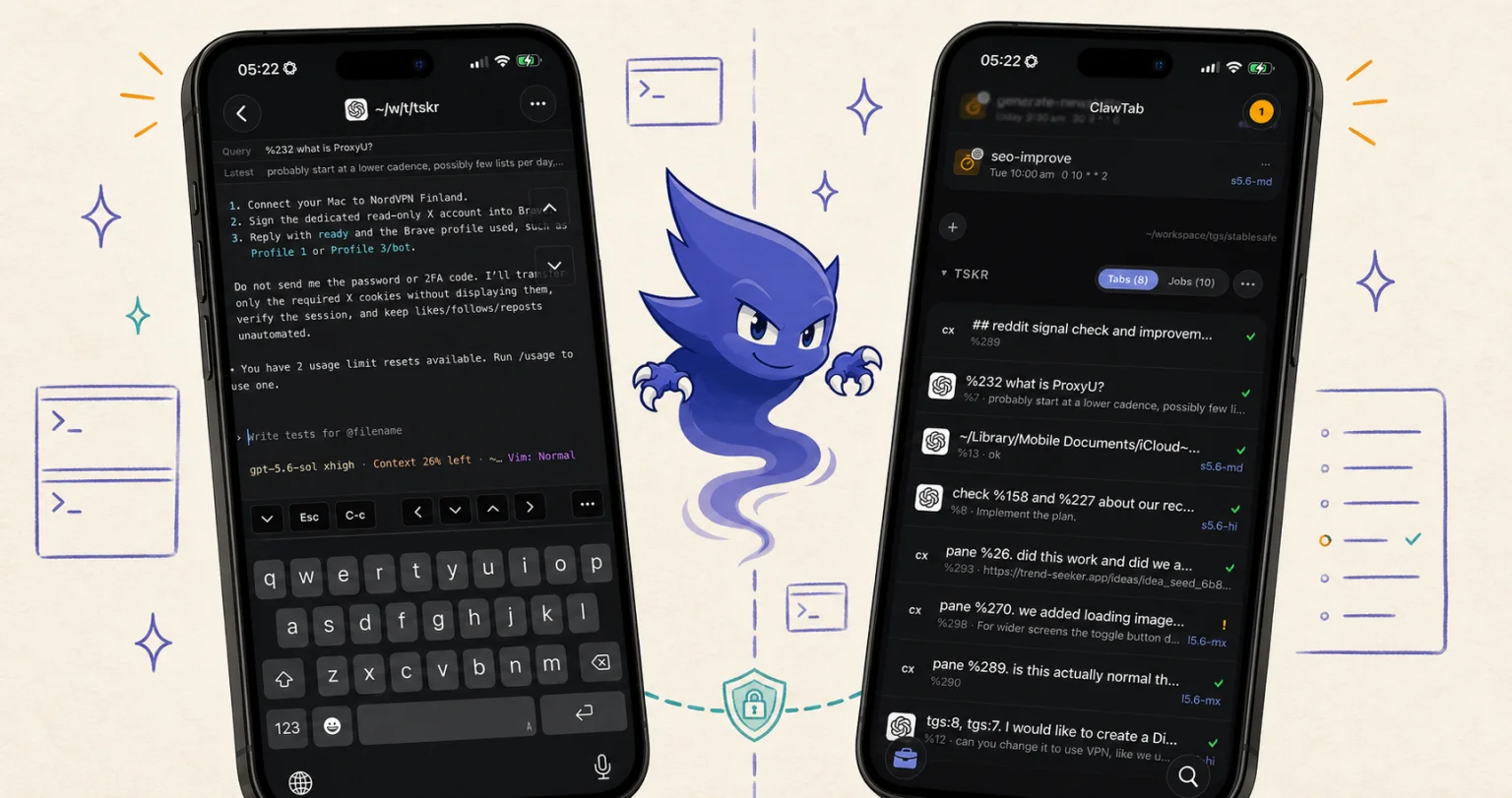
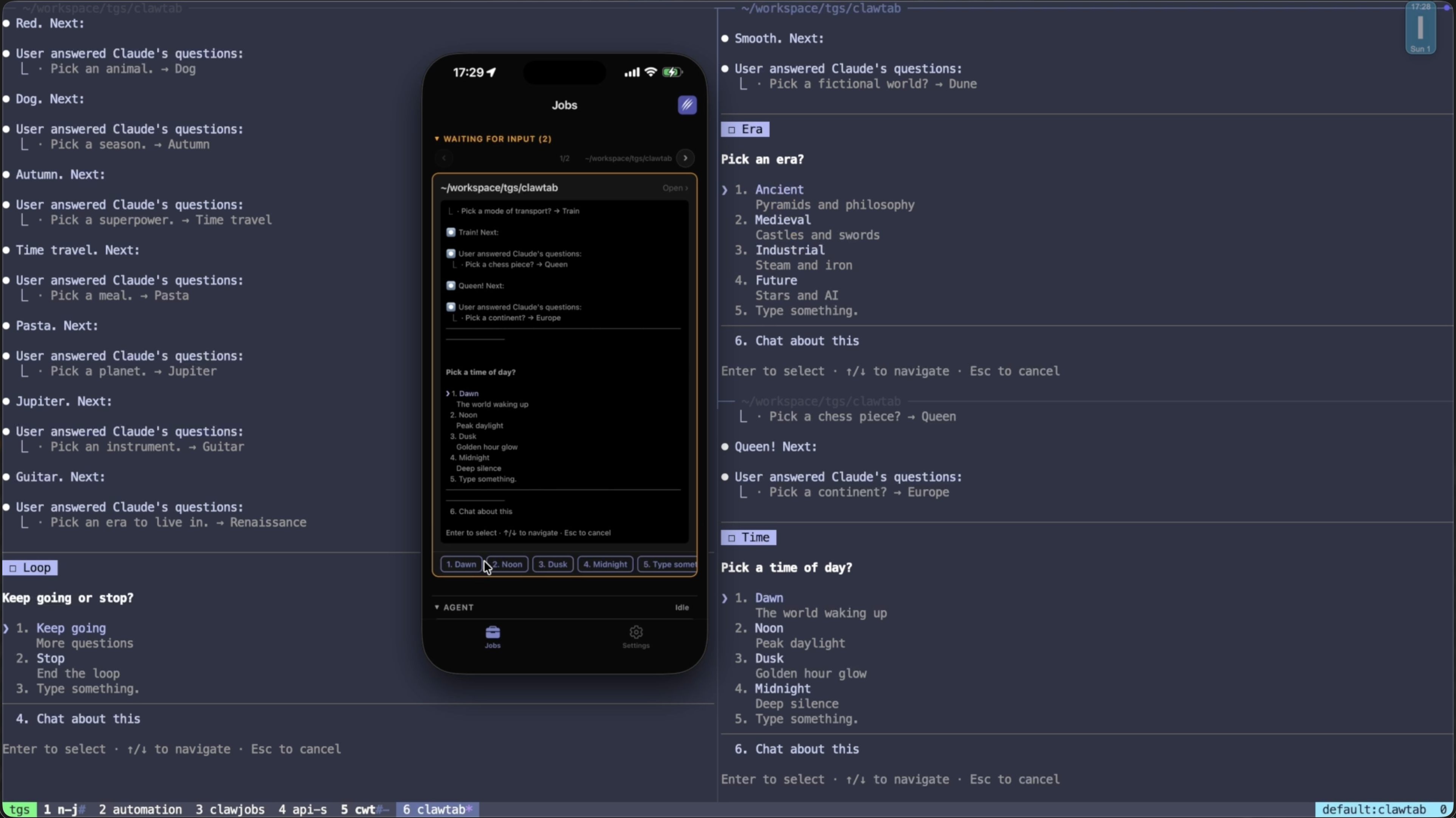
  • Mobile access. The iOS app and remote.clawtab.cc give you live agent output on your phone. Answer permission prompts, toggle auto-yes, start and stop jobs from anywhere.
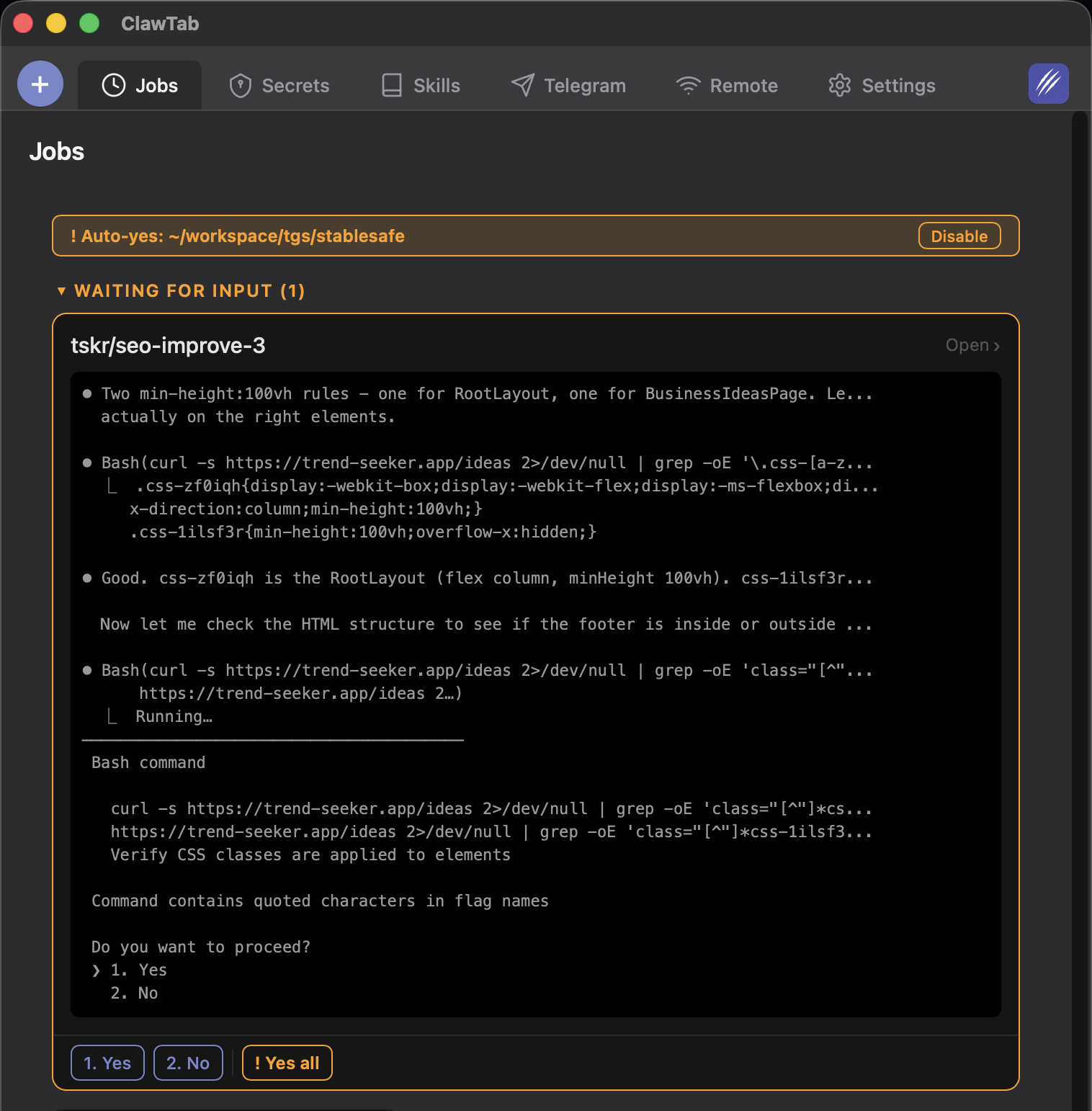
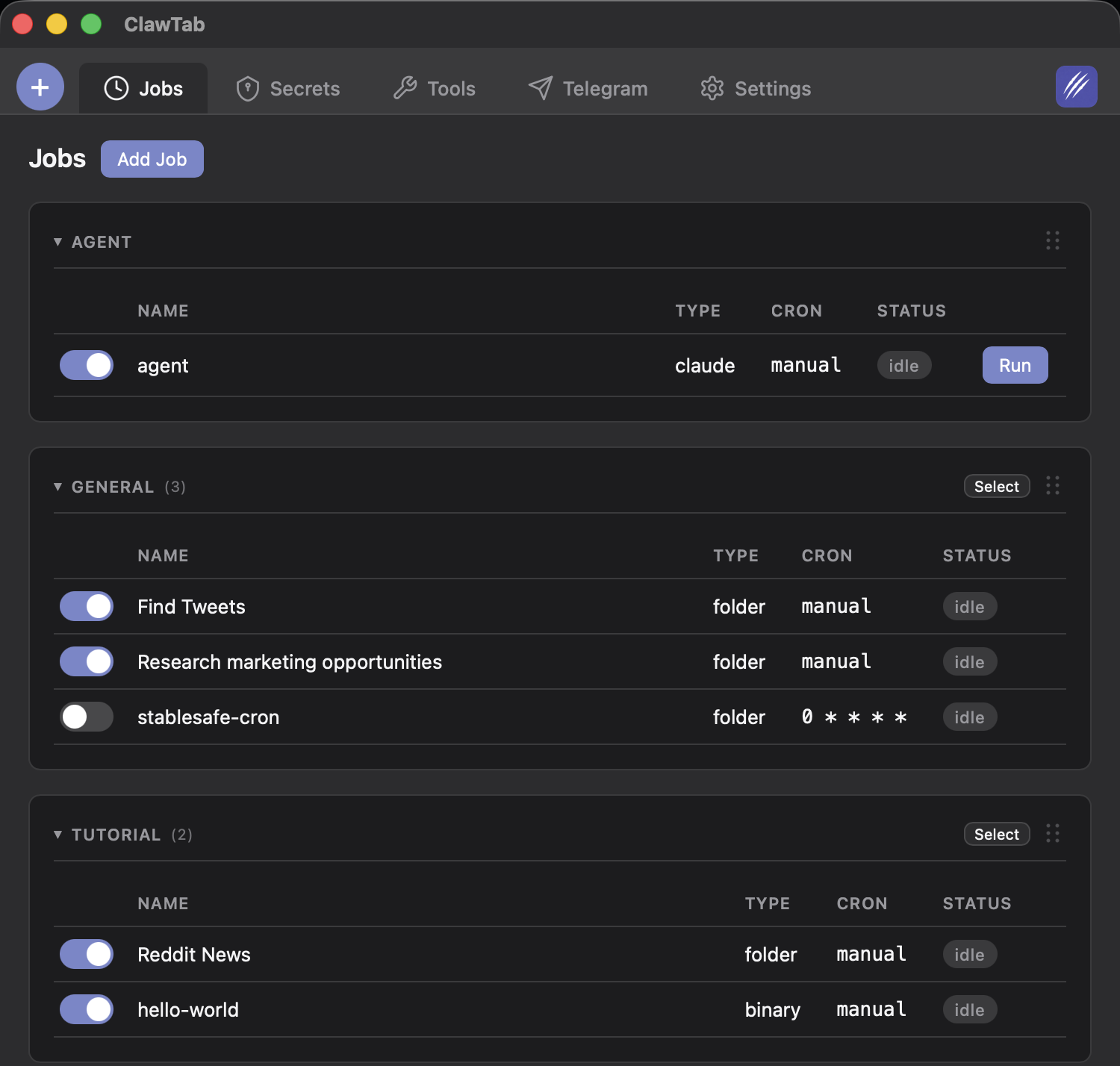
  • Cron scheduling. Schedule agents to run at specific times using standard cron expressions. Your overnight refactoring agent doesn't need you at the keyboard — and if it hits a permission prompt, you get a push notification on your phone.
  • Agent history. See first query, last query, and session start time for every running agent. Rename and group agents into folders. No more losing track of what each of the 10 Claude Code sessions you have open was supposed to be doing.
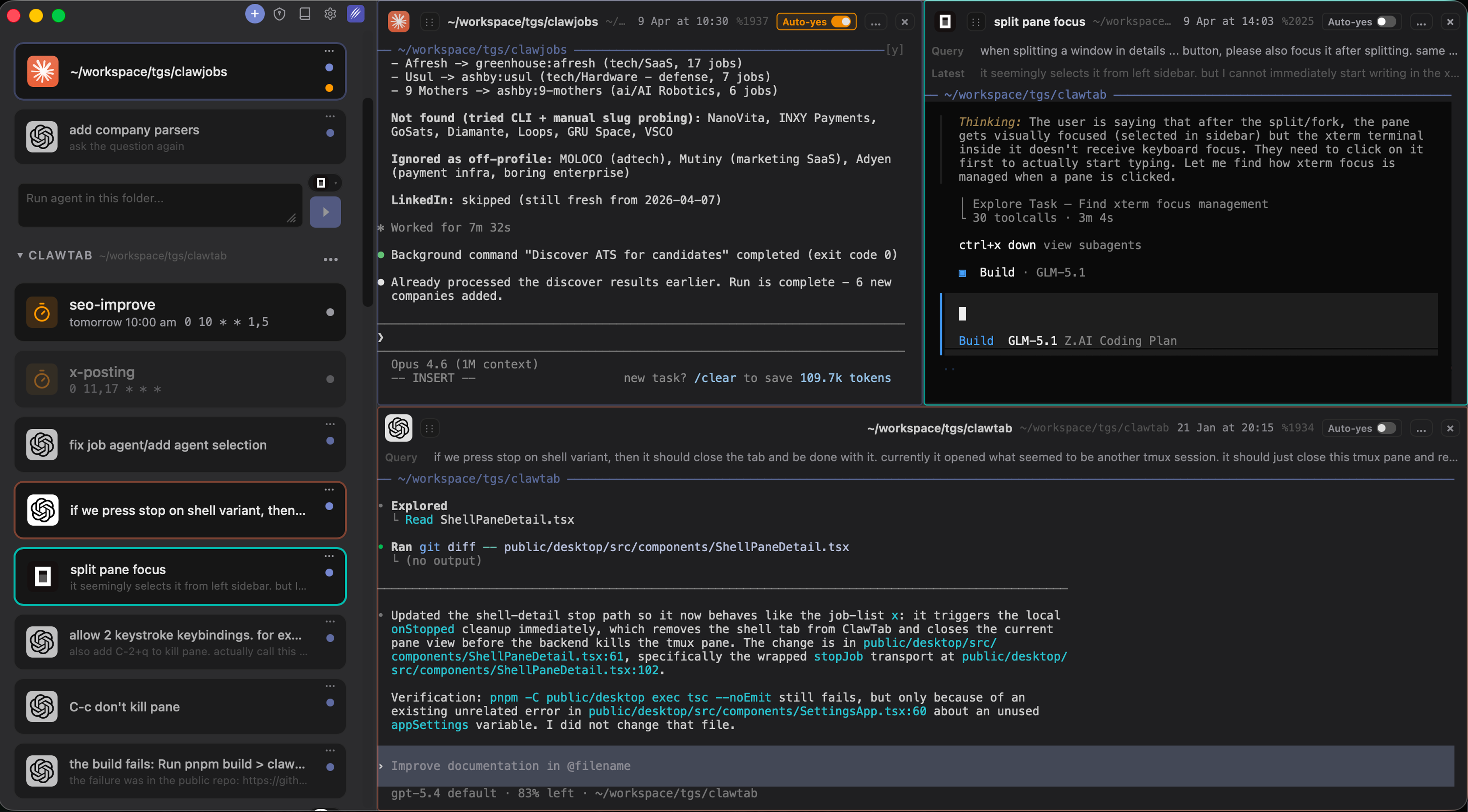
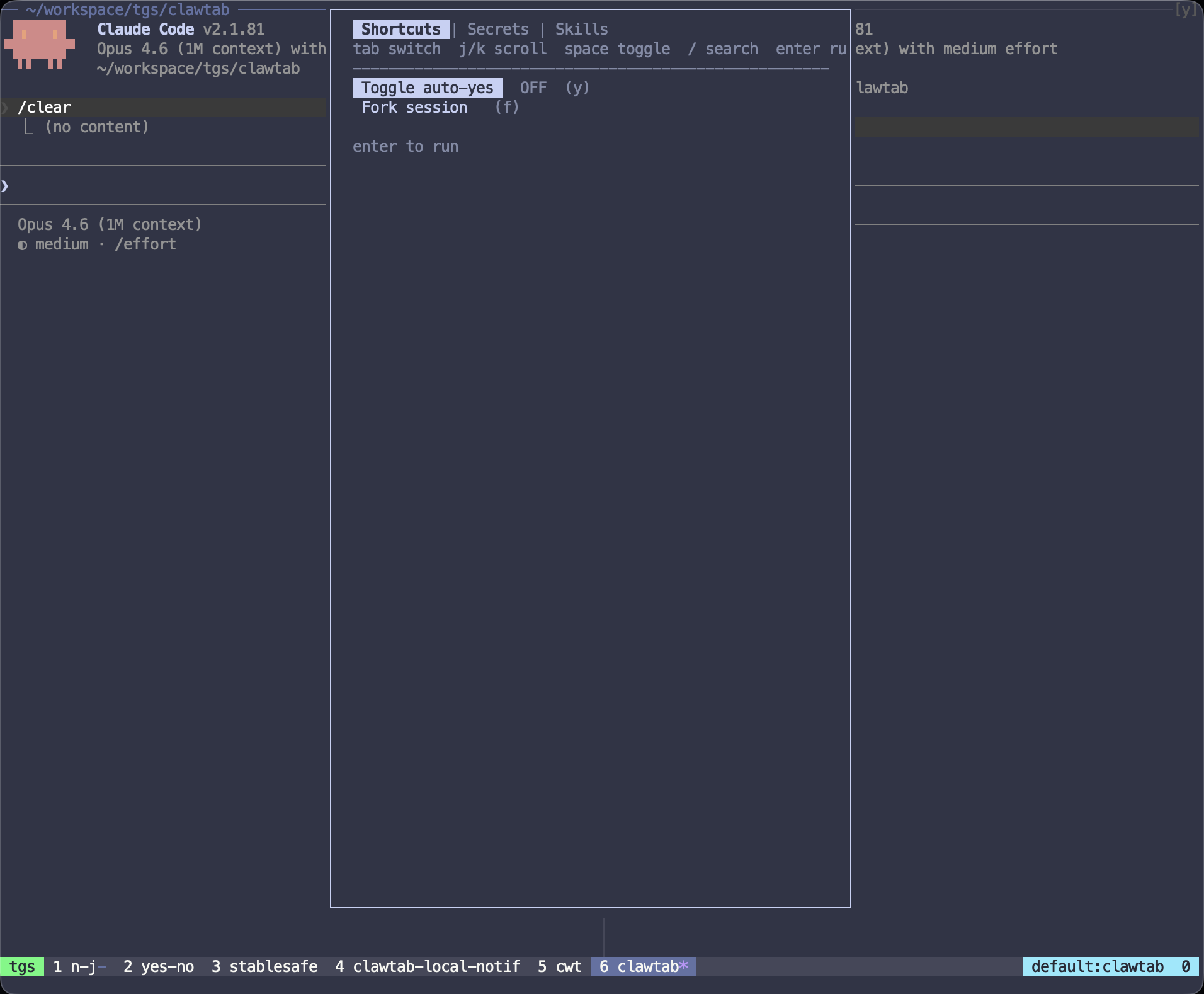
ClawTab agent list with shell session side by side in split pane view
ClawTab allows running both agents and CLI commands side-by-side
ClawTab desktop showing Claude Code, Codex, and OpenCode running in three split panes side by side
ClawTab v0.3: Claude Code, Codex, and OpenCode running simultaneously in split panes

Which Tool Should You Use?

There's no single right answer — these tools serve different workflows:

  • Use Cursor if you want the most mature IDE experience with deep codebase understanding and you're working interactively at your keyboard most of the time.
  • Use Windsurf if you want the most autonomous end-to-end agent that can go from task to deployed app with minimal intervention.
  • Use VS Code Copilot if your team is standardized on GitHub and you want MCP extensibility with multi-model flexibility inside a familiar editor.
  • Use Claude Code if you prefer the terminal, work across remote machines and containers, and want the deepest hooks for custom agent automation.
  • Use Codex if you want cloud-delegated task execution with token efficiency and are comfortable in OpenAI's ecosystem.
  • Use OpenCode if provider flexibility and zero cost are the priority, and you're comfortable configuring a TUI tool.
  • Use ClawTab if you're running CLI agents (from any of the above) and need to monitor multiple agents, schedule them, access them from your phone, or work across providers without switching tools.

The most effective setup for heavy agent use in 2026 combines a CLI agent (Claude Code, Codex, or OpenCode) with ClawTab for session management and mobile access — and an IDE (Cursor or VS Code) for code review and interactive coding. Each tool handles what it's best at.

Frequently Asked Questions

It depends on your workflow. Cursor is best for interactive coding with deep codebase context. Windsurf is best for long autonomous task sequences. Claude Code (CLI) is best for remote machines, containers, and scheduled automation. ClawTab sits above these and adds the management layer — scheduling, mobile monitoring, and multi-provider support — that IDE tools lack.

Yes. A common setup is Claude Code in ClawTab-managed tmux panes for autonomous background tasks, and Cursor for interactive coding and code review. Claude Code handles the long-running jobs; Cursor handles the sessions where you want IDE-quality context and diff viewing.

OpenCode is an open-source terminal UI agent supporting 75+ LLM providers, including local models via Ollama. Claude Code is Anthropic's CLI agent, locked to Anthropic models but with deeper hooks and Agent Teams support. OpenCode is the better choice when provider flexibility or cost is the priority. Claude Code is stronger for complex multi-agent orchestration within Anthropic's ecosystem.

ClawTab is currently the most complete option: an iOS app and web remote at remote.clawtab.cc that shows live output for all running agent panes, lets you answer permission prompts, toggle auto-yes, and start or stop jobs. Claude Code has a basic browser-based Remote Control feature, but it's less full-featured than ClawTab's native mobile experience.

Yes, with ClawTab. Set a cron expression (e.g. '0 2 * * *' for 2am daily), configure your agent command, and enable auto-yes so permission prompts don't stall the run. ClawTab sends a push notification if anything needs your attention. None of the IDE-based tools (Cursor, Windsurf, VS Code Copilot) support cron-style scheduling natively.

Yes. ClawTab is open source (MIT license) and free to download and use. The desktop app, tmux integration, cron scheduling, and auto-yes are all free. The iOS app is available on the App Store. You pay for the underlying agent tools (Claude Code, Codex, etc.) separately.

OpenCode with a local Ollama model has zero API cost. For cloud models, Codex is token-efficient (roughly 3x fewer tokens than Claude Code for equivalent tasks). ClawTab is free and lets you switch between providers to find the best price for a given task. A common cost-saving pattern: use cheaper models for simple tasks, frontier models only for complex reasoning.

Related Articles