Articles
News, guides, and deep dives on ClawTab features.
News

ClawTab Workspaces: One Split Layout Per Group, Zero Context Switching
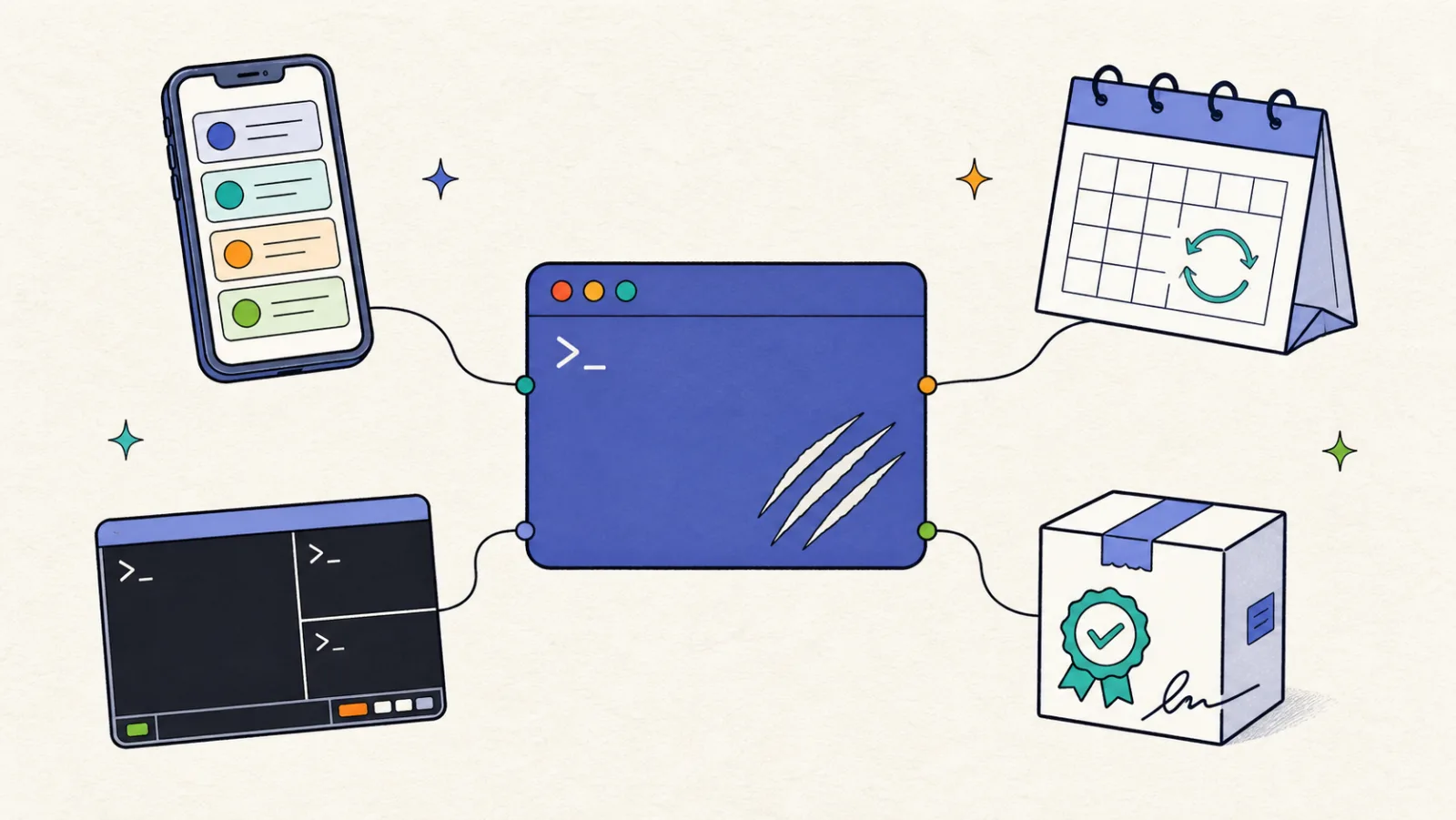
Every sidebar group in ClawTab is now its own independent workspace with its own split tree, focused pane, and layout. Switch between seo-inspect, a client repo, and your relay debugging session with a single click - no lost panes, no remounted terminals, no broken tmux sessions.

ClawTab v0.3: Split Panes, Multi-Agent Support, and Claude Code + Codex + OpenCode
ClawTab v0.3 adds split pane terminals, side-by-side agent views, native support for Codex and OpenCode alongside Claude Code, drag-and-drop pane management, and built-in forking and secrets injection.

ClawTab tmux Plugin: Control Claude Code Without Leaving Your Terminal
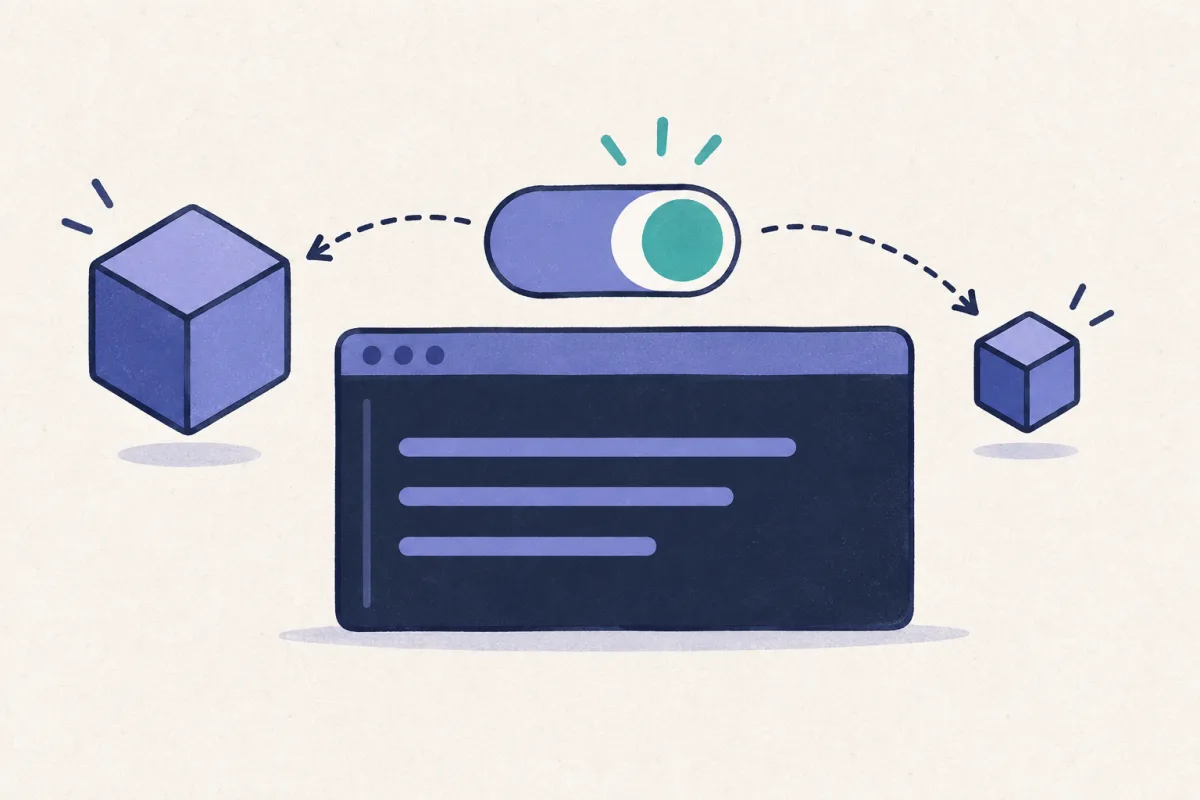
A tmux plugin that adds a popup menu for toggling auto-yes, forking sessions, injecting secrets, and searching skills. Works with any Claude Code pane. Install with one line in your .tmux.conf.

ClawTab Is Now on the App Store
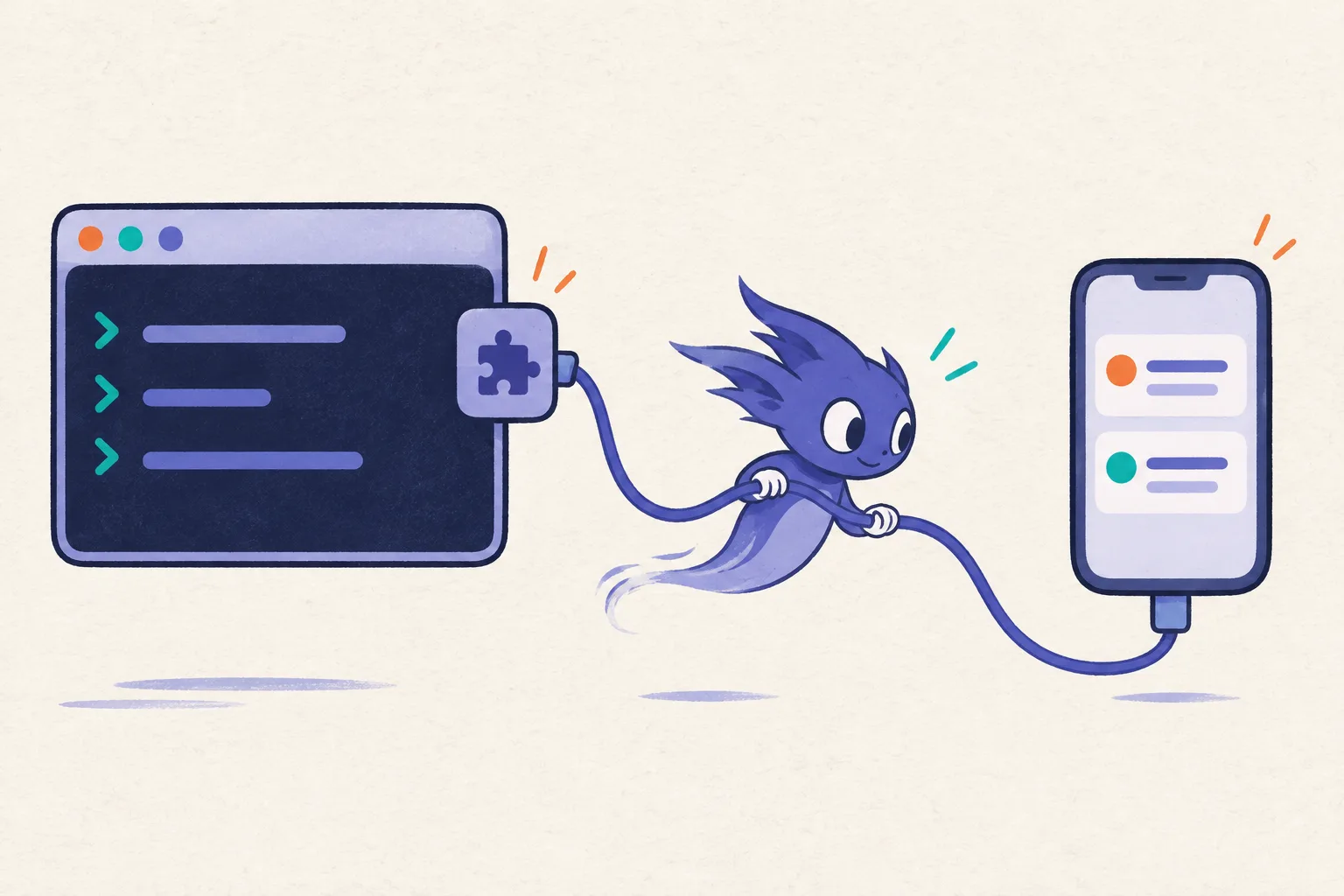
The ClawTab mobile companion app is now available on the iOS App Store. Monitor your Claude Code agents, answer permission prompts, enable auto-yes, and get push notifications - all from your iPhone.
Guides

Claude Code Parallel Agents in tmux: Run 8+ Sessions Side by Side
Run 8+ Claude Code parallel agents in tmux panes with git worktrees per session. How worktrees, tmux panes, and Agent Teams compare in 2026, when 5x parallelism is worth 5x tokens, and two copy-paste swarm configs you can run today.

Claude Code Routines vs ClawTab: Cloud Tasks or Local Cron?
Claude Code Routines run scheduled tasks in Anthropic's cloud - no laptop needed, but fresh-clone per run and Anthropic-only. ClawTab runs persistent local cron on your Mac with Keychain secrets, per-pane auto-yes, iOS remote, and multi-provider support. Here's when to use each.

Claude Code Agent Teams Alternative: Run Unattended Multi-Agent Swarms With ClawTab
Claude Code Agent Teams is an experimental team-lead pattern for a single interactive session. It doesn't cover scheduled, unattended, or phone-monitored runs. Here's how ClawTab's flat-tmux model complements Agent Teams - with side-by-side screenshots comparing Nimbalyst (Crystal), Claude Flow (Ruflo), Overstory, ccswarm, and oh-my-claudecode.

Best AI Coding Agent IDE 2026: Cursor vs Claude Code vs Codex Ranked
Cursor, Windsurf, Claude Code, Codex, and OpenCode ranked for 2026. Real pricing, parallel agent limits, Cursor Auto mode model picks, mobile monitoring, and background scheduling compared.

Run Claude Code in the Background: 8 Unattended Agent Tools Compared (2026)
Run AI coding agents overnight without babysitting. ClawTab, Claude Code Routines, Cursor background agents, Codex automations, Copilot, OpenClaw, Aider, and Devin compared on scheduling and mobile monitoring.

Claude Code Auto Mode vs Auto-Yes: Which Permission System Should You Use?
Claude Code auto mode (Team plan, AI safety classifier) vs ClawTab auto-yes (free, per-pane, phone-controlled). Both let AI agents run unattended — but they work differently. Here's when to use each and how to combine them.

How to Run Claude Code in the Background Without a Terminal
Claude Code is interactive by default and dies when you close the terminal. Here are four ways to run it headless - from manual tmux to auto mode to fully managed background agents with ClawTab.

Claude Code Automation: From First Job to Fully Unattended Agents
A step-by-step guide to automating Claude Code with ClawTab. Install, create your first cron job, enable auto-yes, inject secrets, and monitor everything from your phone.

Claude Code Workflows: Centralized Job Storage and Project Context
ClawTab stores everything centrally at ~/.config/clawtab/jobs/ - job configs, prompts, shared project context, and auto-generated agent context. Here's how the system works.

Claude Code Telegram Bot: Get Agent Notifications and Control Jobs Remotely
Connect Claude Code agents to Telegram for real-time output streaming, completion alerts, error notifications, and remote job control via bot commands. Set up in under five minutes with ClawTab.

Securely Inject API Keys into Claude Code Agents: Keychain and gopass
Inject API keys, tokens, and secrets from macOS Keychain or gopass into Claude Code agents as environment variables. No plaintext credentials in prompts, .env files, or shell history. Secure secrets for scheduled and background agents.

Search, Filter, and Sort Your Claude Code Jobs in ClawTab
Find any running Claude Code agent instantly. Real-time filtering by job name or group, keyboard shortcuts, and three sort modes across all your ClawTab jobs.

Claude Code Auto-Yes: Auto-Approve Permission Prompts Per-Pane (Toggle from Your Phone)
Stop babysitting Claude Code permission prompts. ClawTab's auto-yes accepts them automatically per-pane — safer than --dangerously-skip-permissions, works with any plan, and can be toggled on or off from your phone in one tap.

Claude Code Multi-Agent Swarm in tmux: Run 10+ Parallel Agents With ClawTab
Run 10+ Claude Code agents in parallel tmux panes - each with its own prompt, auto-yes policy, secrets, and remote phone monitoring. How ClawTab multi-agent orchestration compares to Claude Code Agent Teams for background automation and scheduled swarms.

Share Claude Code Agents With Your Team: ClawTab Workspace Sharing
Give teammates read or write access to running Claude Code agents. Answer permission prompts, toggle auto-yes, and stream live logs from any phone or browser — no terminal access needed.

Claude Code Cron Jobs: Schedule Persistent AI Agents That Survive Reboots
Set up Claude Code agents on a cron schedule that keeps running even after a reboot. ClawTab injects Keychain secrets, auto-approves permission prompts, and pushes alerts to your phone — compare with Claude Code /schedule and /loop.

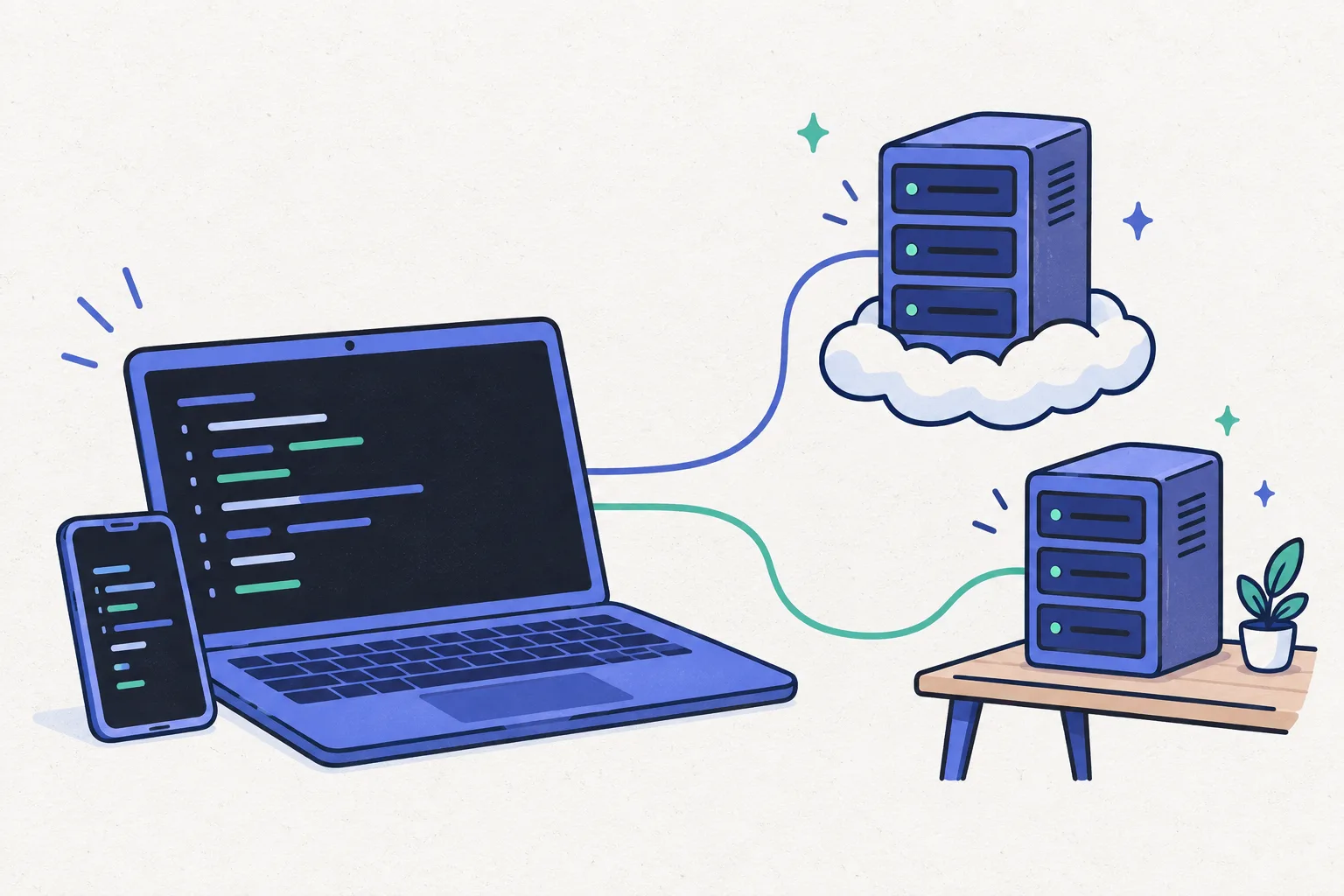
Claude Code on Your Phone: Remote Control AI Agents From iOS, Android, or Browser
Run Claude Code on your Mac and answer agent questions from your phone. Live log streaming, push notifications, permission prompt detection, and multi-viewer support - works with iOS, Android, and any browser via ClawTab Remote. A practical alternative to Claude Code's built-in Remote Control.