Introduction
ClawTab 0.6.1 separates the macOS host from the desktop app. The usual Homebrew command now installs the background daemon, cwtctl, agent hooks, and Zsh completion. The desktop interface has its own cask: clawtab-desktop.
This is the installation update since our Relay workspace announcement. If you control agents from your terminal, phone, or browser, you can install the host on your Mac and leave the desktop app out. Add it later for split workspaces, the Mind Map, and visual settings.
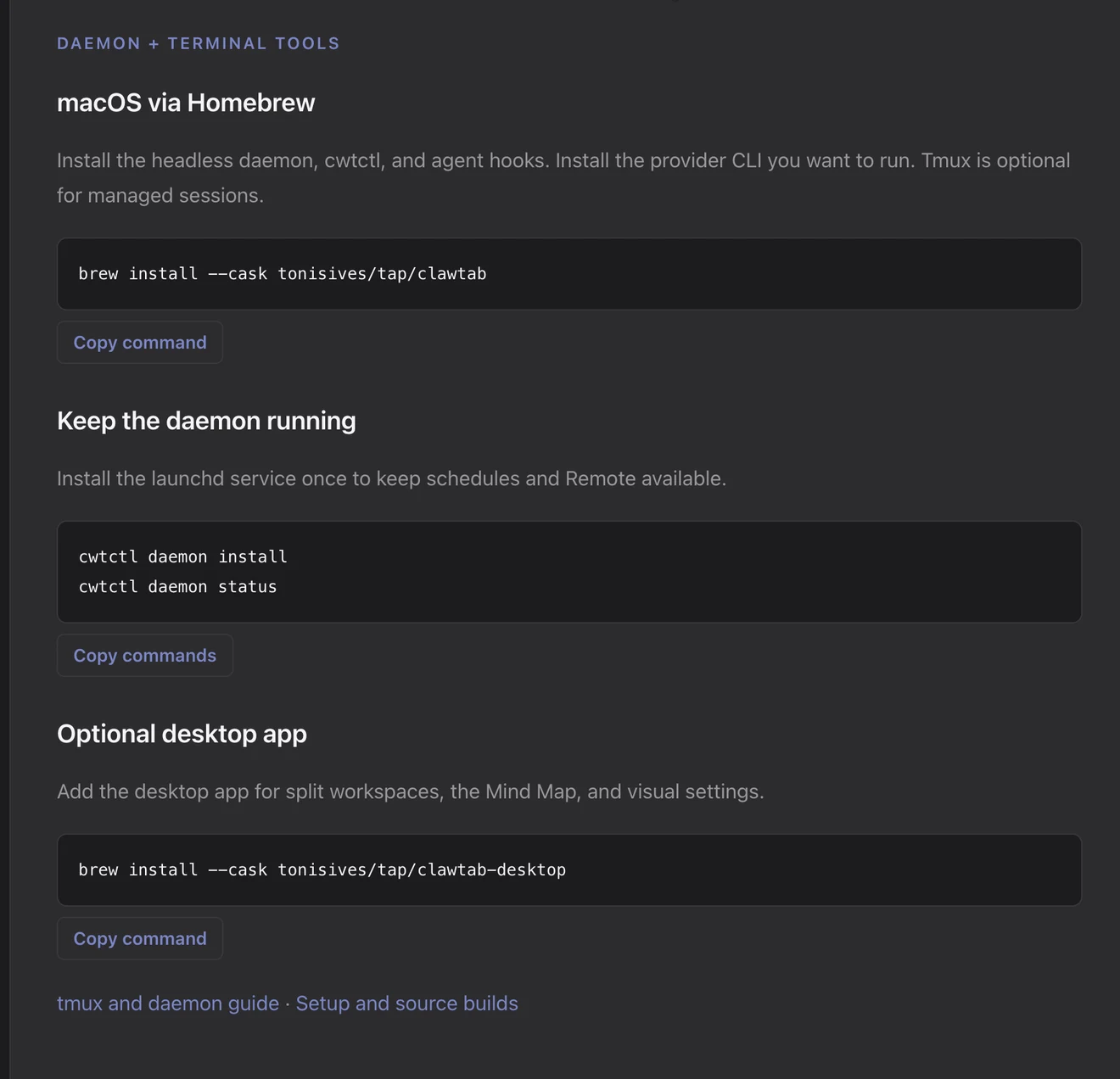
The image above shows the updated macOS installation panel on the live ClawTab website, captured October 26, 2026. It separates the host, service setup, and optional desktop command.
The default package runs your host
The daemon handles schedules, agent monitoring, notifications, and the connection to Remote. It runs independently of the desktop window. cwtctl gives you terminal controls for that service and your agent sessions.
| Install | What you get |
|---|
tonisives/tap/clawtab | Headless daemon, cwtctl, agent hooks, and Zsh completion |
tonisives/tap/clawtab-desktop | Desktop interface with split workspaces, Mind Map, and visual settings |
For a new Mac host, install the default package, then register the background service:
brew install --cask tonisives/tap/clawtab
cwtctl daemon install
cwtctl daemon ping
Add the desktop interface when you want it
The separate desktop cask installs ClawTab.app. You can keep both casks installed: the host package supplies the terminal tools, while the desktop package supplies the interface.
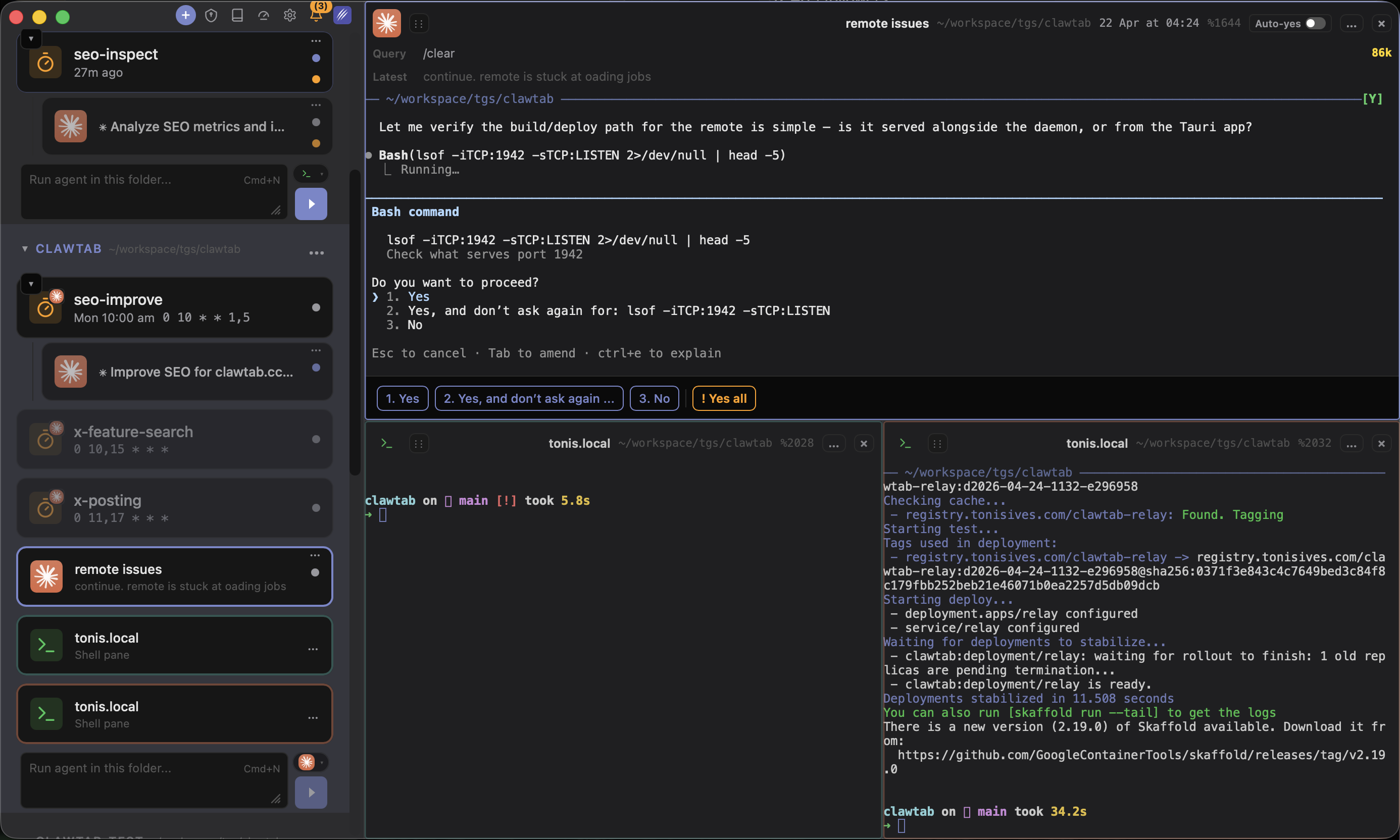
Use it to arrange terminals in workspaces, browse the Mind Map, or manage settings visually. Installing the desktop app is now an explicit choice in the setup instructions and desktop feature guides.
brew install --cask tonisives/tap/clawtab-desktop
Moving from the combined cask
If you installed ClawTab before 0.6.1, the old cask included the desktop app. Stop its daemon, reinstall the default cask, and register the service again so launchd uses the new installed path.
Run these steps when you can interrupt the host service. Afterward, install clawtab-desktop with the command above if you want to keep the desktop interface.
cwtctl daemon stop
brew update
brew reinstall --cask tonisives/tap/clawtab
cwtctl daemon install
cwtctl daemon ping
Separate downloads for Apple Silicon and Intel
The 0.6.1 release publishes standalone host archives for Apple Silicon and Intel, with SHA-256 files, alongside the desktop DMGs. The macOS host and desktop packages are signed and notarized.
The host archive contains ClawTab Daemon.app, cwtctl, and the shell completion file. The background app includes the notification and hook helpers. The daemon installer now locates the installed executable and records its path for launchd, including Homebrew installations.
Start with the installation panel or the platform guide. The source comparison covers the packaging and installer changes.