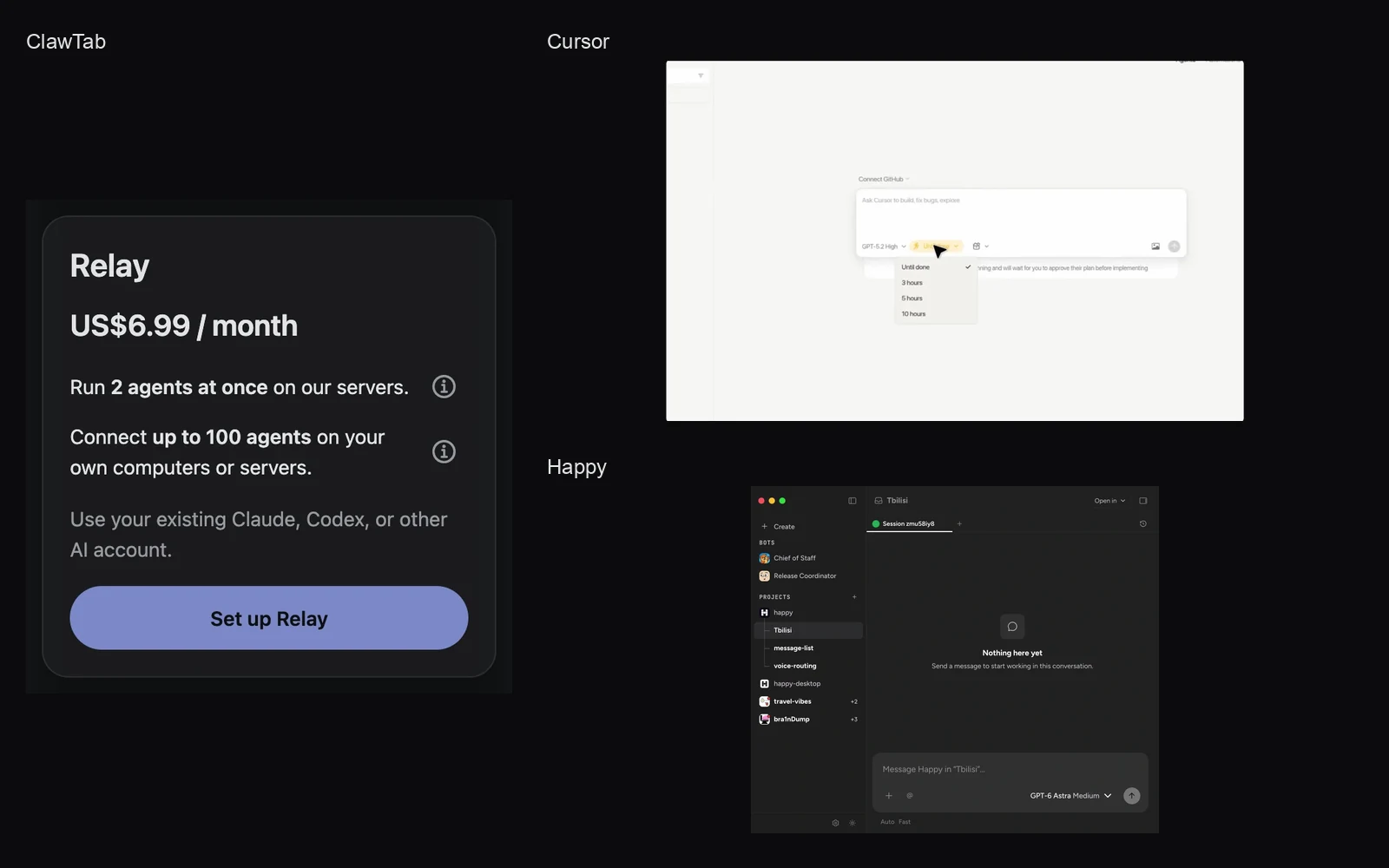
Run 2 agents on our servers and connect up to 100 on your own computers or servers with one Relay subscription. Use your existing AI account.
Introduction
ClawTab Relay now includes a remote execution workspace. Subscribe, and ClawTab creates the workspace and connects it to Relay automatically. Choose Claude Code, Codex, OpenCode, or Hermes, sign in with your own AI account, and start a task from your phone or browser.
Relay includes two features for $6.99 per month on the website:
Run 2 agents at once on our servers. Your workspace connects automatically.
Connect up to 100 agents on your own computers or servers. Keep using the machines and projects you already have.
Use your existing Claude, Codex, or other supported AI account. AI usage comes from that account.
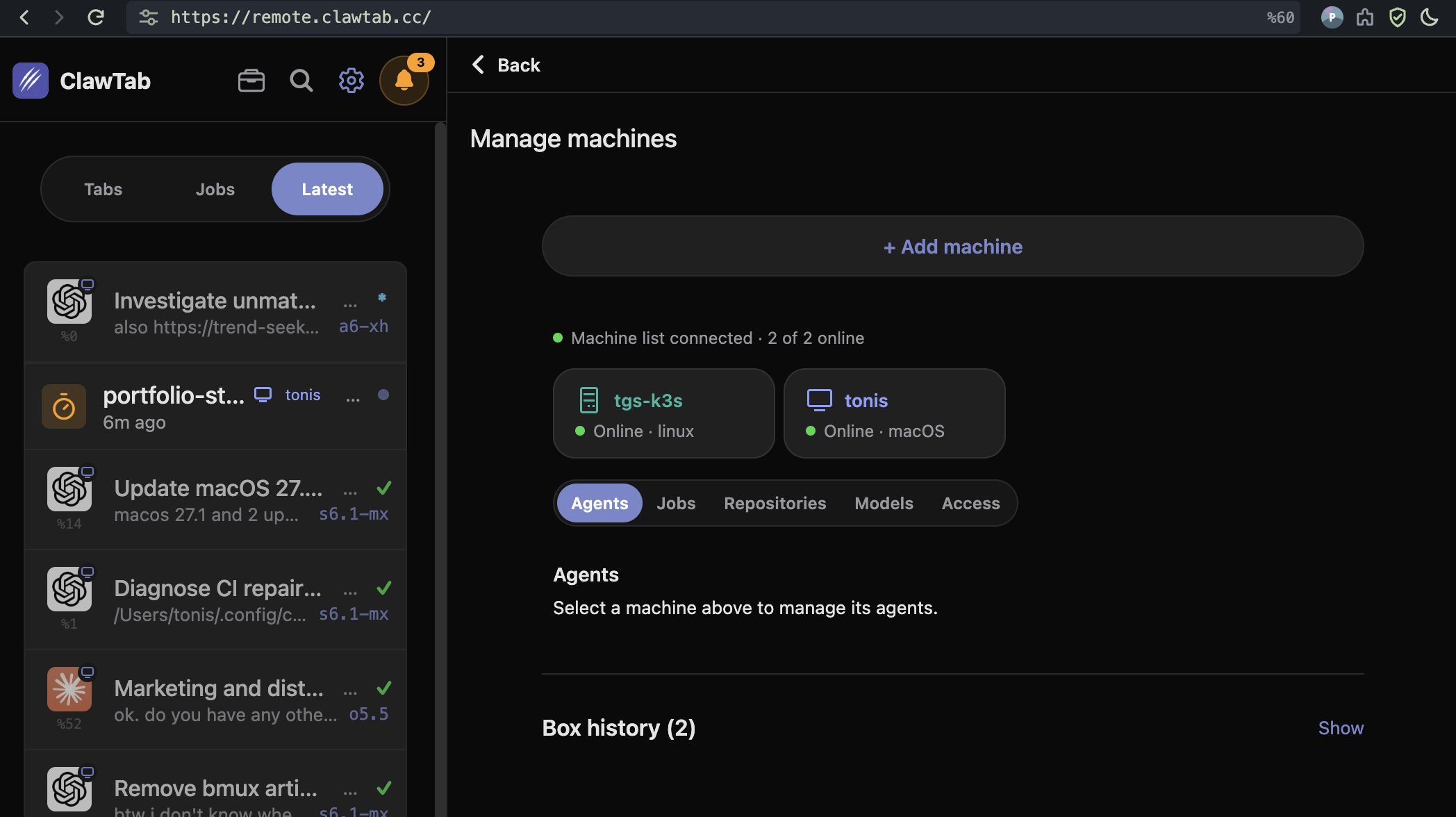
The screenshot above shows the machine manager in the ClawTab web app on October 27, 2026, with a Linux host and a Mac online. Select a machine to manage its agents, jobs, repositories, models, and access.
A workspace connects as part of subscribing
Previously, getting started meant arranging relay access and then connecting a separate agent machine. That is still an option, but a new subscriber can now start with the included workspace.
Subscribe to Relay. After the subscription is confirmed, the workspace is created and paired automatically.
Choose an installed agent and follow its provider sign-in. Add your project and start working.
“One click” describes the workspace setup. Your AI account still needs authorization, and a private repository still needs access. You can do that from the workspace's terminal without installing the ClawTab daemon on another machine first.
Use the AI account you already have
The workspace comes with four agent tools installed. Pick the tool that supports your existing account and authenticate it there. For example, use Claude Code with an eligible Claude subscription, or Codex with an eligible ChatGPT account.
Installed tool
What you connect
Claude Code
Your supported Claude subscription or API account
Codex
Your supported ChatGPT account or OpenAI API account
Run one agent on a task and keep another available for a separate task or review. You can also save recurring jobs and check their progress later. Scheduled jobs continue when you disconnect your phone or close the browser.
Included with Relay
Capacity
Parallel agent sessions
2
Saved scheduled jobs
2
CPU
0.5 CPU
Memory
500 MiB
Storage
500 MiB
This is a small environment for getting started, lightweight repository work, and terminal tasks. The two session slots share its resources. Large dependency installs, builds, browser testing, or a bigger set of agents call for a larger machine. For concurrent edits to one repository, use separate Git worktrees.
Connect up to 100 agents on your own machines
The same Relay subscription connects up to 100 agents across your own computers or servers. Install ClawTab on a machine, pair it from Advanced setup, and open its agents from your phone or browser. Your machines supply the CPU, memory, and storage and need to stay online.
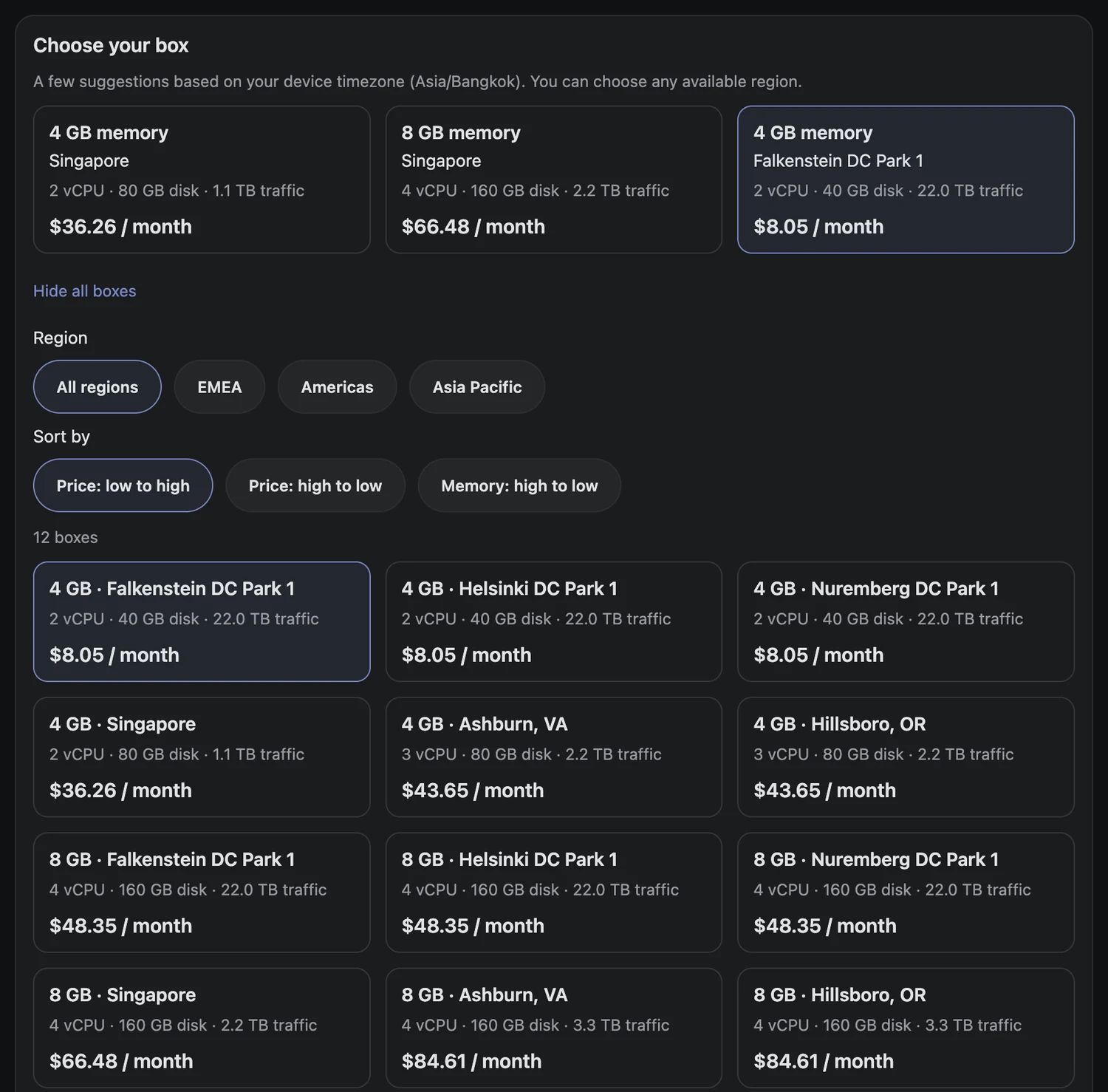
For a separate server, see the server rental guide and current price comparison. ClawTab rentals include Relay access. You can also install the daemon on a VPS you rent directly or host your own relay.
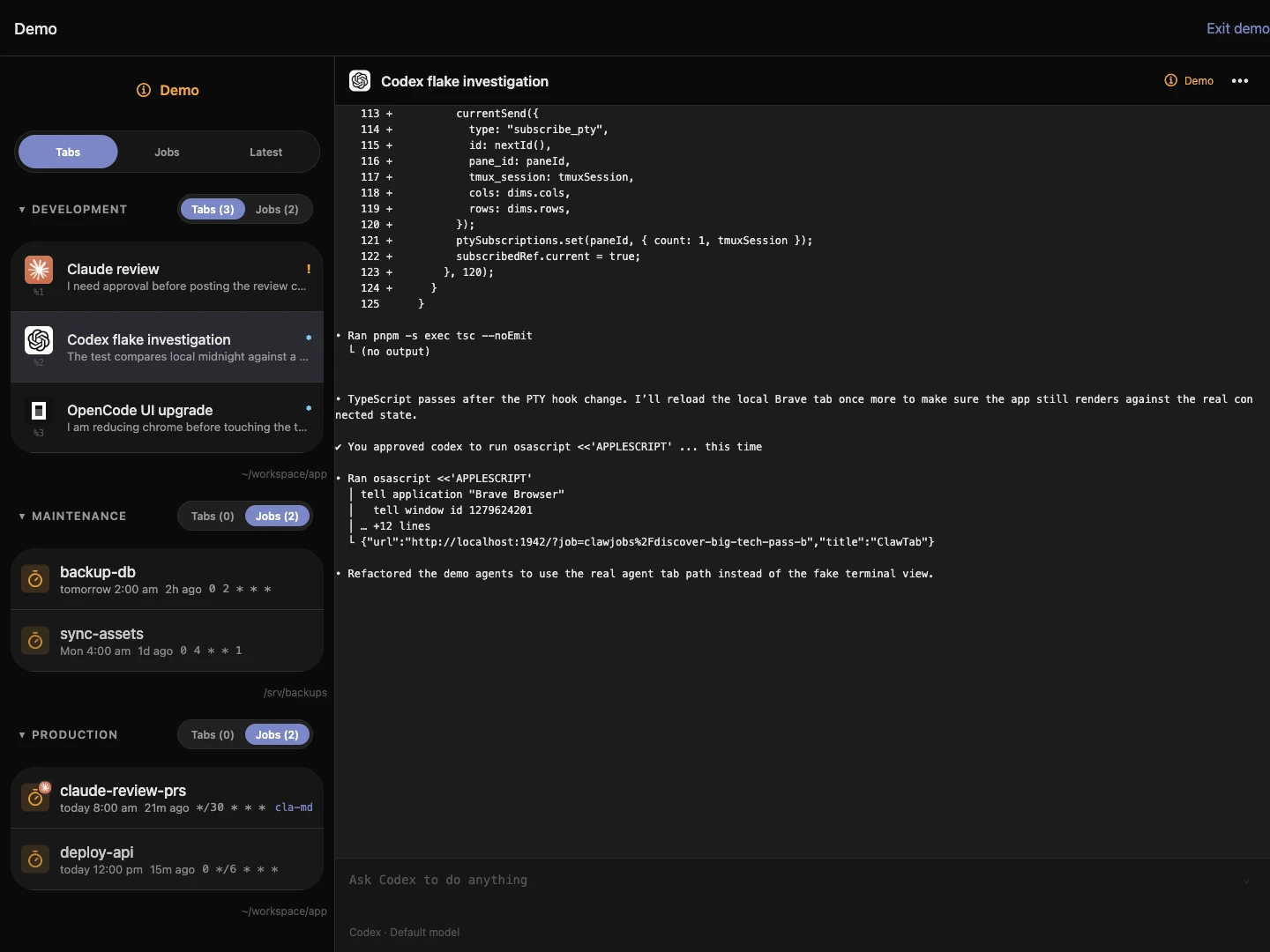
The screenshot shows those choices in the live app. You can start with the included workspace and add a machine later when a project needs more memory, disk, or platform-specific tools. Existing agents and projects can stay on their current host.
Advanced setup in the live ClawTab web app, captured October 26, 2026. These options connect your own machine or a larger rented server.
Available now for $6.99 per month
The new flow is live on the web, with the mobile update published for supported installed versions. Existing Relay subscribers can open Relay workspace to start or return to their included workspace.
New website subscriptions are billed in USD at $6.99 per month. Existing subscribers keep their original subscription price. App Store checkout shows Apple's local price.
Open Relay workspace to get started. If you are deciding between this and another remote coding workflow, our platform comparison looks at setup, hosting, account reuse, and where each option fits.
Frequently Asked Questions
Relay includes 2 agents at once on our servers and connections for up to 100 agents across your own computers or servers. The included workspace also has two saved jobs, 0.5 CPU, 500 MiB memory, and 500 MiB storage. New website subscriptions cost $6.99 per month. Use your own AI account.
The included workspace is created and paired automatically after subscription confirmation. Install and pair a daemon when you choose to connect your own computer or server instead.
Sign in through the relevant agent's supported subscription login on the workspace. Provider eligibility and usage limits apply. An API-key login uses separate API billing.
Connect up to 100 agents on your own computers or servers with the same Relay subscription, or rent a larger machine with Relay included. The included workspace has two parallel session slots.