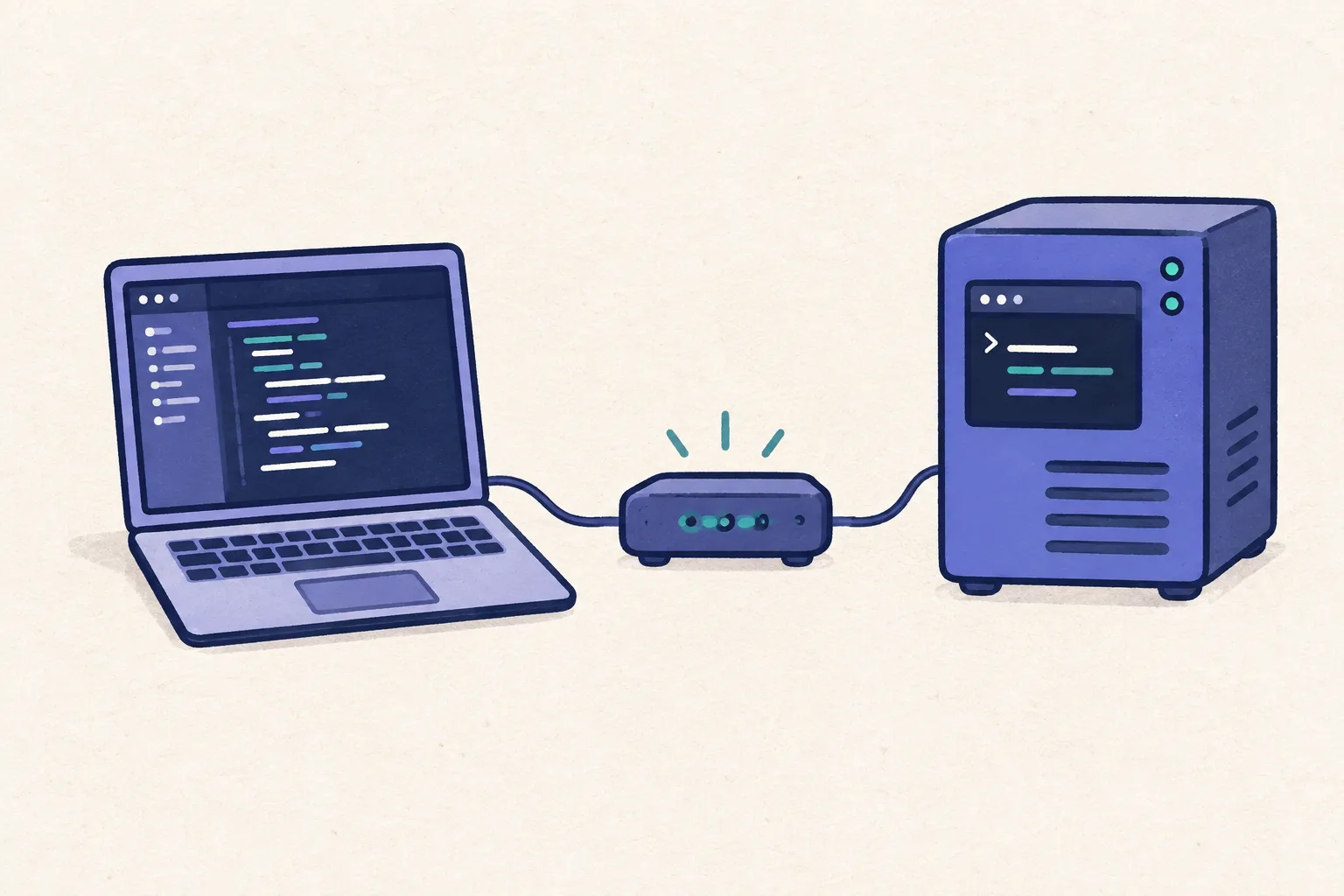
Compare cloud agents and remote terminal control: where code runs, which account pays for AI usage, setup work, and when each platform makes sense.
Introduction
You want an agent to keep working after you close your laptop, and you want to reach it from your phone. Several platforms now handle that. The useful comparison is where the agent runs, which AI account it uses, and how much of the environment you want to manage.
ClawTab's included Relay workspace adds a small hosted starting point for ordinary agent CLIs. Codex Cloud, Claude Code, Cursor, GitHub Copilot, and Happy offer other ways to work remotely. Some already fit within a subscription you have.
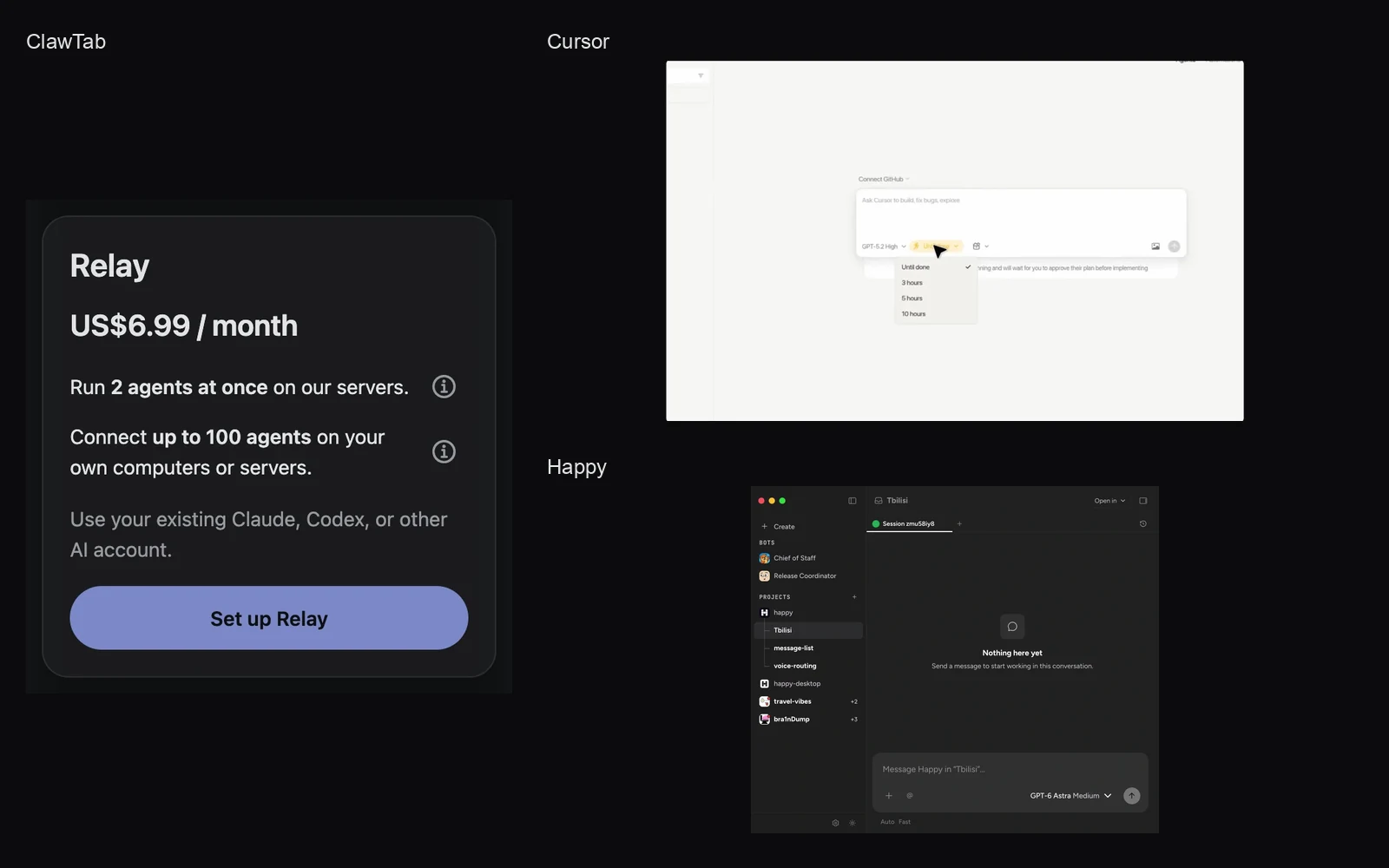
We build ClawTab. This comparison uses our implementation and the linked official product documentation, checked on October 25, 2026. The hero combines real ClawTab, Cursor, and Happy interface captures; individual sections identify their sources and dates.
First choose who runs the machine
A hosted agent service prepares an execution environment for you. A remote control app reaches a process on a machine you provide. ClawTab now offers both paths, and several competing products have both cloud and local options too.
Open-source agent orchestration and encrypted mobile access
SSH with a persistent terminal
Your own computer or server
Your agent account, plus any server bill
A direct terminal workflow you configure yourself
The right row depends on the task. A project that needs your Windows build tools belongs on a Windows host. A lightweight remote CLI task may fit an included workspace. A full browser test environment benefits from a platform or host prepared for that workload.
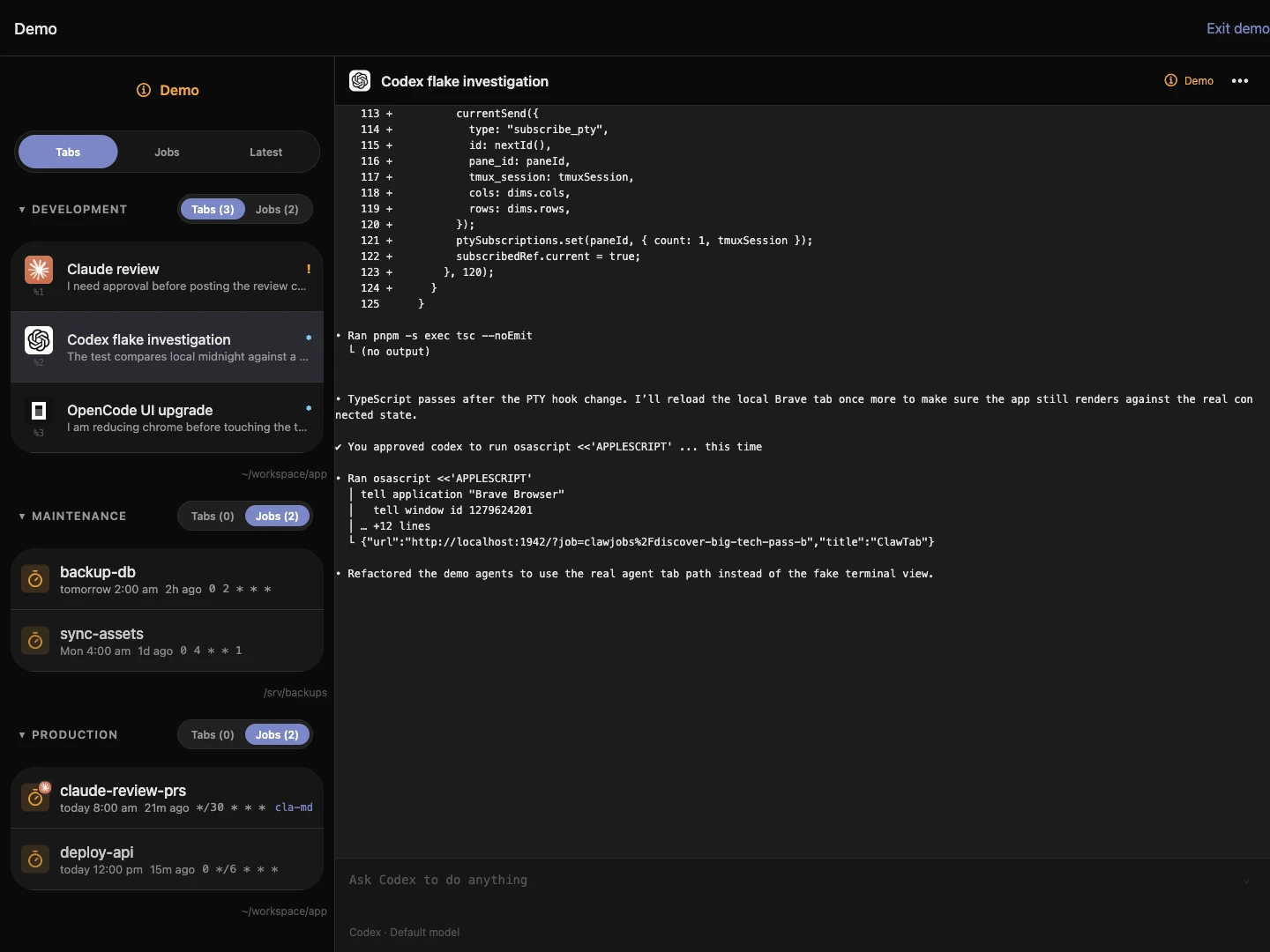
ClawTab: bring your agent account to an included workspace
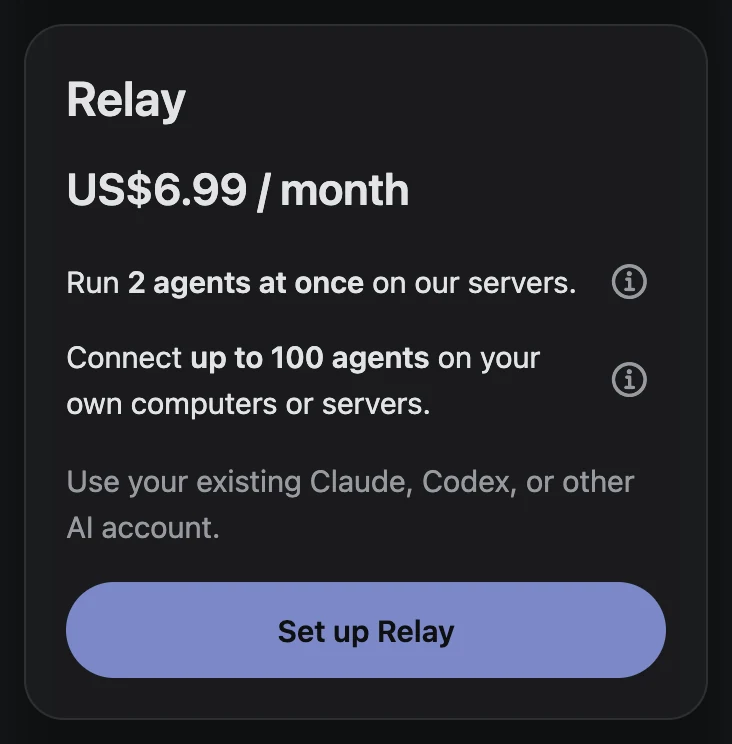
Relay costs $6.99 per month for new website subscriptions and includes a workspace that creates and pairs automatically after subscription confirmation. Claude Code, Codex, OpenCode, and Hermes are installed. Sign in through the agent's supported provider flow, add your project, and operate its terminal from web or mobile.
The subscription includes 2 agents at once on our servers and connections for up to 100 agents on your own computers or servers. The included workspace has two saved jobs, 0.5 CPU, 500 MiB memory, and 500 MiB storage. Heavy builds, browser testing, or large dependency trees need a larger host.
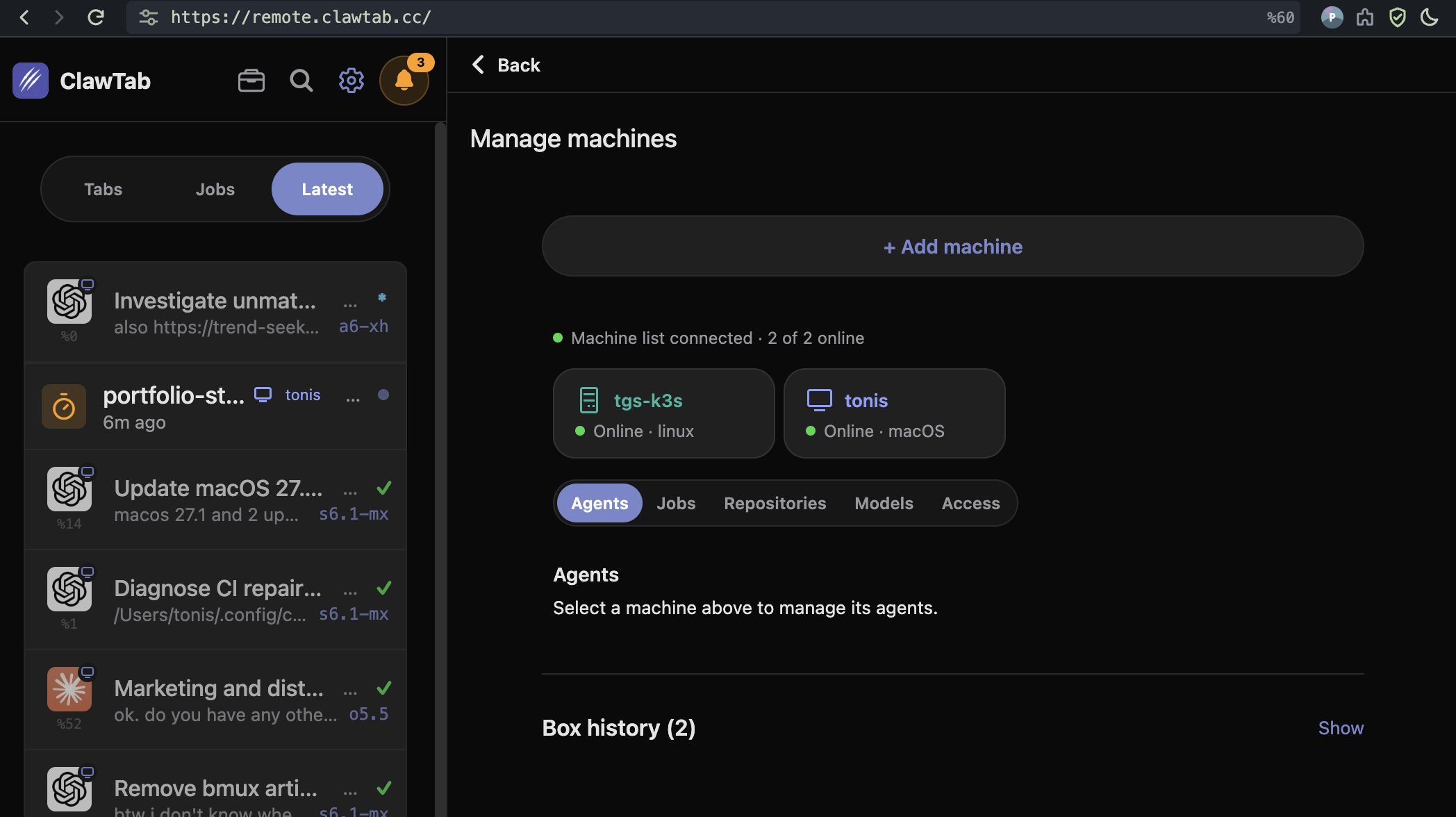
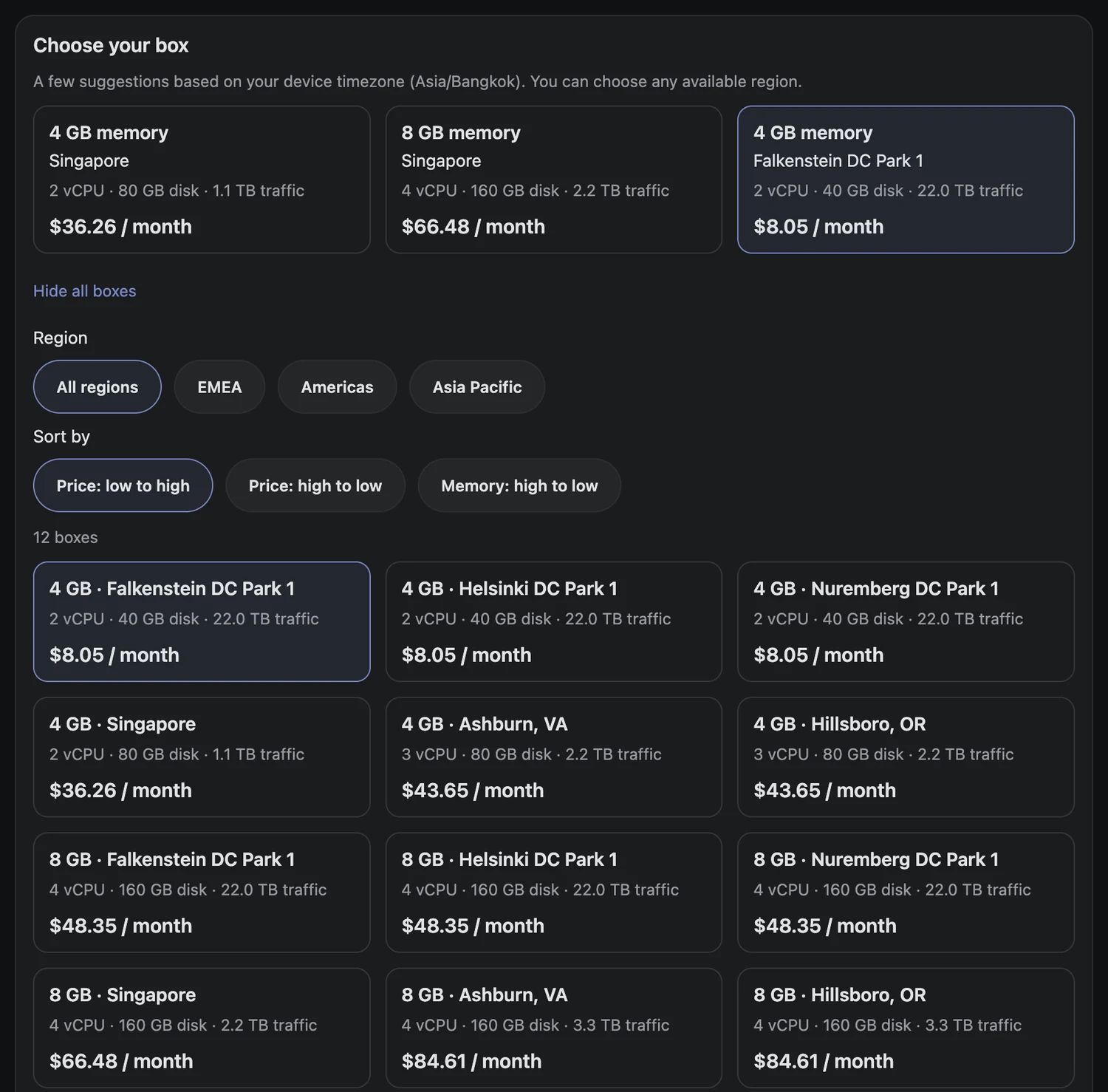
Connect a Mac, Linux, or native Windows machine from Advanced setup. You can also rent a server with Relay included; the rental guide compares current catalog prices with other VPS providers.
The screenshot shows the Relay card with both included features. ClawTab's fit is a common operational view across supported CLIs and machines. You keep each provider's account, usage allowance, and conversation history separate. Read the account and host setup guide for the details.
ClawTab web onboarding, captured October 26, 2026. This shows the setup offer; provider authorization and project access happen afterward.
Codex Cloud: prepare a project once, then delegate Codex tasks
Codex Cloud environments hold a reusable project setup. Select repositories, let Codex prepare dependencies and tools, test that setup, and publish it. Each new task gets its own workspace from the published environment. You can review and continue from web, mobile, or desktop.
This is a good fit when Codex is the agent you want and the project can run in that prepared environment. You get a task and review workflow tied to Codex, rather than arranging a separate terminal host yourself.
An eligible existing ChatGPT plan may already cover the cloud workflow you need. OpenAI's pricing and availability page explains the shared allowance for local and cloud work. Check that before adding Relay solely to run Codex remotely. ClawTab becomes useful when you also want other supported CLIs or your own machines in the same interface.
Claude Code: distinguish cloud sessions from Remote Control
Anthropic offers two different execution paths. Cloud sessions run away from your laptop and count toward your eligible Claude plan's usage; Anthropic documents no separate charge for the cloud VM. They support browser, mobile, desktop, and terminal entry points.
Remote Control reaches Claude Code running on your own machine. Its local filesystem, tools, and MCP servers remain available, and that host must stay online with Claude running.
For a Claude-only workflow, start with the option your subscription already provides. Choose cloud sessions when the laptop should be able to sleep; choose Remote Control when your existing local environment matters. ClawTab adds value when Claude is one of several agent tools or hosts you want to manage together.
Cursor: cloud agents with testing and review artifacts
Cursor Cloud Agents work in isolated VMs with repositories, dependencies, secrets, and network settings. They can operate a browser or desktop, test changes, and produce screenshots, videos, and logs for review. Cursor also documents self-hosted execution.
Cursor is worth considering when preparing a complete development environment and reviewing demonstrated changes are central to the job. Its cloud tasks use an eligible Cursor plan's allowance and the selected model's rate. This differs from signing a standalone Claude or Codex CLI into its own account on a ClawTab host.
The frame below comes from Cursor's official February 2026 product demo. It shows the task composer and a time-budget menu, giving a concrete view of the delegated-task interface.
Cropped frame at 00:35 from Cursor's official February 24, 2026 demo, retrieved October 25. The recorded UI may differ from today's controls.
GitHub Copilot: work from the repository and review the branch
Copilot on GitHub can investigate a repository, plan changes, edit files, and run checks in a cloud development environment. A prompt-started task can work on a branch while you review and steer it; assigning an issue creates a pull request. GitHub's task-start guide explains that distinction.
This is a natural fit when the issue, repository permissions, collaboration, and review already live in GitHub. You can ask for refinements in that workflow rather than keeping a general-purpose terminal host available.
GitHub also offers third-party agent choices on eligible paid plans. Check the current plan and AI-credit rules for the selected agent. A provider name in a model or agent menu does not by itself mean the run uses your separate Claude or ChatGPT subscription.
Happy: an open-source option for hardware you already have
Happy is a free, MIT-licensed harness for Claude, Codex, and Grok, with subscription sign-in and an end-to-end encrypted mobile app. Its agents run on your own hardware. It also documents a team-server option.
That makes Happy a close alternative when you already have a suitable machine and want mobile access without another core app subscription. ClawTab's included workspace is useful when arranging an execution host is the step you want to skip.
The screenshot shows Happy's desktop project and session interface from its official site. Its documentation identifies the original Happy CLI as being in maintenance mode, with new features going into the desktop app. Use the current desktop offering when evaluating it.
Product capture published on Happy's official homepage, retrieved October 25, 2026. It is the vendor's demo image, resized for this article.
Compare the extra bill against what you already own
Start with your existing subscriptions and host. For a Claude-only or Codex-only cloud task, the native cloud option may already be part of the plan you use. Happy or SSH may fit when a suitable machine is already online. ClawTab Relay includes 2 agents on our servers and connections for up to 100 on your own machines for $6.99 per month on the website.
Your situation
Evaluate first
What could add cost
One provider, eligible cloud access already included
That provider's cloud workflow
Additional usage or a higher plan
Several CLI accounts, no agent host arranged
ClawTab's included Relay workspace
$6.99/month Relay; provider usage; a larger host if needed
A machine already configured and online
Happy, provider Remote Control, SSH, or ClawTab with that host
Optional hosted connectivity and the machine's running cost
Full browser testing and cloud review workflow
Cursor or a prepared larger cloud environment
Plan eligibility, model usage, and any extra infrastructure
Tasks and reviews already managed in GitHub
Copilot cloud agent
Copilot plan and applicable agent usage
These are ways to compare the next expense, not equivalent usage bundles. ClawTab's two session slots measure concurrency; provider credits and allowances measure AI consumption. A second agent can consume more of the same provider allowance.
Website Relay billing is in USD, with approximate regional display prices. Existing subscribers retain their original price; App Store prices are shown locally. A larger ClawTab rental includes relay access in its quote. See the pricing guide for the model, host, and connectivity breakdown.
Try the workflow that removes your actual setup problem
If you already use one provider and its cloud environment supports your project, try that first. If your current machine is the environment you need, keep it and choose a remote control tool. Use ClawTab when you want supported agent CLIs and different hosts in one view, with a small included workspace to begin.
Choose a representative task: open the repository, run its normal check, make one small change, then review it from your phone. That will tell you more about the environment's fit than comparing the number of agents in a menu.
To try the new ClawTab path, open Relay workspace. Subscribe, let the workspace connect, and authorize the AI account you already use. Move to your own machine or a larger server when the project needs it.
Frequently Asked Questions
Relay pays for remote connectivity and the included execution workspace. The agent uses its configured provider account, with that provider's allowance or API billing.
Use the native cloud option when it covers your workflow. ClawTab is useful for operating several supported agent CLIs or different machines in one interface, with 2 hosted agents and connections for up to 100 agents on your own machines.
Both support existing provider accounts and remote agent workflows. Happy is a free open-source harness running on your hardware, with encrypted mobile access. ClawTab offers a $6.99/month Relay plan that includes a small workspace, plus connections for up to 100 agents on your own machines.
It has 0.5 CPU, 500 MiB memory, and 500 MiB storage shared by two session slots. Use a larger rental or your own machine for workloads that need more resources.
The active platform and login method determine billing. Read the platform's current account and usage rules. A model name alone does not identify which account pays.