Rent a Server for Coding Agents: Setup and VPS Prices
Rent a prepared ClawTab server or connect your own VPS. Compare live 4 GB and 8 GB rental quotes with DigitalOcean and Akamai Linode, including setup and Relay costs.
Introduction
A rented server is useful when your agents need more memory or disk than the included Relay workspace, or when your own computer should be able to sleep. ClawTab can prepare a Hetzner server for you. You can also rent a VPS directly from another provider and install ClawTab there.
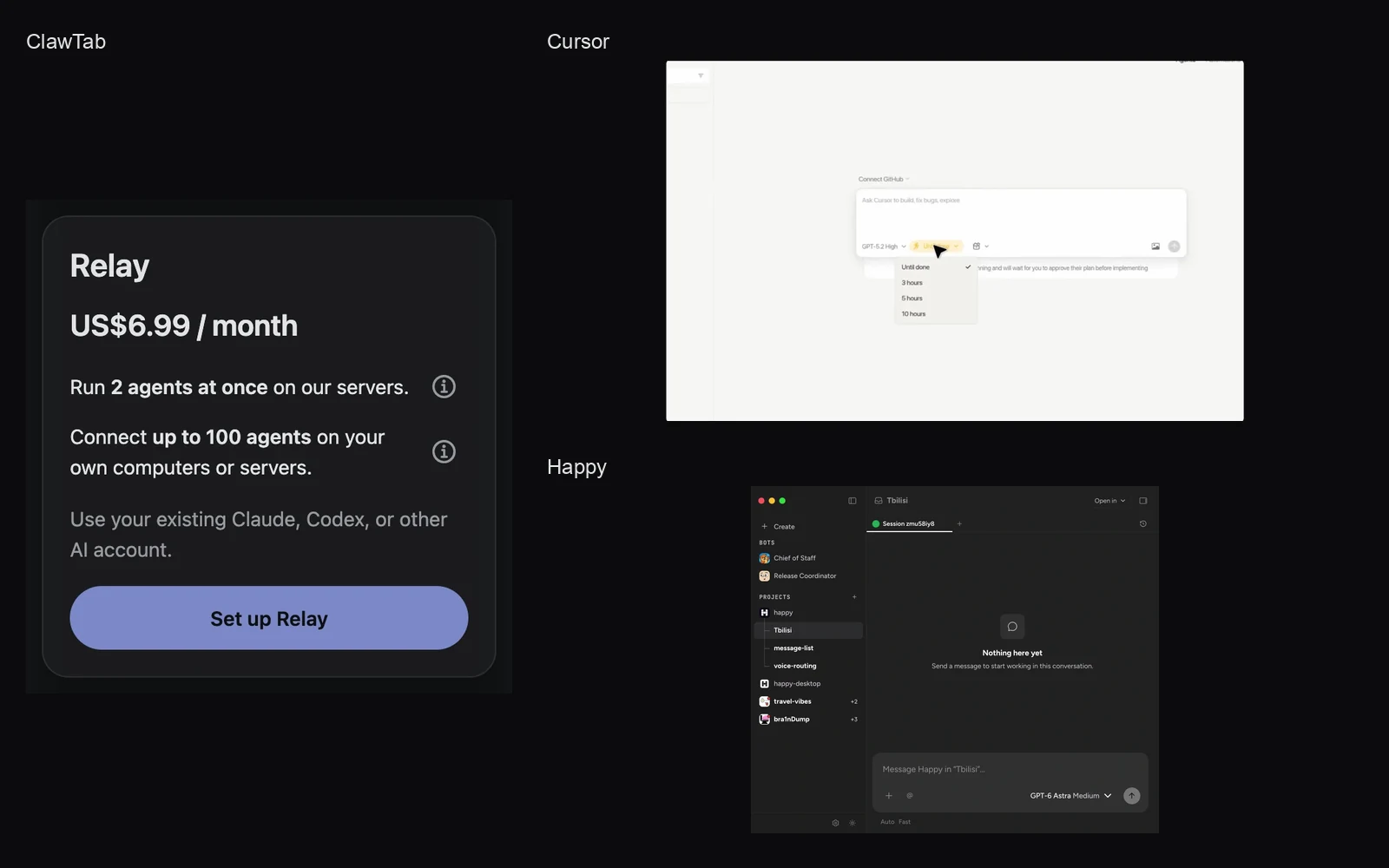
Start with what you need: Relay is $6.99/month on the website and includes 2 agents at once on our servers plus connections for up to 100 agents on your own computers or servers. A larger ClawTab rental has its own monthly quote with Relay access included. Both use your existing AI accounts.
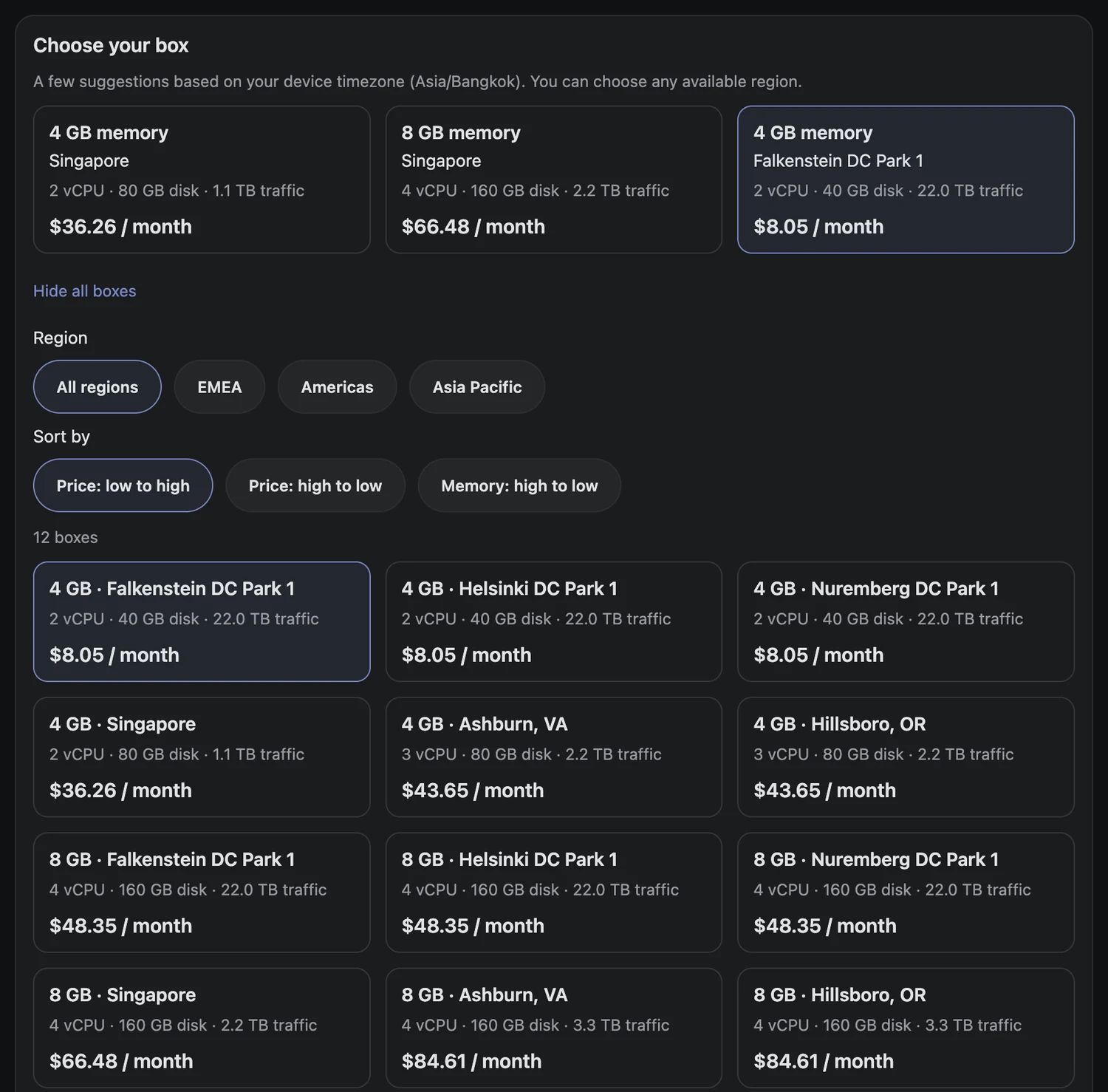
The screenshot shows the rental catalog captured on October 26, 2026. The tables below were checked on October 27, 2026 (UTC) and are refreshed monthly. Checkout checks price and availability again.
Choose the region and size. Review CPU, memory, disk, included traffic, and the monthly quote. Name the box and select the agent tools to install.
Accept the rental terms and complete checkout. ClawTab prepares the server and connects it to your account.
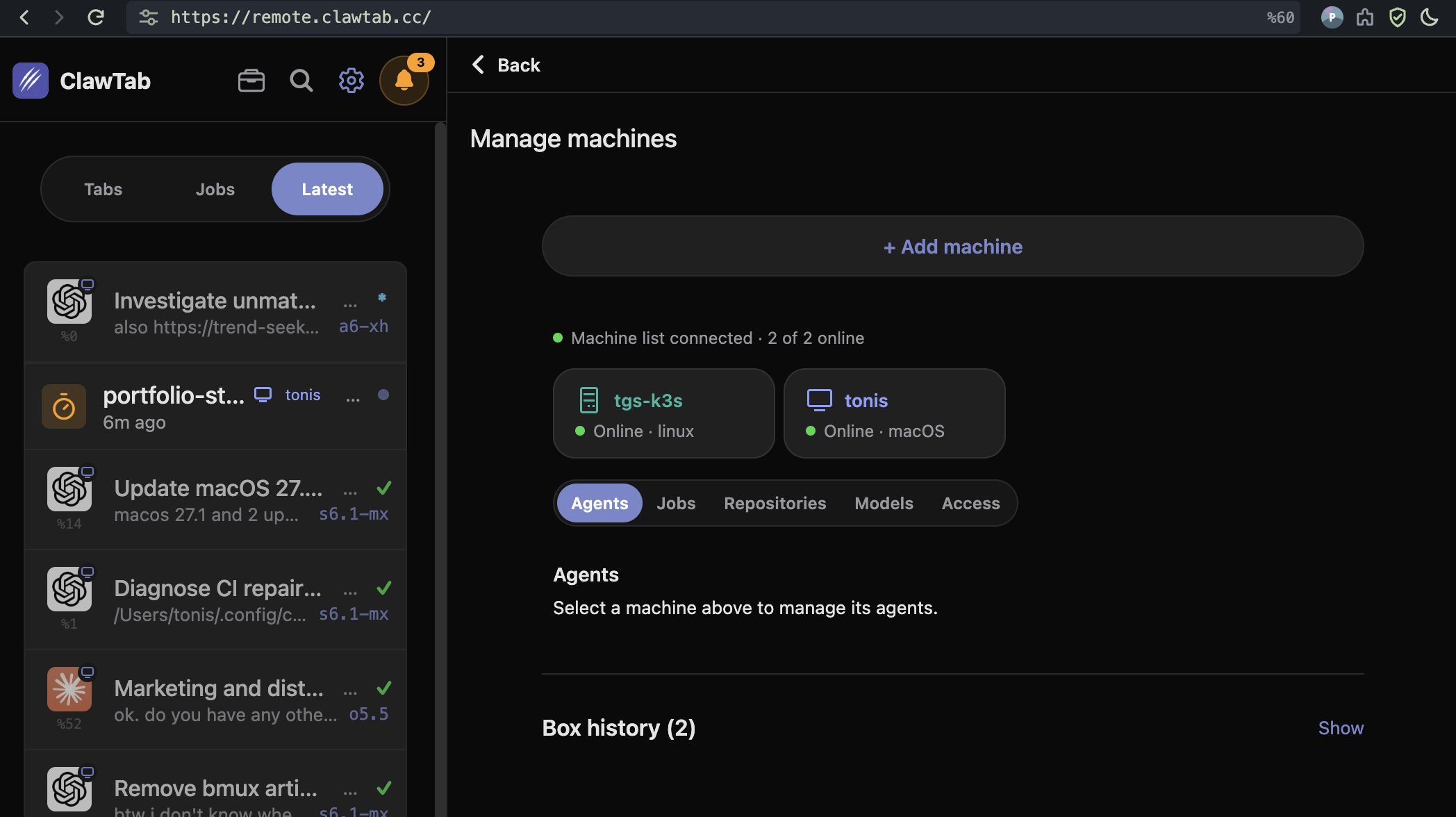
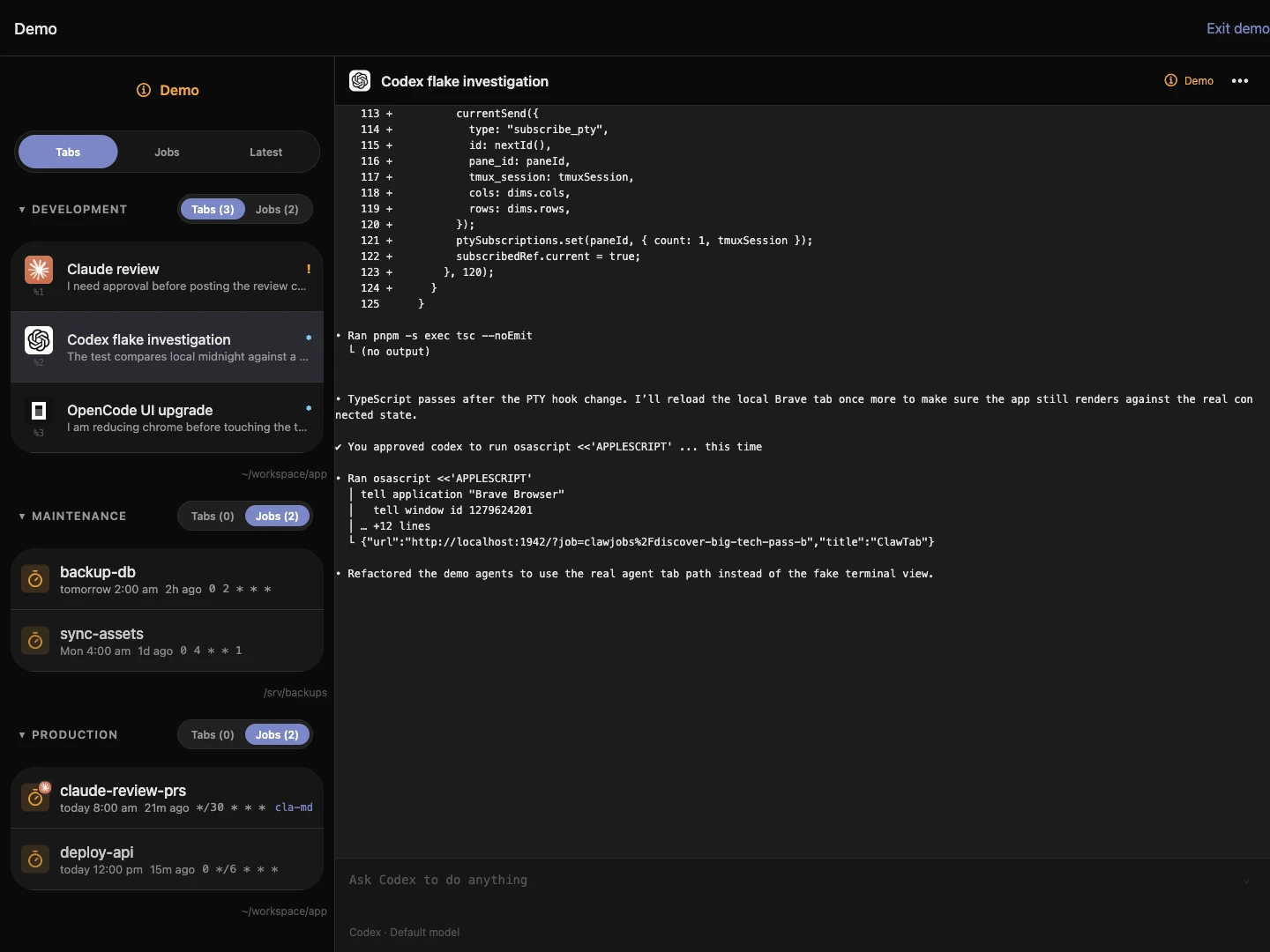
Open the connected machine, sign in to each selected AI provider, and add your repository. Start an agent from your phone, browser, or desktop.
Codex, Claude Code, OpenCode, and Hermes are available in the installer. Provider sign-in and private Git access happen on the rented server. The order form below shows those agent choices and the selected monthly price.
Live ClawTab rental form, captured October 26, 2026 (UTC+7). This is the form before checkout; no purchase was submitted.
Current ClawTab rental prices by region
The live catalog returned 12 available configurations across 6 locations. These are the USD rental totals shown by ClawTab, including Relay and required IPv4, before any additional tax shown at checkout.
Region
Server
vCPU / RAM
Disk
Traffic
Monthly USD
Ashburn, VA
CPX21
3 / 4 GB
80 GB
2 TiB
$43.63
Ashburn, VA
CPX31
4 / 8 GB
160 GB
3 TiB
$84.58
Falkenstein DC Park 1
CPX22
2 / 4 GB
80 GB
20 TiB
$26.85
Falkenstein DC Park 1
CPX32
4 / 8 GB
160 GB
20 TiB
$48.33
Helsinki DC Park 1
CPX22
2 / 4 GB
80 GB
20 TiB
$26.85
Helsinki DC Park 1
CPX32
4 / 8 GB
160 GB
20 TiB
$48.33
Hillsboro, OR
CPX21
3 / 4 GB
80 GB
2 TiB
$43.63
Hillsboro, OR
CPX31
4 / 8 GB
160 GB
3 TiB
$84.58
Nuremberg DC Park 1
CPX22
2 / 4 GB
80 GB
20 TiB
$26.85
Nuremberg DC Park 1
CPX32
4 / 8 GB
160 GB
20 TiB
$48.33
Singapore
CPX22
2 / 4 GB
80 GB
1 TiB
$36.24
Singapore
CPX32
4 / 8 GB
160 GB
2 TiB
$66.45
Falkenstein and Nuremberg are in Germany; Helsinki is in Finland. Open the live rental catalog for the current quote. Traffic is shown here in TiB; the app displays decimal TB.
ClawTab selects an available x86 shared-CPU plan for each region and memory size. The quote includes provider charges and a 20% service markup, with currency conversion where applicable. Availability and exchange rates can change the next quote.
The last column adds the optional $6.99/month Relay plan to a directly rented VPS. SSH access or your own relay is another option. Prices exclude additional checkout tax, backups, and usage beyond the quoted allowance. Provider memory and disk units are retained as published; shared vCPU counts are not a performance benchmark.
Compare the full monthly total, storage, traffic, and region as well as RAM. A ClawTab rental includes setup and Relay; a directly rented VPS leaves those choices to you.
You can also rent directly from Hetzner, which supplies ClawTab's rental infrastructure. Its published server rates exclude Primary IPv4 and VAT. Add those charges and your chosen remote access setup when comparing a direct quote.
Use your existing provider account on the server
Renting a server supplies the execution environment. Sign in through each agent's supported account flow to use your Claude, ChatGPT, or other provider subscription. API credentials use that provider's API billing. The account setup guide covers provider login and a first remote task.
If you rent directly, follow the Linux host setup guide, run cwt setup, and approve the pairing code. The same Relay plan connects up to 100 agents across your own hosts. The number your server can run at once depends on its available resources and the work those agents perform.
For lightweight work, start with the included two-agent Relay workspace. Choose a larger host when dependencies, builds, browser testing, or local tools need more memory or disk.
Billing and keeping your work
ClawTab rentals are monthly, paid in advance, and include Relay access. Review any existing separate Relay subscription in account settings; Apple subscriptions are managed in Apple subscription settings. The quote and terms are shown before payment.
Keep Git commits and backups outside the box. Canceling renewal keeps access through the paid period, then deletes the server. An unpaid renewal has a ten-day recovery period; the app shows the deletion deadline. Immediate deletion is a separate action.
Stopping a machine does not cancel its rental. Hetzner bills servers until deletion. Use the rental's cancellation controls, and copy out anything you need before its end date. See the rental documentation for traffic limits, payment recovery, and server management.
Frequently Asked Questions
A ClawTab rental includes Relay access. AI provider usage remains separate. Review any existing separate Relay subscription in account settings.
It includes 2 agents at once on our servers and connections for up to 100 agents on your own computers or servers. The included workspace has 0.5 CPU, 2 GiB memory, 500 MiB storage, and two saved jobs.
The October 27, 2026 (UTC) catalog starts at $26.85/month for a 4 GB server, with Relay included, before additional checkout tax. See the region table above or open the live catalog for the current quote.
Yes. Install ClawTab and your agent tools on that server, run cwt setup, and pair it with your account. Hosted Relay is optional; direct terminal access and self-hosting are alternatives.
You use your own supported AI subscription or API credentials. The rental supplies the server, selected installed tools, and Relay access.