Introduction
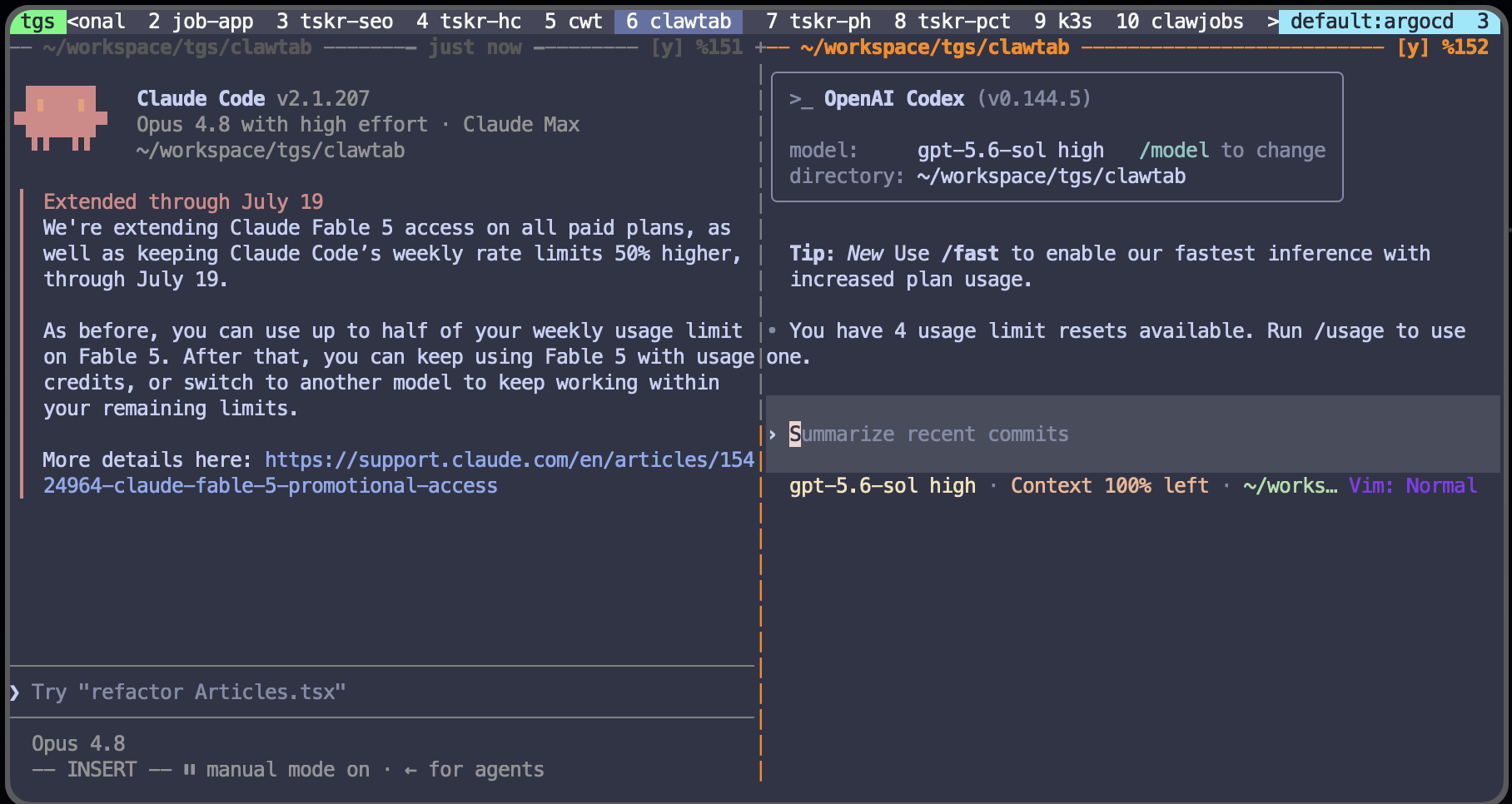
Running Claude Code and Codex CLI at the same time is easy: open two terminals and start both commands. The hard part begins five minutes later, when both agents edit the same file, one test run sees the other's half-finished changes, or nobody remembers which terminal owns which branch.
The reliable setup is not an elaborate agent hierarchy. It is a small operating rule: one writer per worktree, one explicit handoff point, and one terminal pane per agent. Git worktrees isolate files, tmux keeps the sessions visible and persistent, and MCP gives either agent access to the external tools it actually needs.
This guide builds that setup for one specific workflow: Claude Code implements a change, then Codex reviews the resulting commit from a separate pane. It also shows how to adapt the layout when both agents need to implement independent tasks. If you only need several Claude sessions, the existing parallel Claude Code worktree guide is the narrower route. This article is about coordinating different providers without turning a repository into shared mutable state.
How Claude Code, Codex CLI, MCP, tmux, and Worktrees Fit Together
These tools solve different layers of the problem. Claude Code and Codex CLI do the reasoning and coding. Model Context Protocol (MCP) connects an agent to outside tools and data. tmux keeps terminal processes alive and arranges them into panes. Git worktrees give each writer an independent checkout and branch.
| Layer | Tool | What it solves | What it does not solve |
|---|---|---|---|
| Agent | Claude Code or Codex CLI | Reads, edits, tests, and reviews code | Isolation from another writer |
| External tools | MCP | Access to GitHub, docs, issue trackers, browsers, and internal services | Agent coordination or file ownership |
| Terminal | tmux | Persistent sessions, panes, and readable pane scrollback | Filesystem isolation |
| Repository | Git worktrees | Separate working directories and branches backed by one repository | Task assignment or review policy |
Both agents can consume MCP servers. Claude Code supports local, project, and user-scoped servers through claude mcp and .mcp.json; see the Claude Code MCP documentation. Codex CLI supports STDIO and Streamable HTTP servers through codex mcp and config.toml; see the Codex MCP documentation.
That common protocol does not mean the clients share configuration, approval decisions, or conversation state. Register the same server with each client only when both agents need it. Treat MCP as a shared interface, not as the manager of the two agents.
Choose Ownership Before Starting Either Agent
The safest default is an implementer-reviewer pair. One agent owns all writes. The other receives a stable commit and reports findings. This keeps the review independent and makes the handoff visible in Git.
| Pattern | Claude Code | Codex CLI | Use when |
|---|---|---|---|
| Implement then review | Writes the feature branch | Reviews a committed SHA | One feature needs a second opinion |
| Two independent tasks | Writes worktree A | Writes worktree B | Tasks own different modules or deliverables |
| Competing approaches | Implements option A | Implements option B | You will compare and keep one result |
Avoid assigning both agents "fix the authentication code" in the same checkout. tmux will show two panes, but both processes still see and modify the same files. Even when the edits do not produce a Git conflict, one agent can validate against an intermediate state created by the other. The result may pass once and fail after either agent finishes.
Write ownership into each prompt. Give the implementer the exact branch or worktree it owns. Tell the reviewer it is read-only and should return findings ordered by severity. If both agents are writers, define separate outcomes such as "API implementation" and "integration tests" rather than asking both to solve the whole feature.
Create One Git Worktree per Writing Agent
Start from a clean primary checkout. Keep agent worktrees under a repository-local .worktrees/ directory so the project and its temporary checkouts stay together. Add .worktrees/ to the repository's .gitignore once, then create a named branch and worktree for each writing agent:
cd ~/code/myapp
git fetch origin
mkdir -p .worktrees
git worktree add .worktrees/claude-auth -b agent/claude-auth origin/main
git worktree add .worktrees/codex-tests -b agent/codex-tests origin/main
The two directories share Git objects, but their checked-out files, indexes, and branches are independent. Claude can edit .worktrees/claude-auth while Codex edits .worktrees/codex-tests without either process seeing the other's uncommitted files. Keeping the paths inside the repository also gives scripts, ClawTab jobs, and human reviewers one predictable place to find every active checkout.
For the implementer-reviewer pattern, only the implementer needs a writing worktree. A Codex review can target the implementer's commit SHA from any worktree connected to the same repository:
# In the Claude worktree after tests pass
git add -A
git commit -m "Implement authentication refresh"
git rev-parse HEAD
# In the Codex pane, review that immutable handoff
codex review --commit <commit-sha>
codex review --commit is preferable to pointing both agents at uncommitted files. The reviewer sees a stable diff, the author can reproduce every finding, and the review cannot silently change underneath either session. After review, send the findings back to the writing agent and create a second commit. Keep one writer until that branch is ready to merge.
Claude Code also has native worktree support through claude --worktree, documented in Run parallel sessions with worktrees. Manual git worktree add is useful here because it gives both providers the same explicit directory convention.
Launch Claude Code and Codex in One tmux Session
Create a tmux session with one pane rooted in each worktree. The working directory on the pane matters more than the visual layout:
tmux new-session -d -s ai-pair -c ~/code/myapp/.worktrees/claude-auth
tmux send-keys -t ai-pair:0.0 'claude' Enter
tmux split-window -h -t ai-pair:0 -c ~/code/myapp/.worktrees/codex-tests
tmux send-keys -t ai-pair:0.1 'codex' Enter
tmux select-layout -t ai-pair:0 even-horizontal
tmux attach -t ai-pair
Now detaching with Ctrl-b d leaves both agents running. Reattach with tmux attach -t ai-pair. A terminal disconnect no longer destroys the work, and the two pane paths make ownership inspectable.
Use a short pane checklist before prompting either agent:
- Run
pwdandgit branch --show-currentin each pane. - Confirm the branches differ before enabling any automatic approvals.
- Put the owned task and forbidden paths in each initial prompt.
- Keep a shell or reviewer pane read-only unless it has its own worktree.
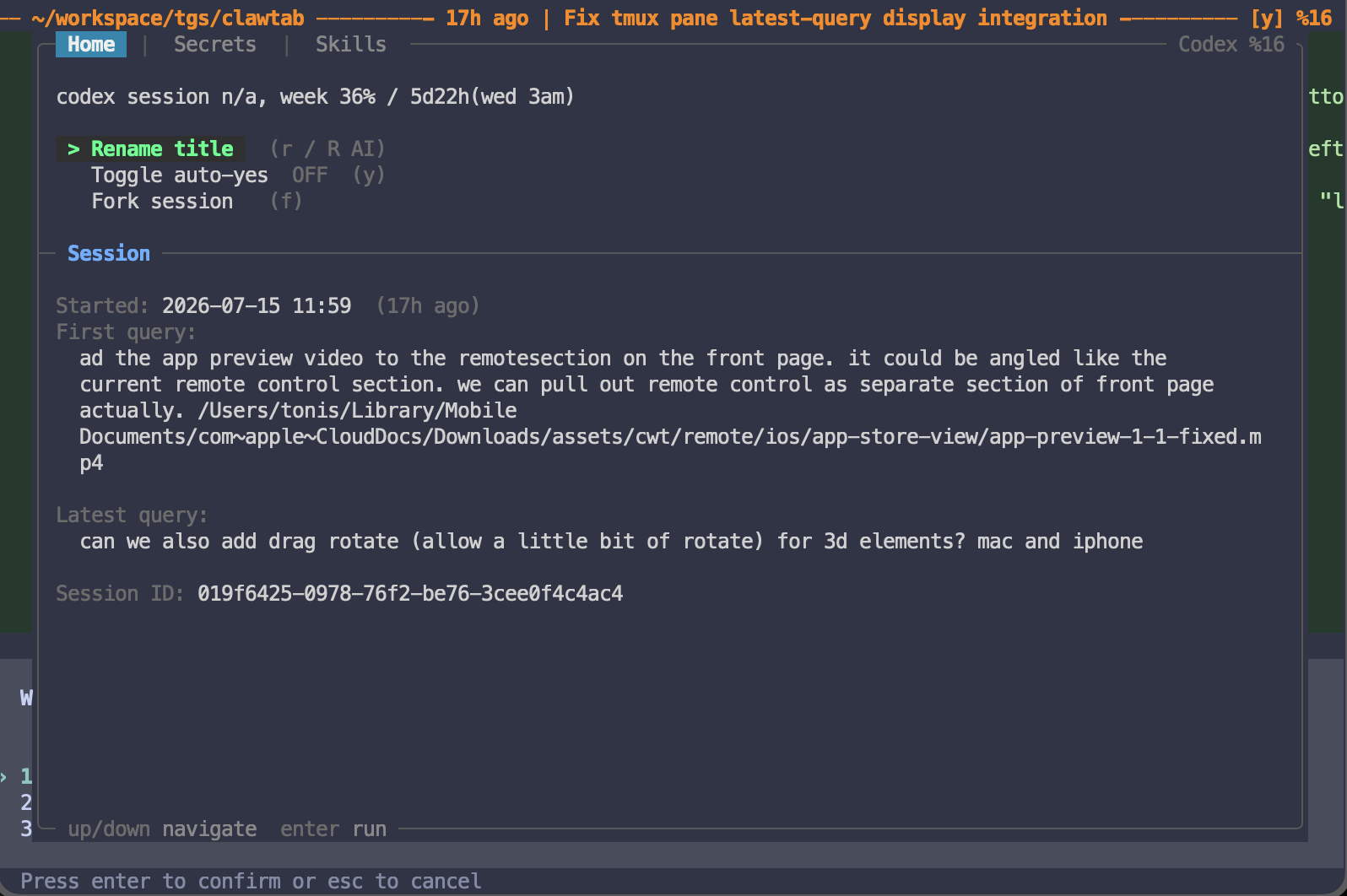
tmux is the persistence and layout layer. It does not know whether an agent is waiting for approval, finished, or stuck. For a larger workspace, an agent manager built on tmux can add that operational state without replacing the terminal sessions.
Let Agents Read Context From Other tmux Panes
tmux panes can also act as a lightweight context channel between agents. An agent with access to the same tmux server can discover the other panes and read their recent terminal output without interrupting them:
# Find pane ids, working directories, and foreground commands
tmux list-panes -a -F '#{pane_id} #{pane_current_path} #{pane_current_command}'
# Read the latest 200 lines from another agent's pane
tmux capture-pane -p -t %42 -S -200
Give each agent the stable pane id it may inspect and a narrow instruction such as:
When you need implementation context, read pane %42 with tmux capture-pane.
Use its recent logs and test output as supporting context only.
Do not use tmux send-keys or otherwise control that pane.
This lets Codex retrieve Claude's latest test failure, file list, or progress summary before reviewing, and lets Claude inspect a review pane for new findings. Refresh capture-pane when needed rather than copying entire conversations into prompts.
Pane output is not the other agent's complete model context. Scrollback can be truncated, stale, or include sensitive command output. Treat it like a shared log: grant read access deliberately, avoid printing secrets, verify important conclusions against Git and test results, and keep tmux send-keys disabled unless one agent is explicitly authorized to control another.

Give Both Agents the Same MCP Tools Without Sharing Secrets
If both agents need the same remote MCP server, register its endpoint in both clients:
claude mcp add --transport http team-tools --scope project https://mcp.example.com/mcp
codex mcp add team-tools --url https://mcp.example.com/mcp
The endpoint is shared; the client configuration is not. Claude's project scope writes a team-shareable .mcp.json. Codex stores MCP settings in its own config.toml, with project-scoped configuration available under .codex/config.toml for trusted repositories. Each client also has its own tool approvals and OAuth state.
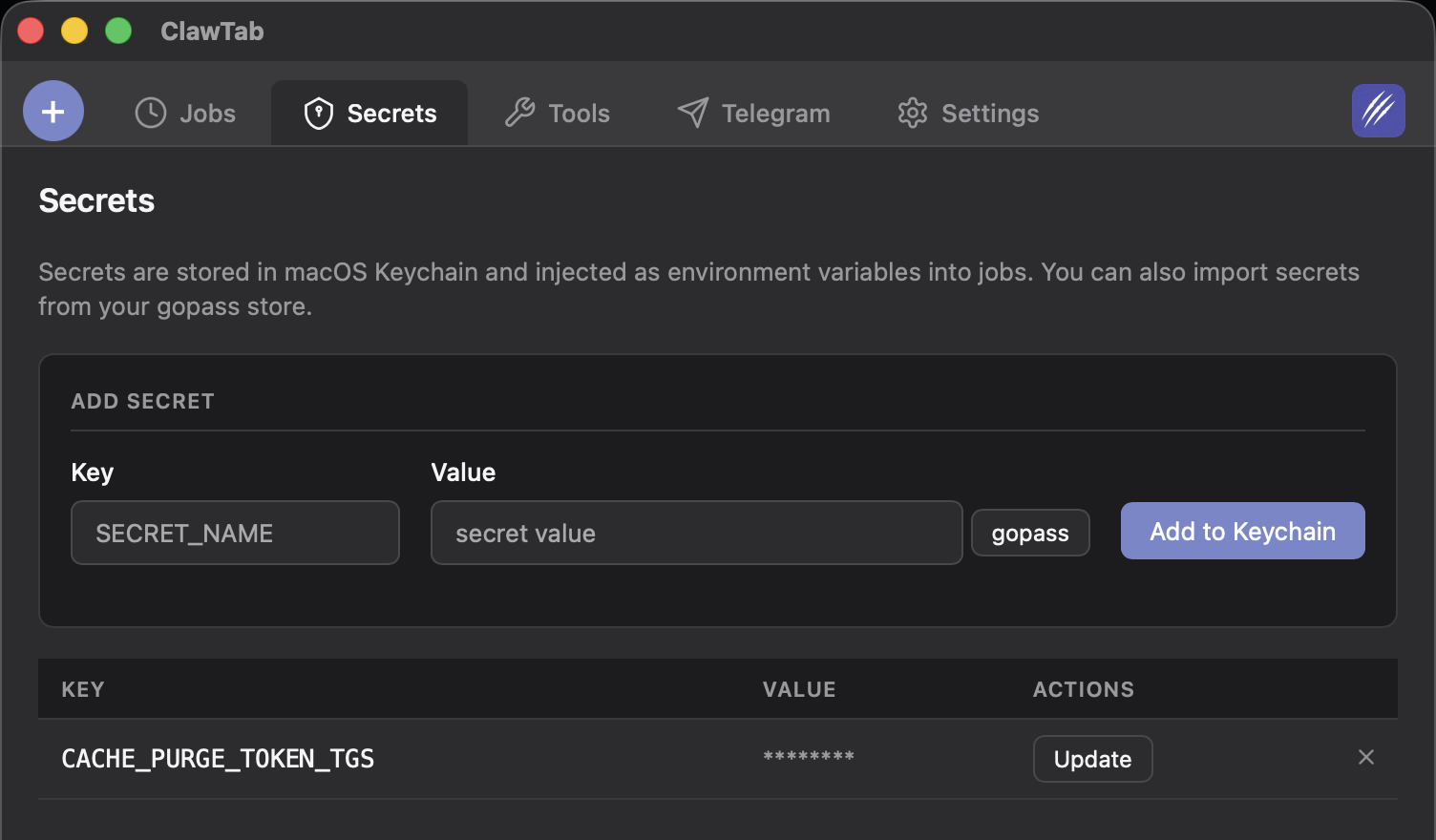
Do not commit access tokens into either file. Reference environment variables, and give each role only the credentials it needs. A reviewer usually needs repository and issue access but not production database writes. An implementation agent may need a test environment but not deployment permissions. ClawTab's per-job secrets keep those environments separate even when both panes belong to the same tmux window.
There is a more tightly coupled option: Codex can run as an MCP server, and Claude Code can consume STDIO MCP servers. That makes agent-inside-agent workflows possible, but it is not the default recommended here. Independent panes have clearer logs, separate stop controls, simpler permissions, and an explicit Git handoff. Nest the agents only when the outer agent genuinely needs to call Codex as a tool rather than when you merely want a second review.
Use a Commit-Based Handoff Loop
A good two-agent loop has four states, each represented by something you can inspect:
- Assigned: one prompt names the owner, worktree, acceptance criteria, and forbidden paths.
- Implemented: the writer runs tests and creates a focused commit.
- Reviewed: the second agent reviews the commit SHA and returns findings without editing the branch.
- Resolved: the original writer addresses accepted findings in a new commit, then the human merges.
This loop is deliberately asymmetric. Two models can contribute, but only one process owns the branch at any moment. If a finding is large enough to become a separate task, create another branch and worktree instead of letting the reviewer begin editing the author's checkout.
For two independent writers, merge or rebase one completed branch at a time. After the first branch lands, update the second worktree against the new base and rerun its tests. Worktrees prevent live file collisions; they do not remove normal semantic merge conflicts between two valid branches.
The same discipline scales beyond two agents. The agent swarm guide covers larger parallel runs, while the session restore guide explains how to reconnect the exact Claude Code and Codex conversations after tmux or the machine restarts.
Manage the Pair in ClawTab
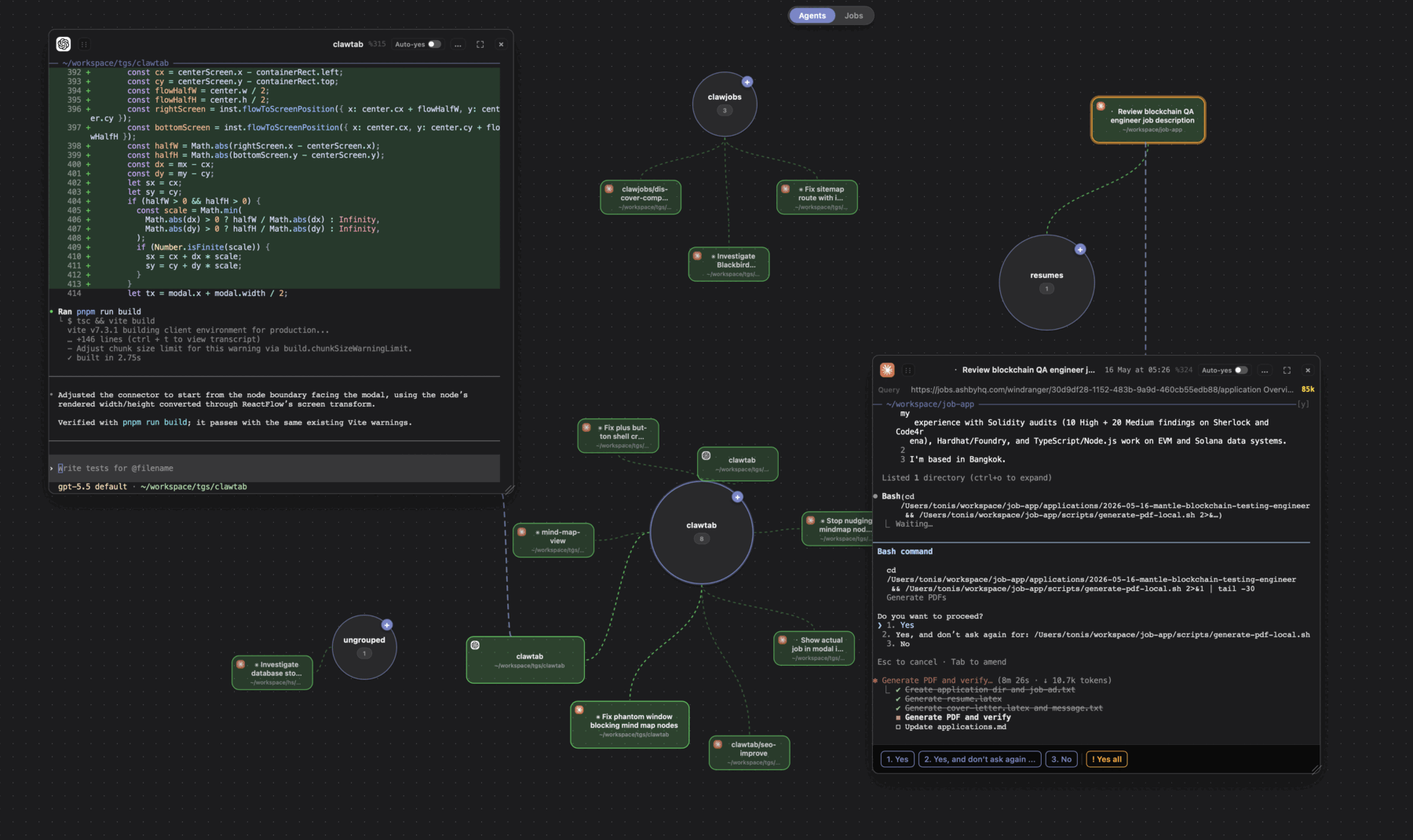
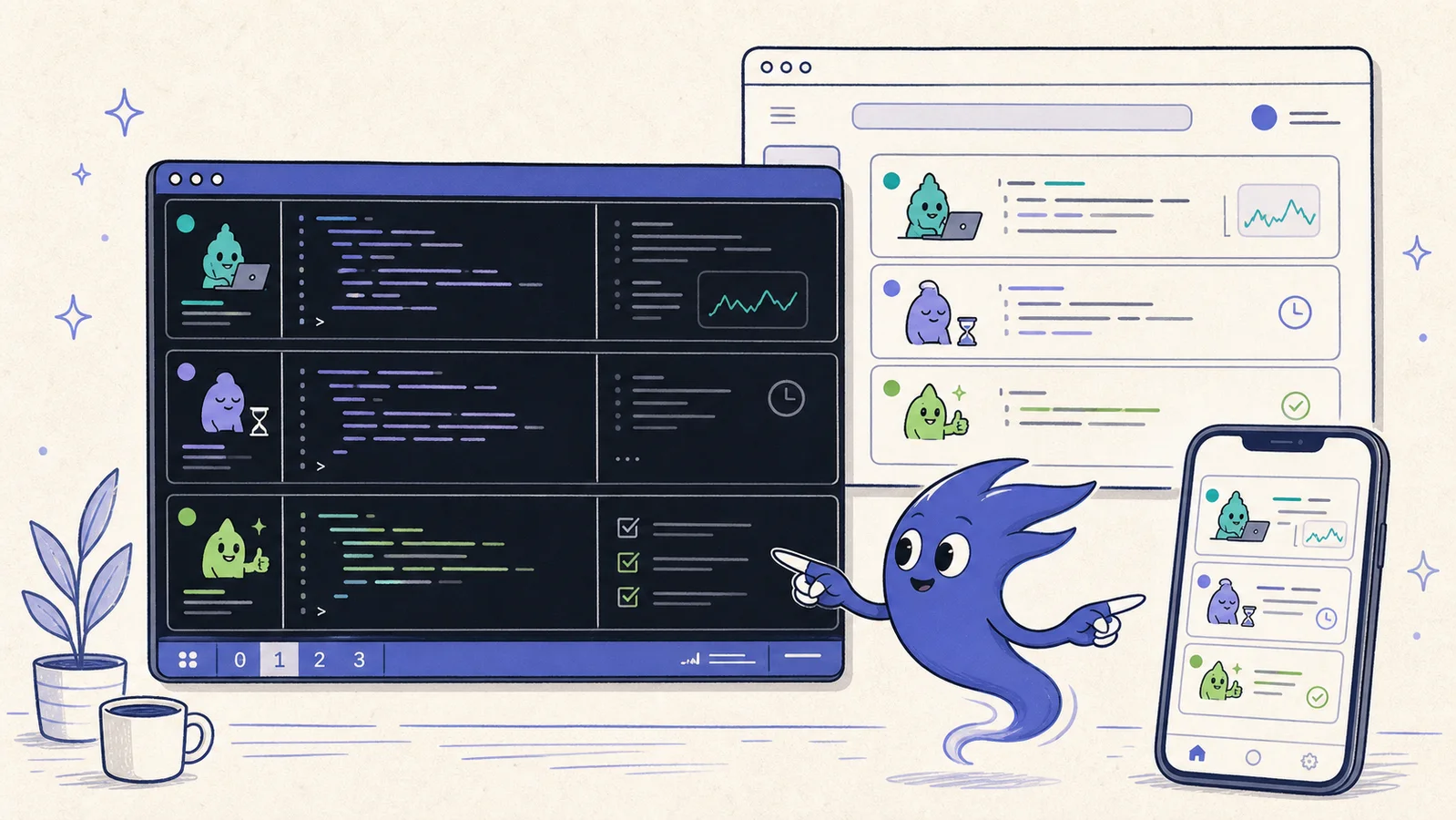
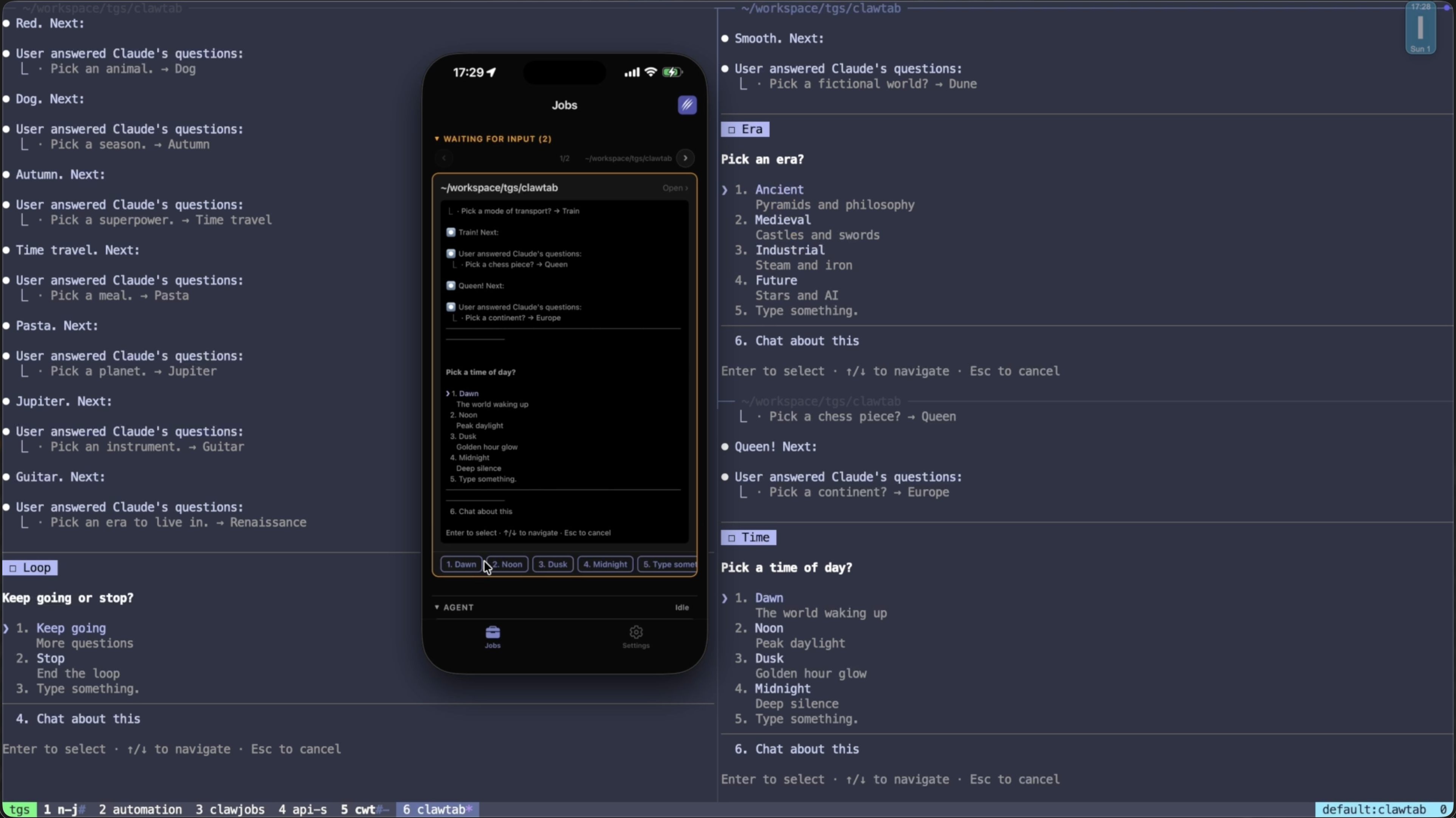
ClawTab turns the manual setup into a visible workspace without changing the underlying safety model. Create one Claude Code job and one Codex job, assign each job its worktree as the working directory, and place both in the same tmux window. The panes remain ordinary terminal sessions, so Git and provider-native resume commands still work.
The useful additions are operational:
- Provider and pane visibility. Claude Code and Codex sessions appear side by side with their current state.
- Per-pane approval policy. Keep the reviewer conservative while allowing a tightly scoped implementation job to proceed.
- Per-job secrets. Inject different MCP credentials and environment variables into each role.
- Session recovery. Map tmux panes back to the correct Claude or Codex conversation instead of reopening fresh sessions.
- Remote monitoring. Check output and answer a blocked prompt without taking over the writer's terminal.
The point is not to make Claude Code and Codex communicate continuously. It is to make ownership, state, and handoffs obvious enough that a human can safely use both. Agents can inspect approved pane logs when they need fresh context, while commits remain the authoritative handoff. Start with one writer and one reviewer. Add a second writing worktree only when the tasks are genuinely independent.