Introduction
tmux was not designed as an AI agent product. That is part of why it works so well as the layer underneath one.
A coding agent is already a terminal program. It reads a repository, runs commands, opens interactive prompts, and keeps important state in a long-lived terminal session. tmux preserves that environment while adding four primitives an agent manager needs: create a terminal, give it a stable address, send it input, and observe its output.
This means a coordinator can ask an agent to create a new pane for a worker, refer another agent to that worker by pane ID, send keys to a service pane, or attach a human to the exact same terminal. Claude Code, Codex, OpenCode, shells, test watchers, and development servers can all remain ordinary programs. The manager does not need to reimplement their terminal.
The result is a useful separation of concerns: tmux owns durable terminal processes, while a higher-level manager such as ClawTab adds agent status, scheduling, notifications, layouts, permissions, and remote control.
The Short Answer: tmux Already Has the Right Primitives
The official tmux guide defines a pane as a terminal and the program running inside it. Sessions can detach from a client while every program in their panes continues running. For agent management, that is more important than the familiar split-screen interface: the work belongs to the tmux server, not to whichever GUI happens to be open.
| Agent-manager need | tmux primitive | Why it matters |
|---|
| Create another worker | split-window or new-window | An agent can create a real terminal for another agent or command |
| Address one worker | Stable pane ID such as %42 | The coordinator can target the same pane after it is moved or renamed |
| Give a worker input | send-keys or a paste buffer | Humans, scripts, and agents use the same interactive program |
| Read progress | capture-pane, pipe-pane, or control mode | A manager can inspect terminal output without taking focus |
| Keep work alive | Detached sessions | Closing a terminal window does not terminate the agents |
| Recover a service pane | respawn-pane | The pane can keep its place in the layout while its command restarts |
These are composable Unix-style controls rather than a provider-specific agent protocol. An orchestration layer can manage multiple agent CLIs without requiring each provider to implement the same SDK.
Agents Can Create New Panes for Other Agents
An agent running inside tmux receives its current pane ID in the TMUX_PANE environment variable. It can split from that pane, choose a working directory, start a worker, and ask tmux to print the new pane's ID. The -P and -F flags make pane creation machine-readable:
# Create a detached worker pane beside the current agent.
worker_pane=$(tmux split-window -d -P -F '#{pane_id}' \
  -t "$TMUX_PANE" -c "$PWD")

# Start an agent in that exact pane.
tmux send-keys -t "$worker_pane" -l 'codex'
tmux send-keys -t "$worker_pane" Enter

# Keep the address for later coordination.
printf 'Worker started in %s\n' "$worker_pane"
The same pattern works for a test runner, log tail, browser automation process, or a second opinion from another model. A coordinator can create one pane per task, while git worktrees isolate agents that write to the same repository.
This is also a clean delegation boundary. Instead of asking a subagent to return a large transcript through a special message bus, the coordinator can say: “work in pane %42; leave the test watcher running there; report the summary here.” The worker's terminal remains available for inspection even after that exchange.
Pane IDs Make Agents Addressable
Names are useful for humans, but IDs are safer for automation. The tmux manual says pane IDs begin with %, remain unchanged for the life of the pane, and are not reused within the running server. Moving %42 to another window or renaming its window does not change the target.
# Let the current agent discover itself.
current_pane="$TMUX_PANE"

# Inventory every pane for a coordinator or dashboard.
tmux list-panes -a -F \
  '#{pane_id} #{session_name}:#{window_index}.#{pane_index} #{pane_current_command} #{pane_current_path}'

# Inspect a specific worker's latest terminal output.
tmux capture-pane -p -t %42 -S -120
That gives both humans and agents a compact vocabulary. “The API server is in %17” or “ask the reviewer in %42 to check the failure” is precise enough for a script and readable enough for a prompt.
The official advanced-use guide makes the same point for scripting: pane IDs let a script target the same object even if it is moved or renamed. ClawTab uses that identity as the bridge between tmux, its daemon, desktop UI, and remote clients.
Agents Can Send Keys, Run Commands, and Restart Services
Once a pane has an address, a coordinator can operate it without focusing it. This is useful for development services and long-running tools: interrupt the old process, type the new command literally, then send Enter as a separate key.
# Restart a service in pane %17.
tmux send-keys -t %17 C-c
tmux send-keys -t %17 -l 'pnpm dev'
tmux send-keys -t %17 Enter

# Read enough output to verify the service came back.
tmux capture-pane -p -t %17 -S -80
send-keys is useful because it follows the same input path as a person typing into the terminal. It can answer an interactive question, invoke an agent slash command, stop a process, or restart a watcher. For dead panes configured with remain-on-exit, respawn-pane can restart the original program while preserving the pane's place and size.
There is an important limitation: send-keys is input delivery, not a reliable agent messaging protocol. It does not prove that the target was at a shell prompt, understood the text, or finished the work. A practical manager pairs it with capture-pane, process state, agent hooks, or explicit acknowledgements. The independent Agents via tmux write-up describes a similar workflow: a root agent uses send-keys and capture-pane programmatically while the author can still attach to the same session.
The Human and the Manager Share the Same Workspace
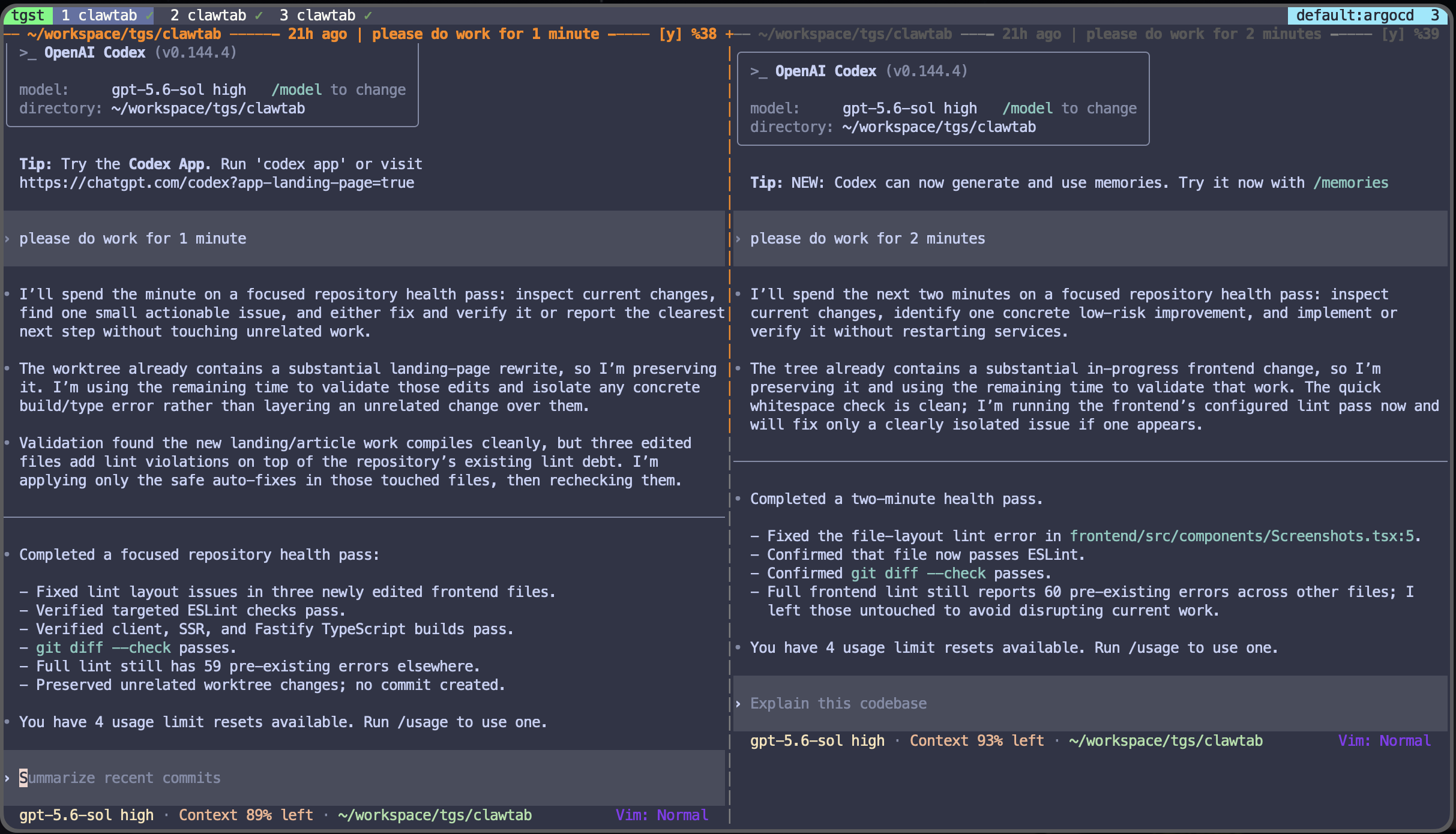
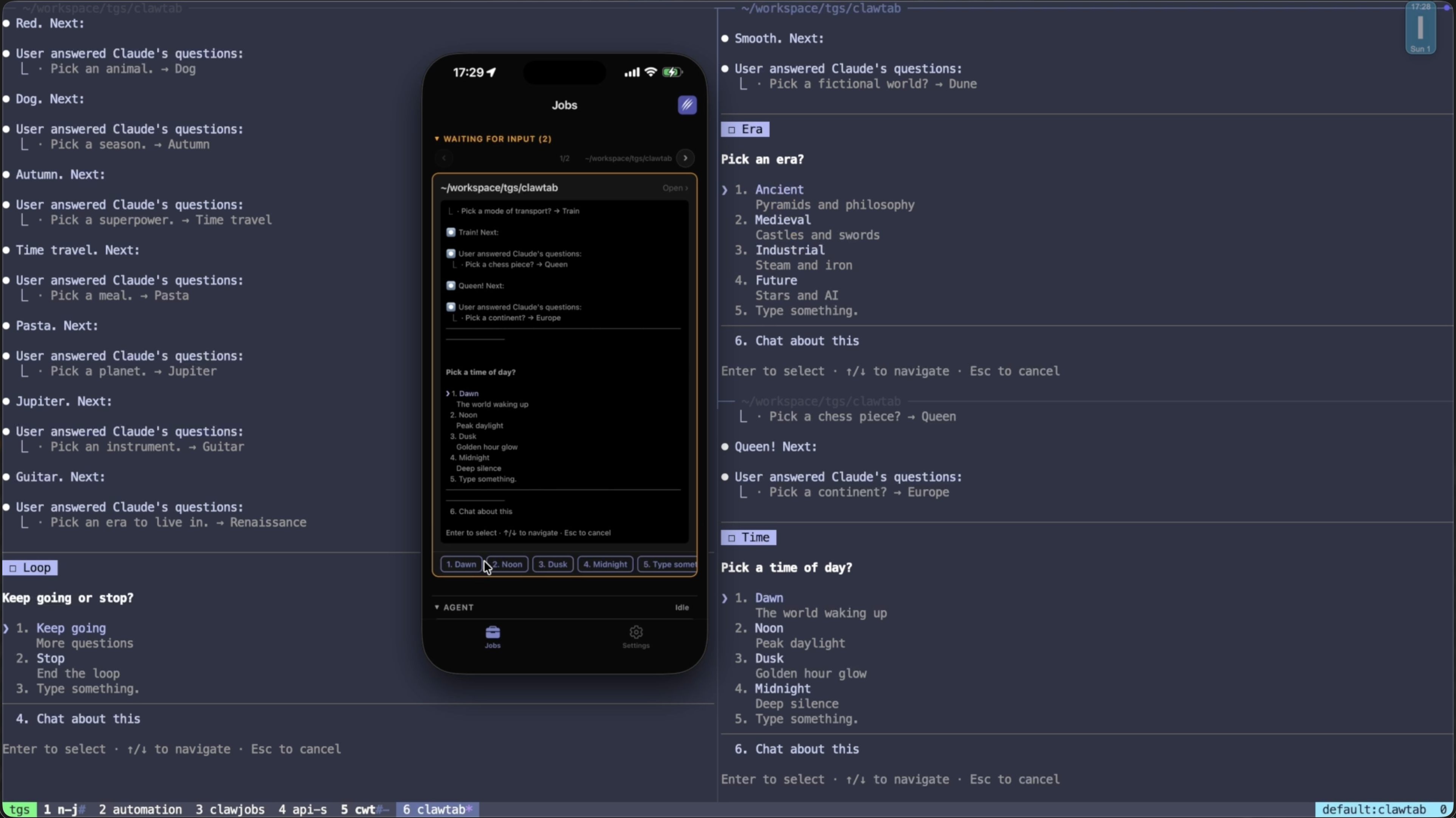
A good agent manager should not trap the work behind its own interface. tmux sessions can have multiple clients, and every pane is still a normal terminal. A developer can attach in a terminal, a desktop manager can render the pane, and a remote client can stream it. The underlying agent does not have to migrate between representations.
This produces a simple control model:
- Agents operate laterally. They create panes, target peers by pane ID, and send commands.
- Managers operate globally. They inventory panes, detect waiting or completed states, arrange workspaces, and enforce policy.
- Humans can drop in anywhere. They attach to the real terminal, type directly, detach, and leave the process running.
tmux control mode goes further for GUI and daemon authors. It provides structured command results, pane output tagged with pane IDs, and notifications when server state changes. That is a stronger foundation than polling screenshots or scraping a terminal window owned by another application.
Why Not Just Use Terminal Tabs or a Process Supervisor?
Several tools can run processes. They optimize for different kinds of state.
| Approach | Durable interactive terminal | Scriptable target | Agent semantics | Best fit |
|---|
| Terminal tabs | Usually tied to the app | Varies by terminal | No | Personal, foreground work |
| Process supervisor | No terminal UI by default | Process or service name | No | Non-interactive services |
| Raw tmux | Yes | Session, window, and pane IDs | No | Durable local agent terminals |
| tmux plus an agent manager | Yes | Pane ID plus manager metadata | Yes | Parallel agents, schedules, approvals, and remote control |
| Cloud agent platform | Platform-specific | Task or run ID | Yes | Managed remote compute and isolated tasks |
A process supervisor is better for a production service that should restart automatically and never expects a terminal question. tmux is better when terminal state is part of the work. A cloud manager is useful when you want provider-managed compute. The tmux advantage is local interoperability: one durable layer can host different agent CLIs and the exact development environment already on the machine. See the local versus cloud agent comparison for the larger trade-off.
tmux Is the Runtime, Not the Whole Agent Manager
Raw tmux does not know that an agent is waiting for permission, writing code, finished, or stuck. It does not assign worktrees, prevent conflicting edits, decide whether a command is safe, or send a phone notification. Pane count is not agent state.
That boundary is healthy. tmux can remain the small, stable runtime while another layer adds:
- agent and provider detection;
- waiting, working, error, and completed status;
- permission policy and approval routing;
- worktree and working-directory isolation;
- schedules, secrets, and restart policy;
- searchable layouts, notifications, and remote access.
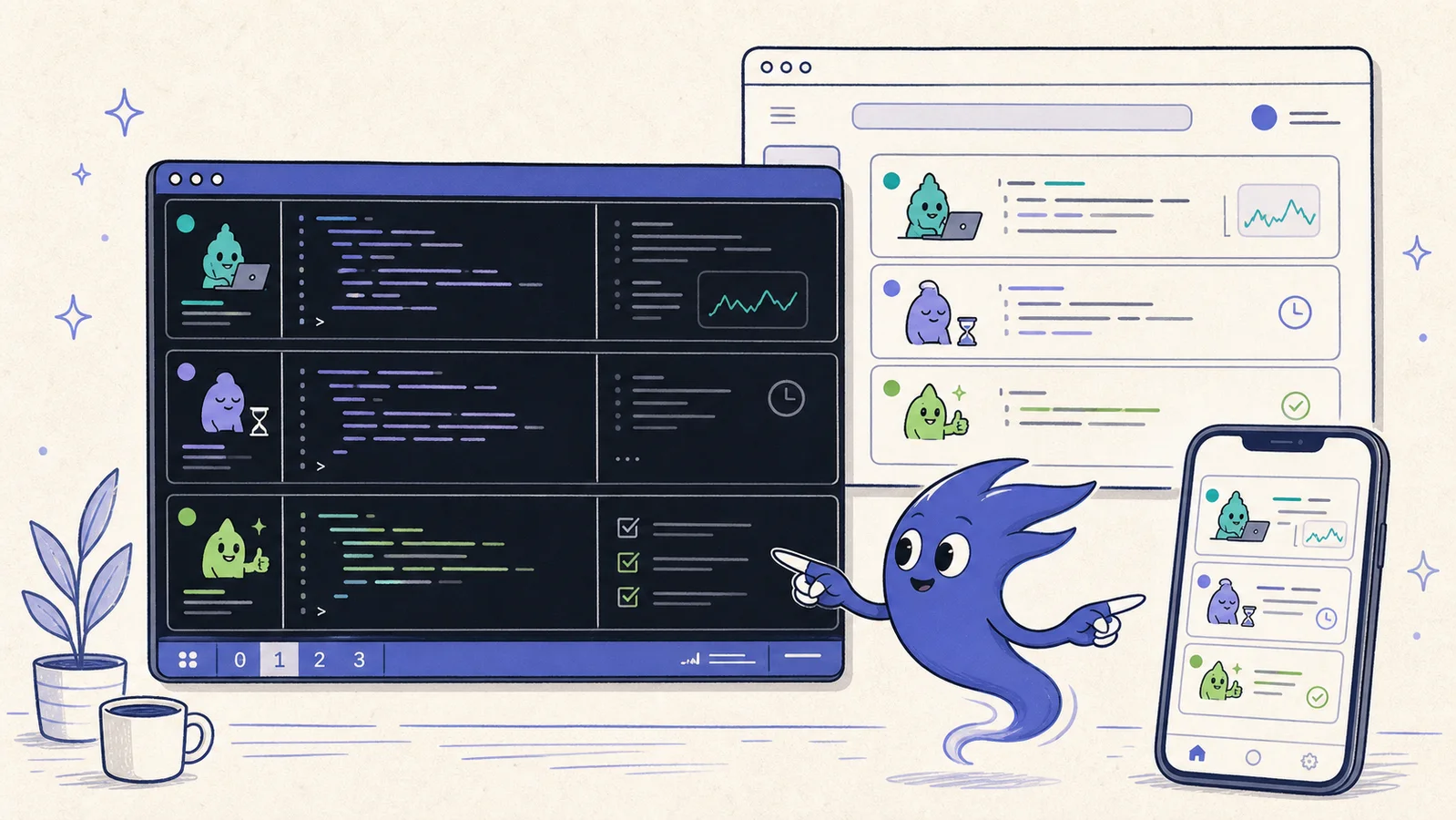
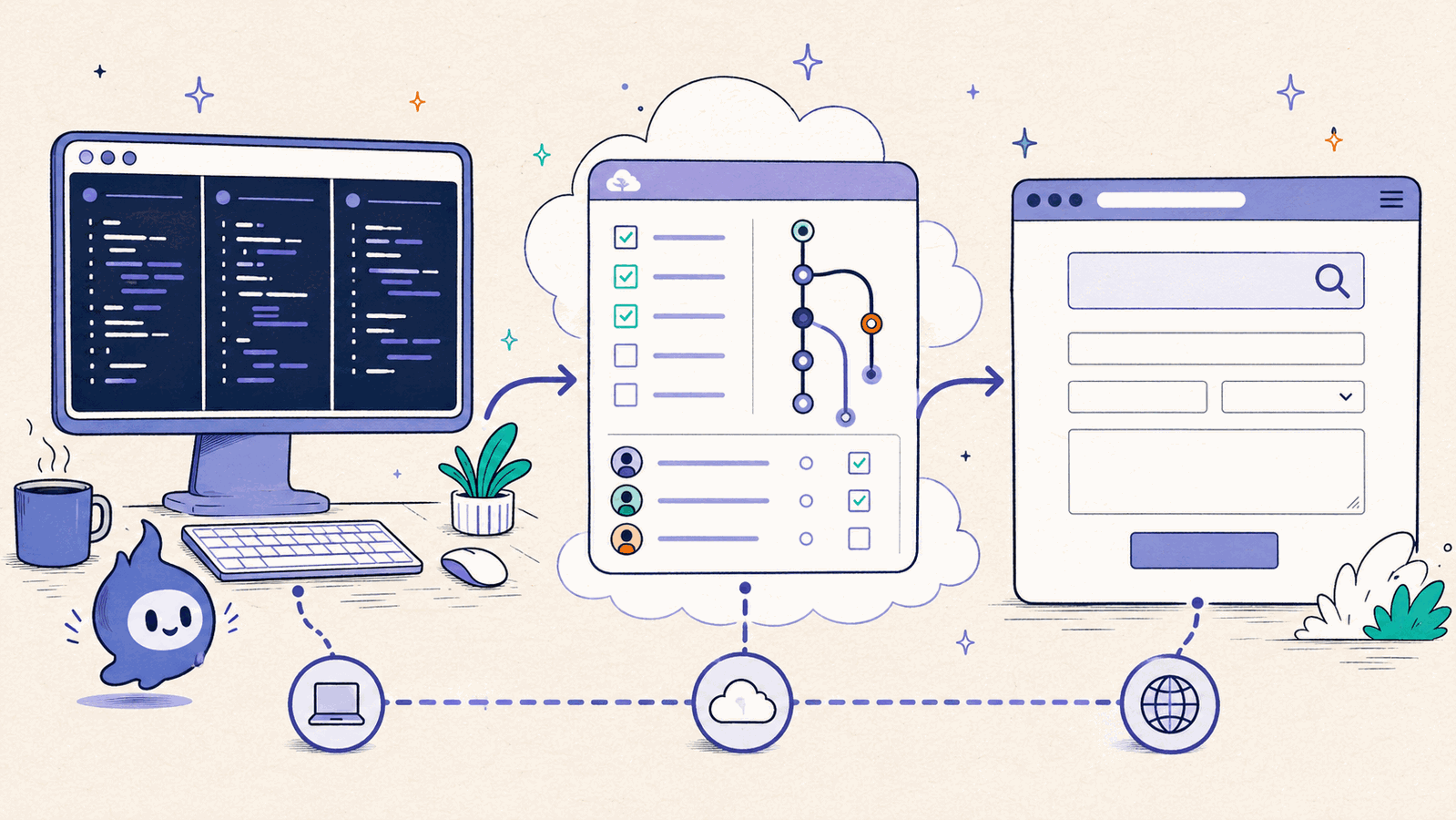
This is the architecture behind ClawTab's daemon and tmux control plane. tmux remains the source of truth for the terminal and process. The daemon adds meaning and policy. Desktop, CLI, phone, and browser interfaces become clients of the same workspace.
A Mature, Active Foundation
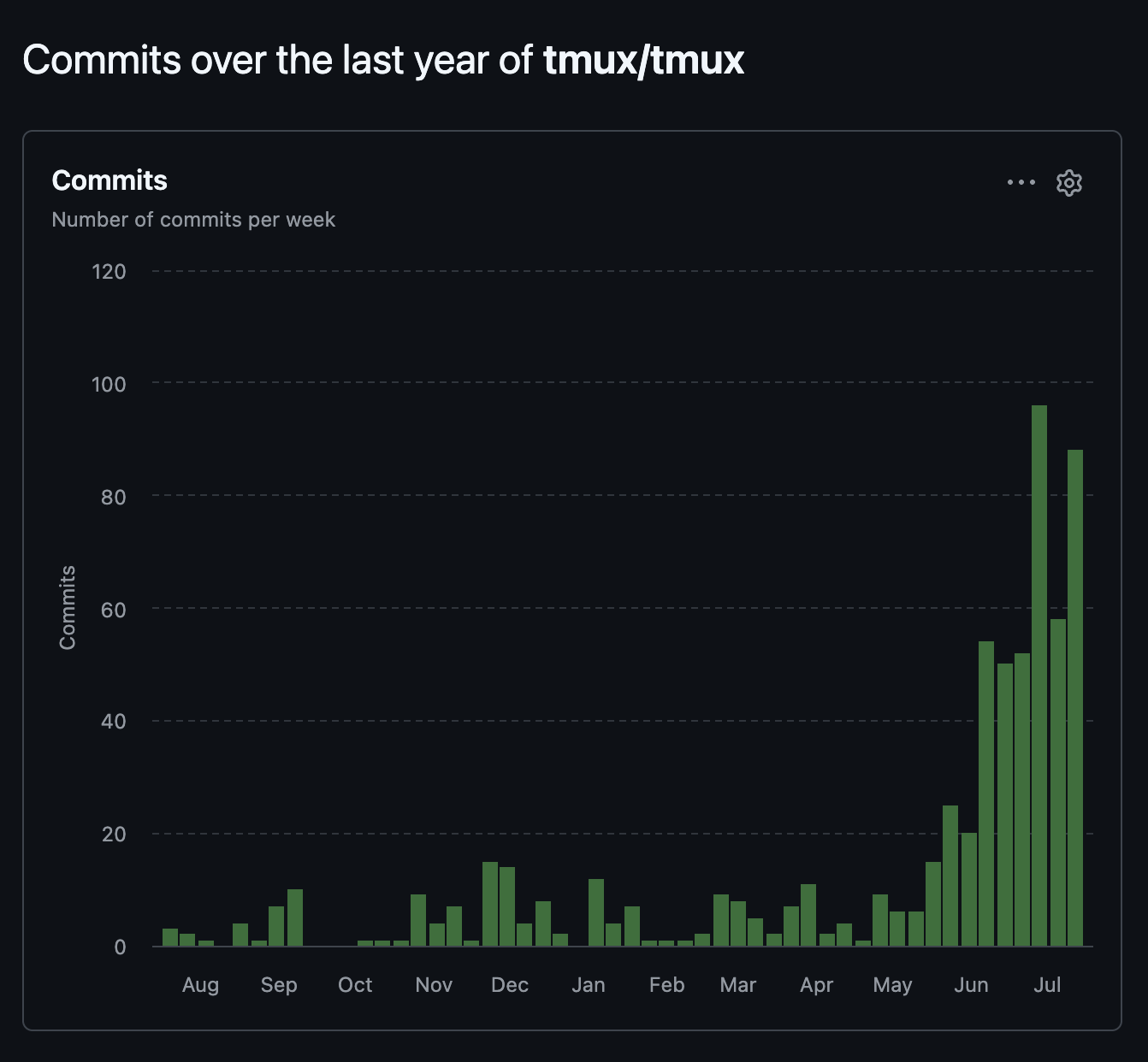
The supplied screenshot comes from the public tmux/tmux repository Insights view and shows weekly commits over the year ending July 2026. The repository listed 11,852 commits when this article was written, and tmux 3.7b was released on July 1, 2026.
A commit graph is not an architectural argument by itself. It is a useful maintenance signal, though: an agent manager built on tmux is using an actively maintained open-source project with a documented command interface, not an abandoned terminal trick or a private integration.
The more important kind of maturity is compatibility. Agents already run in terminals. Shell scripts already know how to call tmux. Developers already know how to attach and inspect a pane. A manager can add a richer control plane without asking the entire toolchain to move.
A Practical Pattern for a tmux-Based Agent Manager
A reliable implementation can stay small:
- Create. Start one pane per agent or service and record the returned pane ID.
- Label. Store the task, repository, worktree, provider, and owner alongside that pane ID.
- Observe. Combine pane output with process inspection and provider hooks; do not infer everything from terminal text alone.
- Control. Send literal text and keys to a validated target, then verify the resulting state.
- Expose. Let terminal, desktop, CLI, and remote clients address the same pane instead of cloning its state.
Use worktrees when agents may write to overlapping files. Keep destructive commands behind explicit policy. Treat send-keys as an actuator, not as proof of delivery. Preserve the pane ID as the shared reference between every surface.
With those rules, tmux becomes more than a grid of terminals. It is a durable, addressable runtime for coding agents, and a strong foundation for the dashboards, schedulers, notifications, and controls that turn those terminals into an agent manager.