The Problem: Agents Need Attention While You're Away
You kick off a Claude Code agent on a big refactoring task, grab coffee, and come back 20 minutes later to find it's been waiting for your input since minute three. Sound familiar?
AI coding agents are powerful, but they're not fully autonomous. They ask clarifying questions, hit permission prompts, encounter errors that need human judgment. If you're not at your desk watching the terminal, that work stalls.
ClawTab Remote solves this. It connects your phone directly to your running agents, so you can respond to questions, monitor progress, and manage jobs from anywhere.
If Codex is your main agent, read the focused Codex remote control guide. It compares OpenAI's native mobile Remote tab with ClawTab's tmux-level path for Codex CLI and mixed-provider workspaces.
How Remote Access Works
The architecture is simple: your ClawTab desktop app maintains a persistent WebSocket connection to a relay server. Your phone connects to the same relay. Messages flow between them in real time.
All communication is encrypted over TLS. The relay server never stores your agent output or code - it just passes messages through. Three separate token types (device, session, relay) ensure that even if one is compromised, an attacker can't impersonate your device.
The flow looks like this:
- Phone connects to relay via WebSocket + TLS
- Relay authenticates and routes messages
- Desktop sends live job updates, log lines, and agent questions
Latency is typically under 100ms. Log lines stream as they're written, not in batches.
Setting It Up
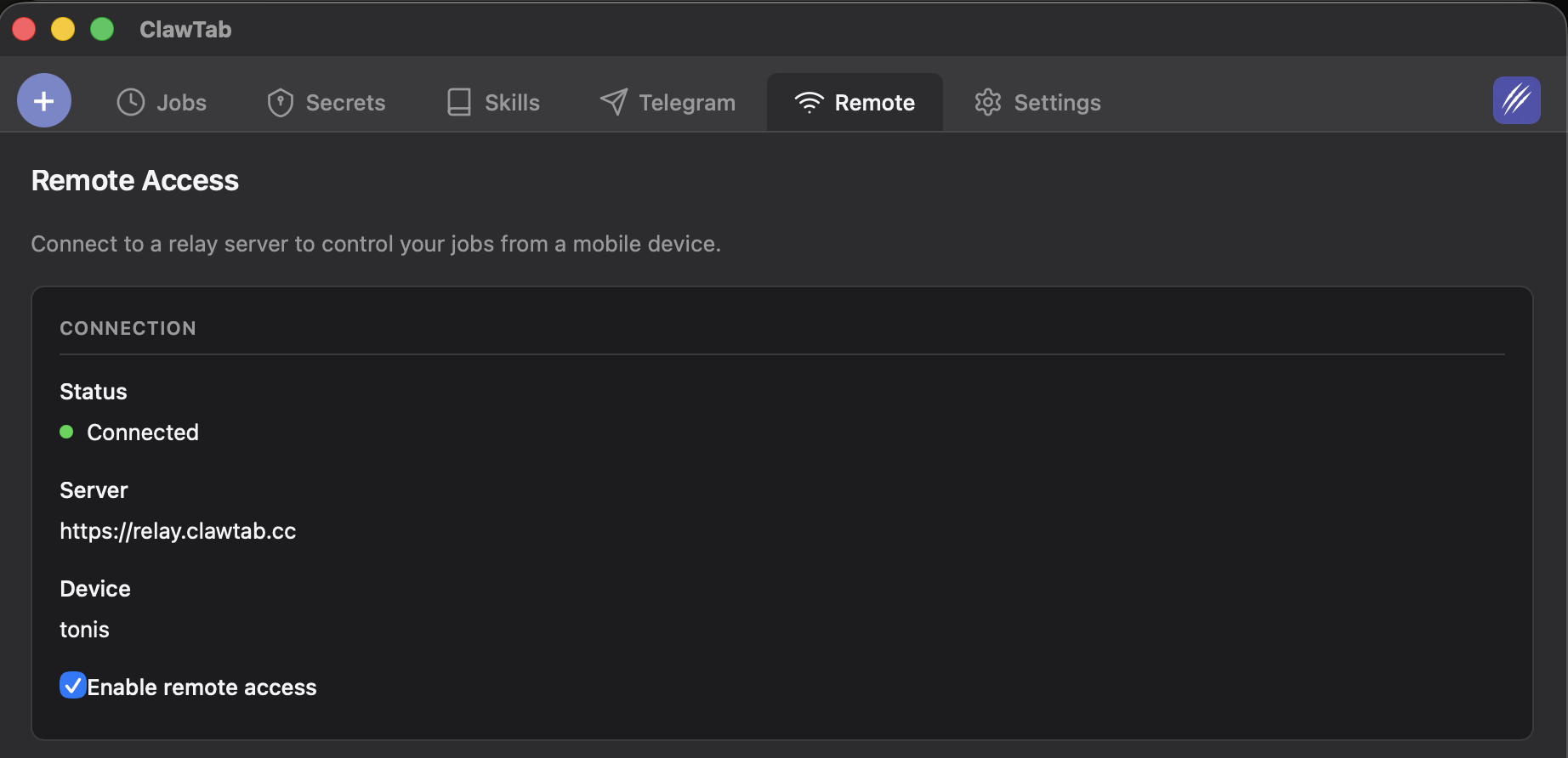
Getting started takes about 30 seconds:
- Open ClawTab on your Mac and go to the Remote tab
- Sign in with your ClawTab account
- Open remote.clawtab.cc on your phone (or install the app)
- Sign in with the same account
That's it. Your devices pair automatically. The connection persists across app restarts and reconnects if your network drops.
The Mobile Experience
The mobile app gives you a full view of your running jobs. You see every job's status, type, and last activity at a glance. Tap into any job to see its live log output streaming in real time.
You can start new jobs, stop running ones, and see the full history of completed runs. The interface is built with React Native, so it feels native on both iOS and Android.
Agent Question Detection
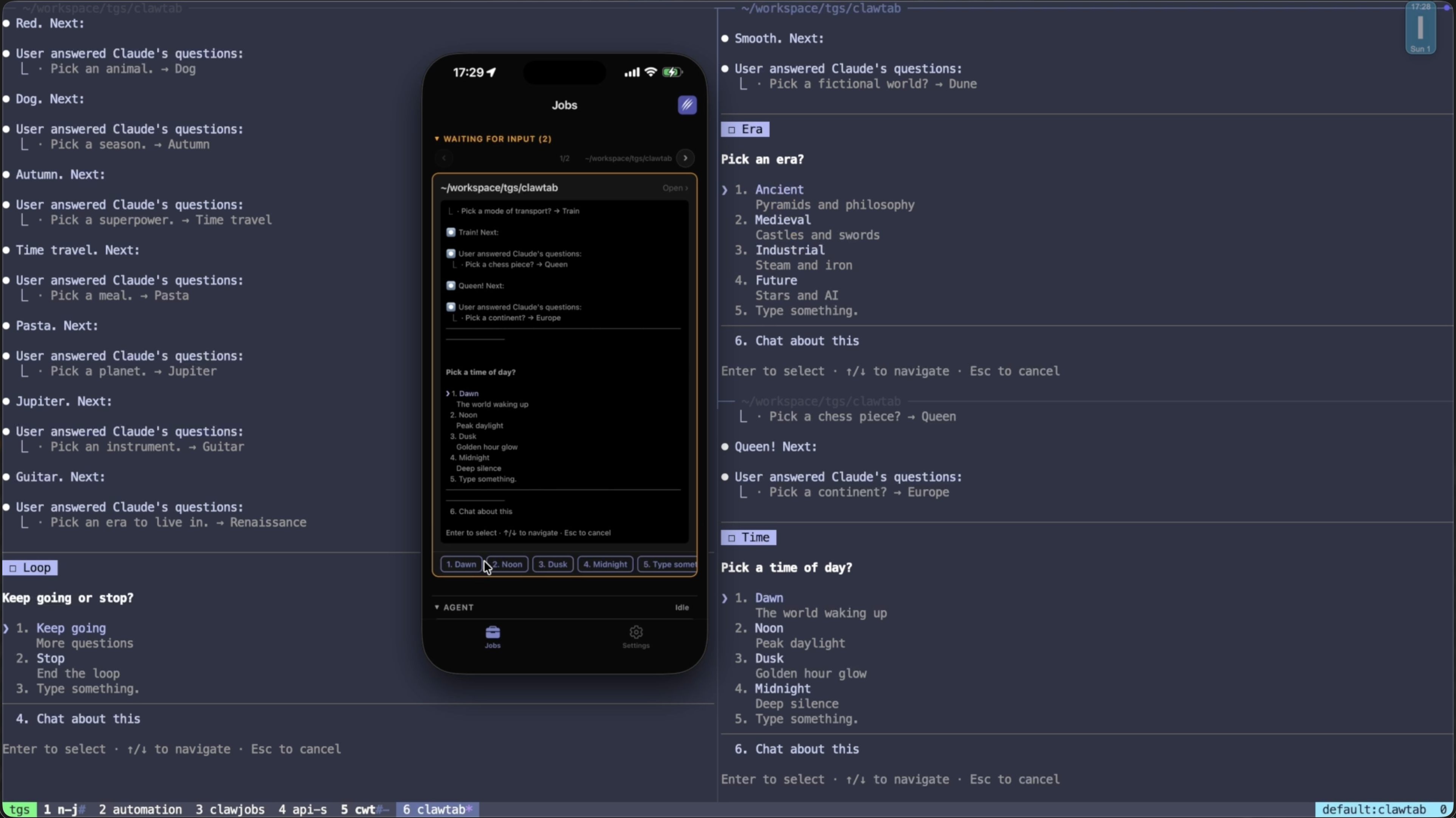
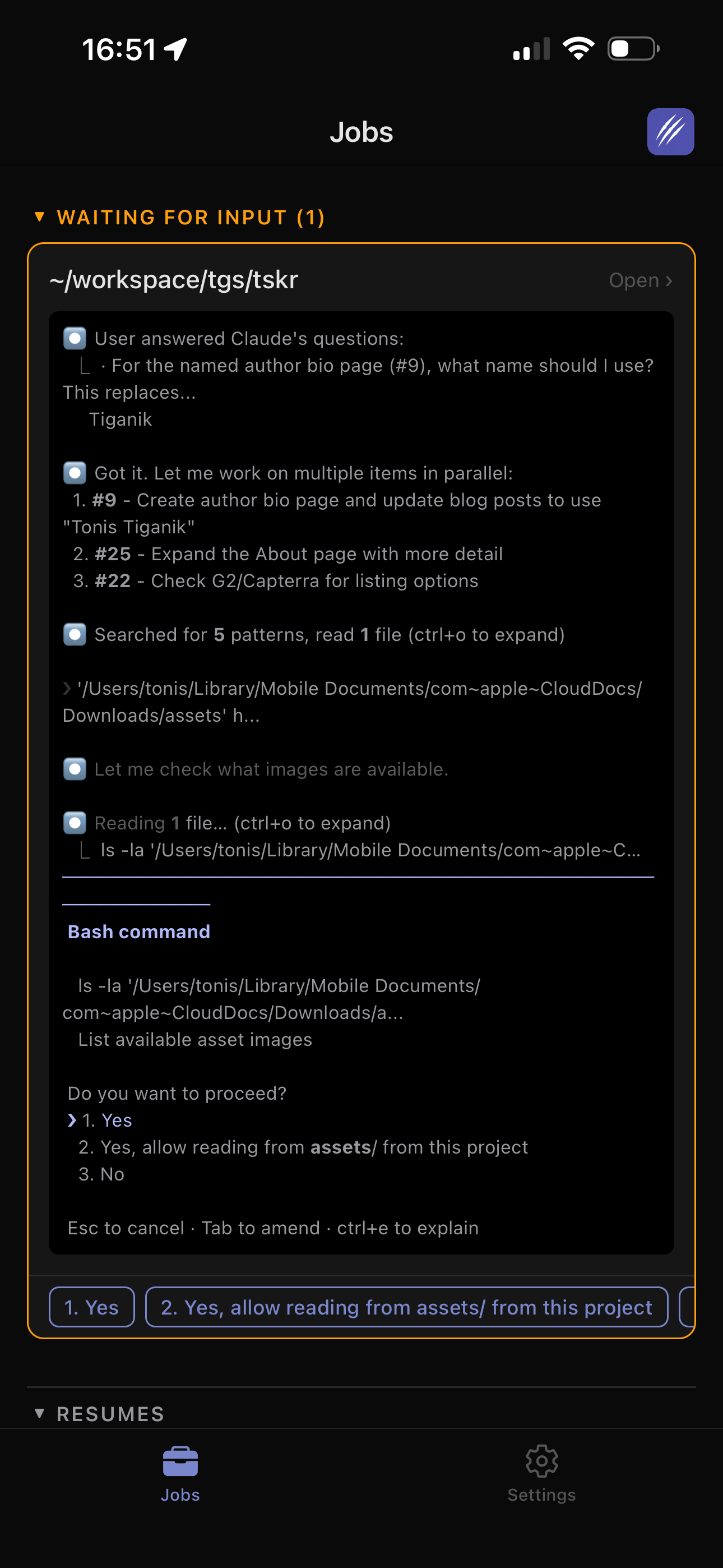
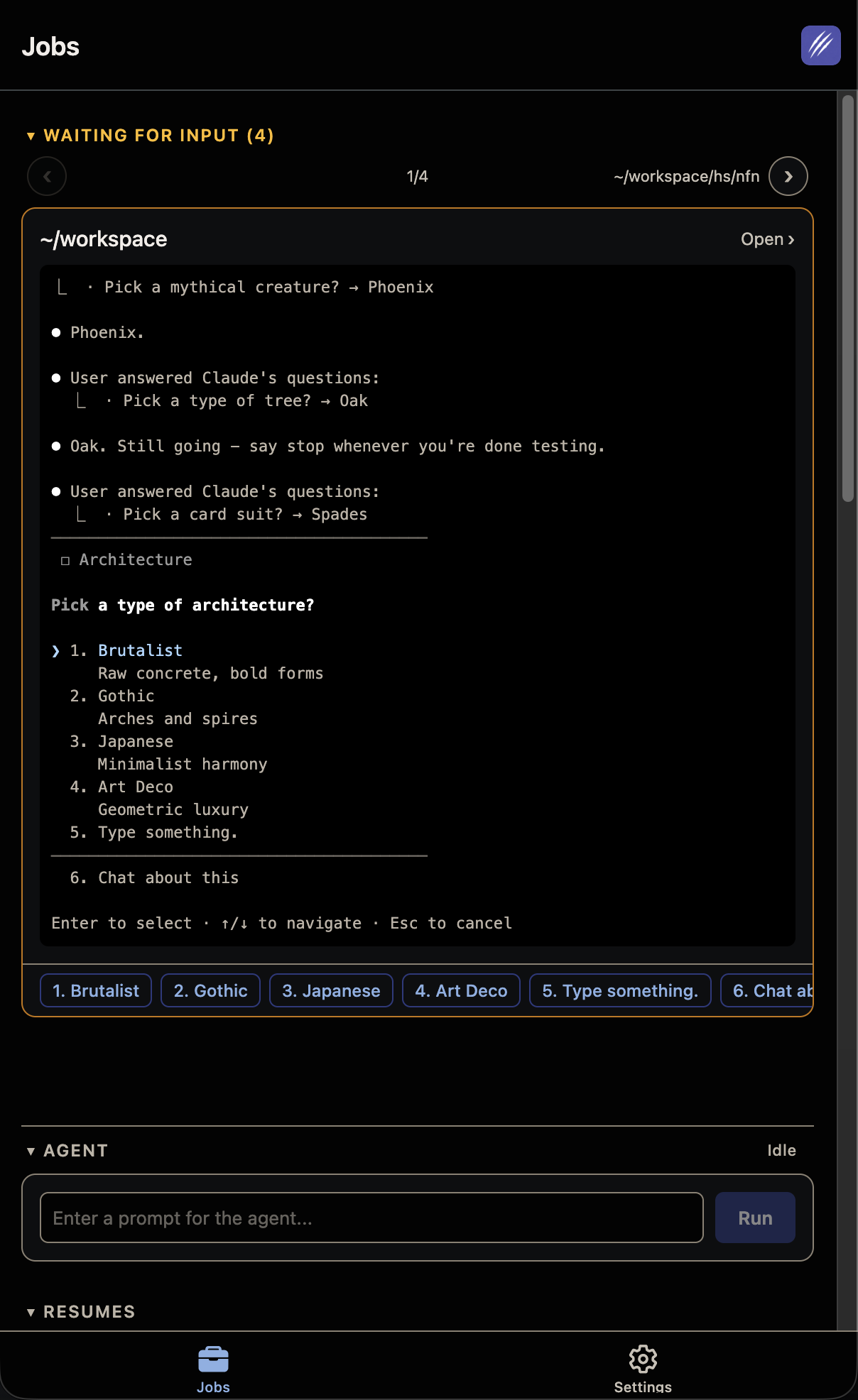
This is the killer feature. When Claude Code asks a question in the terminal - whether it's asking for clarification, requesting permission, or presenting options - ClawTab detects it automatically.
The question appears as a tappable card on your phone. You can type a response, pick from suggested answers, or dismiss it. Your reply goes straight back to the agent's stdin, and it continues working.
No more stalled agents waiting for input you didn't know they needed. You get a push notification the moment a question is detected, so you can respond in seconds even if you're away from your desk.
Push Notifications
ClawTab Remote sends push notifications for the events that matter:
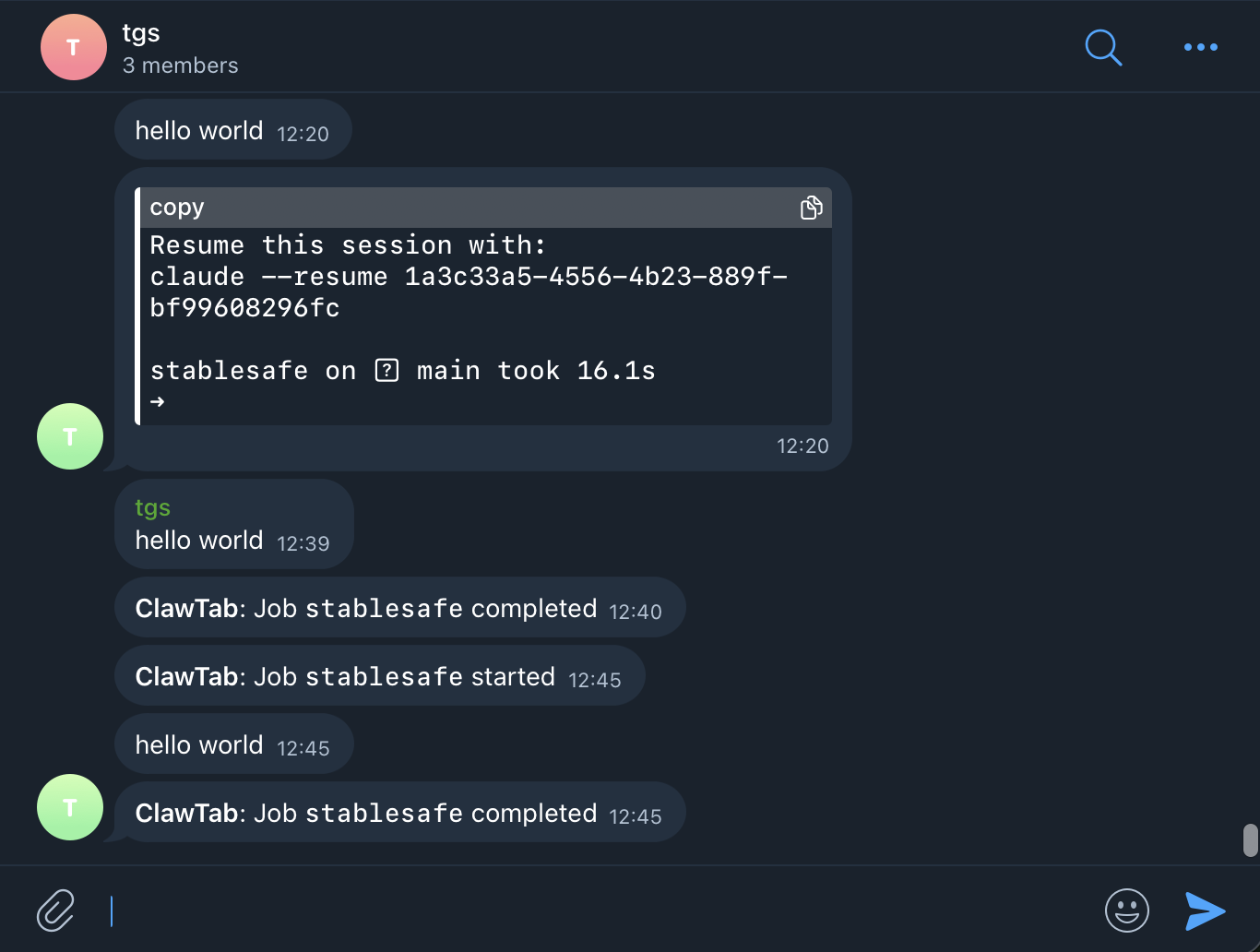
- Job completed - your agent finished its task
- Job failed - something went wrong and needs attention
- Agent question - Claude is waiting for your input
Notifications are delivered through Apple Push Notification service (APNs) on iOS and web push on browsers. They work even when the app is in the background or your phone is locked.
Security
Remote access to your development environment demands serious security. Here's how ClawTab handles it:
- TLS everywhere - all WebSocket connections use TLS. No plaintext.
- Three token types - device tokens, session tokens, and relay tokens are separate. Compromising one doesn't give access to the others.
- Stolen token detection - if a token is used from an unexpected context, the session is invalidated.
- No storage on relay - the relay server passes messages through but never persists your code, logs, or agent output.
- Open source - the relay server code is open source. You can audit every line.
Self-Hosting the Relay
If you want full control, you can run your own relay server. It's a standalone Rust binary built with Axum and requires minimal configuration:
- A PostgreSQL database for device registration
- A TLS certificate (or put it behind a reverse proxy)
- A handful of environment variables
The relay binary is small, fast, and runs well on a $5/month VPS. Docker images and compose files are included in the repository under public/etc/.