TLDR
ClawTab Remote, the mobile companion app for controlling your Claude Code agents, is now available on the iOS App Store. Free download, works with both self-hosted and hosted relay setups.
The ClawTab mobile companion app is now available on the iOS App Store. Monitor your Claude Code agents, answer permission prompts, enable auto-yes, and get push notifications - all from your iPhone.
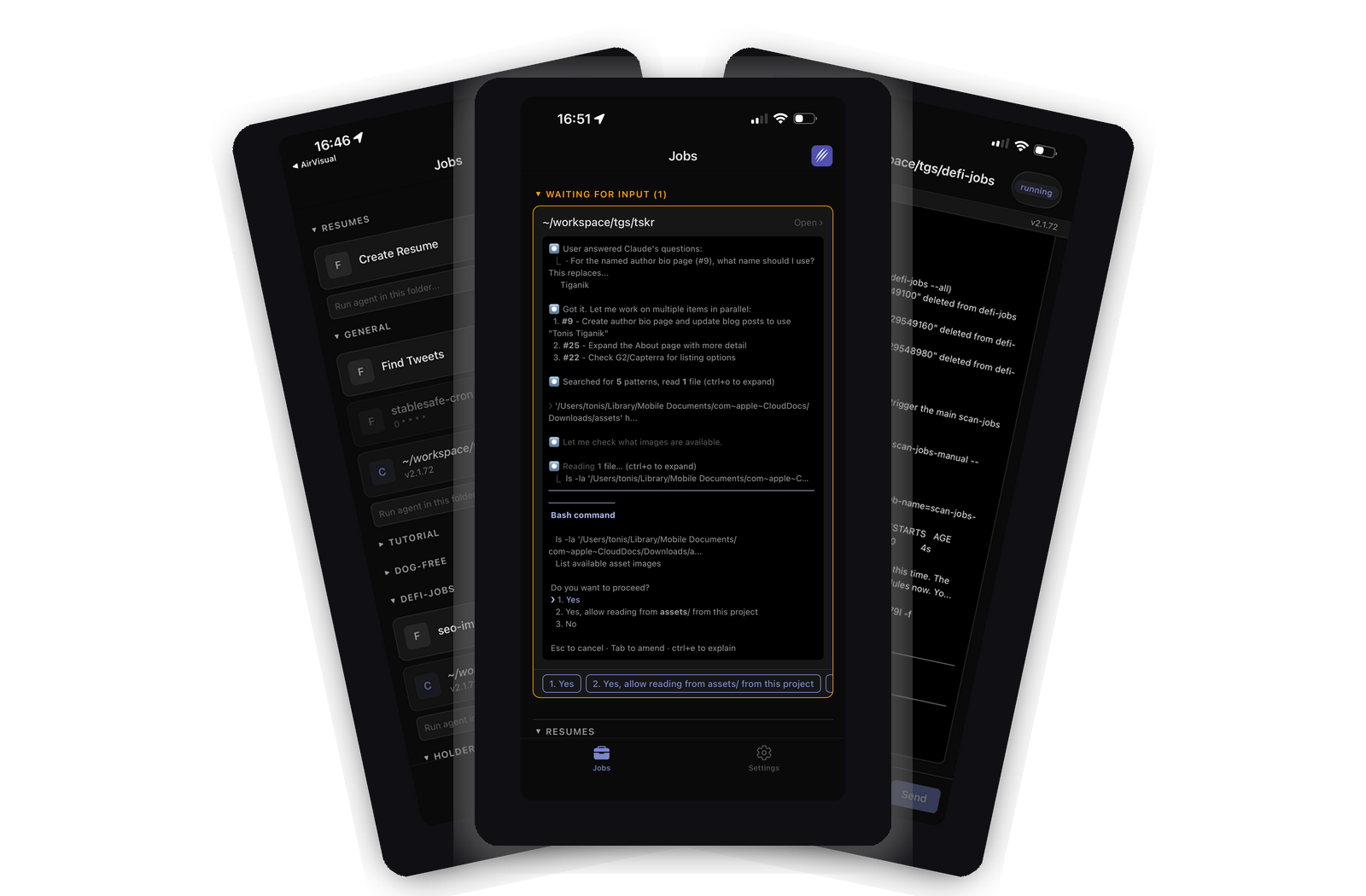
ClawTab Remote, the mobile companion app for controlling your Claude Code agents, is now available on the iOS App Store. Free download, works with both self-hosted and hosted relay setups.
The ClawTab mobile app gives you full remote control over your Claude Code agents running on your Mac. Here's what you can do from your phone:
| Feature | Description |
|---|---|
| Job monitoring | See all running, completed, and scheduled jobs at a glance |
| Live log streaming | Watch agent output in real time as it runs |
| Permission prompts | Answer Claude Code's yes/no permission questions remotely |
| Auto-yes mode | Enable per-pane auto-acceptance of permission prompts |
| Push notifications | Get notified when agents ask questions, finish, or fail |
| Job control | Start, stop, and restart jobs from anywhere |
| Search and sort | Filter jobs by name, group, or project |
| Workspace sharing | Let teammates monitor and respond to your agents |
The app connects to your desktop through a relay server using WebSocket over TLS. All communication is encrypted and the relay never stores your code or agent output.
ClawTab Remote has always been available as a web app at remote.clawtab.cc. The native iOS app adds several things the browser can't do well:
The web app at remote.clawtab.cc still works and will continue to be maintained. The native app is an upgrade for users who want faster, more reliable access to their agents.
Setup takes under a minute:
Your devices pair automatically through the relay server. If you're using the hosted relay at remote.clawtab.cc, everything just works. If you're self-hosting the relay, point the app at your relay URL in Settings.
The app is a free download. You need a ClawTab account and either a self-hosted relay server or a ClawTab Remote subscription ($6.99/month for new website subscriptions). Relay includes a workspace for two parallel sessions; in-app subscriptions use the localized App Store price.
The ClawTab desktop app is the brain. It runs on your Mac, manages tmux sessions, detects Claude Code instances, and handles cron scheduling. The mobile app is the remote control.
The architecture looks like this:
When Claude Code asks a permission question, the desktop detects it in the terminal buffer, parses the numbered options, and sends a notification through the relay. Your phone receives the notification and displays it as a tappable card with option buttons. Tap an option, and the keystroke goes back through the relay to the desktop, which types it into the tmux pane.
The round trip is typically under 100ms. From the agent's perspective, it's as if you typed the answer at your keyboard.
ClawTab offers three ways to control your agents remotely. Here's how they compare:
| iOS App | Web App | Telegram | |
|---|---|---|---|
| Push notifications | APNs (reliable) | Web Push (less reliable on iOS) | Telegram notifications |
| Live log streaming | Yes | Yes | No |
| Answer questions | Yes | Yes | Yes |
| Auto-yes | Yes | Yes | No |
| Job management | Full | Full | Limited |
| Background connection | Good | Limited | N/A |
| Requires install | Yes | No | Yes (Telegram) |
The iOS app is the best experience. The web app is the most accessible. Telegram is useful for notifications if you already live in Telegram.
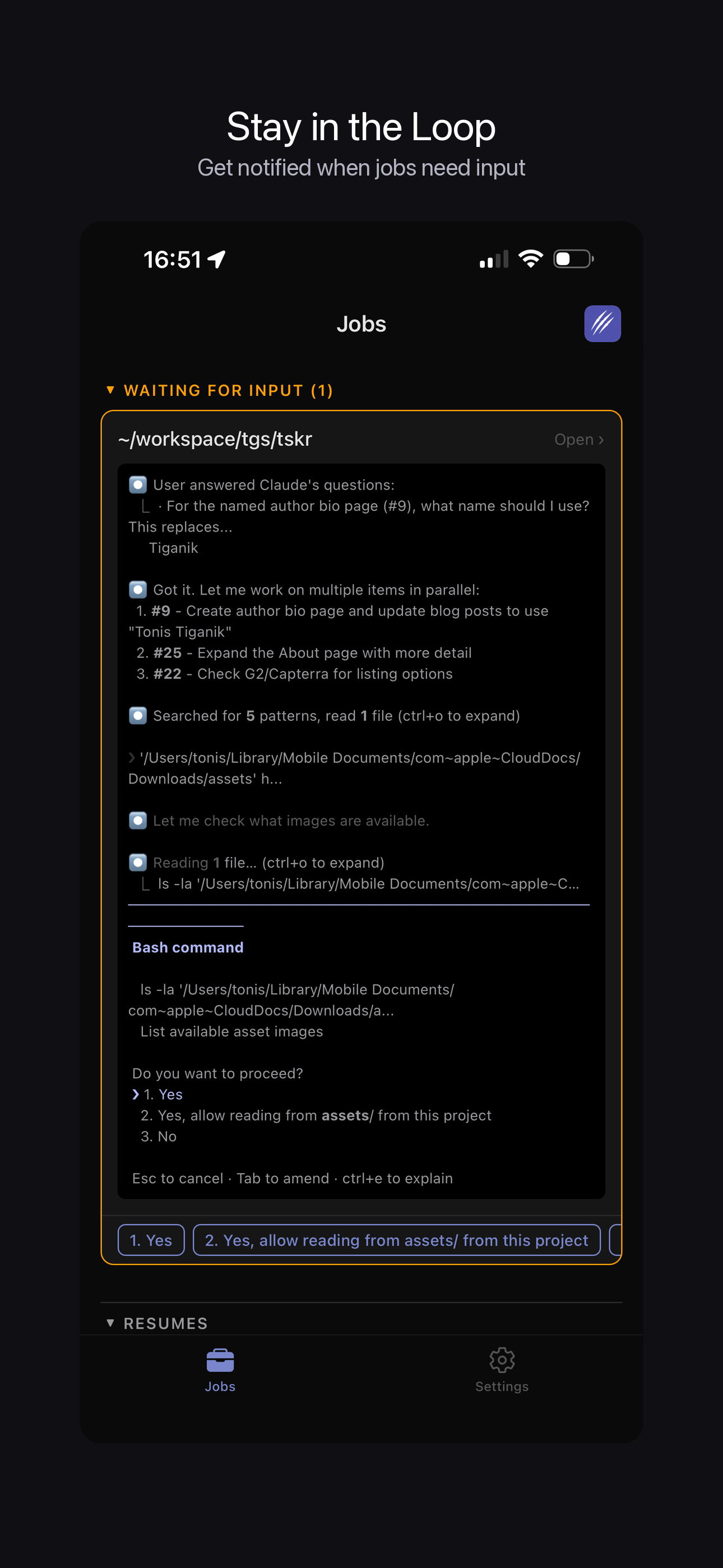
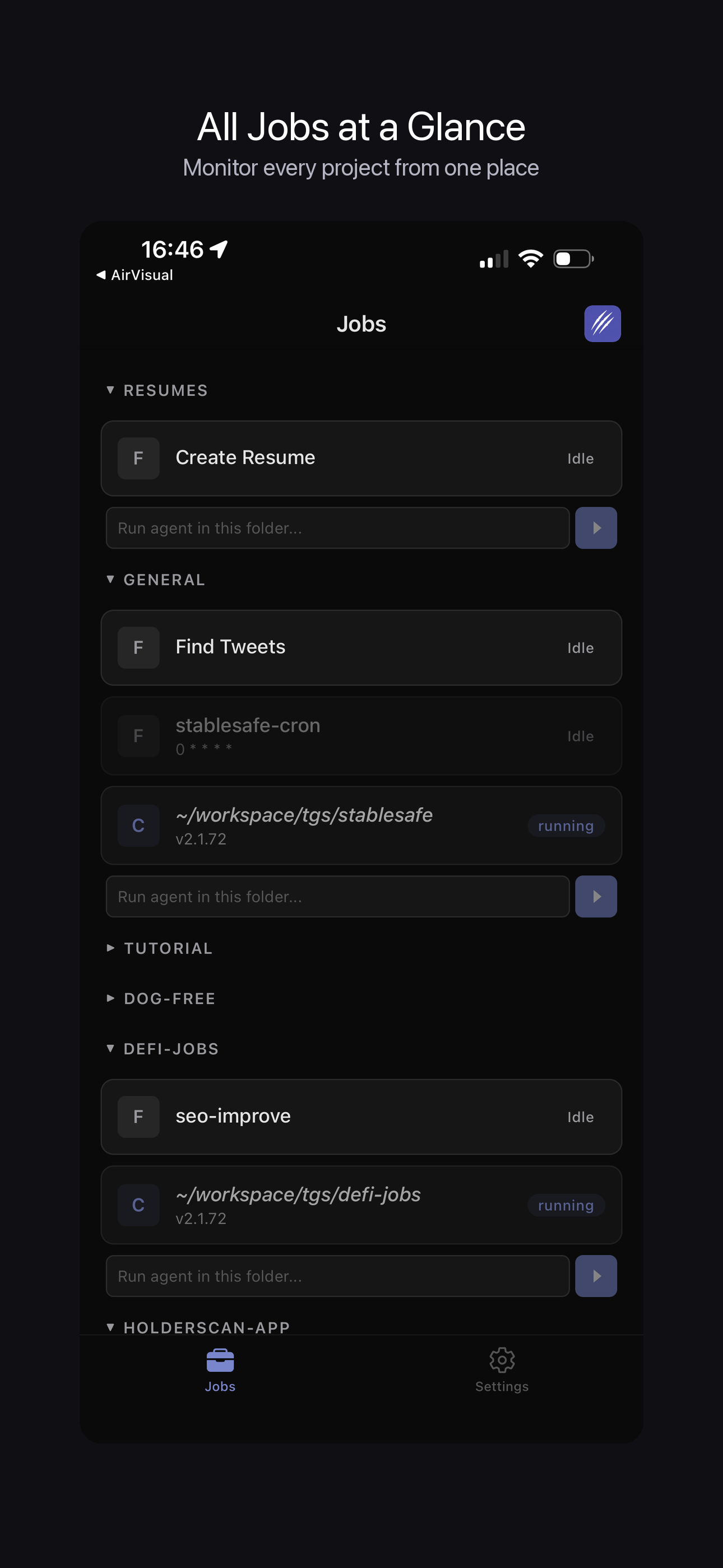
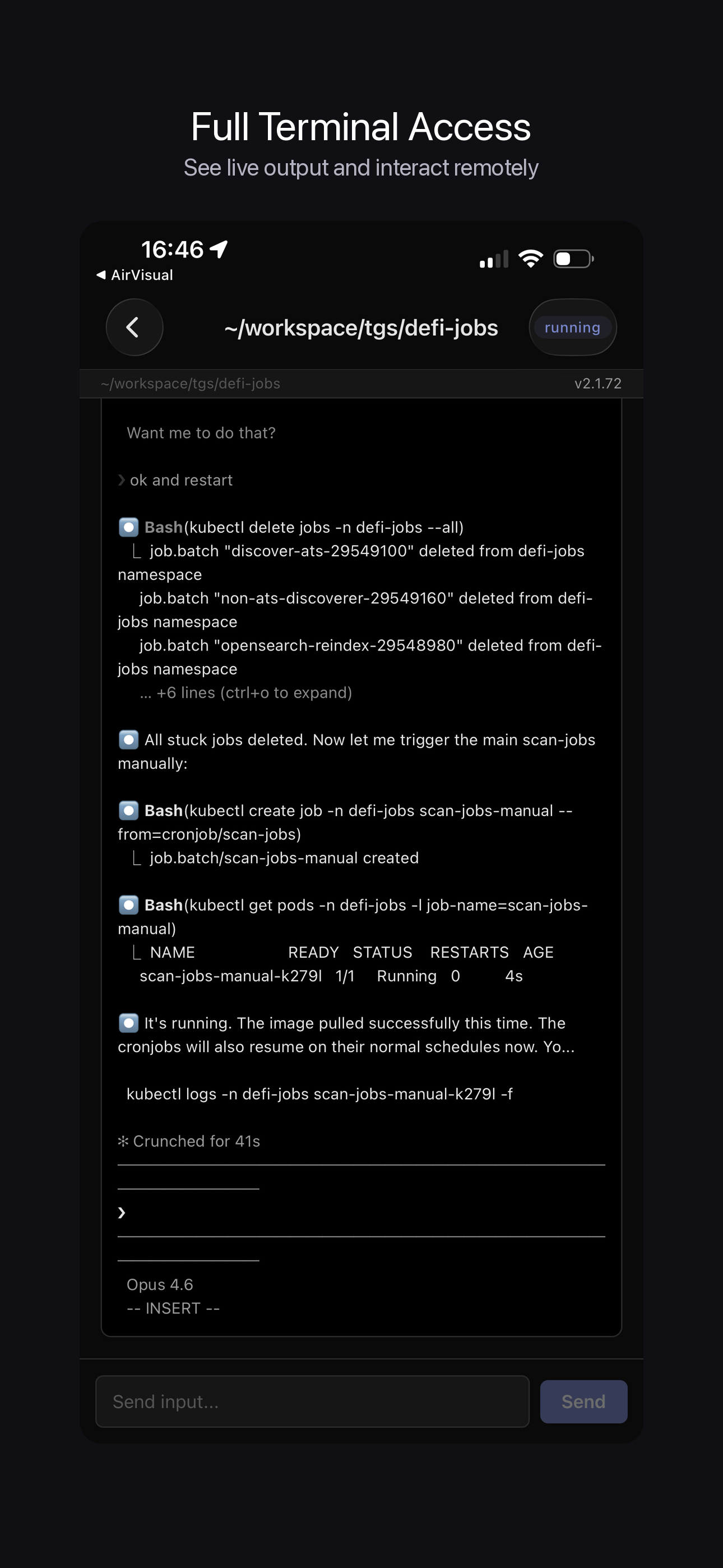
The App Store release is the starting point. We're working on:
The app is open source. Feature requests and contributions are welcome.
Yes. ClawTab is available as a free download on the iOS App Store. It's a companion app for controlling Claude Code agents running on your Mac. Download it at https://apps.apple.com/us/app/clawtab/id6759683841
The app itself is a free download. You need a ClawTab account to use it. If you self-host the relay server, everything is free. If you use the hosted relay at remote.clawtab.cc, new website Relay subscriptions are billed $6.99/month and include a workspace for two parallel sessions. In-app subscriptions use the localized price shown by the App Store.
Monitor running Claude Code agents, view live log output, answer permission prompts remotely, enable auto-yes mode per agent, get push notifications for job events, start and stop jobs, search and filter your job list, and share workspace access with teammates.
The iOS app is available now on the App Store. Android support is planned - the app is built with React Native which supports both platforms. In the meantime, Android users can use the web app at remote.clawtab.cc.
Yes. The ClawTab desktop app runs on your Mac and manages the Claude Code agents. The mobile app connects to the desktop through a relay server. Without the desktop app running, there are no agents to monitor or control.
ClawTab uses Apple Push Notification service (APNs) to deliver notifications. You get notified when an agent asks a permission question, when a job completes, or when a job fails. Notifications work even when the app is closed or your phone is locked.
Yes. Download ClawTab from the App Store, sign in with your ClawTab account, and your running agents appear automatically. You can answer permission prompts, enable auto-yes, view live logs, and start/stop jobs - all from your iPhone.
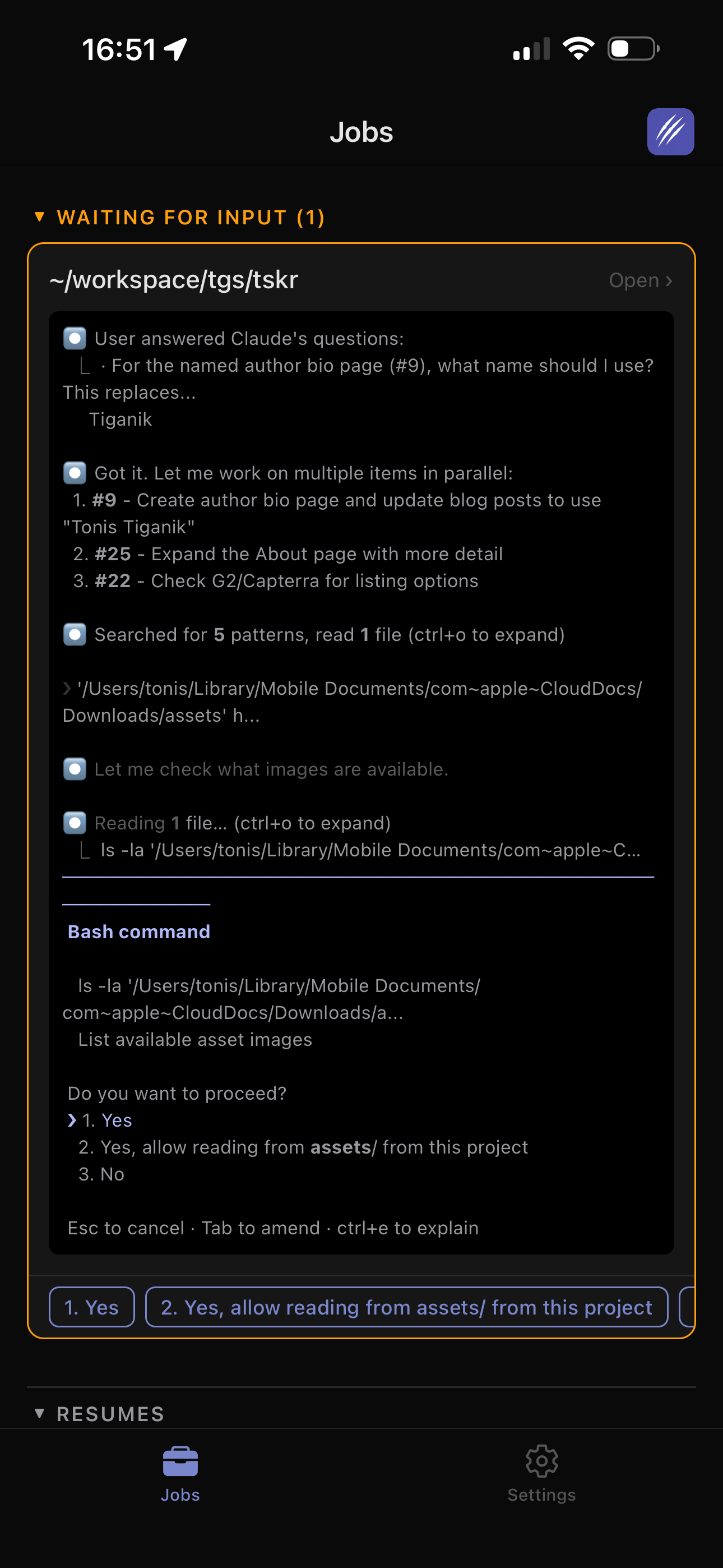
Run Claude Code on your Mac and answer agent questions from your phone. Live log streaming, push notifications, permission prompt detection, and multi-viewer support - works with iOS, Android, and any browser via ClawTab Remote. A practical alternative to Claude Code's built-in Remote Control.
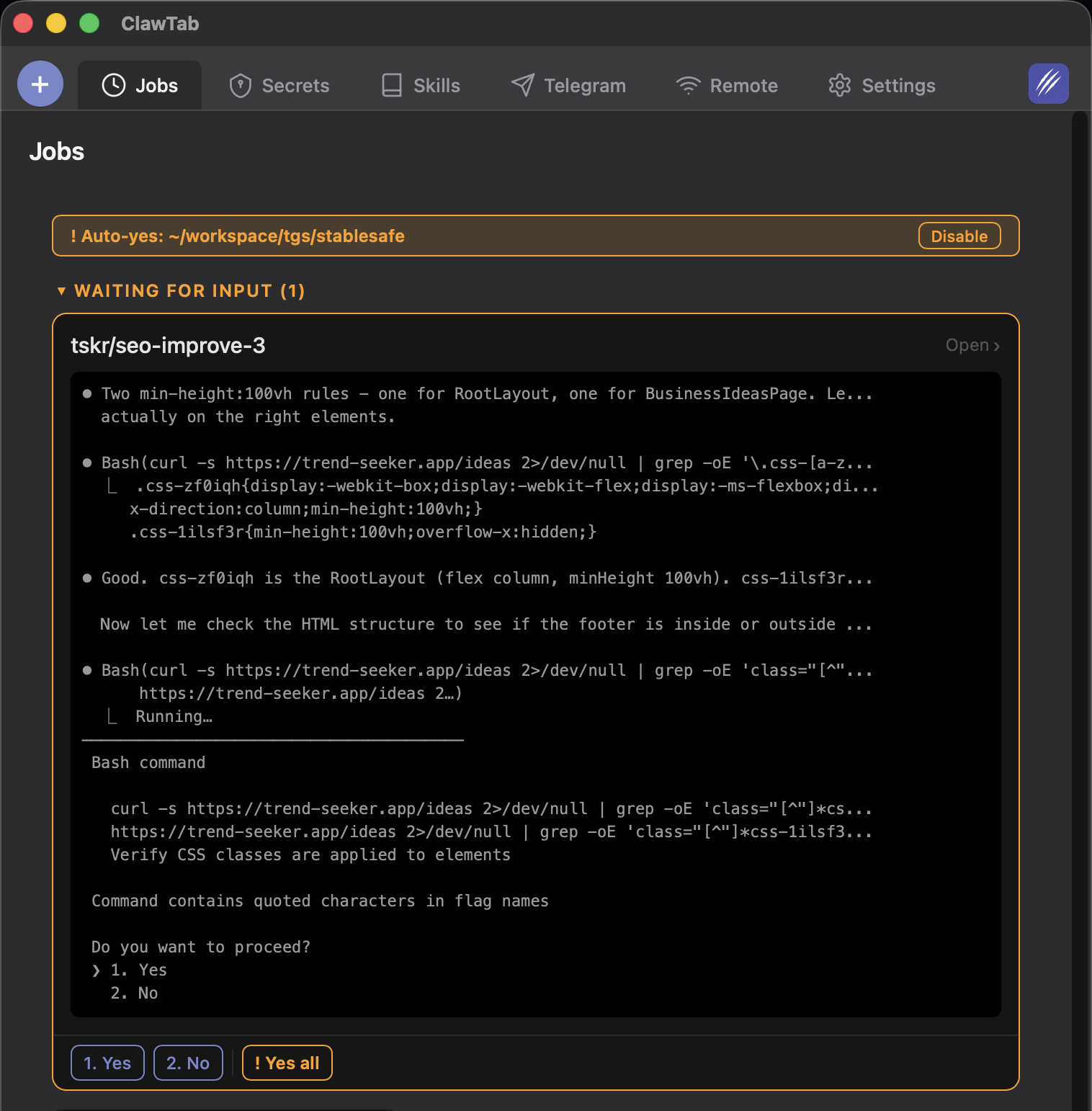
Run OpenCode with --auto, keep explicit deny rules, and choose between auto-approve permissions and ClawTab’s phone-controlled auto-yes for a tmux pane.
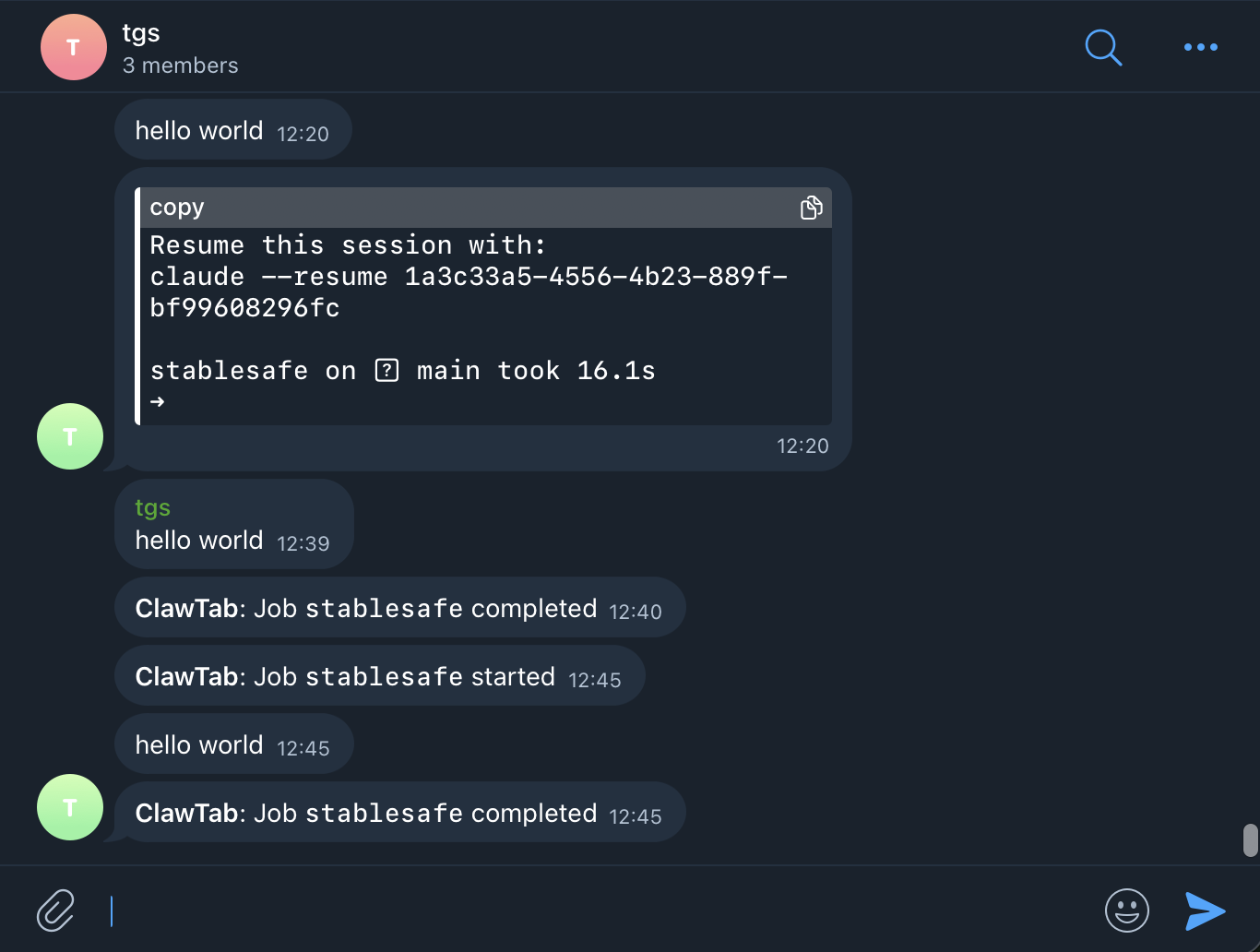
Connect Claude Code agents to Telegram for real-time output streaming, completion alerts, error notifications, and remote job control via bot commands. Set up in under five minutes with ClawTab.