Two Different Answers to the Same Problem
You want a Claude Code agent that runs on a schedule - morning code reviews, nightly dependency audits, weekly changelogs - without you sitting at the keyboard. In 2026, there are two serious ways to do this: Claude Code Routines (Anthropic's official cloud scheduler) and ClawTab's local cron on your Mac.
They look similar from a distance - both take a prompt, a schedule, and run it unattended. But the execution models are nearly opposite. Routines run in Anthropic's cloud with a fresh repo clone each time. ClawTab runs on your Mac with persistent state, Keychain-backed secrets, and per-pane auto-yes. Which one you want depends on what the job actually needs.
This guide breaks down how each works, where each shines, where each falls short, and the hybrid pattern teams actually use in practice.
What Claude Code Routines Are
Claude Code Routines (launched 2026) are scheduled tasks that run on Anthropic's infrastructure. Your laptop can be closed, asleep, or on the other side of the world - the task still runs.
You can create and manage them three ways:
- /schedule command inside Claude Code CLI or Desktop
- claude.ai/code/routines web UI
- API triggers from GitHub events, CI systems, or custom webhooks
A routine is defined by four things: a prompt, a repository (or set of repos), a schedule (cron syntax or natural language), and a set of connectors (GitHub, Linear, Slack, etc.). Each run spins up a fresh clone, executes the prompt, and produces reviewable output with an option to open a pull request.
There's also /loop, a lighter in-session variant. It fires a prompt on a fixed cadence inside the current Claude Code session. Fast to set up, but the session has to stay alive and everything expires after three days. For anything longer than a coffee break, you want /schedule not /loop.
Where Routines Work Well
Cloud execution is the headline feature, and it's genuinely useful. Some workflows map cleanly onto what Routines are built for:
- Your machine is unreliable. Laptops sleep, travel, and get closed. If the job has to run at 6am daily regardless of where you are, Routines wins.
- GitHub-triggered workflows. React to merged PRs, new issues, or CI failures without running a webhook server. Anthropic already has the GitHub integration.
- Low-setup automations. No infrastructure to install. Sign in to claude.ai, write a prompt, pick a schedule, done.
- Single-repo cadence tasks. "Every Monday at 9am, review the last week's commits and post a summary to Slack." Clean, self-contained, no state needed between runs.
- Integrated billing. Routines usage counts against your Pro ($20/month) or Max plan, so there's no separate billing to track.
If those fit your use case - and plenty do - Routines is the right answer.
Where Routines Fall Short
The cloud-execution model also has hard limits. If any of these matter to the job, Routines isn't the tool:
- No persistent state between runs. Every run starts from a fresh clone. If your agent needs to remember what it did yesterday - a build cache, a database of processed issues, partial progress - Routines forgets it. You can work around this with external storage, but that's new infrastructure.
- No local secret injection. Routines can use repo-level secrets you've configured in claude.ai, but it can't pull from macOS Keychain or gopass. If your workflow already stores API keys, SSH keys, and tokens in Keychain, you'd have to duplicate them into Anthropic's secrets system. See ClawTab's secrets management for how the local-injection model works.
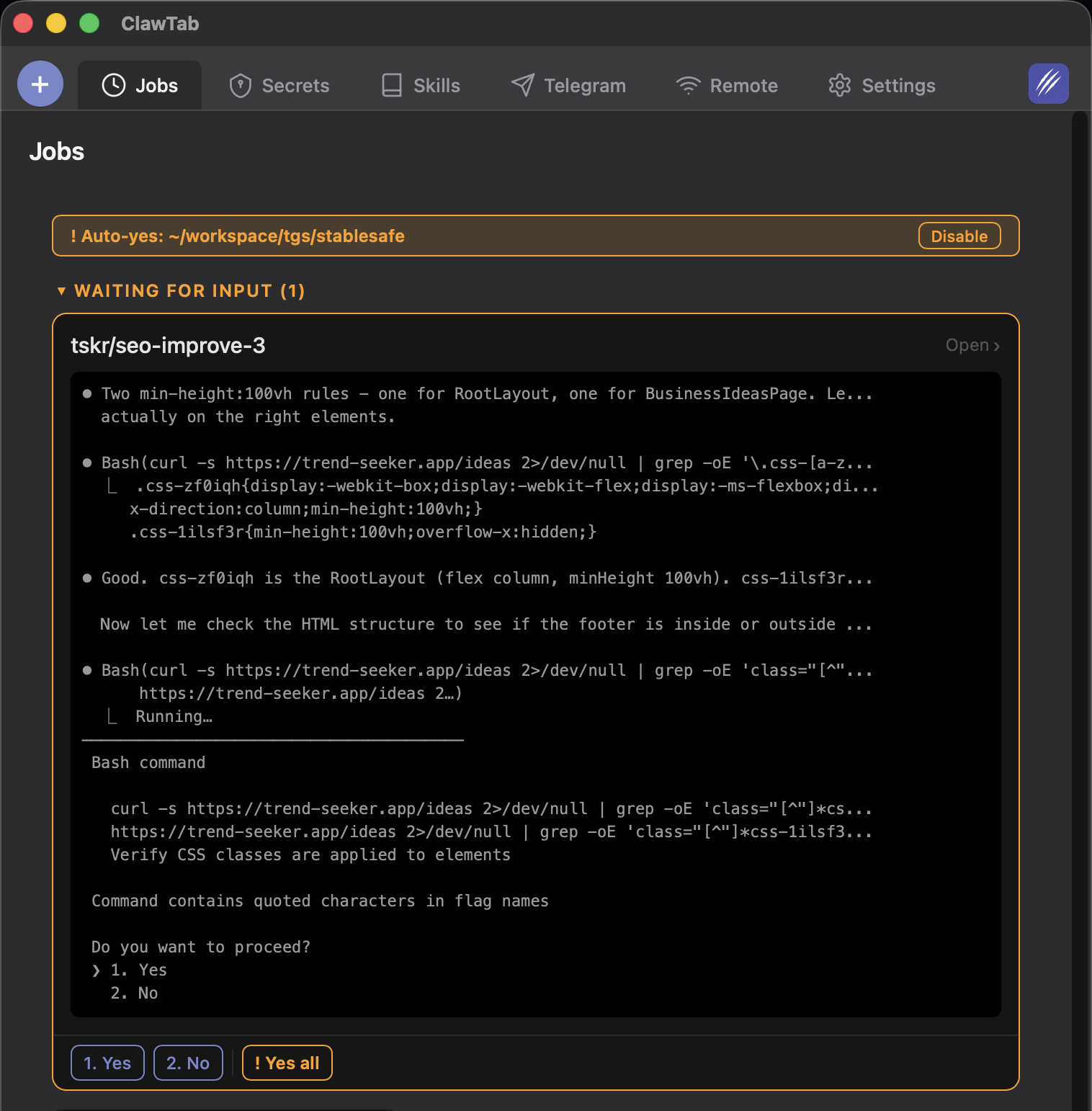
- No per-pane auto-yes control. Claude Code's auto-yes is a per-session setting. Routines runs agents in the cloud with its own permission handling, so you can't toggle auto-yes mid-run from your phone the way you can in ClawTab.
- Mobile monitoring is basic. You get email summaries and can view results on claude.ai from a browser. No native iOS app, no push notifications tied to pending permission prompts, no live-streaming logs.
- Anthropic-only. Routines runs Claude Code. It can't run Codex, OpenCode, or a multi-provider swarm. If you want to compare three models on the same task or fall back to Codex when Anthropic is rate-limited, you're out of luck.
- Fresh clone is slow and expensive for heavy repos. Large monorepos take real time to clone. For lightweight tasks you barely notice; for heavy repos with gitmodules, the cold-start cost is real.
ClawTab's Local Cron Alternative
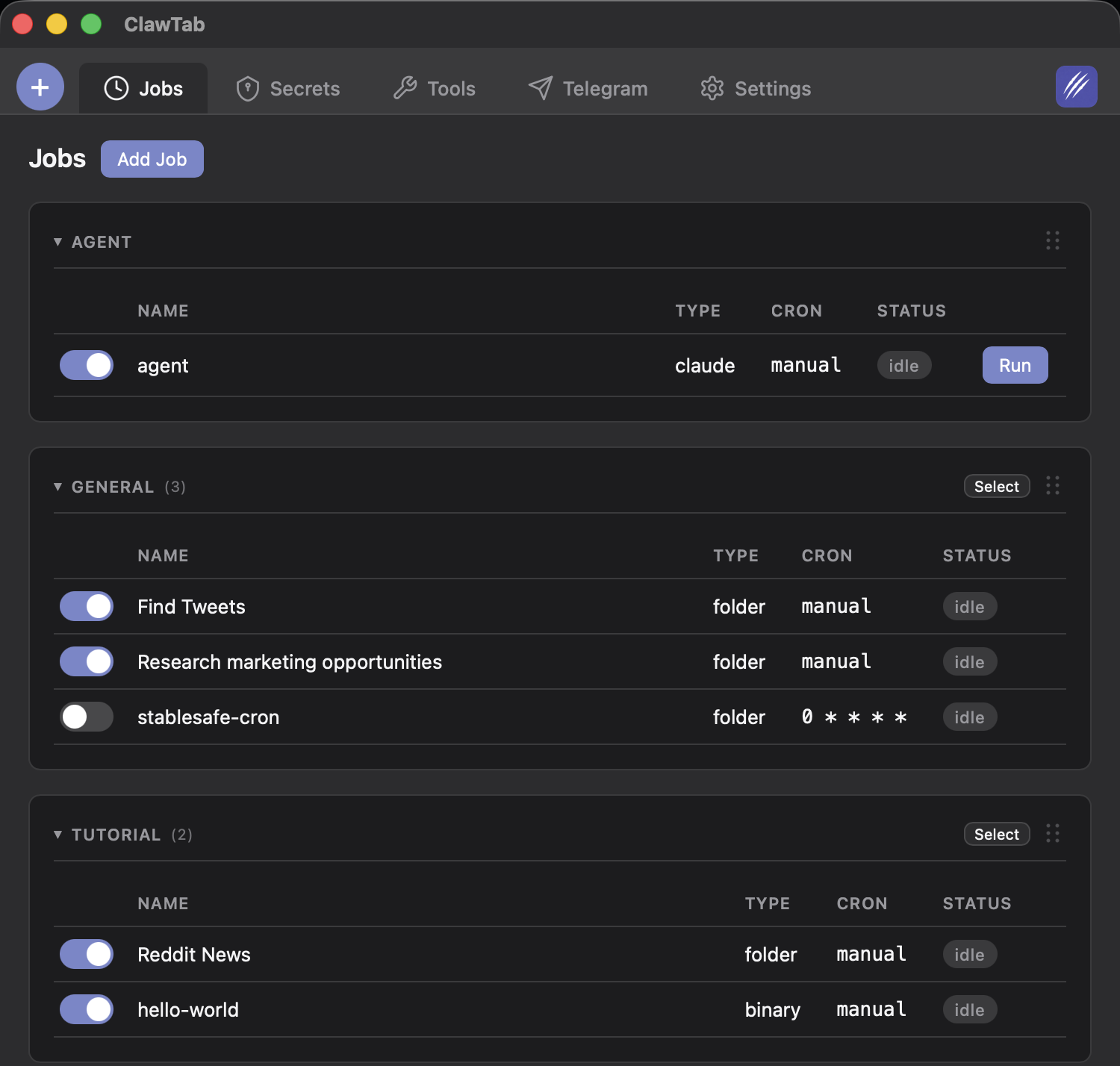
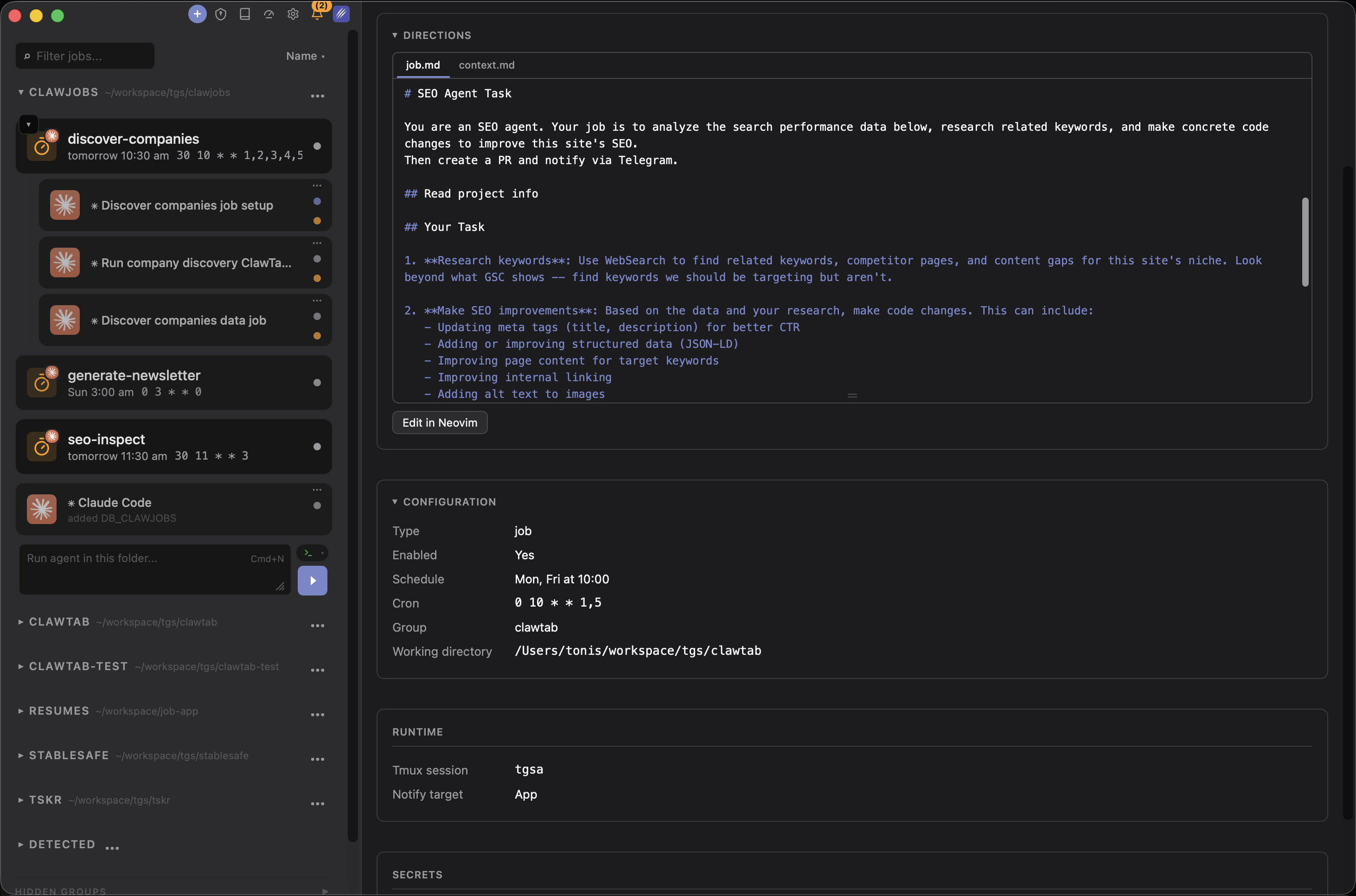
ClawTab's cron scheduler takes the opposite approach: jobs run on your Mac in tmux sessions, managed by a menu-bar app, with full access to your local environment.
What that buys you:
- Persistent state. Jobs run in the same working directory each time. Whatever the agent wrote last run is still there next run. Build caches, partial progress files, per-run logs - all persist naturally.
- Keychain and gopass secrets. List
secret_keysin the job config. ClawTab pulls them from macOS Keychain (falling back to gopass) and injects them as environment variables at runtime. Secrets never touch config files or logs. - Per-pane auto-yes. Toggle auto-yes independently for each running agent. Trust the nightly refactoring agent, keep the security-audit agent in manual-approve mode. Change it from your phone mid-run.
- iOS app + web remote. The iOS app and remote.clawtab.cc stream live agent output, detect pending permission prompts across all panes, and let you answer from anywhere. Push notifications when something needs your attention.
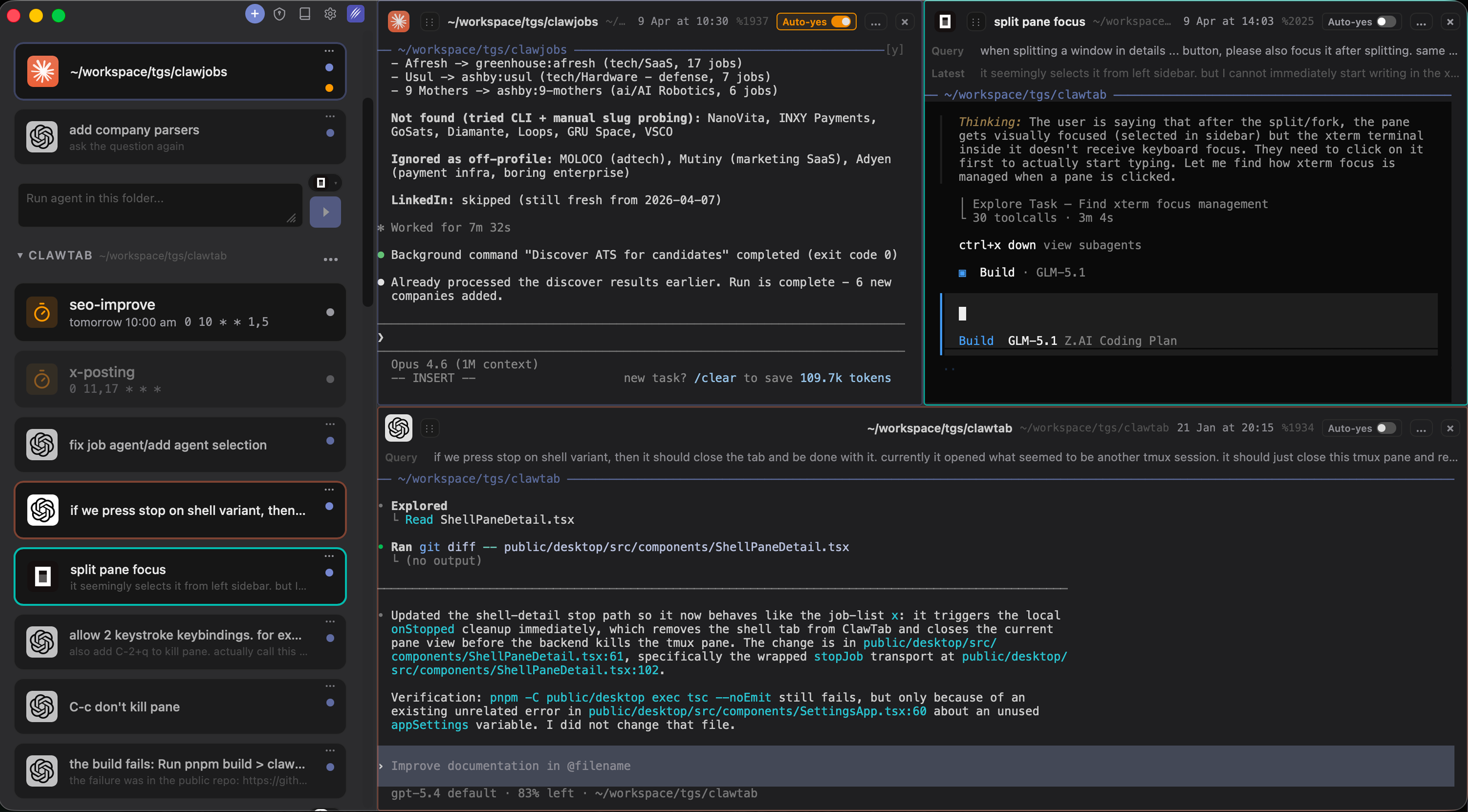
- Multi-provider. ClawTab v0.3 runs Claude Code, Codex, and OpenCode from the same agent list. Schedule any combination. Fall back to Codex when Claude hits a rate limit. Compare all three on the same task in split panes.
- Survives reboots. Jobs are stored as YAML under
~/.config/clawtab/jobs/. ClawTab restarts on login, loads jobs, resumes the cron loop. No 3-day expiry. - Free and open source. MIT licensed. You pay for the underlying agent tokens, not for the scheduler.
The tradeoff is honest: your Mac has to be on and awake when the cron fires. If you travel a lot or close your laptop at night, that's a real limitation.
Side-by-Side Comparison
| Capability | Claude Code Routines | ClawTab |
|---|---|---|
| Execution location | Anthropic cloud | Your Mac (tmux) |
| Laptop required online | No | Yes (must be awake at fire time) |
| Persistent state between runs | No (fresh clone per run) | Yes (working directory persists) |
| macOS Keychain / gopass secrets | No | Yes (automatic injection) |
| Per-pane auto-yes toggle | No | Yes (per-agent, mid-run) |
| Mobile app | No (browser only) | iOS app + web remote |
| Push notifications on pending prompts | No | Yes (iOS + Telegram) |
| Multi-provider (Codex, OpenCode) | No (Anthropic only) | Yes (Claude Code + Codex + OpenCode) |
| GitHub/Linear/Slack triggers | Yes (built-in) | Via webhooks (manual setup) |
| Cron expressions | Yes (5-field) | Yes (5-field) |
| Natural language schedules | Yes | No (cron only) |
| Session expiry | /loop: 3 days; /schedule: persistent | Persistent (no expiry) |
| Price | Included in Pro ($20/mo) or Max | Free (open source) |
Neither tool wins every row. Routines dominates the "laptop-independent cloud execution" rows. ClawTab dominates the "local state, secrets, mobile control, multi-provider" rows.
The Hybrid Pattern
The teams that run a lot of scheduled agents in 2026 tend to use both, not one or the other. The split follows naturally from the tradeoffs above:
Use Routines for:
- Anything triggered by GitHub events (merged PR summaries, issue triage, CI-failure analysis)
- Cloud-native tasks where you don't care about local state (daily news digests, meeting-notes summarization)
- Schedules that have to fire while you're traveling or asleep
- Teams who don't have a Mac always-on or don't want to think about machine uptime
Use ClawTab for:
- Jobs that need local secrets from Keychain (internal APIs, SSH keys, signed tokens)
- Agents that should build up state over time (nightly dependency audit that tracks what it fixed last week)
- Overnight runs where you want per-pane auto-yes you can toggle from your phone
- Multi-provider comparisons (run the same task on Claude Code + Codex, compare)
- Workflows that need a native iOS app for live monitoring, not email summaries
A concrete example: at one team I talked to, Routines runs the 9am weekday "summarize overnight PRs" job (cloud, GitHub-triggered, no state), and ClawTab runs a 2am nightly job that updates the internal dependency map (local Keychain secrets, persistent cache, auto-yes on, push notification to phone if anything breaks). Same team, two schedulers, zero overlap.
How to Decide for a Specific Job
For any scheduled agent task, walk through these questions in order. The first "yes" tells you which scheduler to use:
- Does the job need local secrets from Keychain or gopass? → ClawTab.
- Does the job depend on persistent state between runs? → ClawTab.
- Does the job involve Codex or OpenCode, not just Claude Code? → ClawTab.
- Is your Mac offline or asleep at the fire time? → Routines.
- Is the job triggered by a GitHub/Linear/Slack event? → Routines (easier).
- Everything else: either works. Default to Routines if you want less infrastructure, ClawTab if you want more control.
If you're still not sure which to pick, start with ClawTab - it's free, installs in 30 seconds via Homebrew (brew install --cask tonisives/tap/clawtab), and you can move to Routines later if you find you need cloud execution. The job config is a YAML file; migrating it to a Routine later is a copy-paste job.