Introduction
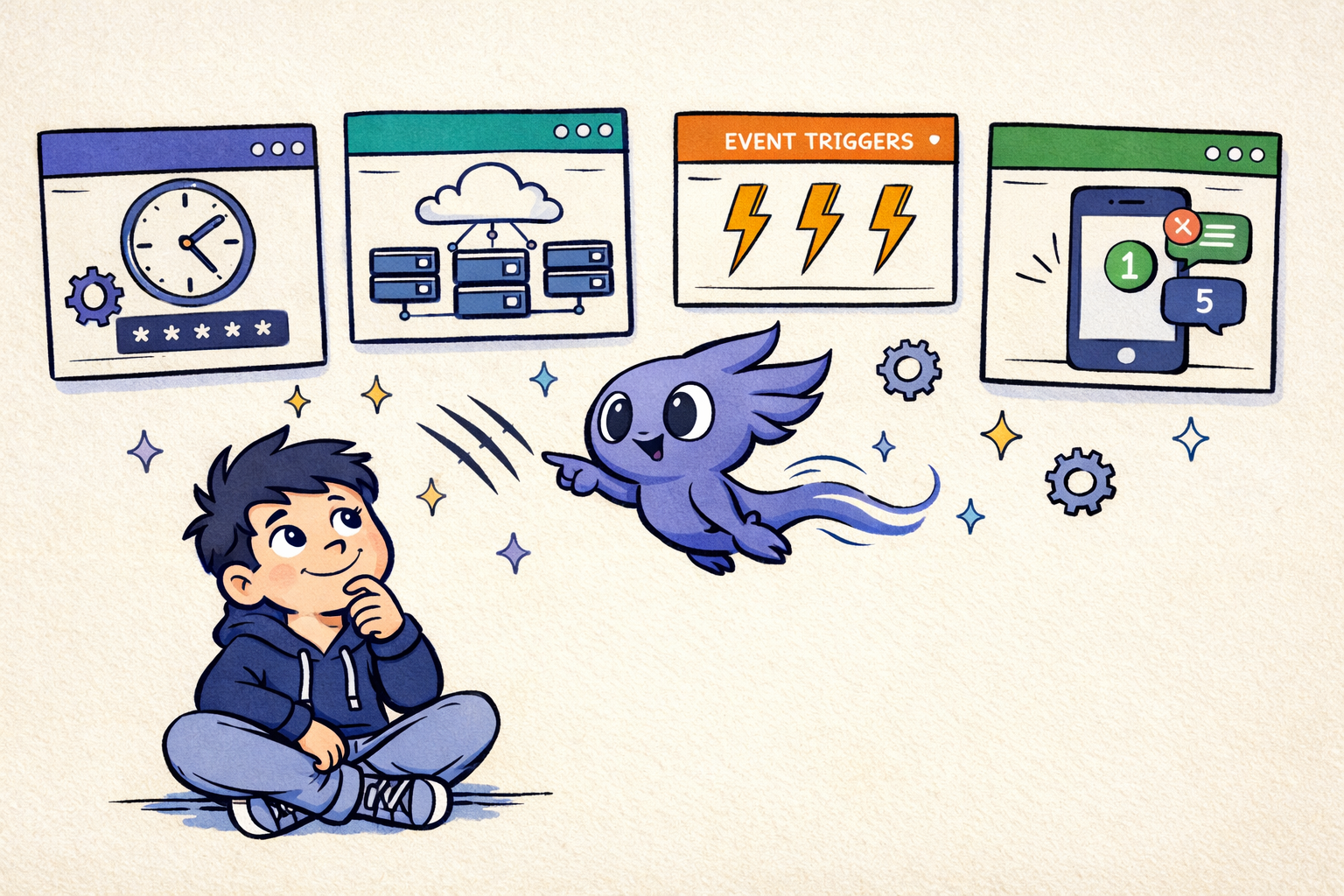
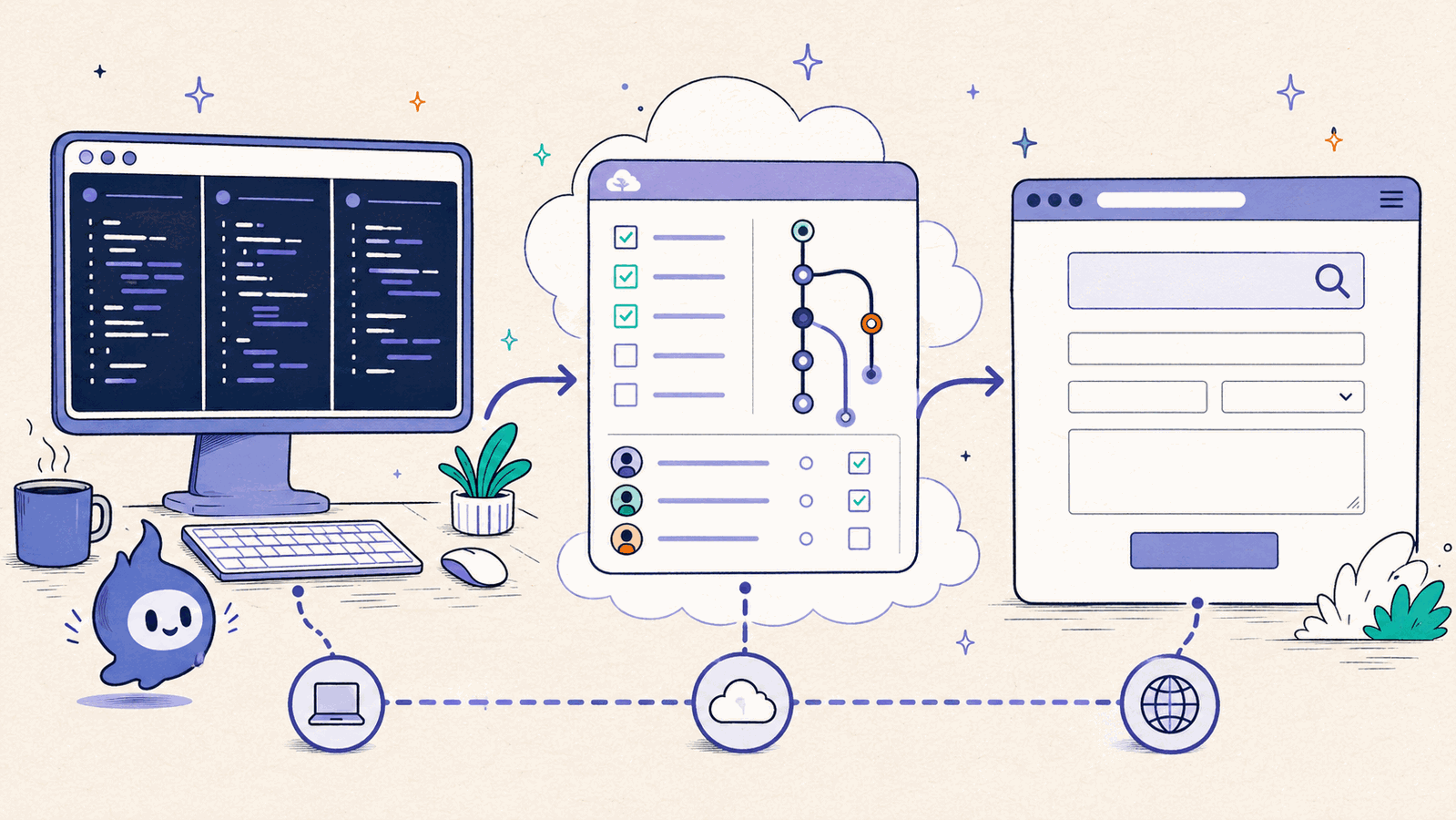
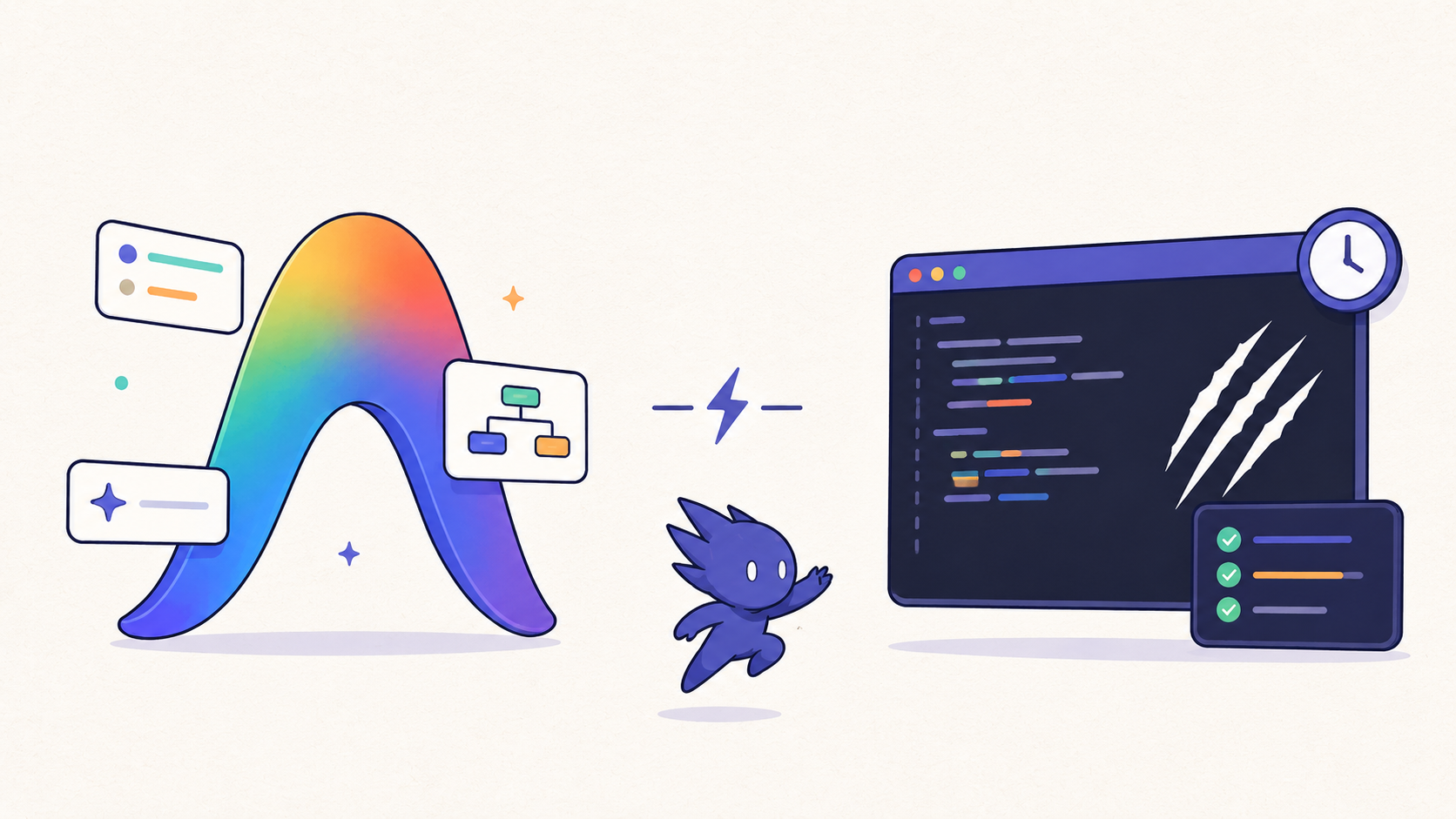
An AI coding agent orchestration tool coordinates coding agents that run without you watching - on a schedule, in response to an event, or as long-lived terminal processes. For Claude Code users, that usually means background agents reviewing code overnight, updating dependencies at dawn, or triaging issues while you sleep.
The tooling for running Claude Code background agents and the Cursor and Codex equivalents varies wildly across the ecosystem. Some tools are cloud work queues, some are IDE background workers, and some are local tmux orchestrators for developers who want persistent sessions, mobile approvals, and phone-based control.
This guide compares every major option for running AI coding agents unattended: ClawTab (local cron + remote control), Claude Code Agent View, Claude Code Routines and scheduled tasks, Cursor background agents, OpenAI Codex automations, OpenClaw, GitHub Copilot coding agent, Aider, and Devin. We cover scheduling, monitoring, mobile approvals, safety controls, and pricing so you can pick the right Claude Code background agent setup for your workflow.
Quick Recommendation
If you want local Claude Code background agents with persistent tmux sessions, cron scheduling, and phone-based approvals, use ClawTab. If you need jobs to run while your computer is off, use Claude Code Routines or Cursor background agents. If you want a GitHub-native path from issue to pull request, use Copilot coding agent.
| Need | Best fit | Why |
|---|
| Local cron and tmux persistence | ClawTab | Runs Claude Code, Codex, and OpenCode in managed tmux panes with mobile alerts and auto-yes. |
| Cloud scheduled Claude Code | Claude Code Routines | Runs from a fresh repo clone on Anthropic infrastructure, even when your Mac is off. |
| Event-driven IDE work | Cursor background agents | Triggers from GitHub, Linear, Slack, PagerDuty, timers, or custom webhooks. |
| Issue-to-PR automation | GitHub Copilot coding agent | Works inside GitHub Actions and produces draft pull requests from assigned issues. |
Why Background Agents Need Different Tooling
Interactive coding agents assume you're watching. They ask permission before writing files, pause for feedback, and expect you to review output in real time. That works when you're pair-programming. It doesn't work when you want agents running at 3am.
Background agents need three things that interactive agents don't:
- Unattended permission handling. The agent needs to proceed without manual approval, or escalate to your phone when something looks risky.
- Scheduling and persistence. Jobs need to fire on time, survive reboots, and not silently expire after a few days.
- Monitoring from anywhere. When an agent hits a problem at midnight, you need to know about it - and ideally respond from your phone without opening your laptop.
No single tool does all three perfectly. The right choice depends on whether you want local control or cloud convenience, how much you trust automated approval, and what your budget looks like.
2026 Search Landscape
The background agent market now splits into four keyword clusters: cloud coding agents that open pull requests, IDE background agents that run inside Cursor or Copilot workflows, terminal coding agents such as Claude Code and Codex, and tmux agent orchestrators that keep local sessions visible and persistent.
That is why this comparison covers both product names and workflow phrases people search for: "background coding agents," "Claude Code background agents," "Cursor background agents," "Codex automations," "tmux AI agent manager," and "AI coding agent orchestration." Those searches sound similar, but they imply different needs: cloud execution, scheduled work, mobile approval, persistent local state, or multi-agent parallelism.
ClawTab: Local Cron + Remote Control
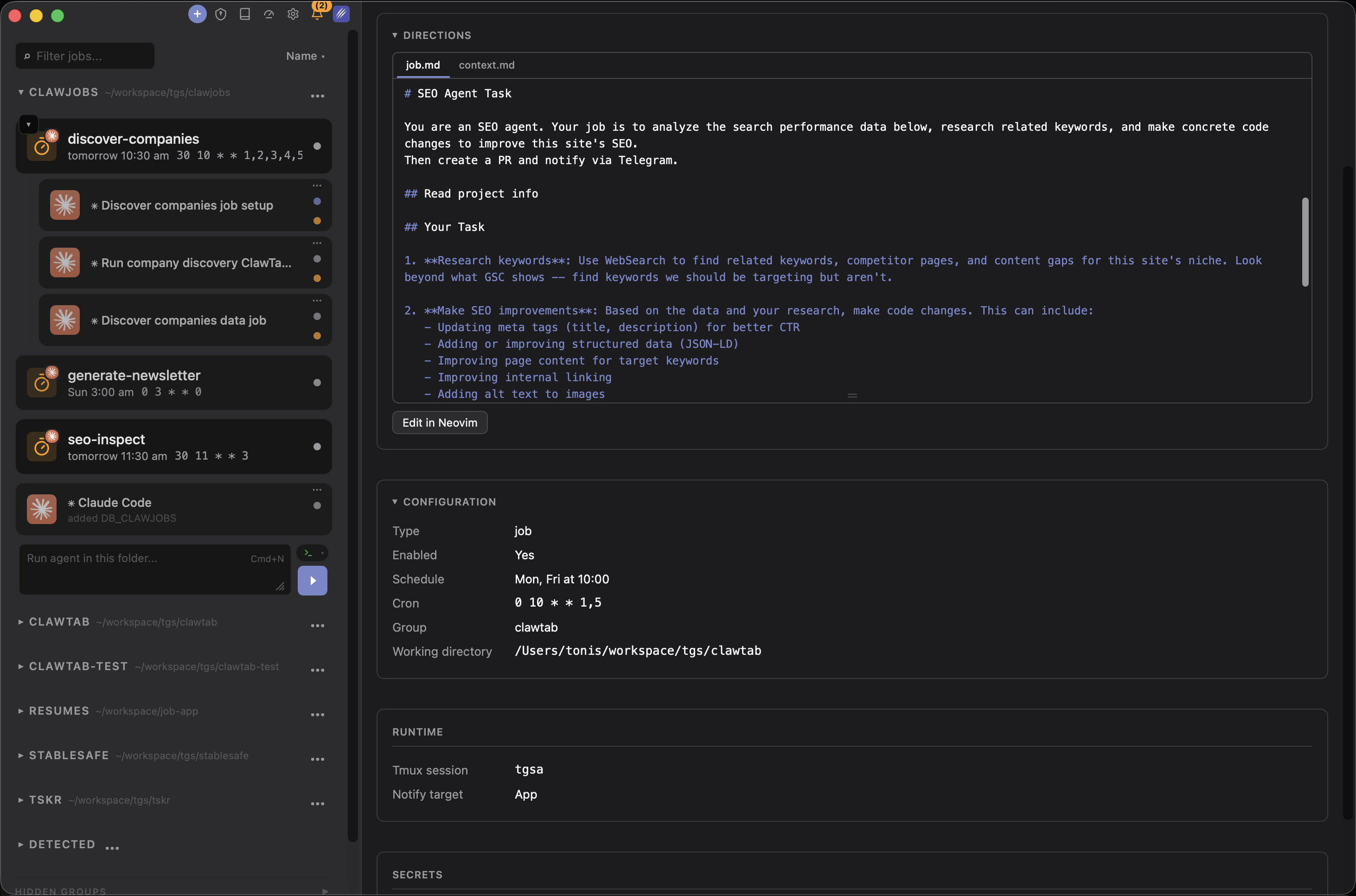
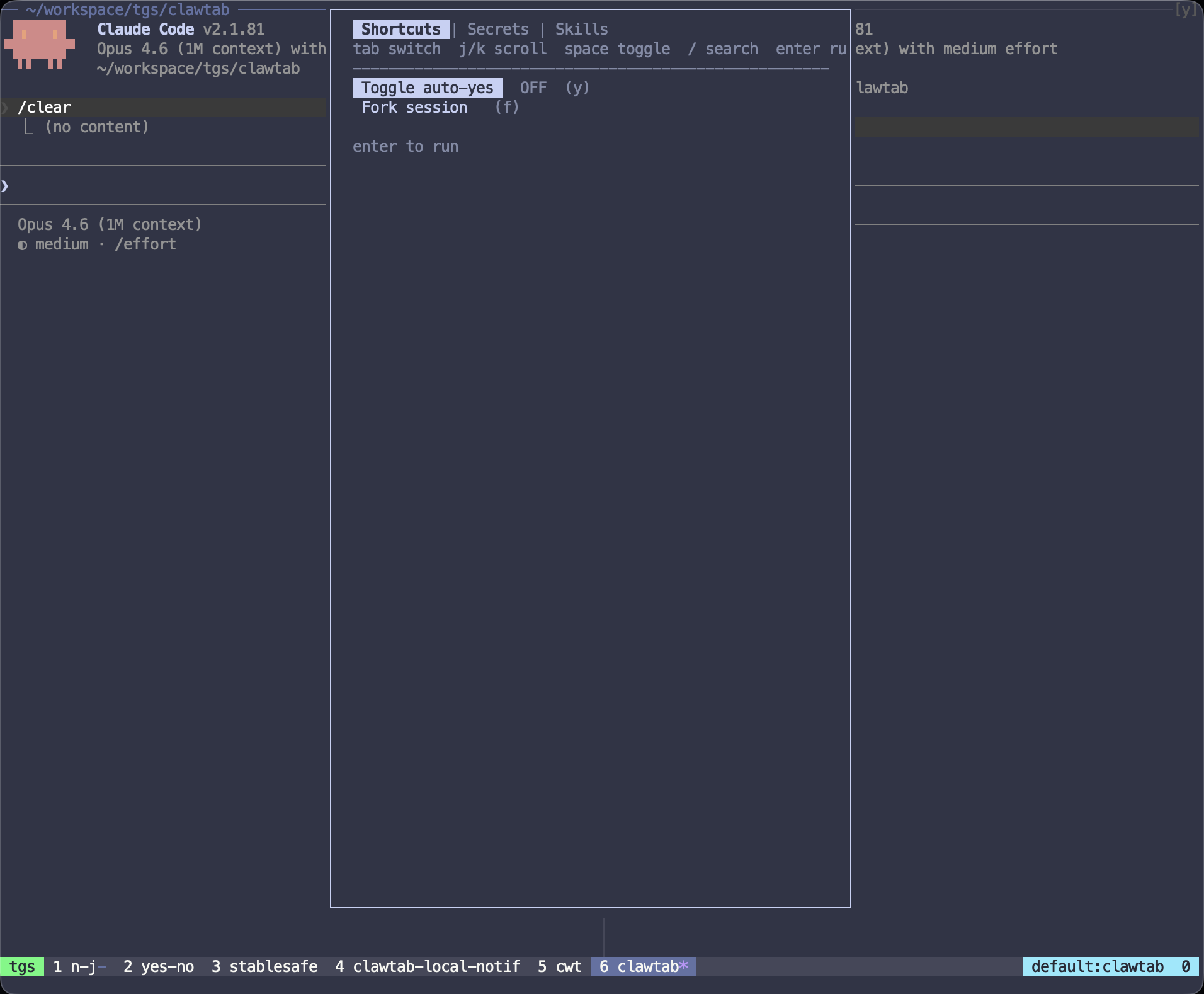
ClawTab runs agents on your Mac using tmux sessions, standard cron scheduling, and per-pane auto-yes. It's a macOS menu bar app that manages the full lifecycle: scheduling, secret injection, permission handling, and monitoring.
Key strengths for background automation:
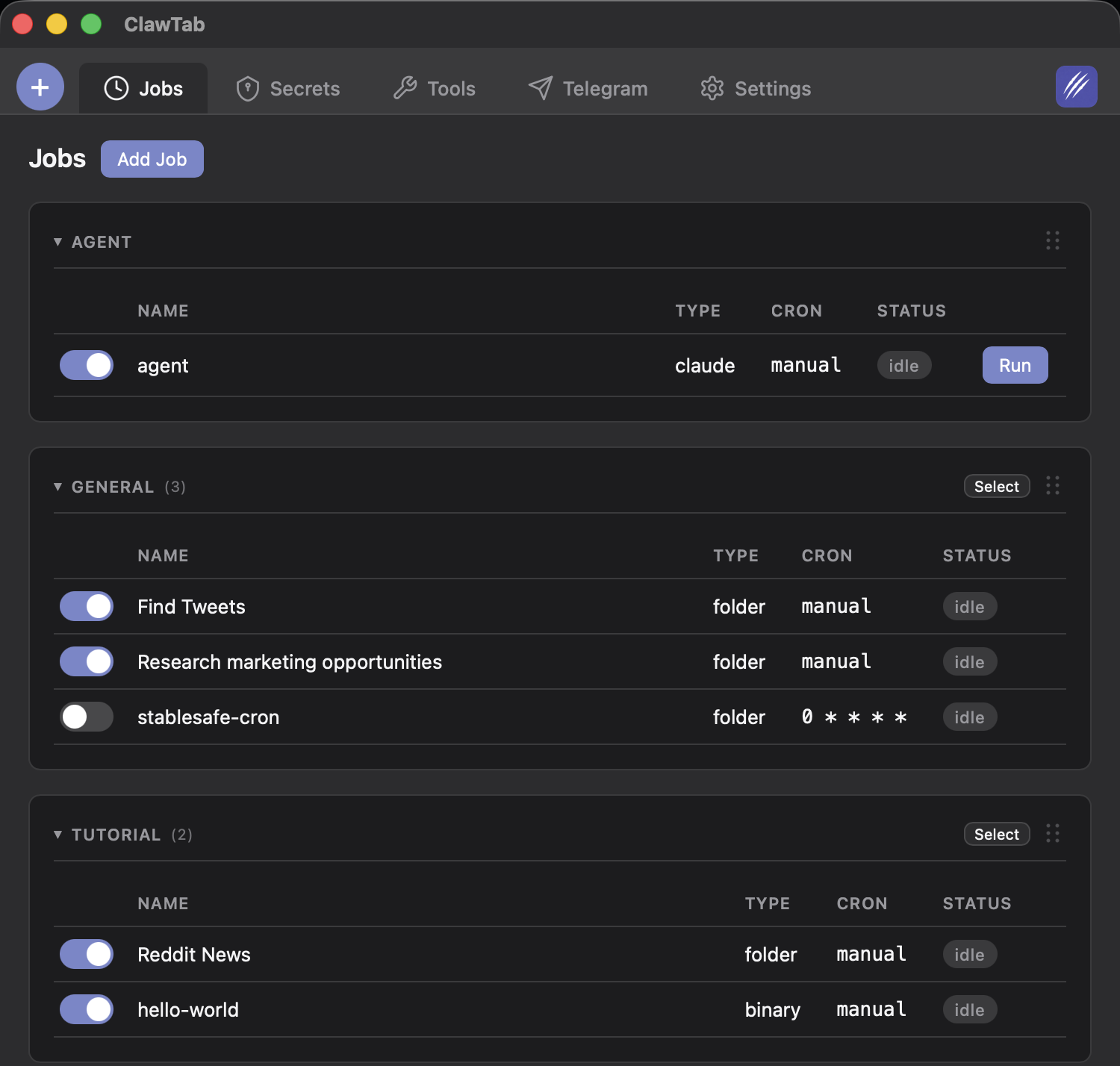
- Persistent cron jobs. Standard 5-field cron expressions, stored as YAML. Jobs survive app restarts and macOS reboots. No expiry - your jobs run until you stop them.
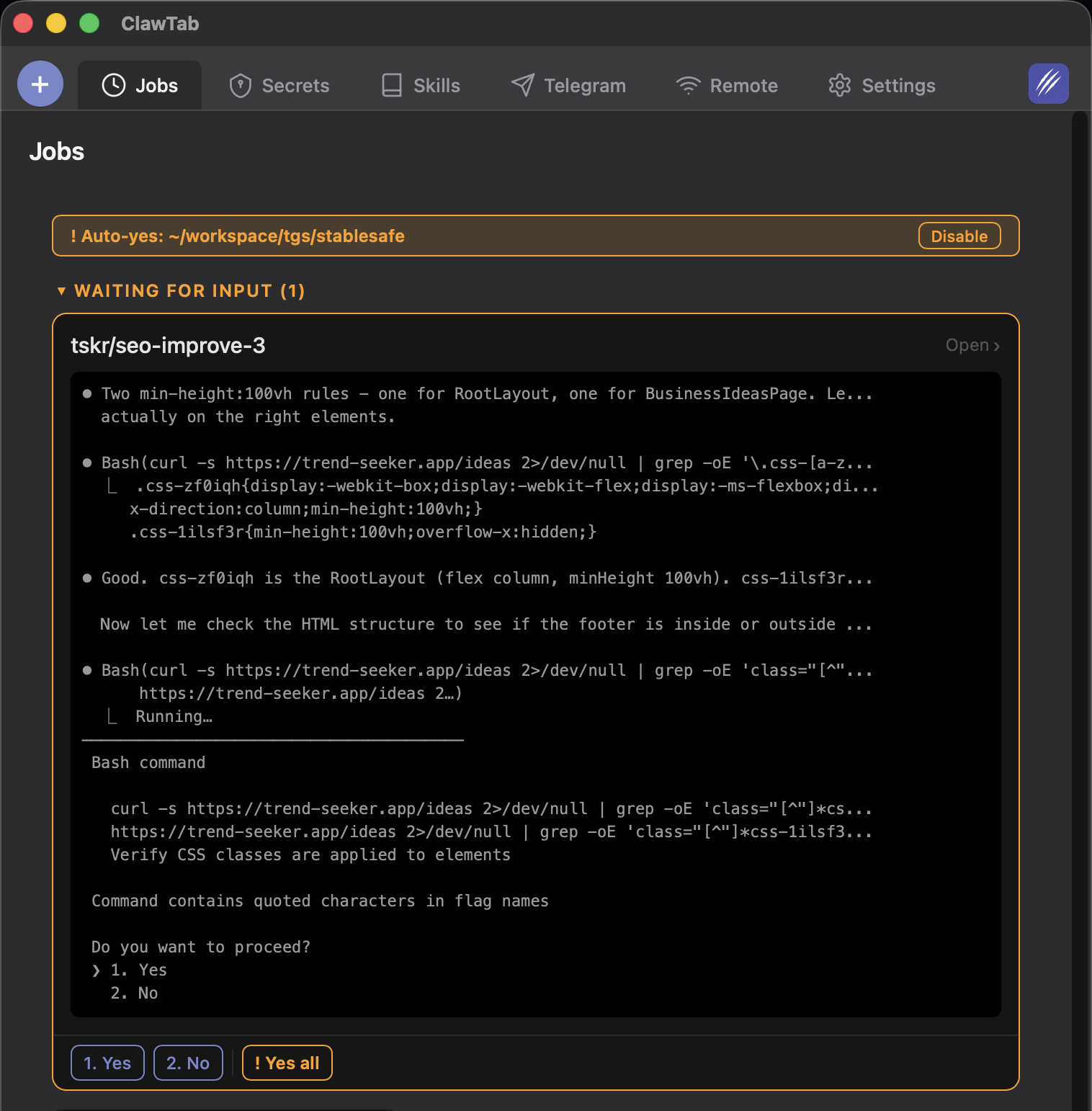
- Per-pane auto-yes. Each agent gets independent permission handling. Auto-yes watches for prompts and accepts them, preferring session-scoped approvals. Toggle it from your phone, the desktop app, or tmux keybinding (
prefix + y).
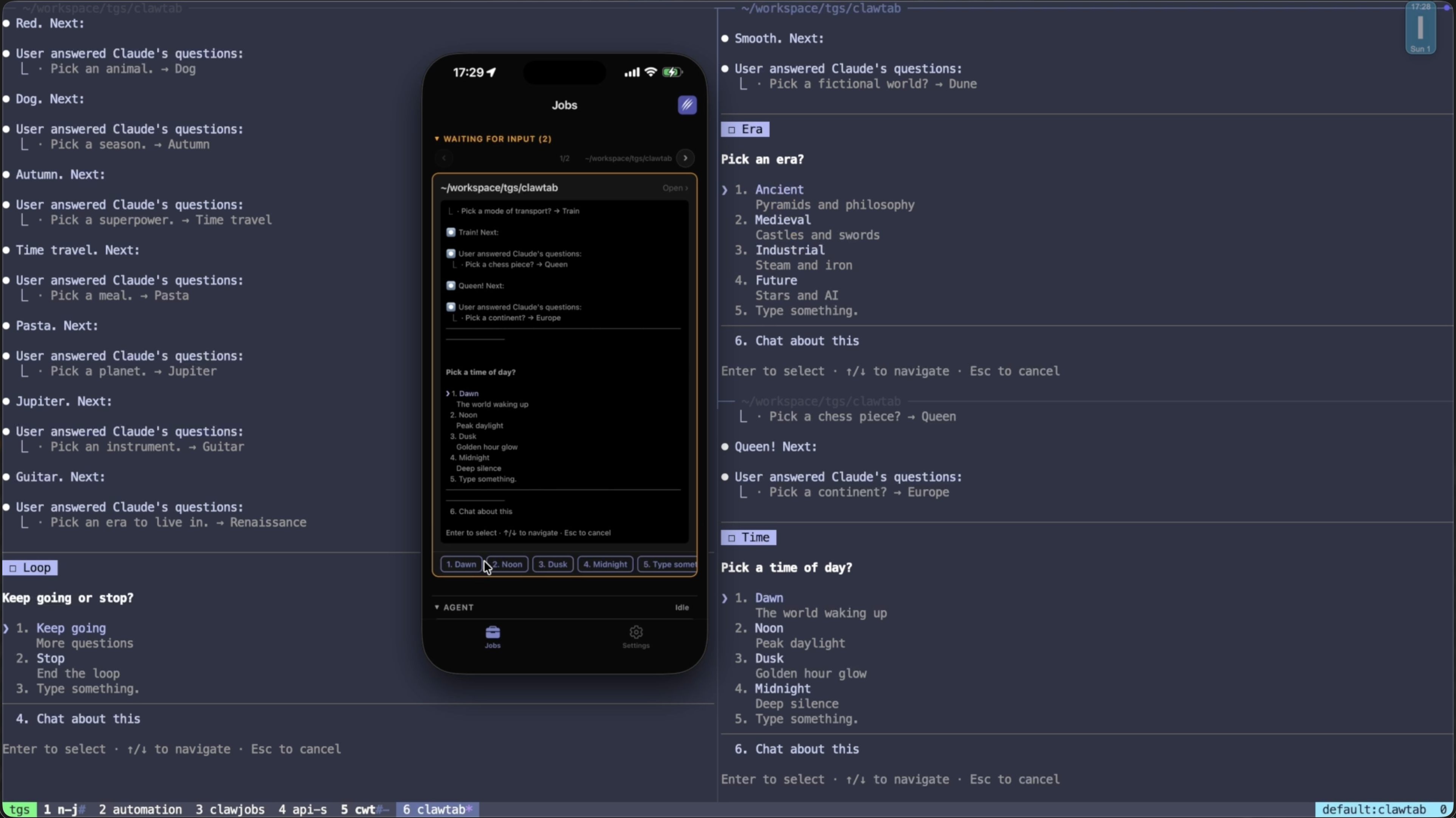
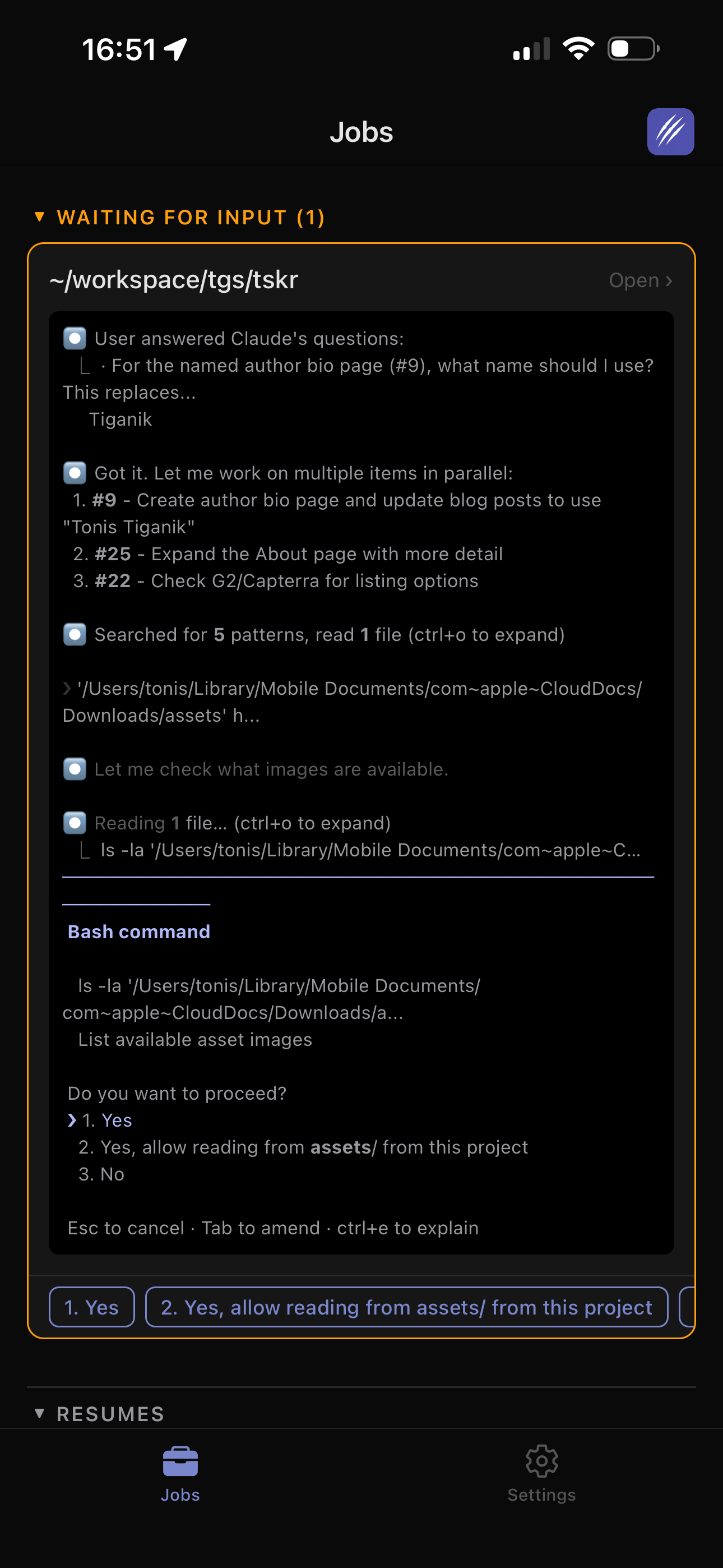
- Mobile remote control. The iOS app and web remote show live agent output, let you answer permission prompts, start/stop jobs, and manage auto-yes - all from your phone.
- Secret injection. Pull secrets from macOS Keychain or gopass and inject them as environment variables at runtime. Secrets never touch config files or logs.
- Parallel agents. Launch agent swarms at 10+ scale or run the more typical 4-8 Claude Code parallel agents in tmux with git worktrees - multiple Claude Code instances running simultaneously in separate tmux panes, each with their own prompt, schedule, and auto-yes policy.
- Telegram and push notifications. Get notified when agents ask questions, complete, or fail. Reply to Telegram messages to answer agent prompts directly.
ClawTab is free, open source (MIT license), and runs entirely on your hardware. No cloud dependency, no subscription. You pay only for the Claude Code API usage.
Limitations: macOS only. Agents run on your machine, so it needs to be powered on. No cloud fallback if your Mac goes offline.
Claude Code Cloud Scheduled Tasks
Claude Code cloud scheduled tasks run on Anthropic's infrastructure. You define a prompt, attach repos, choose a schedule, and the task runs even when your computer is off. Each run starts from a fresh clone and produces reviewable output with the option to open a pull request.
Available via /schedule in the CLI, the Desktop app, or at claude.ai/code/scheduled.
Key strengths:
- Cloud execution. Runs on Anthropic's servers. Your Mac can be off, asleep, or on the other side of the world.
- Simple setup. Pick a schedule, write a prompt, attach a repo. No infrastructure to manage.
- Integrated with Claude Code ecosystem. Uses the same models, permissions, and context as interactive Claude Code.
Claude Code also has /loop for in-session interval-based scheduling - up to 50 concurrent tasks, but these expire after three days and require an active session.
Limitations: Fresh clone per run means no persistent state between executions. The /loop command expires after 3 days. No mobile monitoring beyond standard Cowork notifications. Requires a Pro ($20/month) or Max plan.
Claude Code Agent View
Claude Code Agent View is Anthropic's native screen for dispatching and monitoring multiple Claude Code sessions. It is useful when your main problem is keeping track of many Claude Code background sessions from one Claude-owned interface.
Key strengths:
- Native Claude Code workflow. Agent View launches and tracks Claude Code sessions without adding a separate orchestrator.
- Parallel session visibility. You can see what is running, what needs input, and what has finished across many Claude Code sessions.
- Low setup cost. If you already live in Claude Code, it is the fastest way to fan out work without building your own tmux dashboard.
Limitations: Agent View is Claude-only. It does not manage Codex, OpenCode, or normal shell panes, and it is not designed as a cron scheduler, iOS remote, Telegram reply bridge, or Keychain/gopass secret injector. If you need local tmux persistence, multi-provider panes, and phone-based permission handling, ClawTab fills a different role.
Cursor Background Agents
Cursor background agents (launched February 2026) run on isolated cloud VMs. They clone your repo, build, test, record video demos of their work, and produce merge-ready PRs. Up to 10 parallel workers per user.
Cursor also launched an Automations platform (March 2026) with event-driven triggers: merged PRs on GitHub, new issues in Linear, messages in Slack, incidents in PagerDuty, custom webhooks, and timer-based schedules.
Key strengths:
- Event-driven automation. Trigger agents from GitHub events, Linear issues, Slack messages, PagerDuty incidents, or webhooks. This goes beyond simple cron - agents react to real events in your workflow.
- Cloud VM isolation. Each agent gets its own VM with git worktree isolation. No interference between parallel agents.
- Video demos. Background agents record video of their work session, making it easy to review what happened.
- Scalable parallelism. Up to 10 concurrent workers on a single account.
Limitations: Requires the Cursor IDE (no terminal-only workflow). Background agents bill separately with a 20% MAX mode surcharge. Pro plan starts at $20/month with a $20 credit pool, but heavy automation use adds up. Monitoring is limited to Slack notifications and draft PR tracking - no mobile app or push notifications.
OpenAI Codex Automations
Codex automations are cloud-based background agents that run on recurring schedules. You define instructions, attach optional skills (reusable bundles of instructions + scripts), and set a schedule. Results land in a review queue.
OpenAI uses Codex automations internally for daily issue triage, CI/CD failure summarization, release brief generation, and bug detection.
Key strengths:
- Recurring automation. Define a schedule and Codex runs the task repeatedly without intervention.
- Skills system. Reusable instruction bundles let you compose complex automations from tested components.
- Sandboxed execution. The CLI runs in network-disabled containers by default, preventing accidental data exfiltration.
- Three approval modes. Suggest (recommend only), auto-edit (apply file changes, ask before commands), or full-auto (execute everything non-destructively).
The Codex CLI is open source and uses GPT-5 by default. Desktop app available on macOS and Windows.
Limitations: Cloud-based triggers are still being built out - not fully continuous yet. Token-based pricing can be unpredictable for heavy automation. The app and CLI are somewhat separate experiences. Included in ChatGPT Plus ($20/month) through Enterprise plans, but typical developer cost runs $100-$200/month for regular use.
OpenClaw: Background Daemon
OpenClaw is an open-source personal AI assistant that runs as a persistent background daemon. Unlike the other tools on this list, OpenClaw is not a coding agent itself - it's an automation gateway that connects to WhatsApp, Slack, Telegram, Discord, and local file systems.
Key strengths:
- True daemon. Runs 24/7 as a background process (often Docker-sandboxed), stays active when you close your IDE.
- Full crontab syntax. Standard 5-field cron expressions, persisted to disk at
~/.openclaw/cron/jobs.json.
- Multi-channel delivery. Send results to WhatsApp, Slack, Telegram, or Discord. Respond from any of them.
- Webhook triggers. React to external events, not just time-based schedules.
Free self-hosted (runs on a $15/month VPS) or $9/month for the managed cloud plan with team collaboration and RBAC.
Notable: OpenClaw's creator announced he was joining OpenAI in February 2026, with the project transferring to an open-source foundation with financial backing from OpenAI.
Limitations: Primarily a coordination and routing tool, not a deep coding agent. Less sophisticated code understanding than dedicated coding tools. The leadership transition creates some uncertainty about the project's future direction.
GitHub Copilot Coding Agent
GitHub Copilot coding agent takes a different approach: assign a GitHub issue to Copilot and it works autonomously in the background. It spins up a secure dev environment via GitHub Actions, writes code, runs tests, and opens a draft PR for review. It pushes commits as it works, so you can track progress in real time.
GitHub also shipped agentic code review (March 2026) - Copilot gathers full project context before suggesting changes, then can pass suggestions directly to the coding agent to auto-generate fix PRs.
Key strengths:
- Issue-driven workflow. Assign an issue, get a PR. The simplest entry point for teams already on GitHub.
- GitHub Actions sandbox. Runs in GitHub's infrastructure with fully customizable dev environments.
- Built-in security scanning. Self-review capability and integration with GitHub's security tools.
- Accessible pricing. Starting at $10/month for individuals.
Limitations: No cron or scheduled task system - purely issue-driven or PR-driven. Tied to the GitHub ecosystem (no GitLab or Bitbucket). Agent quality depends heavily on how well you describe the issue. No mobile app or push notifications beyond standard GitHub notifications.
Aider and Devin
Two more tools worth knowing about, though neither focuses on background automation:
Aider is a free, open-source terminal-based pair programmer. It has no built-in scheduling, but its --yes-always flag combined with --message makes it scriptable for external cron. Auto-commit and auto-lint provide a basic safety net. The main drawback: no sandboxing, no notifications, and no mobile access. You're building your own automation pipeline from raw parts.
Devin from Cognition is the most fully autonomous agent on this list. It has its own terminal, code editor, and browser. Dynamic re-planning (v3.0) lets it alter strategy on roadblocks without human intervention. It can run multiple instances in parallel and uses confidence thresholds to decide when to ask for help versus push forward. Pricing starts at $20/month plus $2.25 per ACU (agent compute unit), which can add up quickly for heavy automation. No built-in cron scheduling - it's task-driven only.
Comparison Table
Here's how every tool stacks up across the dimensions that matter for background automation:
| Feature | ClawTab | Claude Code Cloud | Cursor | Codex (OpenAI) | OpenClaw | Copilot | Aider | Devin |
|---|
| Cloud execution | No (local Mac) | Yes | Yes (cloud VMs) | Yes | Yes (self-host or cloud) | Yes (Actions) | No | Yes (sandbox) |
| Built-in scheduling | Yes (cron) | Yes (cron + /loop) | Yes (timers + events) | Yes (automations) | Yes (crontab) | No | No | No |
| Event-driven triggers | No | No | Yes (GitHub, Linear, Slack, PagerDuty) | Partial | Yes (webhooks) | Yes (issue assignment) | No | No |
| Mobile monitoring | Yes (iOS app + web) | Cowork only | No | No | Yes (WhatsApp, Telegram) | No | No | Slack only |
| Parallel agents | Unlimited (tmux panes) | 50 (/loop tasks) | 10 workers | Yes | No | No | No | Yes (multi-instance) |
| Auto-approve mode | Yes (per-pane auto-yes) | Yes (auto mode) | N/A (cloud) | Yes (full-auto) | N/A (daemon) | N/A (cloud) | Yes (--yes-always) | N/A (autonomous) |
| Sandbox isolation | No (runs locally) | Yes | Yes (cloud VM) | Yes (containers) | Docker | Yes (Actions) | No | Yes (cloud) |
| Jobs survive reboot | Yes | Yes (cloud) | Yes (cloud) | Yes (cloud) | Yes | N/A | Via external cron | N/A |
| Secret management | Keychain + gopass | Repo-level | Repo-level | Repo-level | Env vars | GitHub Secrets | Env vars | Env vars |
| Open source | Yes (MIT) | No | No | CLI only | Yes | No | Yes | No |
| Entry price | Free | $20/month | $20/month | $20/month (Plus) | Free / $9/month | $10/month | Free (BYOK) | $20/month + ACUs |
When to Use Each Tool
The tools serve different niches. Here's a decision framework:
- Use ClawTab if you run Claude Code on macOS and want persistent cron jobs, mobile remote control, and per-agent auto-yes. Best for developers who want full control over their automation pipeline without cloud dependencies. Pairs with any Claude Code plan. Get started with the automation guide.
- Use Claude Code cloud scheduled tasks if you need agents to run when your machine is off, or if you want zero infrastructure management. Best for lightweight recurring tasks where fresh-clone-per-run is acceptable.
- Use Cursor background agents if you already use Cursor and want event-driven automation (trigger agents from GitHub, Linear, Slack, or PagerDuty events). Best for teams with complex CI/CD workflows that go beyond time-based scheduling.
- Use Codex automations if you're in the OpenAI ecosystem and want recurring background tasks with a review queue. Best for teams already on ChatGPT Plus/Pro that want to add automation without switching tools.
- Use OpenClaw if you need a multi-channel daemon that routes results to WhatsApp, Telegram, or Discord. Best for coordination and notification rather than deep coding work.
- Use GitHub Copilot coding agent if your workflow is issue-driven and you want the simplest path from "describe a bug" to "get a PR." Best for teams that live in GitHub and want automation without learning new tools.
- Use Aider + external cron if you want a free, open-source, DIY approach and don't mind building your own monitoring. Best for hackers who prefer raw control over polished UIs.
- Use Devin if you need maximum autonomy - agents that self-heal, re-plan, and push through obstacles without human input. Best for complex, multi-step tasks where you trust the agent to make judgment calls.
Combining Tools
These tools aren't mutually exclusive. Some effective combinations:
- ClawTab + Claude Code cloud tasks. Use ClawTab for jobs that need your local environment (file access, Keychain secrets, GPU) and cloud tasks for jobs that just need a repo clone (code review, documentation).
- ClawTab + Cursor automations. Use ClawTab for scheduled Claude Code agents and Cursor for event-driven triggers from Linear or PagerDuty. Different agents, different strengths.
- ClawTab + GitHub Copilot. Use Copilot for issue-to-PR automation and ClawTab for everything else: scheduled agents, monitoring, secret injection, and remote control.
- Any tool + Telegram. Most tools have limited notification options. Add ClawTab's Telegram integration as a universal notification layer for any agent output.
The trend is clear: background automation is becoming table stakes for AI-assisted development. The tools are converging on similar capabilities but with different strengths. Pick the one that fits your existing workflow, and combine where it makes sense.
Limitations and Caveats
A few things to keep in mind regardless of which tool you choose:
- Unattended agents can cause damage. A misconfigured cron job that runs every 5 minutes can generate dozens of bad PRs before you notice. Start with manual runs, graduate to scheduled, and always review output.
- Token costs add up. Background agents consume API tokens whether you're watching or not. A nightly test runner might cost $2-5 per run. Five agents running hourly can exceed $100/month in API costs alone, on top of subscription fees.
- Fresh clones vs local state. Cloud tools (Claude Code scheduled tasks, Cursor) start from a fresh repo clone each run. Local tools (ClawTab, Aider) work in your existing checkout. This matters for agents that need local config, uncommitted changes, or large node_modules.
- Security surface area. Every auto-approve mechanism is a tradeoff between convenience and safety. ClawTab's per-pane auto-yes is more granular than
--dangerously-skip-permissions, but it still approves actions without human review. Use sandboxed environments for high-risk automation.
- This landscape changes fast. Every tool on this list shipped major automation features in Q1 2026. Capabilities, pricing, and limitations will shift. Check the official docs before making decisions based on this comparison.