Use ClawTab to change a running Codex session's model and reasoning effort while keeping an unfinished prompt. Includes an Option-L workflow and CLI examples.
Introduction
You start writing a follow-up, then realize it belongs on a different model. The useful action is simple: change the model and reasoning effort, keep the conversation, and leave the unfinished prompt ready to edit.
ClawTab's cwt codex set-model command does that in a running Codex tmux pane. It preserves the composer draft and waits for the terminal to confirm the selection. You can call it directly, wrap it in Hammerspoon, or use the optional local model-selection plugin.
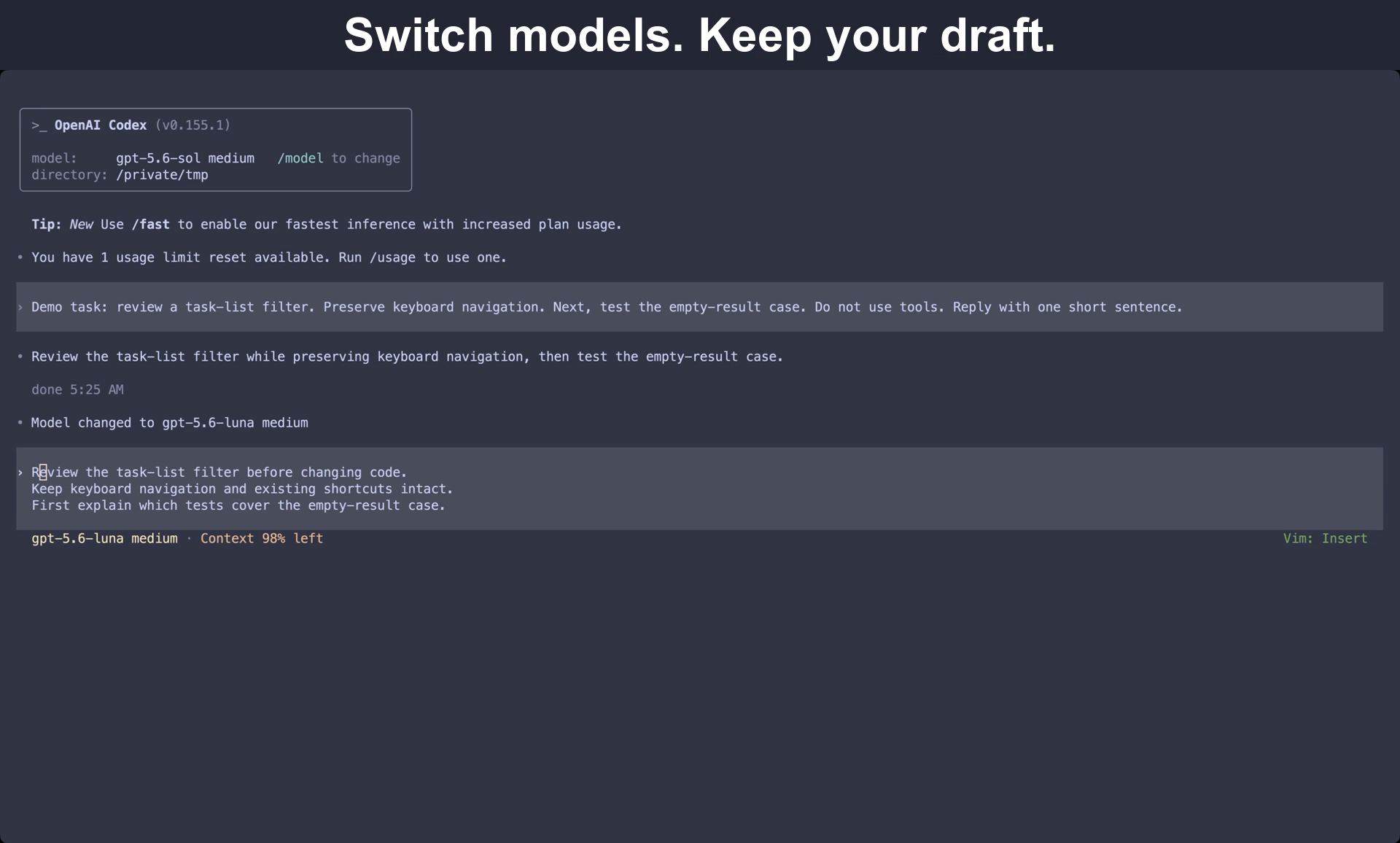
The video shows the model changing while the three-line draft stays ready to edit.
Why change models in the middle of a session?
A session often contains several kinds of work. You might investigate a difficult failure, apply an agreed edit, then review the result. Keeping a short list of model-and-effort presets makes those choices explicit without opening another conversation.
Codex issue #31839 asks for configurable next/previous model shortcuts inside the current session. The reporter specifically wants a shortlist and preservation of session state. As checked on September 21, 2026, the request is open. ClawTab provides a local way to select a named pair; it is not an implementation of that proposed native configuration.
Next task
Example preset policy
What you check
Apply a small, agreed change
Your routine coding model and effort
The instructions and scope are already clear
Investigate a failure with several plausible causes
Your preferred investigation model
The next prompt includes evidence and constraints
Review the patch
Your review preset
The reviewer sees the diff and test results
These are workflow examples, not a ranking of models. Use models available to your account and judge them on your own tasks.
Try the direct command first
You need a running ClawTab daemon, its cwt client, and a Codex session in tmux. Find the target pane ID from a shell. Then run the model command from another shell, leaving the Codex draft where it is.
In the example below, replace %54 with the pane you actually inspected. The example selects Luna at medium effort. Model IDs and supported effort values depend on your Codex account and build.
tmux list-panes -a -F "#{pane_id} #{pane_current_command}"
cwt codex set-model gpt-5.6-luna medium %54
Use Option-L while composing
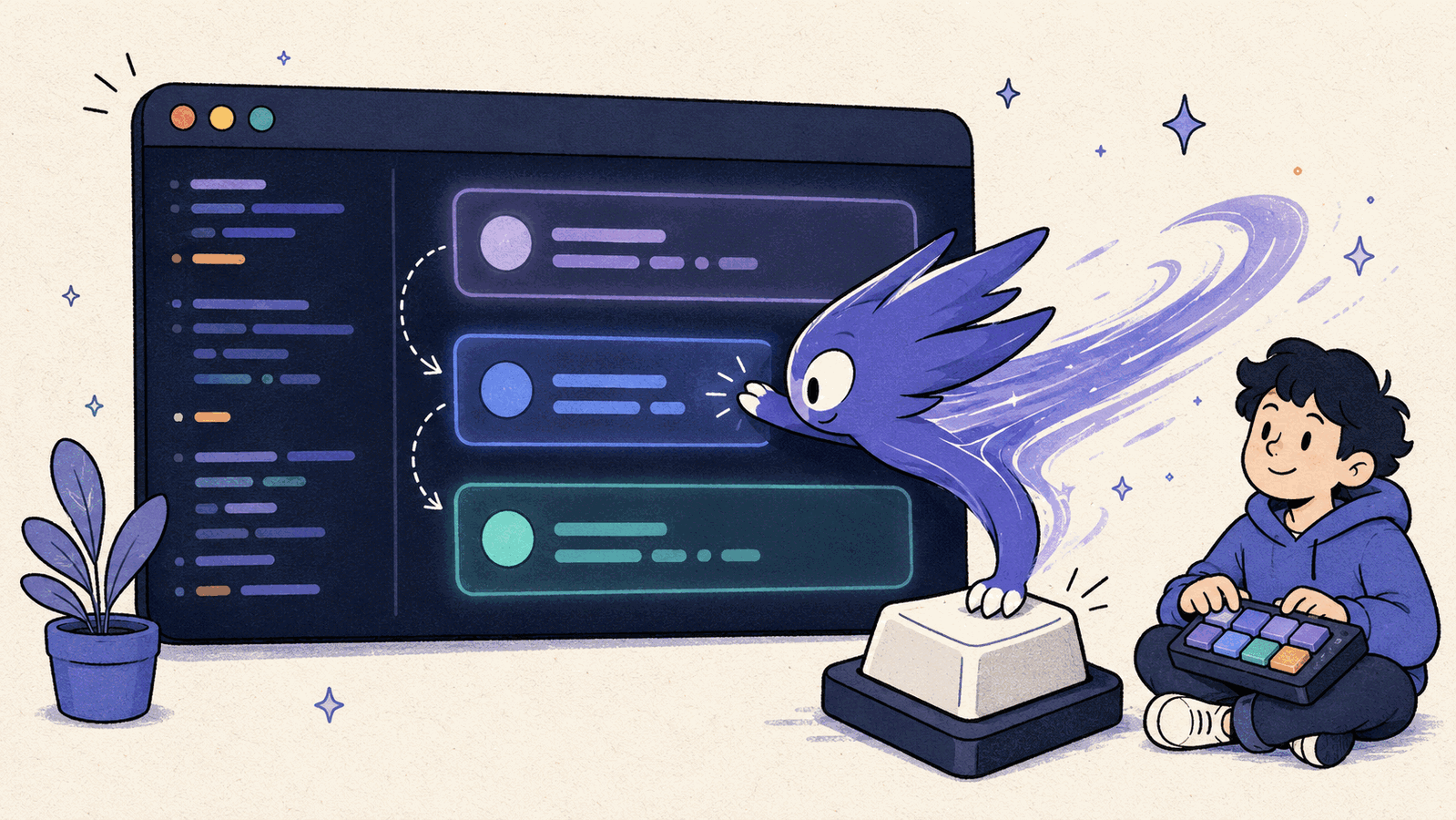
In our macOS setup, Option-L opens a Hammerspoon chooser containing named model-and-effort presets and a Cheap Compact action. This binding is local configuration, not a shortcut installed automatically by ClawTab.
Focus the tmux pane containing the Codex session you want to change.
Leave your unfinished prompt in the composer.
Press Option-L and choose a preset.
Wait for the model switch to finish. Check the model and effort in the terminal footer.
Read the restored draft, then keep editing or submit it yourself.
The shortcut captures the pane ID before opening the chooser and invokes the command with three separate arguments: model, effort, and pane ID. That is the important part of adapting your own launcher. The chooser selects a target; ClawTab handles the terminal interaction.
If you already use our older Hammerspoon keystroke macro, replace its timed /model and number-key sequence with this command. That older example requires an empty prompt and depends on menu positions. The command below is the invocation your chooser should make.
-- paneId must be captured from the focused tmux pane before the chooser opens.
local task = hs.task.new("/absolute/path/to/cwt", function(code, _, err)
  if code ~= 0 then
    hs.alert.show("Model switch failed; inspect the terminal")
  end
end, { "codex", "set-model", choice.model, choice.effort, paneId })
if task then task:start() end
The optional plugin uses the same draft workflow
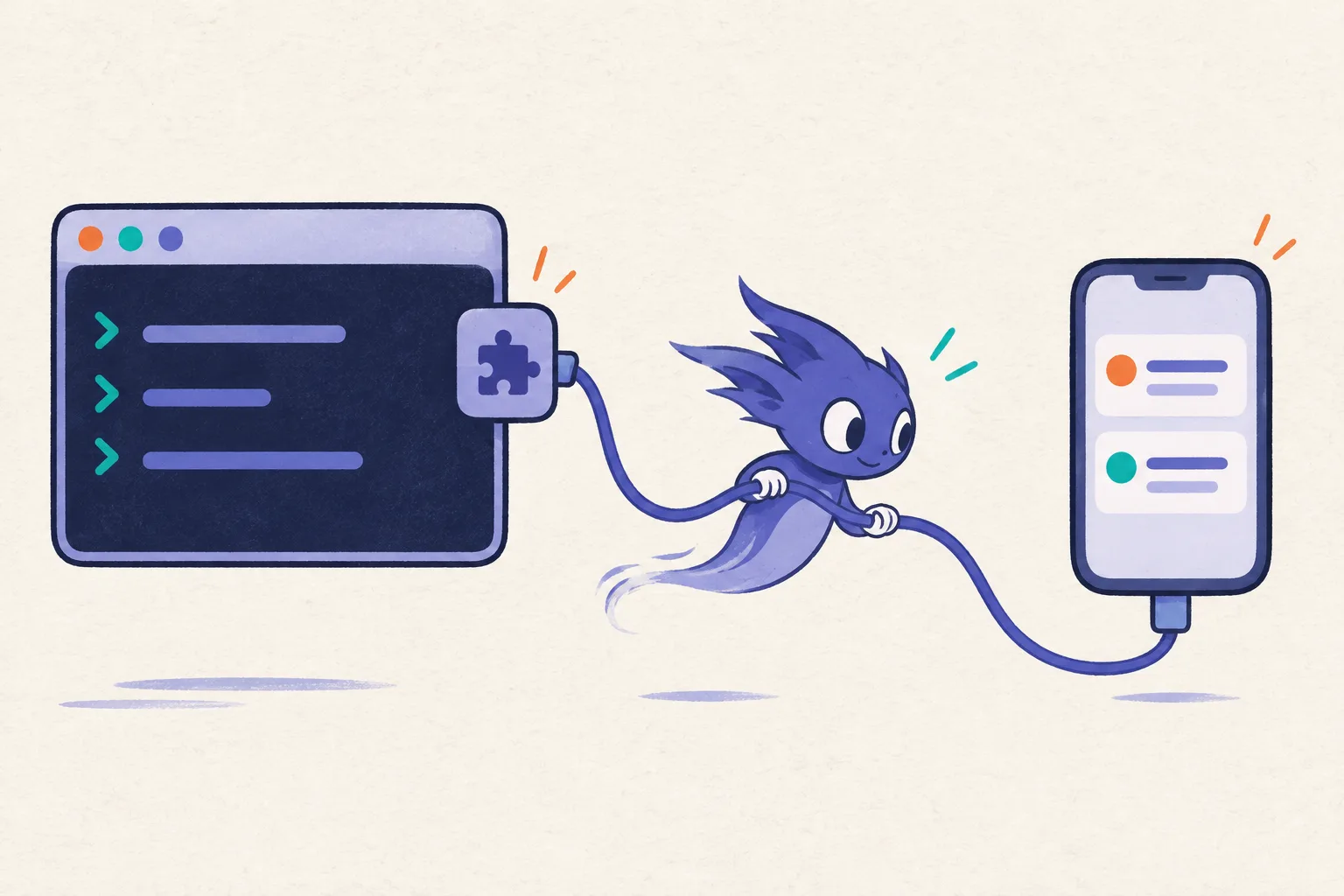
The first-class CLI command does not require an external plugin package. For ClawTab's agent-action interface, the optional local.codex-model package exposes Set Model (preserve draft) with model and effort parameters.
Download the example model plugin. It contains plugin.yaml and set-model.sh. Extract it under ~/.config/clawtab/agent-plugins/, inspect both files, and make the script executable. Run cwt plugin installed --json, then approve the reviewed package using its reported fingerprint. These local executables run with your user's permissions; approval is tied to the package contents.
The local plugin documentation explains discovery, approval, parameters, and run status. No plugin actions are installed by default. ClawTab discovers installed packages without a daemon restart.
Start with an idle session and a harmless draft containing several real line breaks. Include a line long enough to wrap at your normal terminal width. After switching, check both the selected model and the entire draft. A line that wraps visually is different from a newline you typed.
The final frame below shows the new model and the complete three-line draft in Vim Insert mode. The preservation fixes also have focused tests, but this is still automation of a changing terminal interface. If a run reports an error, inspect the terminal before retrying or submitting anything. Avoid typing into the target composer while the switch is running.
The successful end state is a new model-and-effort selection with the draft still unsubmitted. It is not a new conversation, a fresh context window, or proof that work already in progress was rerun with the new model.
The selected model changes; the complete draft remains unsubmitted.
Related requests in other coding agents
Claude Code issue #12645 describes a related distinction: choosing another model for a phase of work without changing the preferred model for future sessions. The request is closed as not planned as checked on September 21, 2026. That is evidence of the workflow people want, not a claim about every current Claude Code setting.
This guide's draft-preserving command and example plugin are Codex-specific. ClawTab also has a separate session-shortcuts example for Claude Code, but its model action requires an idle agent and an empty composer. Do not assume the same draft behavior across providers.
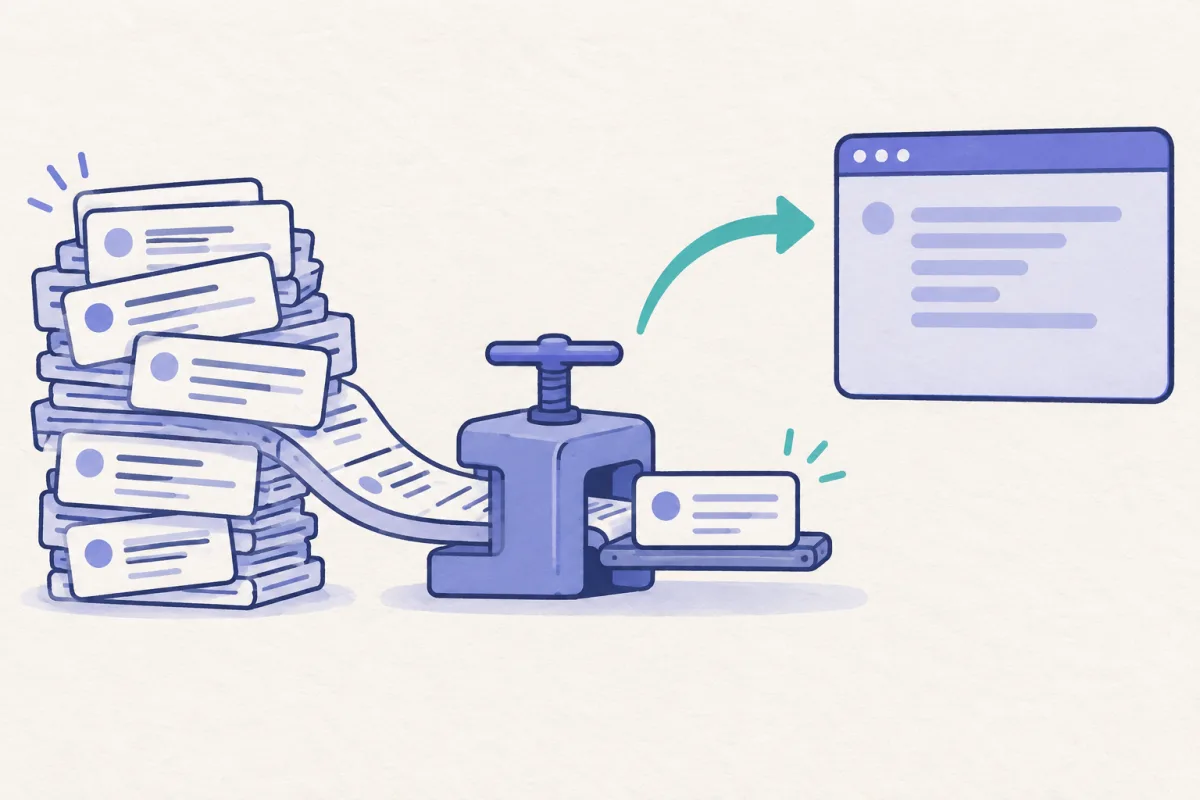
Once model selection is convenient, another useful pattern is to temporarily change models for a single maintenance action. The companion Cheap Compact guide shows that sequence, including restoring the working model afterward.
Frequently Asked Questions
The intended result is a restored, unsubmitted draft. Wait for the command to complete and inspect the composer before submitting it yourself.
No. It is the Hammerspoon binding in this example setup. The reusable interface is cwt codex set-model with a model, effort, and target tmux pane.
No. The direct command is built into the ClawTab client/daemon path. The optional local.codex-model package exposes a plugin action with model and effort parameters.
The draft-preserving command shown here supports Codex. Other providers have different terminal controls and requirements; the cited issues provide context, not a compatibility promise.