Introduction
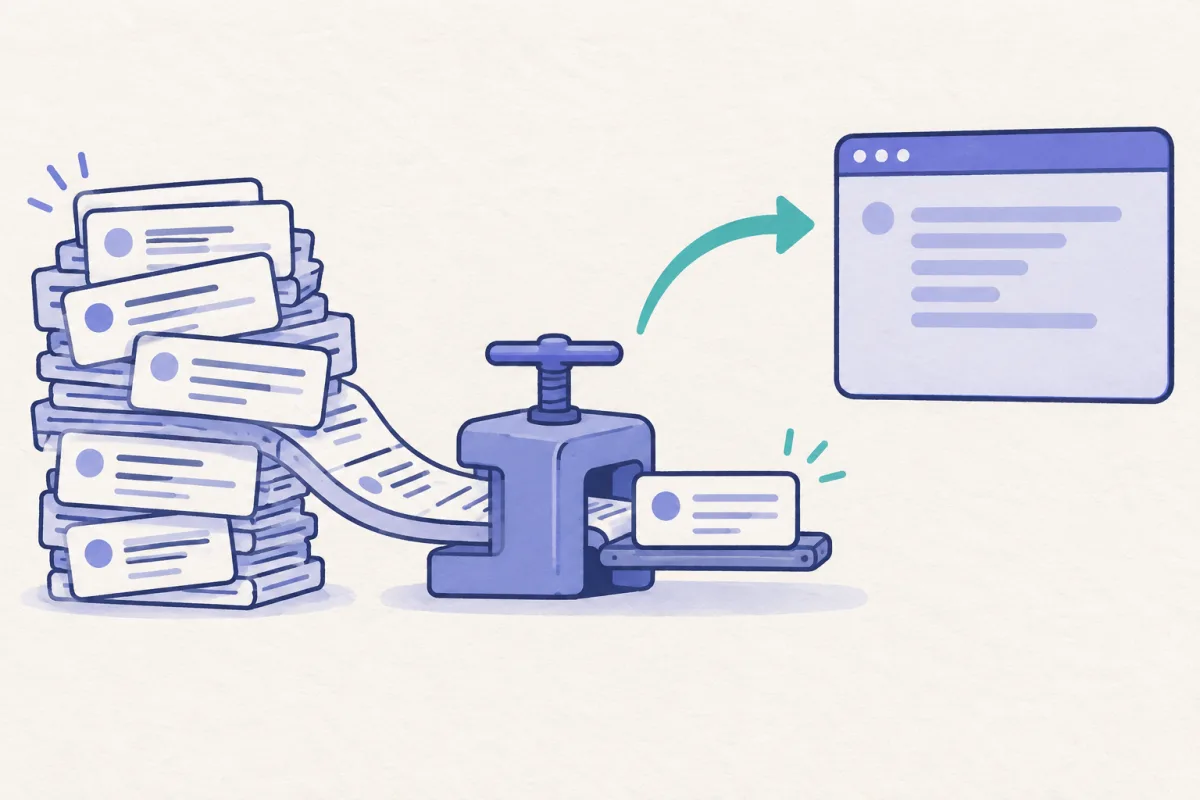
Choosing the right coding model is a small decision that can interrupt a fast workflow. A lightweight task may need a faster model; a difficult refactor may deserve a more capable one with more reasoning effort. Codex has a /model picker, but repeatedly opening and navigating it is slow when you keep a short list of trusted choices.
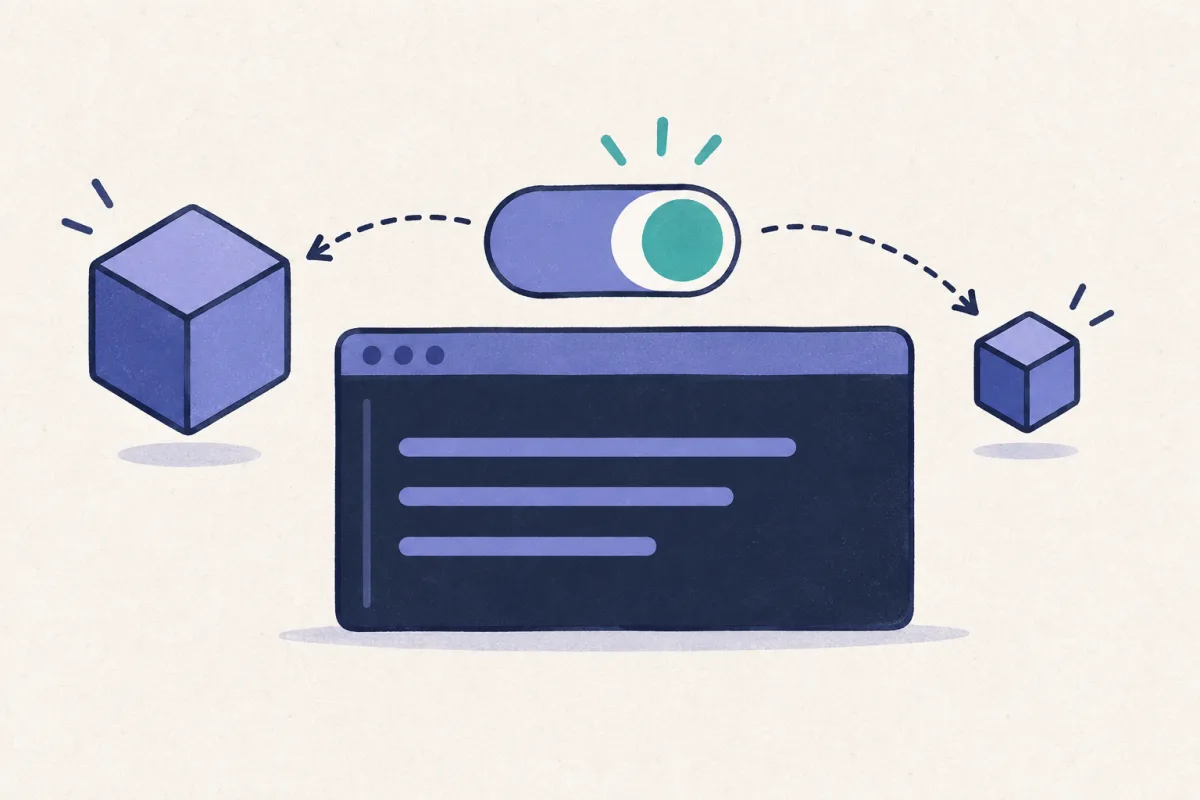
On macOS, Hammerspoon can turn that picker into one shortcut. The macro below opens /model, accepts the command, selects a model by its current menu position, then selects a matching effort level. It runs inside the active Codex session rather than starting a separate profile.
This is a practical bridge while native support catches up. Open Codex issue #31839 proposes configurable next/previous model keybindings for a user-defined shortlist. Until that lands, a local macro is fast, transparent, and easy to revise with AI.
Codex is the main example here, but the idea is not Codex-specific. Hammerspoon sends keystrokes to the focused terminal, so the same pattern works with Claude Code: use Claude's own command and menu positions, then keep a separate preset table rather than reusing Codex's numbers.
Use it from a blank Codex input. This macro types /model into the active terminal, so it is not intended to run in the middle of an unfinished prompt.
The Hammerspoon Model Picker
This is the compact version of the macro I use in Alacritty. Press Command+Control+Shift+Option+M, choose a named preset, and Hammerspoon sends the keystrokes with short delays between Codex menus.
local terminalName = "Alacritty"
local hyper = { "cmd", "ctrl", "shift", "alt" }
local submitDelay = 0.25
local modelMenuDelay = 0.7
local effortMenuDelay = 0.4
local models = {
{
text = "gpt-5.6-terra max",
subText = "/model, 2, 5",
modelKey = "2",
effortKey = "5",
},
{
text = "gpt-5.6-luna max",
subText = "/model, 3, 5",
modelKey = "3",
effortKey = "5",
},
{
text = "gpt-5.5 medium",
subText = "/model, 4, 2",
modelKey = "4",
effortKey = "2",
},
}
local function chooseModel(choice)
hs.eventtap.keyStrokes("/model")
hs.timer.doAfter(submitDelay, function()
hs.eventtap.keyStroke({}, "return", 0)
hs.timer.doAfter(modelMenuDelay, function()
hs.eventtap.keyStroke({}, choice.modelKey, 0)
hs.timer.doAfter(effortMenuDelay, function()
hs.eventtap.keyStroke({}, choice.effortKey, 0)
end)
end)
end)
end
local chooser = hs.chooser.new(function(choice)
if choice then chooseModel(choice) end
end)
chooser:placeholderText("Pick terminal model")
hs.hotkey.bind(hyper, "m", function()
local frontmost = hs.application.frontmostApplication()
if not frontmost or frontmost:name() ~= terminalName then return end
chooser:rows(#models + 1)
chooser:choices(models)
chooser:show()
end)
Add it to your Hammerspoon configuration, reload Hammerspoon, then invoke the Hyper+M shortcut while the named terminal is frontmost. Change terminalName if you use iTerm, Terminal, Ghostty, WezTerm, or another terminal.
What Each Preset Sends
The presets are ordinary Lua data. That is the useful part: adding, removing, or reordering model choices does not require changing the automation logic.
| Preset label | Model key after /model | Effort key | Current result |
|---|---|---|---|
gpt-5.6-terra max | 2 | 5 | Terra with the fifth effort option |
gpt-5.6-luna max | 3 | 5 | Luna with the fifth effort option |
gpt-5.5 medium | 4 | 2 | GPT-5.5 with the second effort option |
For example, Luna is the sequence /model, Return, 3, 5. The macro waits long enough for each picker to appear, then sends the next key. The result feels like a dedicated Codex shortcut while remaining easy to inspect and edit.
Calibrate It Once Per Codex Update
The numbers are menu positions, not permanent model IDs. Your available models, account entitlements, and future Codex releases can change their order. Treat the first setup as a quick calibration:
- At an empty Codex prompt, type
/modelmanually and press Return. - Note the numeric key for each model you want to keep in your shortlist.
- Select one manually and note the numeric key for its preferred reasoning effort.
- Update
modelKeyandeffortKeyin the Lua table, reload Hammerspoon, and test each preset with a harmless prompt.
If your terminal or Codex TUI is slow to render, increase the three delays a little. The values above work well locally, but a remote terminal, heavy CPU load, or a changed picker animation can require more headroom.
| Delay | Why it exists | Good first adjustment |
|---|---|---|
submitDelay | Lets Codex recognize /model before Return. | 0.25 → 0.4 seconds |
modelMenuDelay | Waits for the model menu before sending 2, 3, or 4. | 0.7 → 1.0 seconds |
effortMenuDelay | Waits for the effort menu before sending its number. | 0.4 → 0.7 seconds |
Set Reasoning Effort With the Same Shortcut
Model and reasoning effort are different choices, so it helps to make the desired pair explicit in each preset. In the example, 5 is labelled max in the current picker and 2 is labelled medium. The labels and positions are account- and version-dependent; keep the names in your own Lua table honest about what the picker actually shows.
This gives you two useful modes of control:
| Approach | Best for | Trade-off |
|---|---|---|
| Codex effort controls, when available | Making a small effort-only adjustment without changing model | Availability and bindings can vary by Codex version |
| Hammerspoon preset | Jumping to a named model + effort pair in one action | Needs recalibration if picker positions change |
| Separate launch profiles | Starting new sessions with fixed defaults | Does not solve switching inside the current conversation |
An earlier, now-closed Codex issue #9807 describes the same workflow: selecting a faster or more capable option while composing a task. The newer model-cycle request notes that the reporter's Codex build already used Shift+Up and Shift+Down for effort cycling. Check your own build before relying on those bindings; the macro remains a reliable way to choose a specific pair.
Why a Local Macro Is Worth It
A short macro makes frequent model selection deliberate instead of disruptive. The chooser labels expose your actual policy: Terra at max for the hardest work, Luna at max for another class of task, and a medium-effort fallback for routine work. You can ask an AI to generate more presets, but keep the table small enough that the choice remains obvious.
It also keeps the workaround local. Nothing patches Codex, records your prompts, or depends on an unofficial plugin. Hammerspoon only sends the same keystrokes you would send yourself, guarded here so they fire only when Alacritty is active.
If you have several Codex sessions running at once, ClawTab's multi-provider pane view and session restore guide help with the separate problem of seeing and returning to the right terminal. The Hammerspoon shortcut is the fast in-session choice.
Native Model Cycling Would Be Better
The macro is intentionally a workaround. The ideal Codex experience is a configurable next/previous model action that operates on a defined shortlist and does not depend on visual menu order. That is precisely what issue #31839 requests, including a possible config.toml model-cycle section.
Until native model cycling exists, the safest maintenance rule is simple: use named presets, manually verify the menu after an update, and keep a modest delay between picker steps. It turns a repetitive four-keystroke ritual into one intentional shortcut.