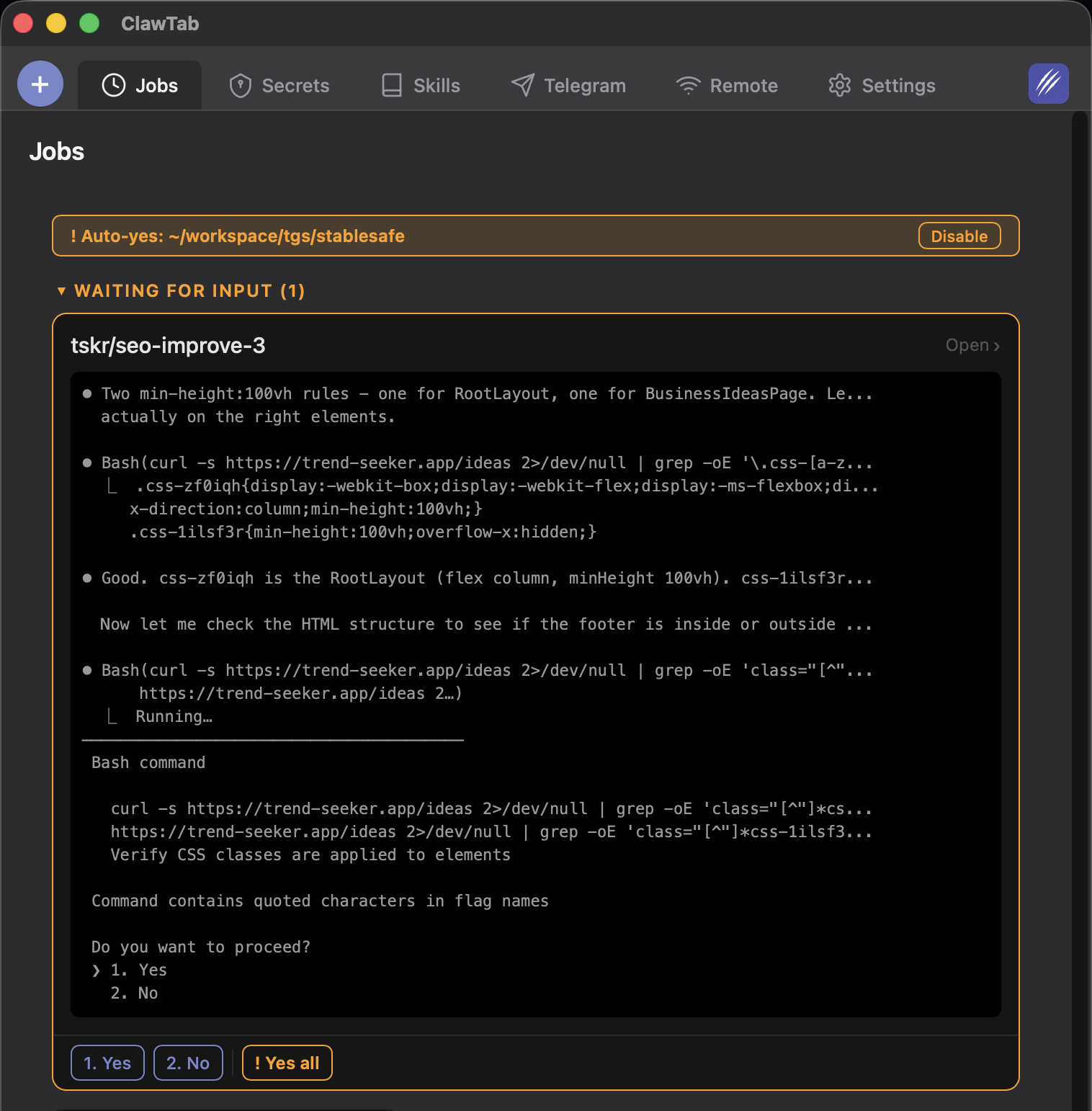
Introduction
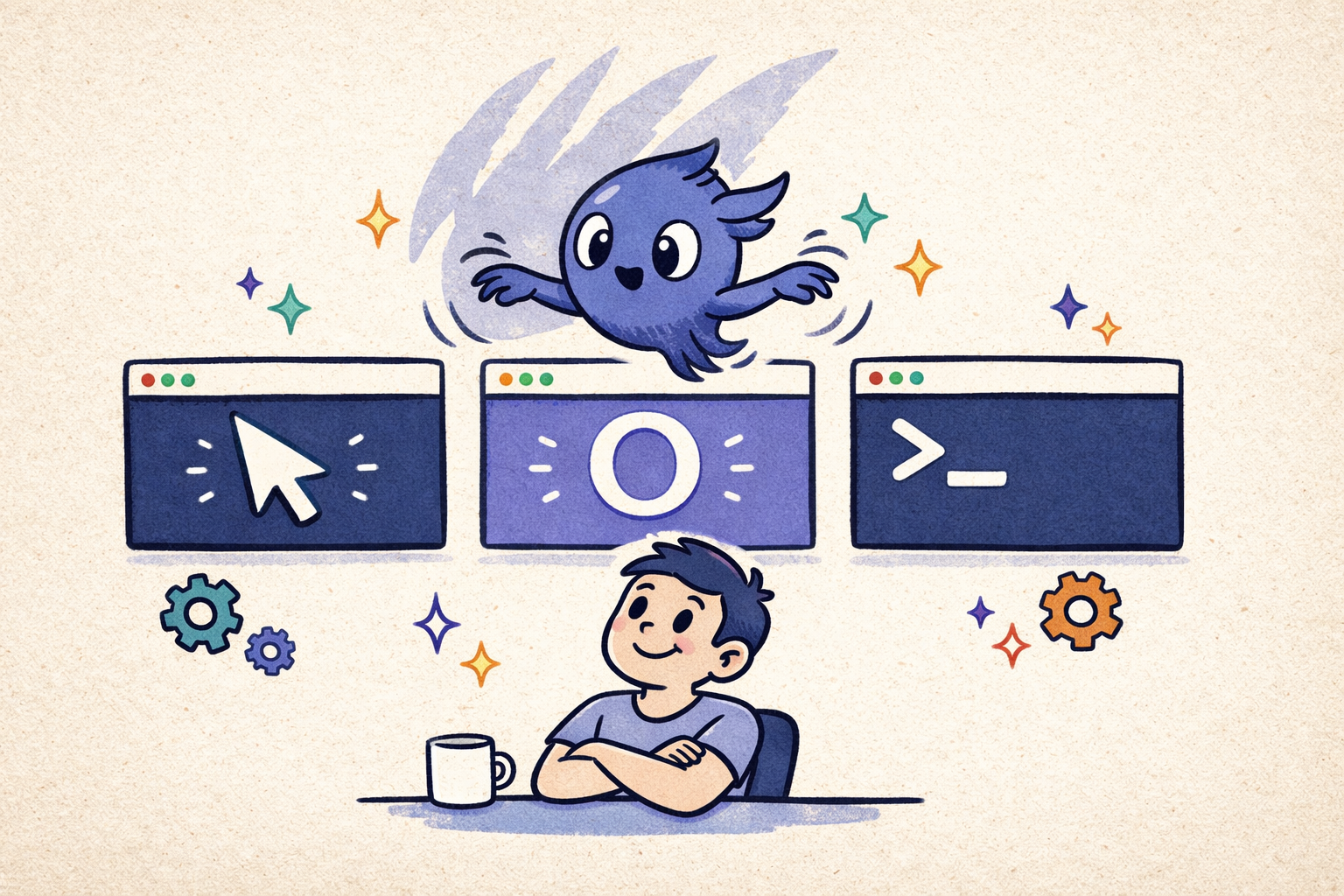
Google Antigravity made one thing clear: the next coding-tool category is not just "AI IDE." It is the agent manager. Antigravity's Manager view is built for spawning, watching, and coordinating multiple agents across workspaces instead of treating the agent as a side panel inside an editor.
That is close to the same problem ClawTab solves, but from the opposite direction. Antigravity starts with an agent-first IDE and gives its agents access to an editor, terminal, and browser. ClawTab starts with the local terminal stack developers already use - tmux, Claude Code, Codex, OpenCode, shell panes, cron, Keychain, and mobile approvals - then adds a control center on top.
This guide compares the two models: Antigravity's Manager view, Artifacts, browser verification, and cloud-style agent UX versus ClawTab's local tmux control center, session restore, multi-provider panes, scheduling, and phone-based control.
Quick Recommendation
Use Google Antigravity when you want an agent-first IDE with a Manager view, Gemini-native workflows, browser verification, and agent Artifacts. Use ClawTab when your agents are local terminal processes and the hard part is keeping Claude Code, Codex, OpenCode, shell panes, secrets, cron jobs, and session restore under control.
| Need | Best fit | Why |
|---|---|---|
| Agent-first IDE | Google Antigravity | Editor view plus Manager view, with agents that can use editor, terminal, and browser surfaces. |
| Gemini-first coding workflow | Google Antigravity | Built around Google's Gemini models and agentic development platform. |
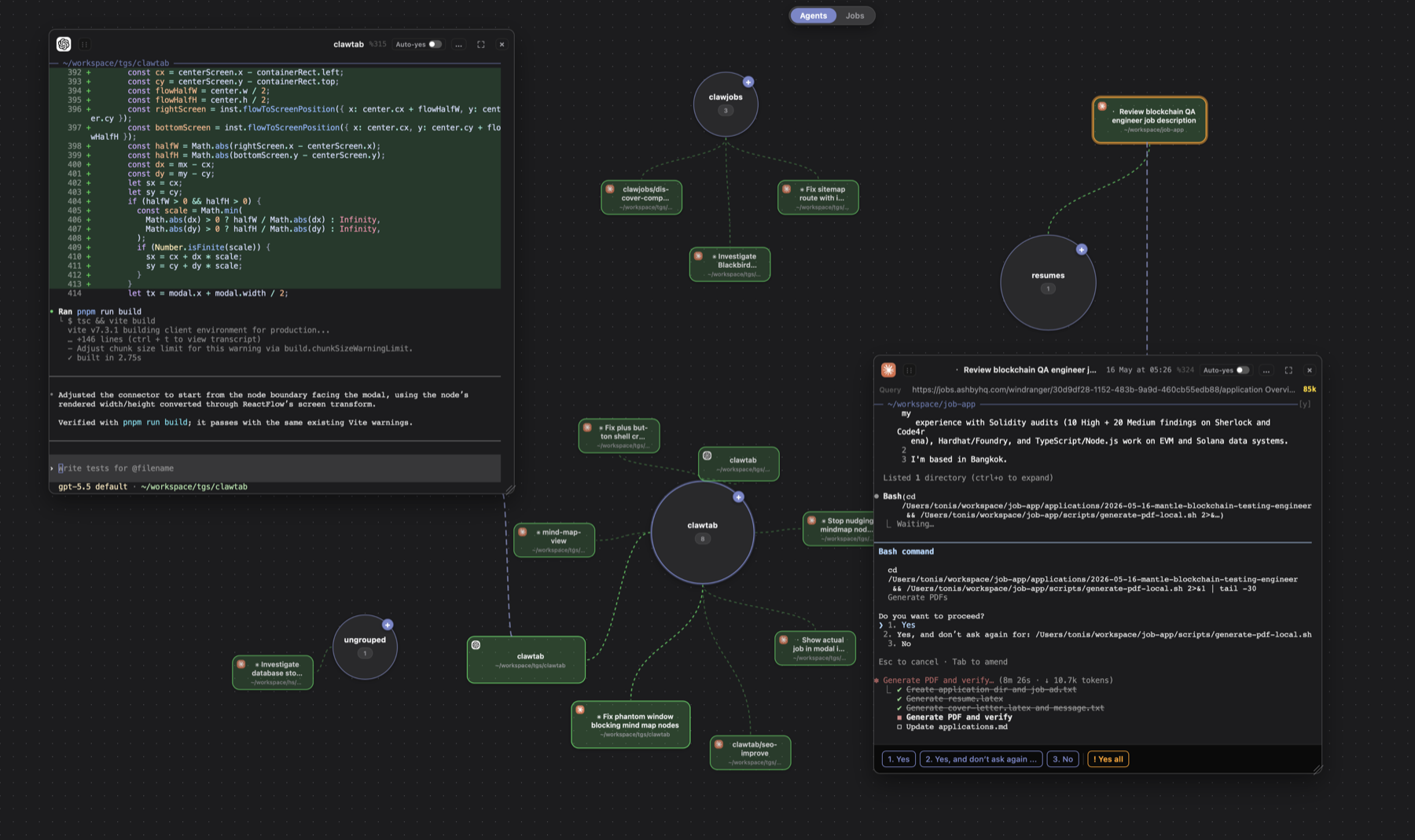
| Local tmux orchestration | ClawTab | Runs and monitors real Claude Code, Codex, OpenCode, and shell panes in local tmux. |
| Persistent session restore | ClawTab | Tracks provider session ids so restored panes can return to the right Claude, Codex, or OpenCode conversation. |
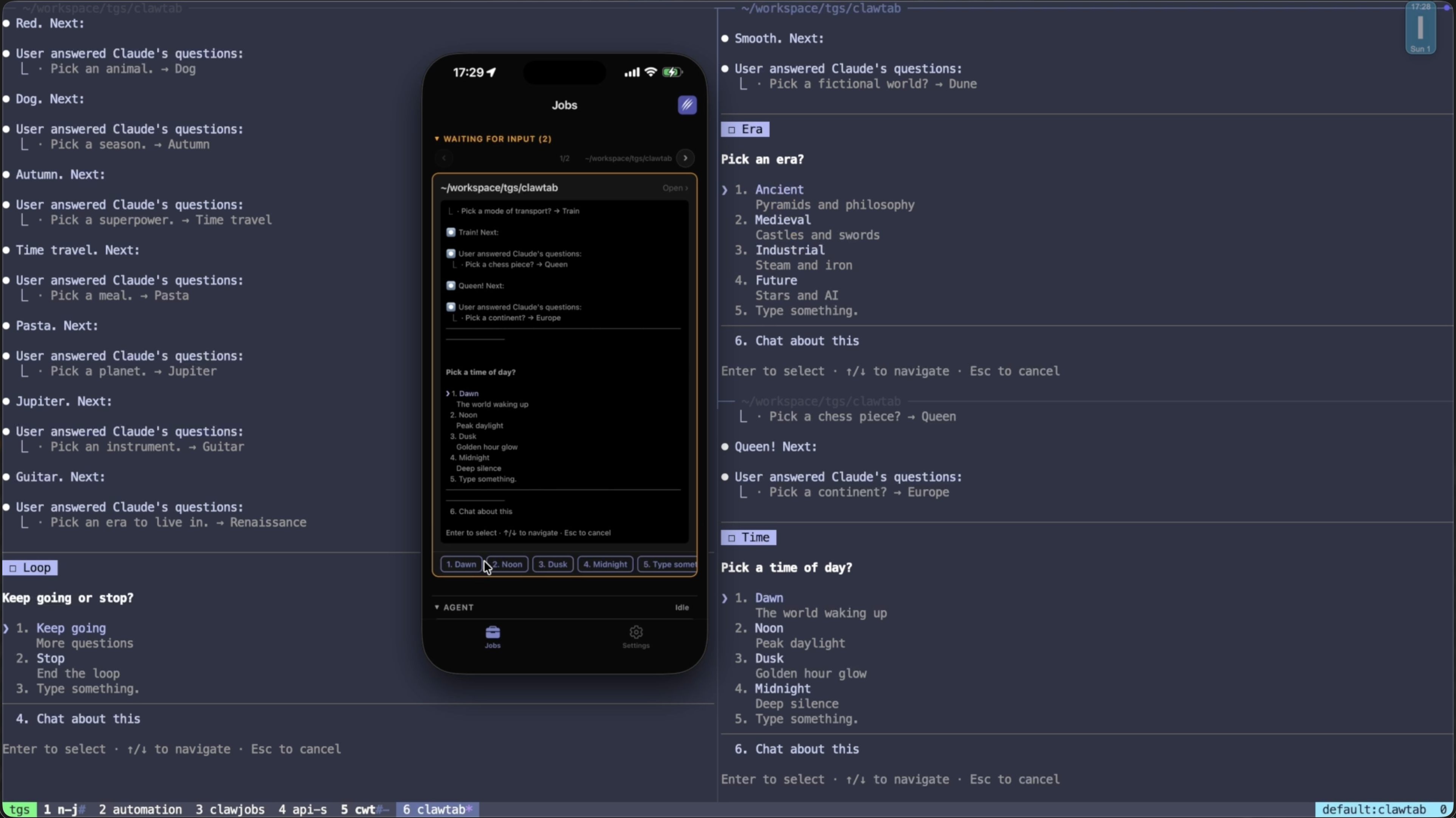
| Phone approvals | ClawTab | iOS app, web remote, Telegram replies, prompt detection, and per-pane auto-yes. |
| Local secrets | ClawTab | Injects from macOS Keychain or gopass at runtime without moving secrets into a cloud tool. |
What Antigravity Gets Right
Antigravity's most important idea is the Manager view. Instead of hiding agents in one editor chat, it treats them as asynchronous workers you can spawn, observe, and steer across multiple workspaces. The Verge described it as a mission-control style view for multiple agents, and that framing is the useful part: once agents take minutes or hours, they need operations UI, not only a chat box.
The second strong idea is Artifacts. Antigravity agents produce task lists, implementation plans, screenshots, and browser recordings so you can verify what happened without reading every raw tool call. That matters because trust breaks down quickly when an agent has terminal and browser access but only reports a vague final summary.
The third strong idea is integrated browser verification. Agents that can edit code, run a dev server, open the app, capture screenshots, and show a browser recording give you a tighter feedback loop for frontend and full-stack work than a terminal-only agent can provide by itself.
Where Antigravity Is a Different Layer
Antigravity is a productized agent environment. That is good when you want one coherent Google-managed surface. It is less ideal when your workflow is already built around terminal tools and local process control.
- It is an IDE environment. Even with a Manager view, the center of gravity is still the Antigravity app and its agent runtime.
- It is not your existing tmux session graph. If you already run Claude Code, Codex, OpenCode, test watchers, SSH shells, and scripts in tmux, Antigravity is another workspace rather than the control layer over those processes.
- It is not local secret management. Cloud or IDE agent systems usually need their own credential story. ClawTab works with secrets already stored in Keychain or gopass.
- It is not built around provider session restore. Restoring the exact Claude Code, Codex, or OpenCode conversation after tmux restarts is a local orchestration problem, not an IDE UX problem.
That does not make Antigravity weak. It means the comparison is not "which app is better?" It is "which layer owns your agent operations?"
What ClawTab Does Instead
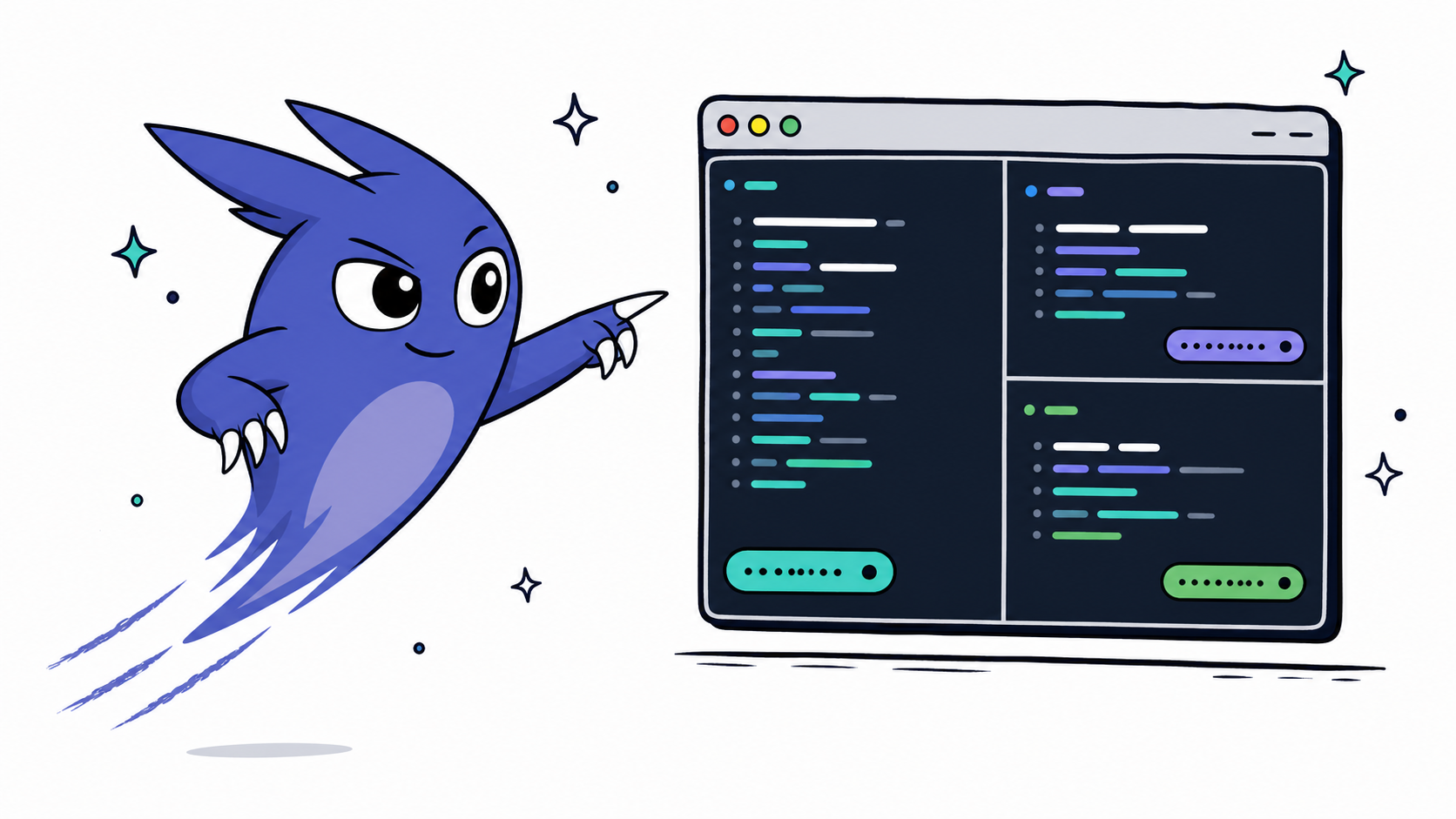
ClawTab is a local AI coding agent control center for developers who already run agents as terminal processes. It does not try to replace Cursor, VS Code, Antigravity, Claude Code, Codex, or OpenCode. It manages the operational layer those tools leave behind.
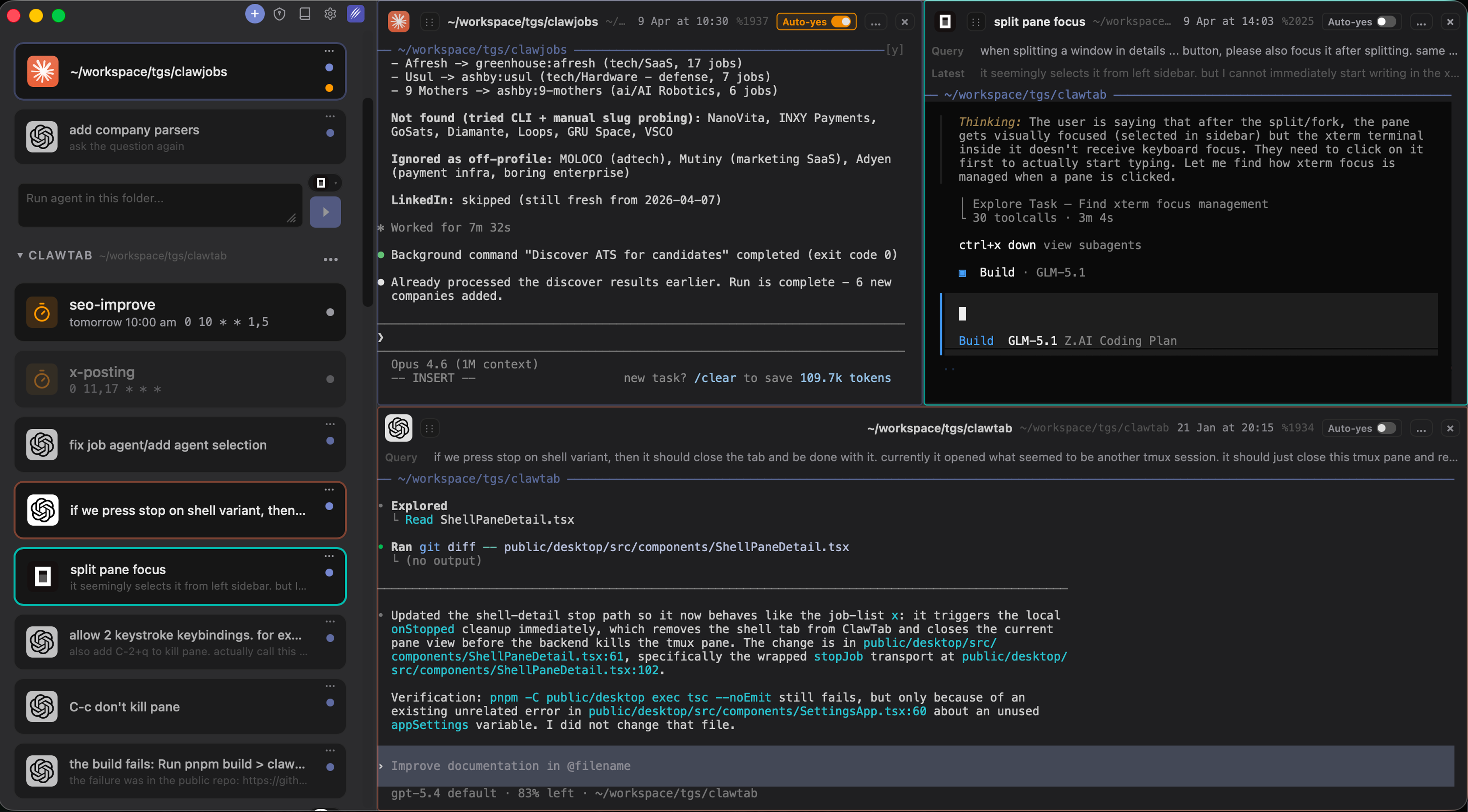
- Real tmux panes. Claude Code, Codex, OpenCode, and normal shell commands run in split panes you can inspect, resize, fork, and restore.
- Mind Map dashboard. The AI agent dashboard shows agent cards by workspace, recency, working state, and pending permission prompts.
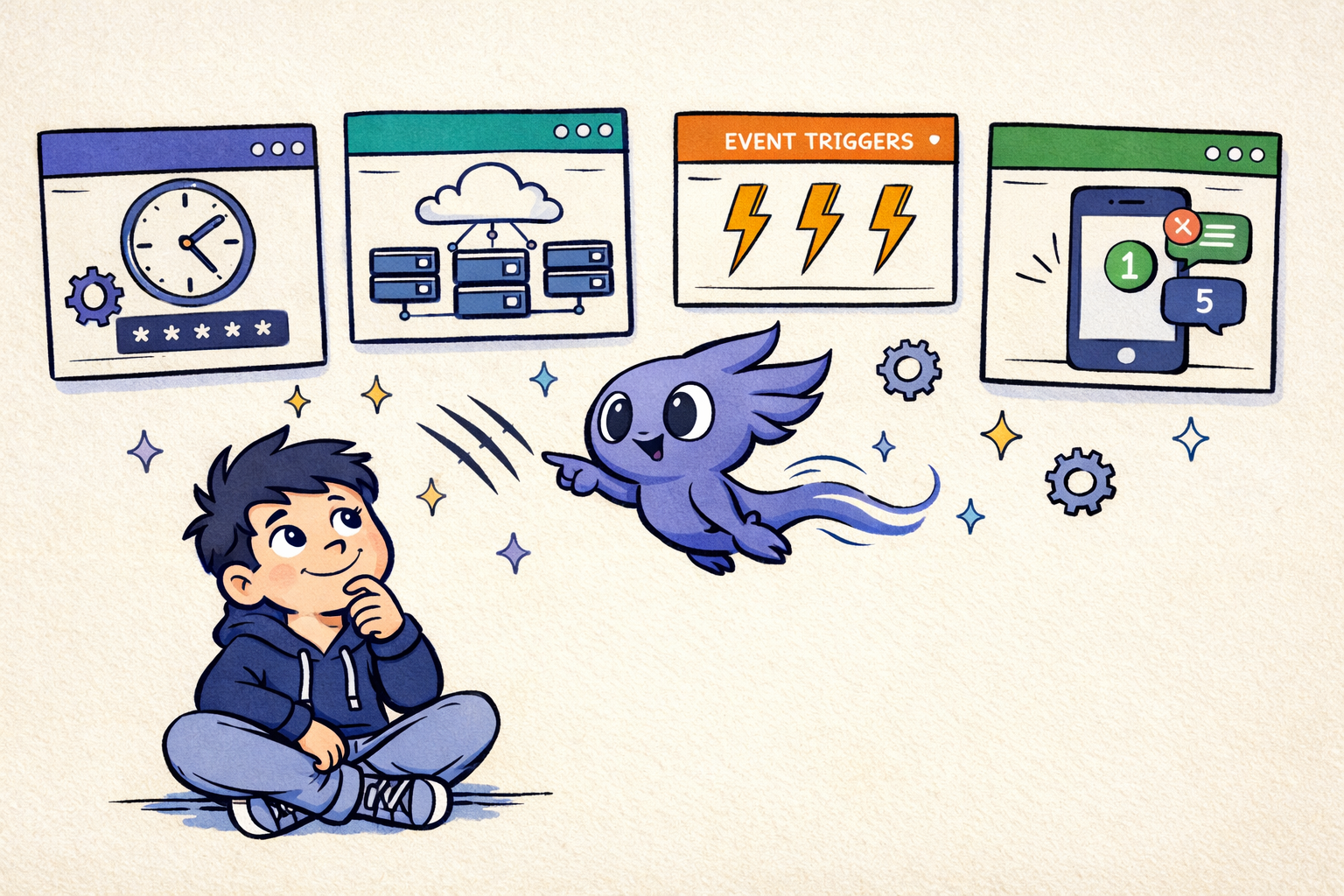
- Cron scheduling. Scheduled agents run locally on your Mac with standard cron expressions, persistent state, and no cloud clone step.
- Per-pane auto-yes. Auto-yes can be enabled for one trusted agent while another pane still asks before risky actions.
- Mobile control. The iOS app, web remote, and Telegram integration let you answer prompts and watch logs away from the desk.
- Session restore. Session restore maps tmux panes back to provider-specific resume commands, so restored panes can return to the right conversation.
Side-by-Side Comparison
| Capability | Google Antigravity | ClawTab |
|---|---|---|
| Primary layer | Agent-first IDE | Local tmux control center |
| Main dashboard | Manager view for multiple agents | Mind Map, split panes, jobs list, remote views |
| Default execution model | Antigravity agent environment | Your Mac, your tmux sessions |
| Editor integration | Built-in editor surface | Use any editor next to ClawTab |
| Browser verification | Built-in browser access and recordings | Available through local browser-trigger workflows, not the core editor surface |
| Verification artifacts | Plans, task lists, screenshots, browser recordings | Live logs, terminal state, job history, screenshots in articles, and app-level status |
| Providers | Gemini-first with additional model support | Claude Code, Codex, OpenCode, and shell panes |
| tmux support | No native tmux control layer | Native assumption: panes, windows, restore, keybindings |
| Session restore | IDE/session dependent | tmux-resurrect plus provider resume ids |
| Mobile approval flow | Not the core workflow | iOS, browser remote, Telegram, push notifications |
| Local secrets | Tool-specific credential setup | Keychain and gopass injection |
| Best for | Agent-first IDE users who want a managed Google workspace | Terminal-native developers running local multi-agent swarms |
The Safety Difference
Antigravity's Artifacts are a trust mechanism: they make the agent's work easier to inspect. That is useful, especially when the agent can operate across editor, terminal, and browser surfaces. But inspection after the fact is only one half of agent safety.
ClawTab focuses on operational safety at the process layer:
- Per-pane permissions. Auto-yes is scoped to a single pane, not every agent you are running.
- Session-scoped approvals preferred. ClawTab chooses narrower permission options when Claude Code offers them.
- Visible state. A pane with auto-yes enabled stays visible in the app and mobile remote.
- Local blast-radius control. You can run risky agents in separate worktrees, directories, panes, or users because they are normal local processes.
If you use an agent-first IDE, read its safety and approval settings carefully. If you use a local tmux manager, make the blast radius explicit: separate worktrees, narrow secrets, short-lived tokens, and manual approval for destructive jobs.
How to Combine Them
Antigravity and ClawTab do not have to be mutually exclusive. A practical 2026 setup looks like this:
- Use Antigravity for IDE-native exploratory work, browser-verified frontend tasks, and Gemini-first agent experiments.
- Use ClawTab for long-running Claude Code, Codex, and OpenCode panes that should survive outside an IDE window.
- Review in your editor after agents finish. That can be Antigravity, Cursor, VS Code, or any editor your team already uses.
- Schedule local recurring jobs in ClawTab when the task needs Keychain secrets, persistent caches, or phone approvals.
- Keep cloud or IDE agents for fresh-clone work where local state and local secrets do not matter.
The clean split is this: Antigravity is a place to work with agents. ClawTab is a place to operate agents that already live in your terminal.
When ClawTab Is the Antigravity Alternative
ClawTab is the better Antigravity alternative when the phrase you are searching for is really local AI agent manager, not IDE. That usually means:
- You already use Claude Code, Codex, or OpenCode directly.
- You need multiple agents to keep running while you switch projects.
- You want tmux panes, not hidden cloud workers.
- You need secrets from Keychain or gopass.
- You want to answer prompts from an iPhone or Telegram.
- You care about restoring the exact conversation after a Mac restart or tmux restore.
If you want a polished IDE with agent-native views, try Antigravity. If you want the missing local control center for terminal agents, use ClawTab.